
LAMTTO Dash Cam Front and Inside
LAMTTO Dual Dash Cam 4K User Manual
Model: Dash Cam Front and Inside
Brand: LAMTTO
1. Introduction
This user manual provides detailed instructions for the installation, operation, and maintenance of your LAMTTO Dual Dash Cam 4K. Designed for optimal road safety and recording, this device features a high-resolution 4K front camera and a 1080P interior camera, equipped with advanced functionalities such as infrared night vision, loop recording, G-sensor, and parking monitor. Please read this manual thoroughly before using the product to ensure proper functionality and longevity.
2. Package Contents
Verify that all items listed below are included in your package. If any items are missing or damaged, please contact customer support.
- 1x 4K Dash Cam (Front and Inside)
- 1x 64GB Micro SD Card (U3 High-Speed)
- 1x Suction Cup Mount
- 1x Adhesive Mount
- 1x Car Charger
- 1x Mini USB Cable
- 1x Crowbar
- 4x Cable Clamps
- 1x User Manual

3. Product Overview
The LAMTTO Dual Dash Cam 4K is a compact and powerful device designed to capture both front-facing road footage and interior cabin activity. Its discreet design ensures minimal obstruction of your view while driving.

Key Features:
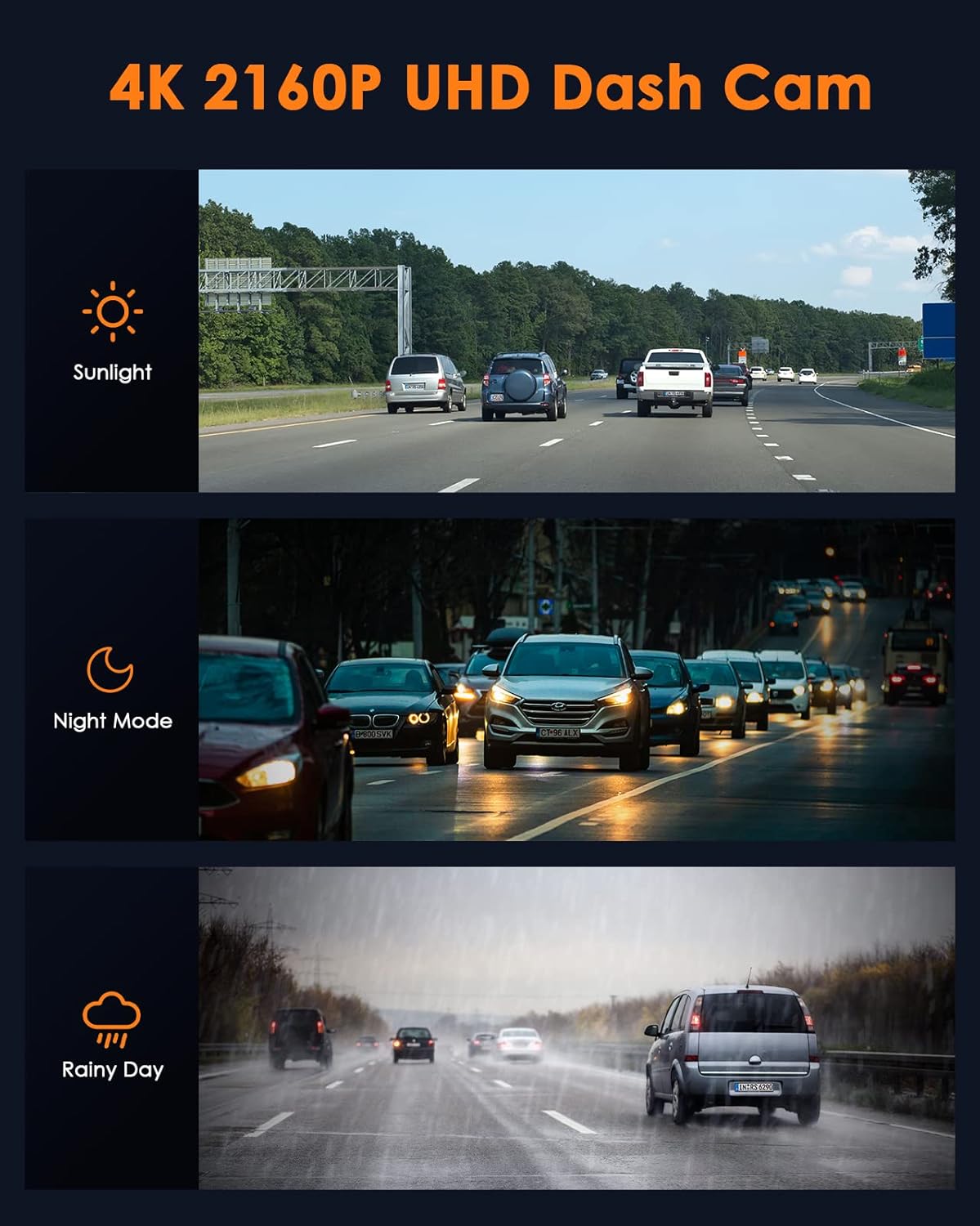
- 4K Front Camera: Records high-resolution video of the road ahead.
- 1080P Cabin Camera: Captures interior activity, ideal for rideshare drivers.
- Infrared Night Vision: Ensures clear recordings in low-light conditions inside the cabin.
- 170° Wide Angle Front Lens: Covers multiple lanes for comprehensive road coverage.
- Loop Recording: Automatically overwrites older files when the SD card is full.
- G-Sensor: Detects collisions and automatically locks the current video file to prevent overwriting.
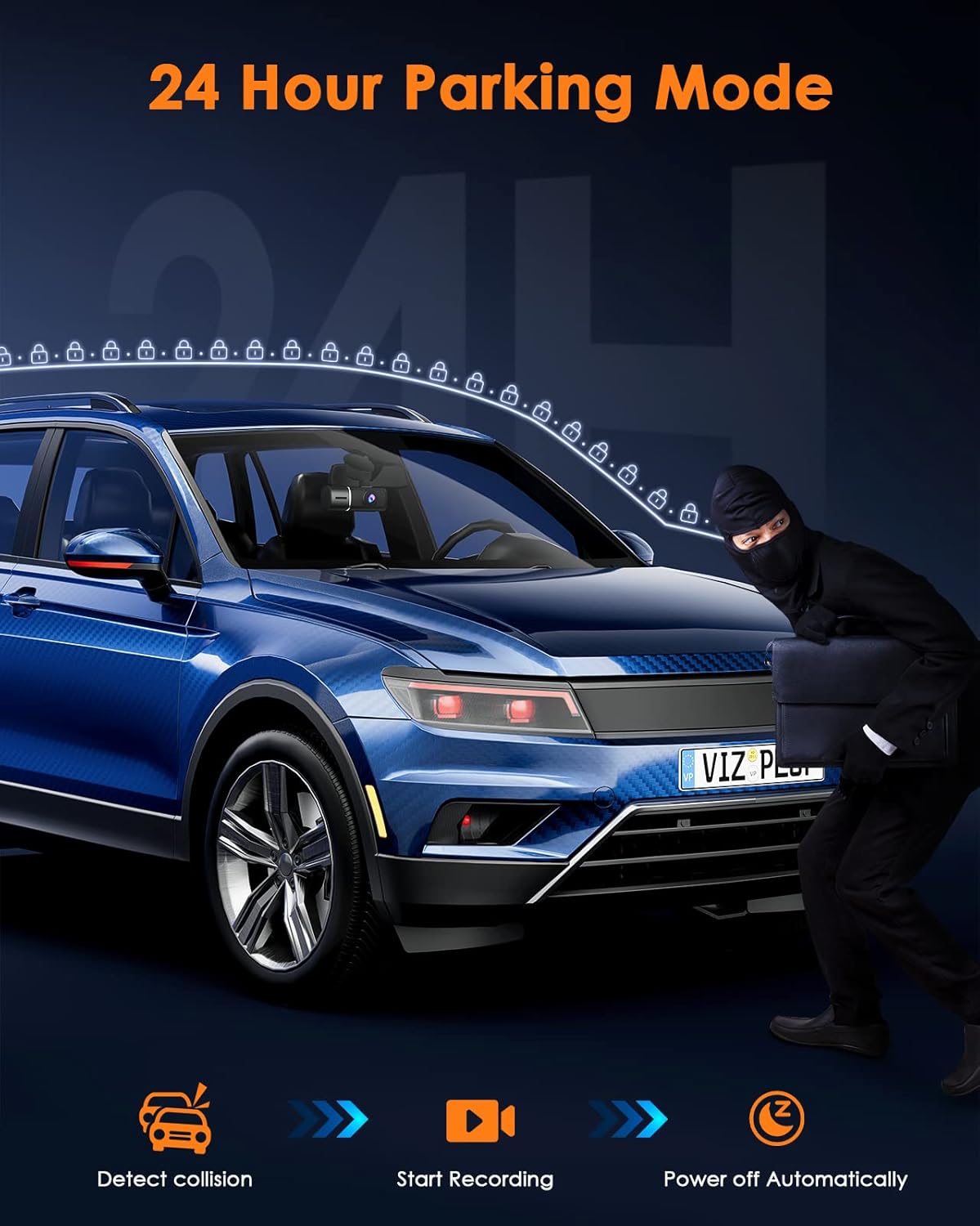
- Parking Monitor: Records incidents when the vehicle is parked and detects movement or collision.
- WDR Technology: Wide Dynamic Range for balanced exposure in varying light conditions.
- 64GB SD Card Included: Ready to use out of the box. Supports up to 256GB.

4. Installation
Proper installation ensures optimal performance and safety. Follow these steps to install your dash cam.
4.1 Attaching the Mount
The dash cam comes with both a suction cup mount and an adhesive mount. Choose the one that best suits your needs.
- Clean the windshield area where you intend to mount the dash cam. Ensure it is free of dust and grease.
- Align the bracket of your chosen mount with the connection port on the top of the dash cam. Push it in firmly until you hear a "click," indicating it is securely locked.
- For the suction cup mount, press the suction cup firmly against the windshield and flip the lever to secure it. For the adhesive mount, peel off the protective film and firmly press the mount onto the desired location on the windshield.

Note: Ensure the dash cam is positioned where it does not obstruct your view of the road. The interior camera can be rotated 180° for optimal cabin recording.

4.2 Power Connection
- Connect the mini USB cable to the dash cam's power input port.
- Plug the car charger into your vehicle's cigarette lighter socket.
- Route the cable neatly along the windshield edge and A-pillar using the provided crowbar and cable clamps to avoid obstructing your view or interfering with driving.
4.3 Video Demonstration: Installation and Stability
Watch this official video from LAMTTO-Store for a visual guide on installing the dash cam and ensuring its stability.
Video 4.1: Official installation guide for the DC17 4K Dual Dash Cam, demonstrating secure mounting and stable operation.
Video 4.2: Demonstration of the dash cam's stable and secure mounting, preventing it from falling off during driving.
5. Initial Setup
Upon first power-on, the dash cam will prompt you for initial settings. Use the navigation buttons (OK, Up, Down, Menu) to configure the device.
5.1 Formatting the SD Card
It is crucial to format the included 64GB Micro SD card before first use and periodically thereafter to ensure optimal recording performance and prevent data corruption.
- Insert the 64GB Micro SD card into the designated slot on the dash cam.
- Navigate to the "Setup" menu.
- Select "Format" and confirm the action. This will erase all data on the card.
5.2 Basic Settings
- Resolution: Set the desired video resolution (e.g., 4K for front, 1080P for cabin).
- Date/Time: Adjust the current date and time for accurate timestamps on recordings.
- Language: Select your preferred language for the menu interface.
- Audio Recording: Enable or disable audio recording for both cameras.
6. Operating Modes and Features
The LAMTTO Dual Dash Cam offers several intelligent features to enhance your driving and parking security.
6.1 Loop Recording
This feature ensures continuous recording by overwriting the oldest unlocked video files when the memory card reaches its capacity. This eliminates the need to manually clear the card.

6.2 G-Sensor (Accident Lock)
The built-in G-sensor detects sudden impacts or collisions. When triggered, it automatically locks the current video segment, preventing it from being overwritten by loop recording. This ensures critical accident footage is preserved.

6.3 Parking Monitor (24/7 Hours)
When enabled, the parking monitor feature allows the dash cam to automatically start recording if it detects a collision or significant movement while your vehicle is parked. This provides surveillance and helps capture evidence of hit-and-runs or vandalism.

6.4 Infrared Night Vision
The interior camera is equipped with 4 infrared lights, significantly enhancing its ability to capture clear and detailed footage of passengers and the cabin environment, even in complete darkness.

7. Maintenance
To ensure the longevity and optimal performance of your dash cam, regular maintenance is recommended.
- Cleaning: Use a soft, dry cloth to clean the camera lenses and screen. Avoid using abrasive cleaners or solvents.
- SD Card Care: Format the SD card regularly (e.g., once a month) to prevent data fragmentation and ensure smooth recording. Back up any important files before formatting.
- Temperature: Avoid exposing the dash cam to extreme temperatures for prolonged periods, as this can affect battery life and component integrity.
- Firmware Updates: Check the manufacturer's website periodically for any available firmware updates to improve performance or add new features.
8. Troubleshooting
If you encounter any issues with your dash cam, refer to the following common problems and solutions.
| Problem | Possible Cause | Solution |
|---|---|---|
| Dash cam does not power on. | No power supply; faulty cable/charger. | Check car charger connection; try a different USB cable or power source. Ensure the car's cigarette lighter socket is working. |
| Recording stops unexpectedly. | SD card full; slow SD card; SD card error. | Format the SD card; use a high-speed (U3) SD card; replace the SD card if corrupted. |
| Video footage is blurry or unclear. | Protective film on lens; dirty lens; poor lighting. | Remove all plastic stickers from lenses; clean lenses with a soft cloth. Ensure WDR is enabled for varying light conditions. |
| Dash cam falls off the windshield. | Improper mount installation; dirty windshield. | Clean windshield thoroughly; ensure suction cup lever is locked or adhesive mount is firmly pressed. Refer to installation video. |
If the problem persists, please contact LAMTTO customer support for further assistance.
9. Specifications
| Feature | Detail |
|---|---|
| Model Name | DC17 4K Dash Cam |
| Video Capture Resolution | Front: 2160p (4K), Inside: 1080p |
| Display Size | 1.5 inches |
| Storage | Supports up to 256GB microSD cards (64GB included) |
| Connectivity Technology | USB |
| Mounting Type | Windshield Mount, Dashboard Mount |
| Item Weight | 13 ounces |
| Product Dimensions | 1.2 x 4.3 x 1.6 inches |
| Special Features | Built-In Microphone, Night Vision, Parking Monitor, G-Sensor Lock, WDR |
| Color | Black |
10. Warranty and Support
LAMTTO is committed to providing high-quality products and excellent customer service.
- Warranty: This 4K dual dash cam offers a 90-day return policy, a 24-month warranty, and lifetime technical support.
- Customer Support: For any questions, issues, or assistance, please contact LAMTTO customer support.
Related documentsDash Cam Front and Inside


Ask a question about this manual
Ask about setup, troubleshooting, compatibility, parts, safety, or missing instructions. Manuals+ will review the question and use this page’s manual context to help answer it.