
1. Setup Guide
1.1 Package Contents
Before you begin, ensure all components are present in the package:
- SOVMIKU CG6 Security Camera
- Solar Panel with 10ft Micro USB Cable
- Wall Mounts for Camera and Solar Panel
- Mounting Screws and Drywall Anchors
- Micro USB Charging Cable (5ft)
- Reset Tool
- Operation Instruction Manual

The SOVMIKU CG6 camera and its accompanying solar panel, ready for installation.
1.2 Initial Charging
It is recommended to fully charge the camera before its first use. Connect the camera to a power source using the provided Micro USB charging cable. The built-in 5200mAh battery ensures extended operation.
1.3 App Installation and Connection
Download the Vicohome App from your device's app store (available on iOS and Android). Follow the in-app instructions to add your SOVMIKU CG6 camera. Ensure your Wi-Fi network is 2.4GHz, as the camera supports this frequency for optimal coverage.

The Vicohome App allows monitoring of multiple cameras simultaneously.
1.4 Physical Installation
Mount the camera and solar panel using the provided wall mounts, screws, and anchors. The camera is designed for outdoor use with an IP65 rating, making it splash, water, and dust resistant. For optimal solar charging, position the solar panel to receive direct sunlight throughout the day. The charging interface features a silicone waterproof protective plug for outdoor safety.

The camera is designed for durability and can be safely installed outdoors.
2. Operating Instructions
2.1 Motion Detection & Alerts
The CG6 camera features an always-on Passive Infrared (PIR) sensor. When a warm body (human or animal) passes by, the PIR sensor triggers the camera, activating recording and sending instant alerts to your Vicohome App. You can enable the Alarm Flash feature and Alarm Siren for automatic flashing and audible alerts upon motion detection.

The camera can activate a flashlight and audible siren upon detecting motion.
2.2 Two-Way Audio
Utilize the two-way audio feature through the Vicohome App to communicate with individuals near the camera. This allows for real-time conversations, enhancing security and convenience.

Engage in real-time conversations using the camera's two-way audio function.
2.3 Night Vision
The camera offers both Color Night Vision and Infrared Night Vision. Color Night Vision uses a white light to illuminate the environment, providing full-color images in low-light conditions. Infrared Night Vision produces clear black and white images using infrared light.

Choose between color or infrared night vision for optimal clarity in the dark.
2.4 Storage Options
The SOVMIKU CG6 supports local storage via a built-in microSD card slot (up to 128GB, card not included). Additionally, premium cloud storage options are available for cloud analytics and cycle recording, ensuring your footage is securely stored even if the camera is compromised.

The camera supports local storage via a microSD card.
2.5 Multi-Device & User Sharing
The Vicohome App allows you to manage up to 50 cameras simultaneously. You can also share camera access with up to 10 different users, setting specific permissions for each. Up to three accounts can view the camera feed concurrently.
Manage multiple cameras and share access with family members through the app.
3. Maintenance
3.1 Solar Panel Care
To ensure optimal performance, regularly wipe the solar panels clean, especially in dusty environments. If the local temperature drops below 0°C (32°F), the solar panel may not provide sufficient power. The optimal charging temperature range is 0°C to 45°C (32°F to 113°F).
3.2 Durability
The CG6 camera is designed for durability with an IP65 rating, making it resistant to splashes, water, and dust. While robust, resistance may decrease with normal wear over time. Always ensure the silicone waterproof protective plug for the charging interface is properly sealed when installed outdoors.

The camera is built to withstand various outdoor conditions.
4. Troubleshooting
4.1 Common Issues & Solutions
- Camera Offline: Ensure strong 2.4GHz Wi-Fi signal. Check router connection and firewall settings.
- Battery Not Charging: Verify solar panel placement for direct sunlight. Clean the solar panel. Check charging cable connection. Ensure ambient temperature is within optimal charging range.
- Motion Detection Issues: Adjust PIR sensitivity settings in the app. Ensure activity zones are correctly configured.
- Poor Two-Way Audio: Check microphone and speaker settings in the app. Ensure stable network connection.
- Resetting the Camera: Use the provided reset tool to perform a full reset if necessary. Refer to the manual for specific instructions.
5. Specifications
| Feature | Detail |
|---|---|
| Model Name | CG6 |
| Indoor/Outdoor Usage | Outdoor |
| Power Source | Solar Powered |
| Battery Capacity | 5200mAh |
| Connectivity Protocol | Wi-Fi (2.4GHz) |
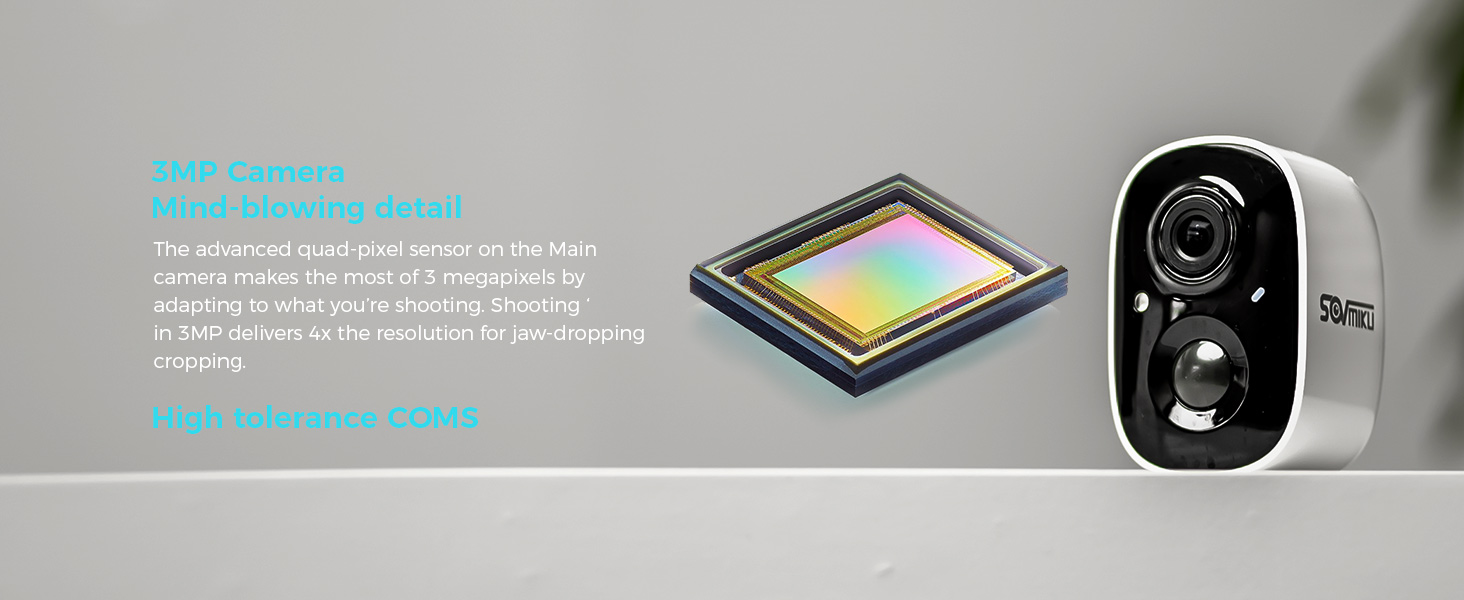
| Video Capture Resolution | 2K (3MP Effective Still Resolution) |
| Night Vision | Color Night Vision, Infrared Night Vision |
| Motion Detection | PIR Sensor, AI Analysis (Person, Pet, Vehicle, Package Recognition) |
| Audio | Two-Way Audio, Audible Alarm |
| Alert Type | Audio and Motion, Flashlight Alarm |
| International Protection Rating | IP65 |
| Dimensions (L x W x H) | 3 x 1.9 x 1.5 inches |
| Item Weight | 1.25 pounds |
6. Warranty & Support
SOVMIKU is committed to providing excellent customer service. We invest significant resources in pre-sales, in-sales, and after-sales support to ensure your satisfaction. If you encounter any issues or have suggestions, please do not hesitate to contact us.
You can reach us by telephone or email. We strive to reply to all inquiries within 12 hours. Your feedback is valuable and helps us improve our products and services. We may even offer new cameras or extra cameras as gifts for valuable suggestions.
Official Product Videos:
Video: CG6 2K Wireless Security Camera Outdoor Overview
This video provides a comprehensive overview of the SOVMIKU CG6 2K wireless security camera, highlighting its key features and outdoor capabilities.
Video: SOVMIKU Customer Support
This video demonstrates the commitment of SOVMIKU to customer satisfaction and highlights their responsive support channels.
Video: About the SOVMIKU CG6 2K Solar Security Camera
A detailed look into the features and benefits of the SOVMIKU CG6 solar-powered security camera.