1. Product Overview
The AMROOLOO Dual System Car Head-up Display is an innovative device designed to project essential vehicle data directly into your line of sight, enhancing driving safety by minimizing the need to look down at your dashboard. This unit features a mirror reflection display, showing real-time driving data and car information on its reflector. It supports both OBD and GPS modes, offering broad compatibility with various car models.

Image: The AMROOLOO Dual System Car Head-up Display unit.

Image: The head-up display in a car, projecting data onto the reflective screen.
2. Package Contents
Please verify that all the following items are included in your package:
- 1 x AMROOLOO Dual System Car Head-up Display Unit
- 1 x Cigarette Lighter Power Cord
- 1 x OBD Power Cord
- 1 x Instruction Manual
- 1 x Protective Pad
- 1 x Cleaning Cloth

Image: All accessories included with the product.
3. Setup and Installation
The AMROOLOO Head-up Display offers two primary modes for data acquisition: OBD (On-Board Diagnostics) and GPS. Choose the mode that best suits your vehicle.
3.1. Mode Selection
- OBD Mode: Applicable to most cars manufactured after 2009. This mode provides comprehensive vehicle data directly from your car's computer.
- GPS Mode: Highly compatible with all car models, as it receives signals from satellites. Use this mode if your car is not compatible with OBD, or if you prefer satellite-based speed and location data.

Image: Illustration of the dual OBD and GPS system integration.
3.2. Connecting the Device
- Placement: Place the head-up display unit on your dashboard, ensuring it has a clear view of the road ahead and is stable. Use the provided protective pad to prevent slipping.
- Power Connection:
- For OBD Mode: Connect the OBD power cord to the OBD port in your vehicle (usually located under the dashboard near the steering wheel) and to the device's OBD input.
- For GPS Mode: Connect the cigarette lighter power cord to your car's cigarette lighter socket and to the device's power input.
- Power On: The device will typically power on automatically when the car ignition is turned on.

Image: Detailed view of the device's ports and buttons, including the cable jack, photosensitive hole, toggle key, and shutdown key.
The device is designed to be compatible with all car types, allowing you to switch between modes freely based on your preference or vehicle compatibility.
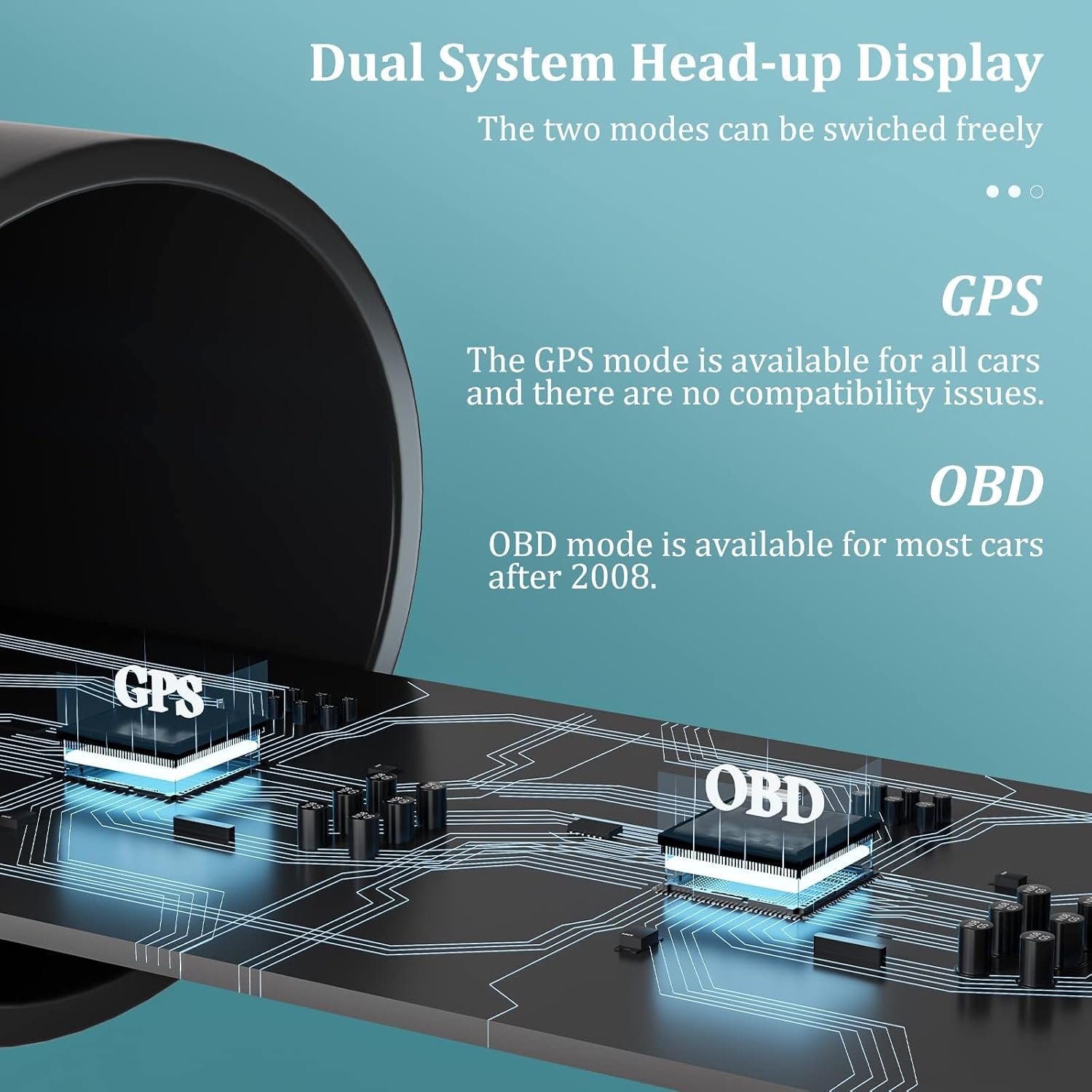
Image: The device is suitable for all cars, with modes that can be switched freely.
4. Operating Instructions
The AMROOLOO Head-up Display offers a wide range of functions and customizable screen displays to suit your preferences.
4.1. Displayed Functions
The dual-system head-up display can show numerous data points, including but not limited to:
- Driving Speed
- RPM (Revolutions Per Minute)
- Water Temperature
- Voltage
- Fuel Consumption
- Altitude
- Speedup Test
- Turbine Pressure
- Intake Pressure
- Mileage
- Driving Time
- Full Vehicle Data Flow
- Clock (Local Time)
- Total Driving Distance
- Brake Test
- Driving Direction
- Engine Error Codes

Image: A comprehensive list of functions available on the display.
4.2. Prompt Functions
The device also includes several important reminder functions to enhance safety:
- Clear Fault Code
- Engine Water Temperature Alarm
- Shift Reminder
- RPM Alarm
- Speed Alarm
- Fatigue Driving Reminder

Image: Key prompt functions for safer driving.
4.3. Screen Customization
You can freely switch between various screen displays and font colors according to your preferences. Refer to the detailed instructions in the included manual for navigation through display options using the toggle key.

Animated Image: Example of dynamic display modes and data presentation.

Animated Image: Another example of customizable display options.

Animated Image: A third example demonstrating diverse information layouts.

Image: Real-world photos demonstrating clear visibility of the display in both daytime and nighttime conditions.
5. Maintenance
To ensure the longevity and optimal performance of your AMROOLOO Head-up Display, follow these simple maintenance guidelines:
- Cleaning: Use the provided cleaning cloth or a soft, dry, lint-free cloth to gently wipe the display screen and the unit's exterior. Avoid using abrasive cleaners, solvents, or spray cleaners directly on the device.
- Temperature: Avoid exposing the device to extreme temperatures, direct sunlight for prolonged periods, or high humidity, as this can affect its performance and lifespan.
- Storage: When not in use for extended periods, store the device in a cool, dry place away from direct sunlight.
- Handling: Handle the device with care to prevent drops or impacts, which could damage internal components or the reflective screen.
6. Troubleshooting
If you encounter any issues with your AMROOLOO Head-up Display, please refer to the common problems and solutions below. If the problem persists, contact customer support.
| Problem | Possible Cause | Solution |
|---|---|---|
| Display not turning on / No data | Incorrect mode selected, loose cable, car not compatible with OBD mode. | Ensure cables are securely connected. If using OBD mode, try switching to GPS mode. Verify your car's OBD compatibility (cars after 2009 generally support it). |
| Inaccurate speed reading | Calibration needed, GPS signal interference. | The device may require manual calibration for speed accuracy. Refer to the full instruction manual for calibration steps. Ensure clear line of sight for GPS signal. |
| Display shuts down randomly | Power supply issue, device overheating. | Check power cable connection. Ensure the device is not exposed to excessive heat or direct sunlight for prolonged periods. |
| Screen reflection issues (e.g., not reflective in sun) | Direct strong sunlight, device overheating. | This can occur in very strong direct sunlight. The reflection should return to normal once the device cools down or is out of direct harsh sunlight. |
| Cannot read error codes | OBD connection issue, specific car model incompatibility. | Ensure a stable OBD connection. Some specific car models or older vehicles might have limitations. |
7. Specifications
| Feature | Detail |
|---|---|
| Brand | AMROOLOO |
| Model Number | C1 |
| Product Dimensions | 4.2 x 11 x 7.7 cm |
| Item Weight | 171 g |
| Connectivity Technology | OBD, GPS |
| Display Type | LCD LED |
| Color | Black or Grey |
| First Available Date | 22 Nov. 2022 |
8. Warranty and Support
AMROOLOO is committed to providing efficient and caring after-sales service. Your satisfaction is our unremitting pursuit. If you encounter any problems or have questions regarding your HUD, please do not hesitate to contact the manufacturer directly. Contact information can typically be found on the product packaging or through the retailer's support channels.


