
1. Introduction
Thank you for choosing the FEZIBO L Shaped Standing Desk. This manual provides essential information for the safe assembly, operation, and maintenance of your new desk. Please read all instructions carefully before use and retain this manual for future reference.

Image 1.1: The FEZIBO L Shaped Standing Desk in a typical home office setup.
2. Safety Information
To ensure safe operation and prevent injury or damage, please observe the following:
- Weight Limit: Do not exceed the maximum load capacity of 330 lbs (149 kg). Overloading can cause instability and damage.
- Stability: Ensure the desk is placed on a level surface. If using lockable casters, ensure they are locked when the desk is stationary to prevent unintended movement.
- Assembly: Follow all assembly instructions precisely. Incorrect assembly can lead to structural instability.
- Clearance: Keep the area around the desk clear during height adjustments to avoid pinching or crushing hazards.
- Power: Use only the provided power adapter. Do not modify the power cord or plug.
- Children and Pets: Keep children and pets away from the desk during operation.
- Liquid Exposure: Avoid spilling liquids on the desk, especially near electrical components.
3. Package Contents
Verify that all components are present before beginning assembly. The desk typically arrives in two separate boxes, which may be delivered on different days.
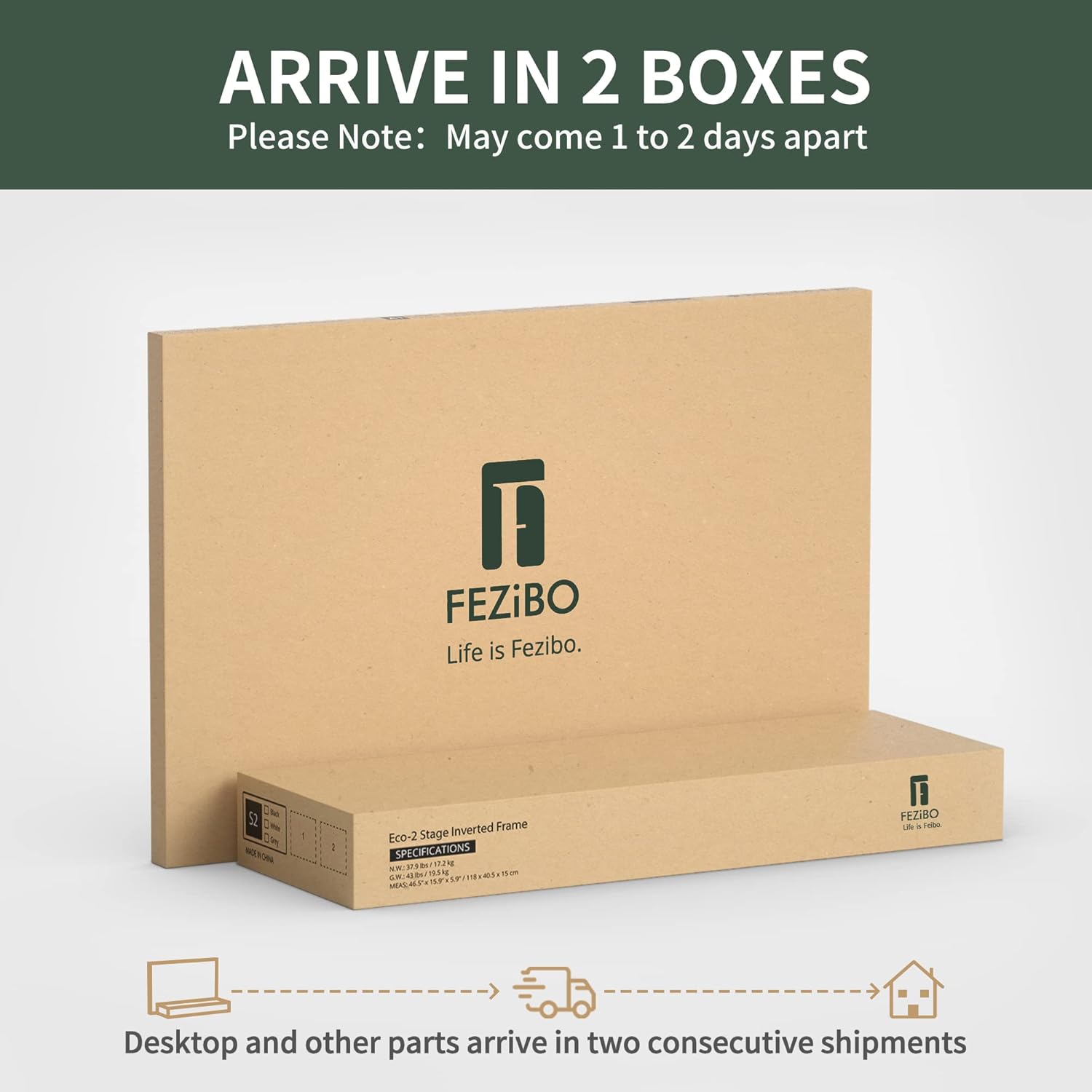
Image 3.1: The FEZIBO L Shaped Standing Desk ships in two boxes.
Included components:
- Desk frame (legs, crossbars, motors)
- Desktop panels (L-shaped sections)
- Monitor stand/shelf
- Control panel with display
- Built-in power strip with 2 outlets, 1 USB, and 1 Type-C port
- LED light strips with remote control
- Desk hooks (Set of 2)
- Lockable casters (optional installation)
- Assembly hardware and tools (may not include all necessary tools like an electric drill)
- User Manual
4. Setup and Assembly
Assembly is required for this product. It is recommended to have at least two people for assembly due to the size and weight of the components. An electric drill and screwdriver may be helpful, though basic tools are often included.
Follow the detailed instructions provided in the separate assembly guide included with your package. Ensure all screws are tightened securely, but do not overtighten.
5. Operating Instructions
5.1 Height Adjustment
The desk features a triple motor system for smooth and quiet height adjustments. Use the control panel located on the front edge of the desk to adjust the height.

Image 5.1: Multi-Function Intelligent Keypad for height adjustment.
- Up/Down Buttons: Press and hold the up or down arrow buttons to adjust the desk to your desired height. Release the button to stop.
- Memory Presets: The desk has 3 programmable memory presets. To save a height: adjust the desk to the desired height, then press the 'S' button followed by the number (1, 2, or 3) you wish to assign. To recall a saved height, simply press the corresponding number button.
- Collision-Avoiding Feature: The desk is equipped with automatic anti-collision technology. If the desk encounters an obstruction during adjustment, it will stop and reverse slightly to prevent damage.
5.2 LED Light Strips
The integrated LED light strips provide ambient lighting with 358 pre-setting modes. Use the included remote control to select your preferred color and mode.

Image 5.2: Desk with decorative ambient LED lighting.
For a visual demonstration of the LED strip functionality, please refer to the official product video below:
Video 5.1: Demonstration of the FEZIBO L Shaped Standing Desk with LED strips, showcasing various color options and the desk's overall design.
5.3 Integrated Power Outlets
The desk includes a built-in power strip for convenient access to power for your devices.

Image 5.3: Built-in power outlets and accessories.
- Outlets: 2 standard AC outlets.
- USB Ports: 1 USB-A port and 1 USB-C port for charging compatible devices.
5.4 Lockable Casters
The desk comes with swivel casters that rotate 360 degrees, allowing for flexible movement. Each caster can be locked to secure the desk in place.
- To move the desk, unlock all casters.
- To secure the desk, lock all casters by pressing down on the lever on each wheel.
6. Maintenance
Regular maintenance helps prolong the life of your desk:
- Cleaning: Wipe the desk surfaces with a damp cloth and dry immediately. Avoid harsh chemicals or abrasive cleaners.
- Inspections: Periodically check all screws and connections to ensure they are tight.
- Cable Management: Ensure cables are neatly managed to prevent entanglement or damage during height adjustments.
7. Troubleshooting
If you encounter issues with your FEZIBO L Shaped Standing Desk, refer to the following common solutions:
| Problem | Possible Cause | Solution |
|---|---|---|
| Desk does not move or respond to controls. | Power cable disconnected, control panel locked, or motor error. | Check power connections. Unplug the desk for 10-15 seconds, then plug it back in to reset the system. If the control panel is locked (indicated by 'LOC' or similar), refer to the assembly guide for unlock instructions. |
| Desk moves unevenly or makes unusual noises. | Uneven load, loose connections, or obstruction. | Ensure weight is evenly distributed. Check all frame connections for tightness. Clear any obstructions under or around the desk. |
| LED strips are not working or colors are incorrect. | Power connection issue, remote battery, or strip damage. | Ensure LED strips are properly plugged into the power strip. Check the remote control battery. If the strips are losing stickiness, re-secure them with appropriate adhesive. |
| Height settings are locked after unplugging. | Standard safety feature. | Refer to the assembly guide for instructions on how to unlock or recalibrate the height settings after a power cycle. This typically involves holding down a specific button combination. |
If these steps do not resolve the issue, please contact FEZIBO customer support.
8. Specifications
| Feature | Detail |
|---|---|
| Brand | FEZIBO |
| Model Name | P02.02.63.2750 |
| Shape | Rectangular (L-shaped configuration) |
| Product Dimensions | 24"D x 63"W x 27"H (61cm D x 160cm W x 68.5cm H) |
| Color | Light Walnut |
| Style | Modern |
| Base Material | Alloy Steel |
| Top Material Type | Engineered Wood |
| Item Weight | 149 Pounds (67.6 kg) |
| Minimum Height | 27.56" (70 cm) |
| Maximum Height | 47.24" (123 cm) |
| Lifting Mechanism | Electric (Triple Motor) |
| Lifting Speed | 25mm/s |
| Number of Height Positions | 3 (Programmable Presets) |
| Maximum Weight Recommendation | 330 Pounds (149 kg) |
| Included Components | Built-in Outlet&USB port, Desk Hooks(Set of 2), Lockable Casters |
9. Warranty and Support
The FEZIBO L Shaped Standing Desk comes with a Limited Warranty. For specific details regarding warranty coverage, terms, and conditions, please refer to the warranty documentation included with your purchase or visit the official FEZIBO website.
For technical support, missing parts, or any other inquiries, please contact FEZIBO customer service through their official channels. Have your model number (P02.02.63.2750) and purchase information ready when contacting support.


