
Introduction
Thank you for choosing the ORACURA OC450 Dental PRO Countertop Smart Water Flosser. This manual provides essential information for the safe and effective use, maintenance, and troubleshooting of your device. Please read these instructions thoroughly before first use and retain for future reference.
Product Overview
Key Features
- Comprehensive set of 8 nozzle tips for various dental care needs.
- 0-100% adjustable water pressure settings for personalized flossing.
- Ultra-fine 0.6mm water jet spray for thorough plaque removal.
- Two operation modes for versatile cleaning.
- 450ml water tank capacity.
- Rechargeable battery with up to 30 days of usage on a 4-hour charge.
- 2-minute auto-timer for optimal flossing duration.
Package Contents
The ORACURA OC450 Dental PRO package includes:
- OC500W Countertop Water Flosser Main Unit
- Product Carry Pouch
- User Manual
- Five Nozzle Tips (Standard, Orthodontic, Implant, Pocket, Nasal, Tongue Scraper x2)
- USB Type-C Charging Cable

Image: Contents of the ORACURA OC450 Dental PRO package, including the main unit, various nozzle tips, USB charging cable, and protective pouch.

Image: Visual representation of the ORACURA OC450 Dental PRO's key features, highlighting the 0.6mm ultra-fine water jet, 360-degree rotary nozzle, 450ml tank, 2 modes, and rechargeable design.
Initial Setup
1. Unpacking
Carefully remove all components from the packaging. Inspect the device and accessories for any damage. Dispose of packaging materials responsibly.
2. Charging the Device
- Connect the USB Type-C charging cable to the charging port on the device.
- Plug the other end of the USB cable into a compatible USB power adapter (not included) or a USB port.
- Allow the device to charge for approximately 4 hours for a full charge. The indicator light will show charging status and turn off or change color when fully charged. A full charge provides up to 30 days of use.
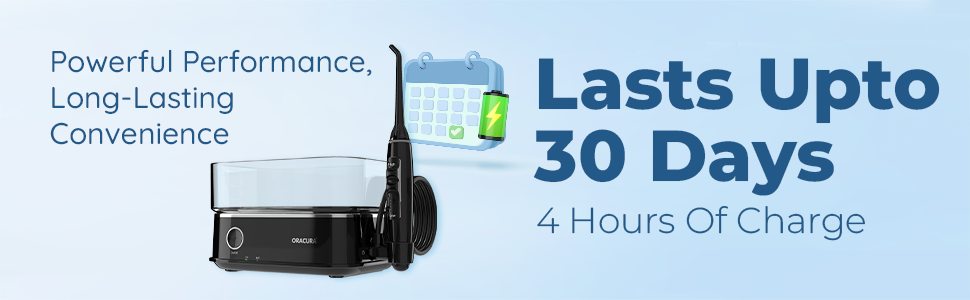
Image: Illustration showing the ORACURA OC450 Dental PRO's long-lasting battery, providing up to 30 days of use from a 4-hour charge.
3. Filling the Water Tank
- Remove the water tank from the main unit.
- Fill the tank with lukewarm water. Distilled water is recommended to prevent mineral buildup.
- Securely place the water tank back onto the main unit. Ensure it clicks into place.
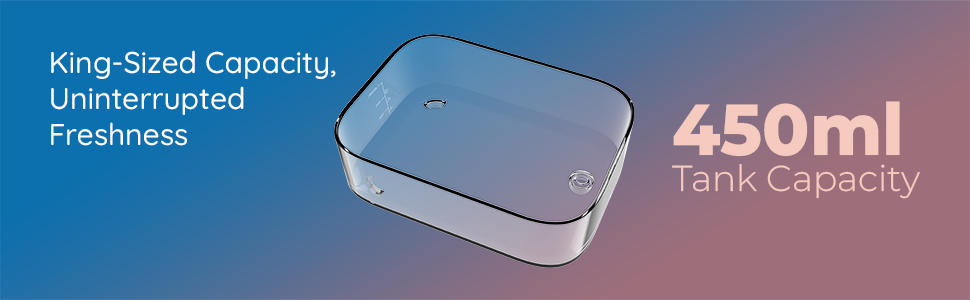
Image: Depiction of the ORACURA OC450 Dental PRO's 450ml water tank, emphasizing its large capacity for uninterrupted flossing.
4. Attaching a Nozzle Tip
- Select the desired nozzle tip (e.g., Standard, Orthodontic).
- Insert the nozzle tip into the handle until it clicks securely into place.
Operating Instructions
1. Powering On/Off
Press the On/Off button located on the main unit to turn the device on or off.
2. Adjusting Water Pressure
The device features 0-100% adjustable water pressure settings. Use the pressure control dial or buttons on the handle to increase or decrease the water pressure to your comfort level. Start with the lowest setting and gradually increase as you become accustomed to the flosser.

Image: Close-up of the ORACURA OC450 Dental PRO handle, illustrating the adjustable pressure settings from 0% to 100% for customized use.
3. Selecting a Mode
The ORACURA OC450 Dental PRO offers two operation modes. Refer to the device's controls to switch between modes (e.g., Normal, Pulse) based on your preference and oral care needs.
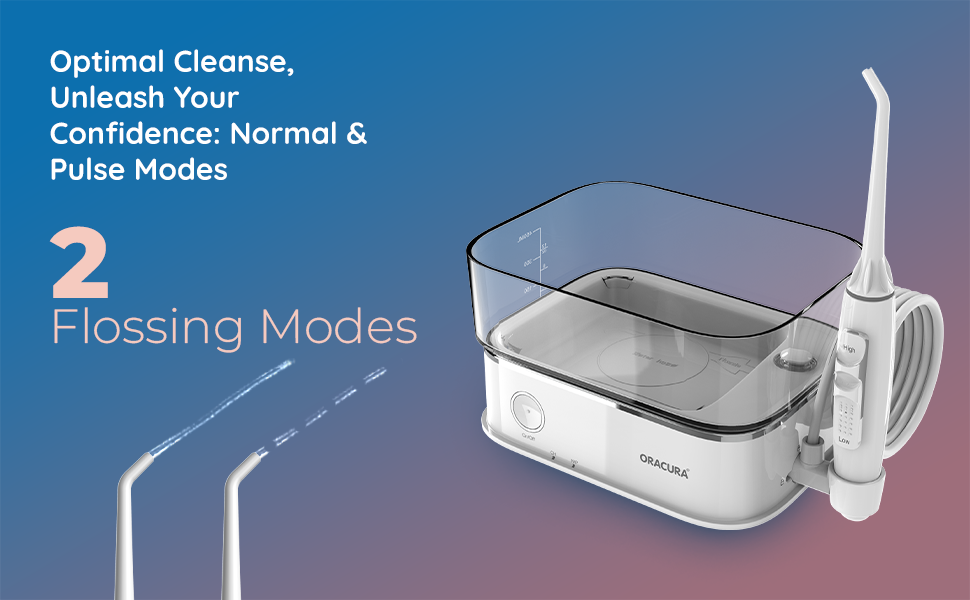
Image: Graphic illustrating the two flossing modes (Normal and Pulse) available on the ORACURA OC450 Dental PRO for optimal cleaning.
4. Flossing Technique
- Lean over a sink and place the nozzle tip in your mouth.
- Close your lips slightly to prevent splashing, but allow water to drain into the sink.
- Aim the water jet at the gumline at a 90-degree angle.
- Guide the tip along your gumline, pausing briefly between teeth.
- The device features a 2-minute auto-timer to ensure adequate cleaning time.

Image: Animated depiction of the ultra-fine water jet spray effectively cleaning between teeth and along the gumline.
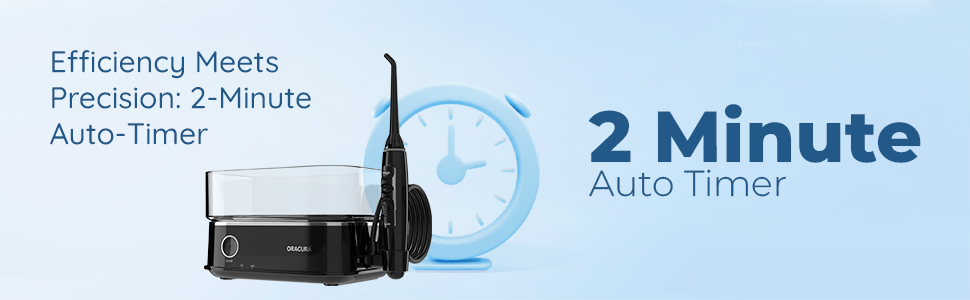
Image: Graphic highlighting the 2-minute auto-timer feature of the ORACURA OC450 Dental PRO, promoting efficient oral hygiene.
Care and Maintenance
1. Cleaning the Water Tank
After each use, empty any remaining water from the tank. It is recommended to rinse the tank with clean water. For deeper cleaning, the tank can be washed with mild soap and water. Ensure it is thoroughly rinsed to remove all soap residue.
2. Cleaning Nozzle Tips
Remove the nozzle tip from the handle. Rinse the tip under running water. For thorough cleaning, soak the tips in a solution of 2 parts water to 1 part white vinegar for 5-10 minutes, then rinse well.
3. Storing the Device
Ensure the device is dry before storing. Store the water flosser and its accessories in a cool, dry place, away from direct sunlight. The included product carry pouch can be used for convenient storage and travel.
Troubleshooting Guide
| Problem | Possible Cause | Solution |
|---|---|---|
| Device does not turn on. | Low battery or not charged. | Ensure the device is fully charged (approx. 4 hours). |
| Weak water pressure. | Low battery, water tank empty, or nozzle clogged. | Charge the device, refill the water tank, or clean the nozzle tip. |
| Water leakage. | Water tank not properly seated or nozzle not securely attached. | Ensure the water tank is firmly attached and the nozzle tip clicks into place. |
| Excessive splashing during use. | Lips not closed enough around the nozzle or incorrect angle. | Close lips slightly around the nozzle, allowing water to drain into the sink. Adjust the angle to 90 degrees to the gumline. Start with a lower pressure setting. |
Technical Specifications
| Feature | Specification |
|---|---|
| Model Number | OC450PRO-W |
| Product Dimensions (LxWxH) | 23.1 x 8 x 15.9 cm |
| Item Weight | 960 g |
| Water Tank Volume | 450 Millilitres |
| Power Source | Battery Powered (Rechargeable) |
| Special Features | Adjustable, Multiple Pressure Settings, Rechargeable |
| Material | Acrylonitrile Butadiene Styrene |
| Country of Origin | India |
| GTIN (UPC) | 757953890157 |
Warranty and Support
Warranty Information
The ORACURA OC450 Dental PRO Countertop Smart Water Flosser comes with a standard warranty period of 365 Days from the date of purchase. Extended warranty options are available:
- 730 Days (1 Year Additional)
- 1095 Days (2 Years Additional)
Please note that the warranty does not cover product accessories.
Customer Support
For any product-related queries, doubts, or warranty claims, please contact our support team:
- Phone: +91 7738733700 (10 am - 6 pm IST)
- Email: support@oracura.in
Important Safety Information
- Do not immerse the main unit in water.
- Keep out of reach of children.
- Use only as directed in this manual.
- Consult your dentist before use if you have any oral health concerns.