
1. Introduction
This manual provides detailed instructions for the installation, operation, and maintenance of your Consciot Doris 52-inch Low Profile Ceiling Fan with LED Lights. Please read this manual thoroughly before installation and use to ensure safe and efficient operation. Keep this manual for future reference.

Image 1.1: The Consciot Doris 52-inch ceiling fan installed in a living room setting, showcasing its design and the included remote control.
2. Safety Information
To reduce the risk of electric shock, fire, or personal injury, always follow these basic safety precautions:
- Read all instructions carefully before installing and operating the fan.
- Ensure the power supply is disconnected at the circuit breaker before installation or servicing.
- All electrical connections must be in accordance with local codes and national electrical codes. If you are unfamiliar with electrical wiring, consult a qualified electrician.
- The mounting structure must be capable of supporting the weight of the fan (approximately 17.3 lbs).
- Do not operate the fan with a damaged power cord or plug.
- Avoid placing objects in the path of the fan blades.
- This fan is designed for indoor use only. Do not expose it to water or excessive moisture.
- Keep children away from the fan during operation and ensure they do not play with the remote control.
3. Package Contents
Verify that all components are present and undamaged before beginning installation. If any parts are missing or damaged, contact customer support.
- DC Motor Assembly
- Fan Blades (4 pieces)
- Light Kit
- Mounting Accessories
- Remote Control (requires 2 AAA batteries, not included)
- User Manual (this document)
4. Specifications
Key technical specifications for the Consciot Doris 52-inch Ceiling Fan:
| Feature | Specification |
|---|---|
| Brand | Consciot |
| Model Name | Doris 52” White Ceiling Fan with LED Lights (CL17001186) |
| Color | White |
| Size | 52 Inch |
| Style | Flush Mount |
| Product Dimensions | 52"D x 52"W x 14"H |
| Item Weight | 17.3 Pounds |
| Power Source | AC-DC |
| Voltage | 120.0 V |
| Wattage | 30 watts (Fan), 18 watts (LED Light) |
| Number of Blades | 4 |
| Blade Length | 21 Inches |
| Air Flow Capacity | Max 4533 CFM, Avg. 3482 CFM |
| Noise Level | Max 42 dB |
| Number of Power Levels | 6 Fan Speeds |
| LED Light Output | 1200 LM |
| Color Temperatures | 3000K (Warm Yellow), 4000K (Natural), 5000K (Cool White) |
| Dimmable | 5%-100% Brightness |
| Control Method | Remote Control |
| Special Features | Quiet DC Motor, Reversible Blades, Timer (2/4H), Standard/Natural Wind Modes |
| Indoor/Outdoor Usage | Indoor Only |
| Recommended Room Size | 12Ft x 12Ft to 18Ft x 18Ft |

Image 4.1: Fan dimensions and recommended room size for optimal performance.

Image 4.2: Internal components of the quiet and energy-efficient DC motor.
5. Installation
The Consciot Doris ceiling fan features a simplified design for relatively easy installation. It typically takes about 45-60 minutes to complete. Ensure you have all necessary tools and follow these general steps. For detailed visual guidance, refer to the installation video available online or the comprehensive instructions included in your package.
- Prepare the Installation Area: Turn off power at the circuit breaker. Ensure the mounting location is structurally sound and can support the fan's weight.
- Mount the Bracket: Secure the mounting bracket to the ceiling junction box.
- Assemble Fan Components: Attach the fan blades to the motor housing.
- Wire the Fan: Connect the electrical wires from the fan to the house wiring according to the provided wiring diagram.
- Attach the Fan to the Bracket: Carefully lift and secure the fan assembly to the mounting bracket.
- Install the Light Kit: Connect and secure the LED light kit to the fan.
- Restore Power: Once installation is complete and all connections are secure, restore power at the circuit breaker.
The low-profile housing is designed to fit flush to the ceiling, making it suitable for various indoor areas such as living rooms, lounges, bedrooms, and nurseries.
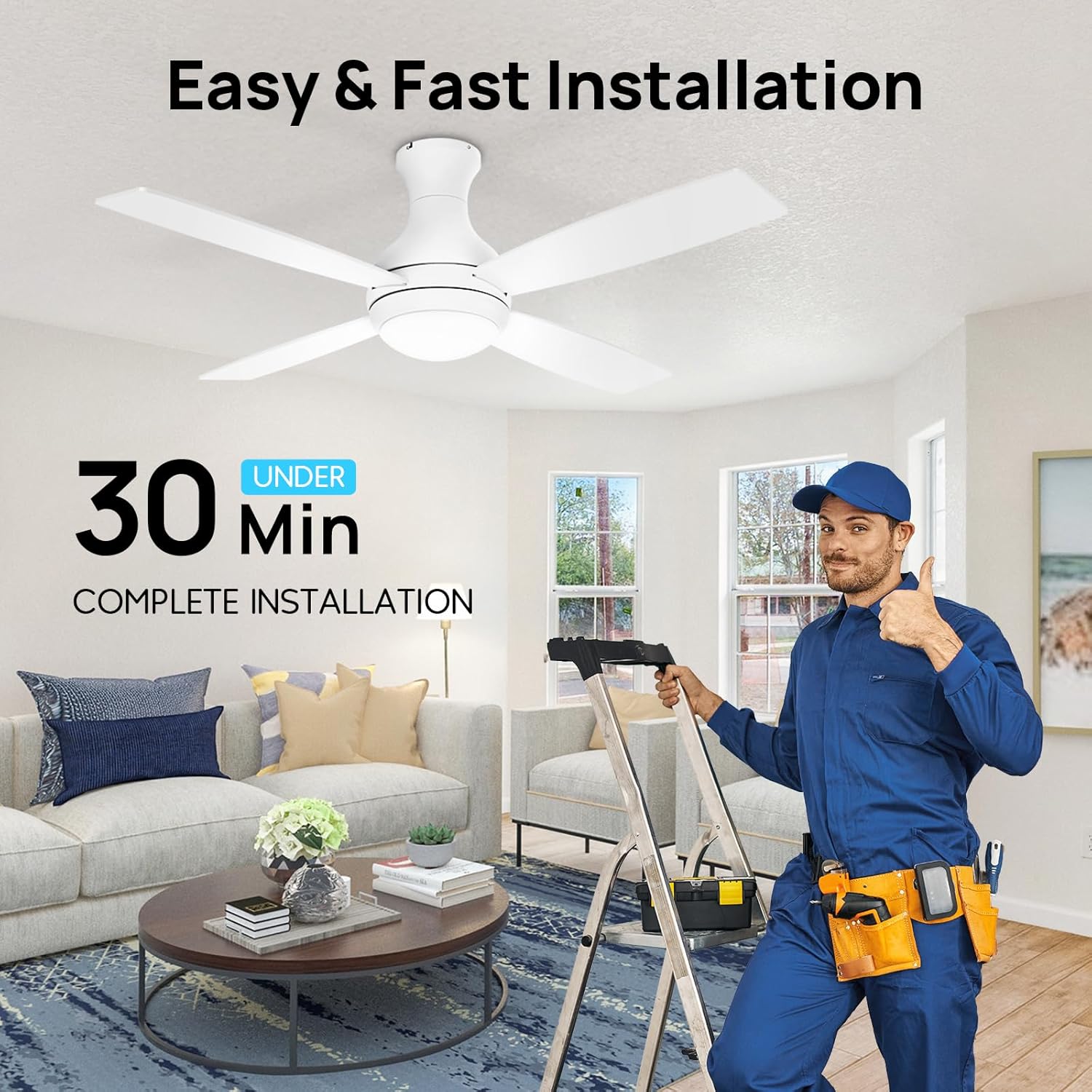
Image 5.1: Visual representation of the fan's straightforward installation process.
6. Operation
Your Consciot Doris ceiling fan is controlled by the included remote. Ensure 2 AAA batteries are installed in the remote control.
6.1 Remote Control Functions

Image 6.1: Overview of the remote control buttons and their corresponding functions.
- Fan On/Off: Powers the fan on or off.
- Light On/Off: Powers the LED light on or off.
- 6 Level Speeds: Adjusts fan speed from 1 (lowest) to 6 (highest).
- Dimming +/-: Adjusts the brightness of the LED light (5%-100%).
- 3CCT (Color Temperature Control): Cycles through 3000K (Warm Yellow), 4000K (Natural), and 5000K (Cool White) light temperatures.
- Reversible Switch: Changes the direction of blade rotation for summer (downdraft) or winter (updraft) modes.
- Timer Setting: Sets the fan to automatically turn off after 2 or 4 hours.
- Natural Wind: Activates a mode that simulates natural breeze by varying fan speeds.
6.2 Fan Modes and Light Settings
The fan features a quiet DC reversible motor, providing efficient airflow for both cooling and air circulation.
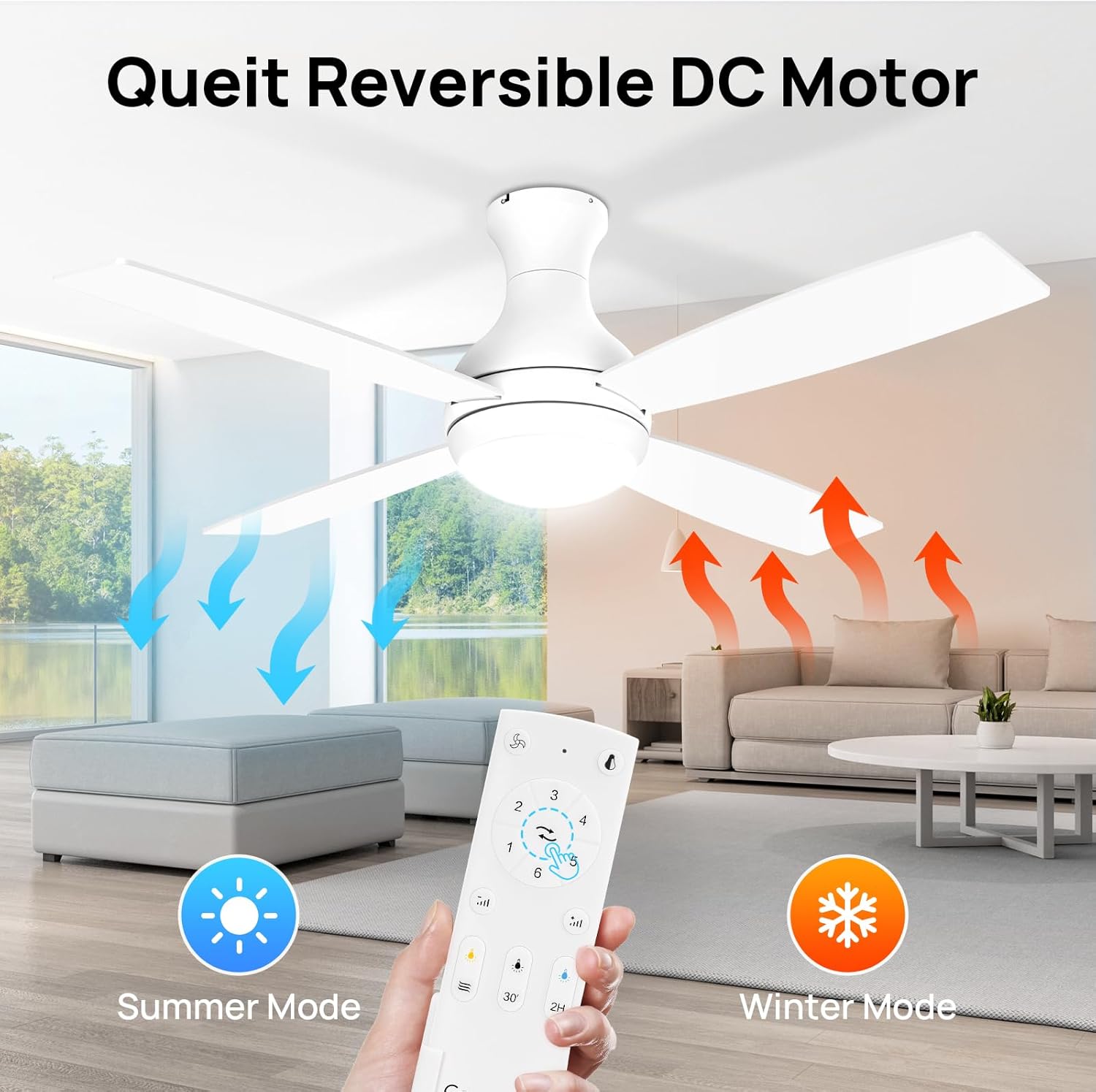
Image 6.2: Fan direction for Summer Mode (cooling downdraft) and Winter Mode (air circulation updraft).
- Summer Mode: Blades rotate counter-clockwise, pushing air downwards to create a cooling effect.
- Winter Mode: Blades rotate clockwise, drawing air upwards to circulate warm air trapped near the ceiling.
- Dimmable LED Light: The integrated 18W LED light offers 1200 lumens of brightness, adjustable from 5% to 100%.
- Adjustable Color Temperature: Choose between 3000K (warm), 4000K (natural), and 5000K (cool) to suit your preference or activity.

Image 6.3: Demonstrates the three adjustable color temperatures of the LED light.

Image 6.4: The fan's reversible blades offer two aesthetic options: modern white and Jeffrey pinewood.

Image 6.5: The fan's quiet operation ensures minimal disturbance, ideal for bedrooms.
7. Maintenance
Regular maintenance helps ensure the longevity and optimal performance of your ceiling fan.
- Cleaning: To clean the fan, ensure the power is off at the circuit breaker. Wipe the fan body and blades with a dry, soft cloth. Do not use water or abrasive cleaners, as this may damage the finish or electrical components.
- Blade Care: The blades can be wiped clean with a dry cloth. Avoid harsh chemicals.
- Tighten Fasteners: Periodically check all screws and fasteners on the fan and mounting bracket to ensure they are secure.
- Light Kit: The integrated LED light is designed for long life and typically does not require replacement. If issues arise, contact customer support.
8. Troubleshooting
If you experience issues with your Consciot Doris ceiling fan, refer to the following common troubleshooting steps:
| Problem | Possible Cause | Solution |
|---|---|---|
| Fan does not start | No power to the fan; Loose wire connections; Remote control batteries are dead or not paired. | Check circuit breaker and wall switch. Ensure all wire connections are secure. Replace remote batteries or re-pair the remote according to instructions. |
| Light does not work | Loose wire connection in light kit; LED driver issue; Remote control issue. | Check light kit wiring. Ensure remote batteries are fresh. If problem persists, contact customer support. |
| Fan makes excessive noise | Loose screws on fan blades or motor housing; Unbalanced blades; Fan not securely mounted. | Tighten all screws. Check for balanced blades (a slight wobble is normal, but excessive wobble indicates imbalance). Ensure mounting bracket is secure. |
| Remote control not responding | Dead batteries; Remote not paired with receiver; Obstruction between remote and fan. | Replace AAA batteries. Re-pair the remote with the fan receiver (refer to specific pairing instructions in your package). Ensure clear line of sight. |
| Fan wobbles | Loose blade screws; Unbalanced blades; Loose mounting bracket. | Tighten all blade screws. Use a balancing kit (not included) if necessary. Ensure the mounting bracket is firmly attached to the ceiling. |
If these steps do not resolve the issue, please contact Consciot customer support for further assistance.
9. Warranty and Support
Consciot provides the following warranty for your ceiling fan:
- Motor: Lifetime warranty.
- Accessories: 2 years warranty.
For any product problems, warranty claims, or technical assistance, please contact our after-sales support team. Have your model number (CL17001186) and purchase information ready when contacting support.


