
GE APPLIANCES GDF535PGRBB
GE 24-inch Built-In Tall Tub Front Control Black Dishwasher User Manual
Model: GDF535PGRBB
Introduction
This manual provides detailed instructions for the installation, operation, and maintenance of your new GE 24-inch Built-In Tall Tub Front Control Black Dishwasher. Designed for efficiency and convenience, this appliance features a 14 place setting capacity, a Piranha Hard Food Disposer, and versatile installation options including top or side mount brackets, and is built-up floor capable. Please read this manual thoroughly before using your dishwasher to ensure safe and optimal performance.
Setup and Installation
Proper installation is crucial for the performance and longevity of your dishwasher. This model supports both top or side mount installation brackets, offering flexibility for various kitchen cabinet configurations. It is also designed to be built-up floor capable, accommodating different floor heights.
Pre-Installation Checklist:
- Ensure adequate space for the dishwasher (standard 24-inch opening).
- Verify electrical and water supply connections are readily accessible.
- Confirm drain hose routing options.
- Prepare the floor area if a built-up floor installation is required.

Operating Instructions
Your GE dishwasher offers multiple cycle options and features to ensure your dishes are thoroughly cleaned and sanitized.
Control Panel Overview:

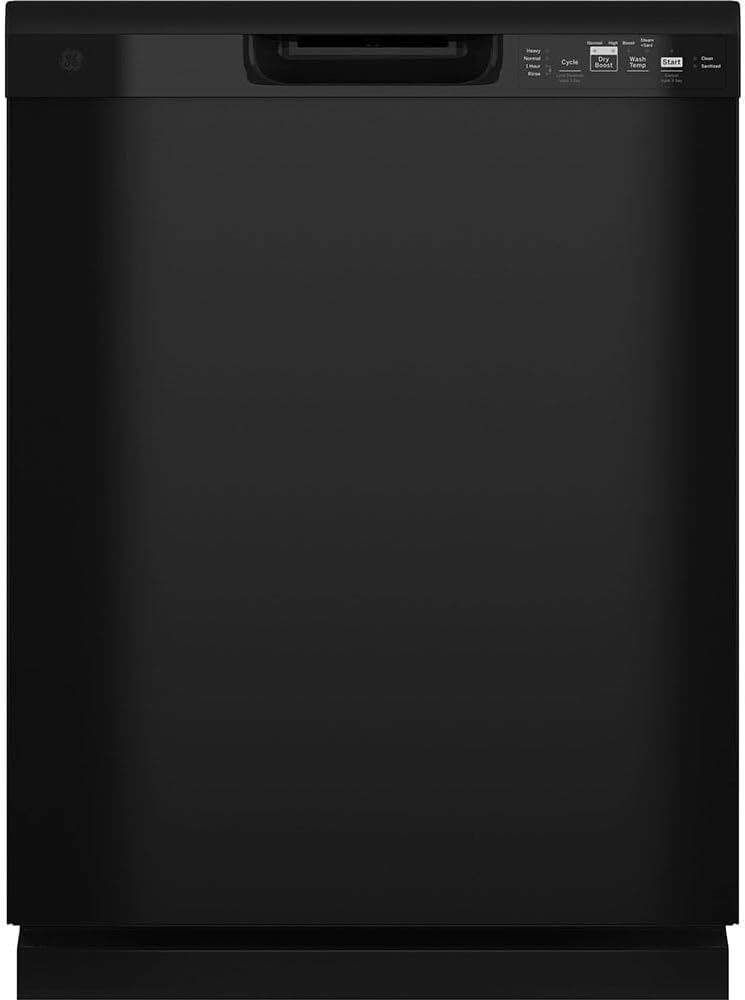
The front control panel allows you to select from various wash cycles and options. Common cycle options include Sanitize, Dry Boost, and Steam + Sani. Refer to the control panel image for button layout.
Loading the Dishwasher:
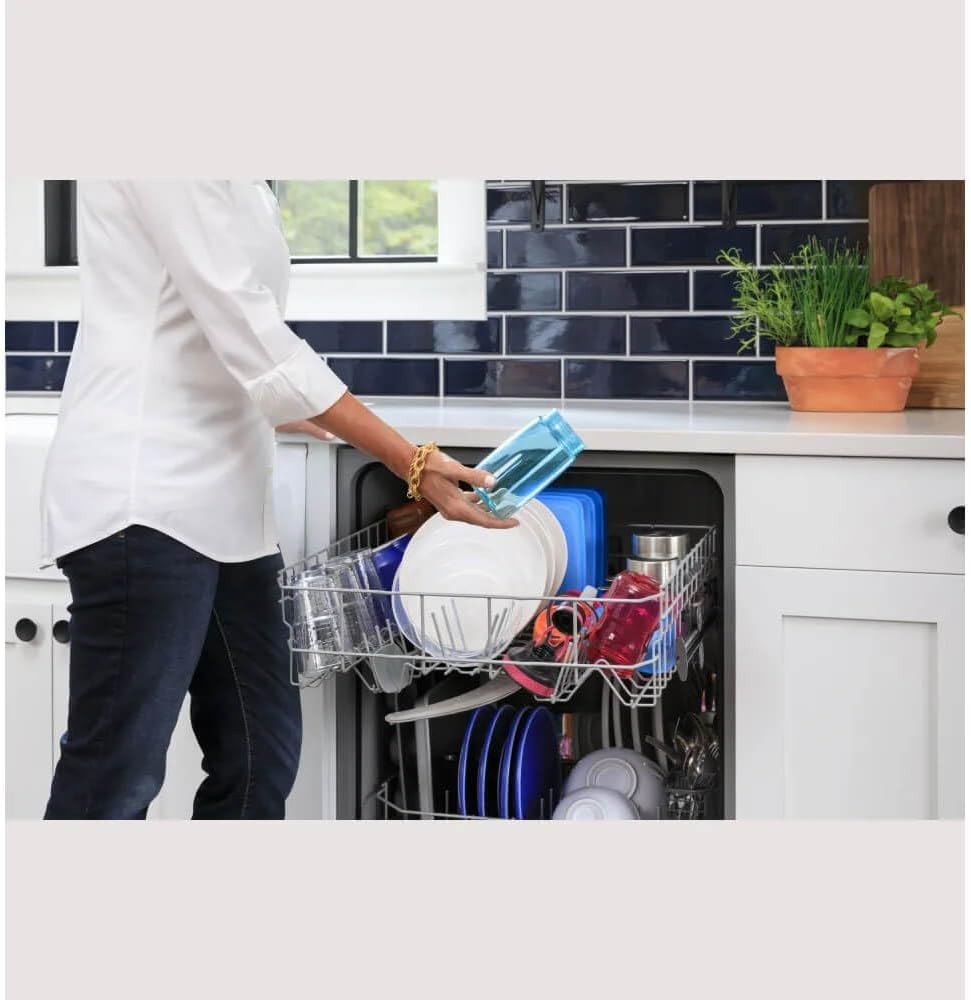
Proper loading ensures optimal cleaning performance. Arrange dishes to allow water and detergent to reach all surfaces.



Starting a Cycle:
- Load dishes according to guidelines.
- Add appropriate detergent to the dispenser.
- Select your desired wash cycle and options.
- Press the Start button to begin the cycle.
Maintenance
Regular maintenance ensures your dishwasher operates efficiently and extends its lifespan.
Cleaning the Interior:
- Periodically clean the interior with a dishwasher cleaner or a mixture of vinegar and baking soda.
- Wipe down the door gasket to remove food particles and residue.
Piranha Hard Food Disposer:
Your dishwasher is equipped with a Piranha Hard Food Disposer, which pulverizes food particles to prevent clogs. While this system is highly effective, it is still recommended to scrape large food scraps from dishes before loading.
Troubleshooting
This section addresses common issues you might encounter with your dishwasher. For more complex problems, please contact customer support.
| Problem | Possible Cause | Solution |
|---|---|---|
| Dishwasher not starting | Door not latched, power issue, cycle not selected | Ensure door is fully closed and latched. Check power supply. Select a cycle and press Start. |
| Dishes not clean | Improper loading, insufficient detergent, clogged spray arms | Review loading guidelines. Use correct amount of detergent. Clean spray arm nozzles. |
| Excessive noise | Foreign object in disposer, loose items in racks | Inspect Piranha Hard Food Disposer. Secure all items in racks. |
| Water not draining | Clogged drain hose, air gap issue | Check drain hose for kinks or blockages. Clean air gap if installed. |
Product Specifications
Below are the key specifications for the GE 24-inch Built-In Tall Tub Front Control Black Dishwasher (Model GDF535PGRBB).
| Feature | Detail |
|---|---|
| Model Name | GDF535PGRBB |
| Brand | GE APPLIANCES |
| Capacity | 14 Place Settings |
| Noise Level | 55 dB |
| Installation Type | Under Counter |
| Color | Black |
| Item Weight | 55 Pounds |
| Voltage | 120 Volts |
| Cycle Options | Sanitize, Dry Boost, Steam + Sani |
| Inner Material | plastic |
| UPC | 084691856603 |
| Included Components | Automatic Temperature Control, Hard Food Disposer, Hard Food Filter, Leak Sensor, Tall Tub |
Warranty and Support
For warranty information and customer support, please refer to the official GE Appliances website or contact their customer service directly. You can also visit the GE Store on Amazon for additional resources and product information.
For technical assistance or to schedule service, have your model number (GDF535PGRBB) and serial number ready.
Related documentsGDF535PGRBB


Ask a question about this manual
Ask about setup, troubleshooting, compatibility, parts, safety, or missing instructions. Manuals+ will review the question and use this page’s manual context to help answer it.