
1. Introduction
This instruction manual provides essential information for installing and playing the Sony PlayStation 5 game bundle, featuring The Last of Us Part I and Horizon Forbidden West. Please read this manual carefully before use to ensure optimal enjoyment and to understand the basic functionalities of both games.
2. Setup and Installation
To begin playing, follow these steps:
- Insert the Game Disc: Gently insert the game disc into your PlayStation 5 console's disc drive with the label facing up.
- Automatic Installation: The PS5 console will automatically detect the game disc and begin the installation process. Follow any on-screen prompts.
- System Updates: Ensure your PlayStation 5 console has the latest system software update installed. Connect your console to the internet to check for and download updates.
- Game Updates: After initial installation, the game may require additional updates. Allow these updates to download and install before playing for the best experience. An internet connection is required for updates.
- Launch the Game: Once installation and updates are complete, select the game icon from your PS5 home screen to launch.

Image: The game disc case for The Last of Us Part I on PlayStation 5. This image illustrates the physical product you will insert into your console.

Image: The game disc case for Horizon Forbidden West on PlayStation 5. This image illustrates the physical product you will insert into your console.
3. Operating Instructions (Basic Gameplay)
Both games utilize the PlayStation 5 DualSense wireless controller. Specific in-game controls and tutorials will be provided within each game. Below are general operating principles:
- Controller Connection: Ensure your DualSense controller is charged and connected wirelessly or via USB to your PS5 console.
- Main Menu Navigation: Use the left analog stick or D-pad to navigate menu options. Press the X button to select, and the Circle button to go back.
- Saving Progress: Both games feature automatic saving at various checkpoints. Manual save options may also be available within the game's pause menu. It is recommended to save frequently when possible.
- Pause Menu: Press the Options button on your controller to access the in-game pause menu, which typically includes options for settings, inventory, maps, and saving.
- Exiting the Game: To exit a game, return to the PS5 home screen by pressing the PlayStation button on your controller, then select the game and choose "Close Game."
4. The Last of Us Part I Overview
Experience the emotional narrative of The Last of Us Part I, rebuilt for the PlayStation 5. This game follows Joel, a hardened survivor, and Ellie, a 14-year-old girl, as they navigate a post-apocalyptic world filled with infected creatures and desperate human survivors. The game includes the complete single-player story and the prequel chapter, Left Behind.
- Genre: Action-adventure, survival horror.
- Key Features: Immersive storytelling, intense combat, exploration, resource management.
- Objective: Guide Joel and Ellie through a perilous journey across the United States.

Image: Ellie looking forward with Joel in the background, inside a vehicle. This scene depicts the main characters during their journey in The Last of Us Part I.

Image: Silhouettes of three individuals on horseback riding through a sunlit forest. This image represents the journey and exploration elements within The Last of Us Part I.
5. Horizon Forbidden West Overview
Embark on a new adventure with Aloy in Horizon Forbidden West. Explore a vast open world, encounter new tribes, and battle colossal machines in a post-apocalyptic America. Aloy must uncover the secrets behind a deadly blight threatening life on Earth.
- Genre: Action role-playing, open world.
- Key Features: Expansive exploration, strategic combat against machines, rich narrative, character progression.
- Objective: Journey to the Forbidden West to find the source of a mysterious plague and save the world.

Image: Aloy aiming her bow at a mechanical creature in a combat scene from Horizon Forbidden West. This illustrates the action and combat elements of the game.
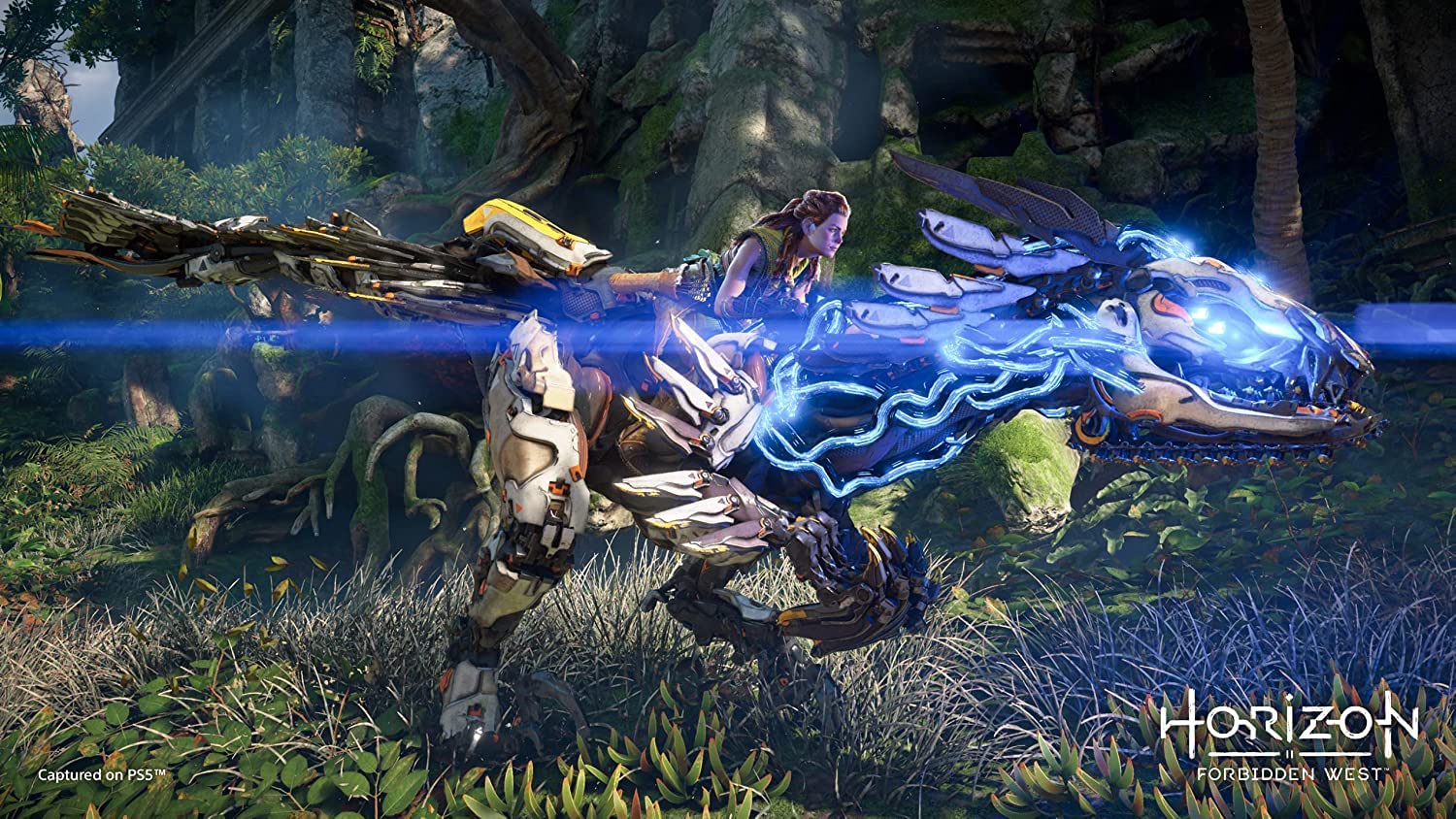
Image: Aloy riding a large, glowing mechanical creature through a lush environment. This image highlights the exploration and unique mounts available in Horizon Forbidden West.
6. Specifications
| Feature | Detail |
|---|---|
| Product Name | Sony The Last Of Us : Part 1 | Ps5 Game (Playstation 5) & Horizon Forbidden West | Standard Edition | Ps5 Game (Playstation 5) |
| Brand | Sony |
| Model Number (ASIN) | B0BMVLBR5R |
| Platform | PlayStation 5 |
| Net Quantity | 2 Count (2 Games) |
| Genre (The Last of Us Part I) | Action-adventure, Survival Horror |
| Genre (Horizon Forbidden West) | Action Role-Playing, Open World |
7. Troubleshooting
If you encounter issues while playing, consider the following common troubleshooting steps:
- Game Not Installing/Launching:
- Ensure the game disc is clean and free of scratches.
- Verify your PS5 console has sufficient storage space.
- Check for and install any pending PS5 system software updates.
- Restart your PS5 console.
- Freezing or Crashing:
- Ensure the game is fully updated.
- Restart the game application.
- Restart your PS5 console.
- If the issue persists, try reinstalling the game (note: this will delete save data unless backed up).
- Controller Issues:
- Ensure your DualSense controller is charged.
- Reconnect the controller to the PS5 console.
- Reset the controller using the small button on the back (requires a thin tool).
- Graphical or Audio Glitches:
- Check your TV/monitor and audio system connections.
- Ensure your PS5 system software and game are updated.
- Adjust in-game display or audio settings.
8. Warranty and Support
Specific warranty information for this game bundle is typically provided with the physical product packaging or within the game's digital manual accessible via the PlayStation 5 console. For detailed warranty terms and conditions, please refer to the documentation included with your purchase.
For technical support related to the games or your PlayStation 5 console, please visit the official PlayStation Support website or contact Sony customer service:
- PlayStation Support Website: https://www.playstation.com/support/
- Sony India Support: https://www.sony.co.in/electronics/support (for India region, adjust link based on your region)
Always ensure your console and games are updated to the latest versions, as many issues are resolved through software patches.