1. Overview
This manual provides instructions for the AVI-8 Hawker Hunter Atlas Dual Time Chronograph watch, a timepiece featuring a Japanese quartz movement with chronograph and dual time functionalities. It is designed with a 43mm stainless steel case and a leather strap, offering water resistance up to 5 ATM.
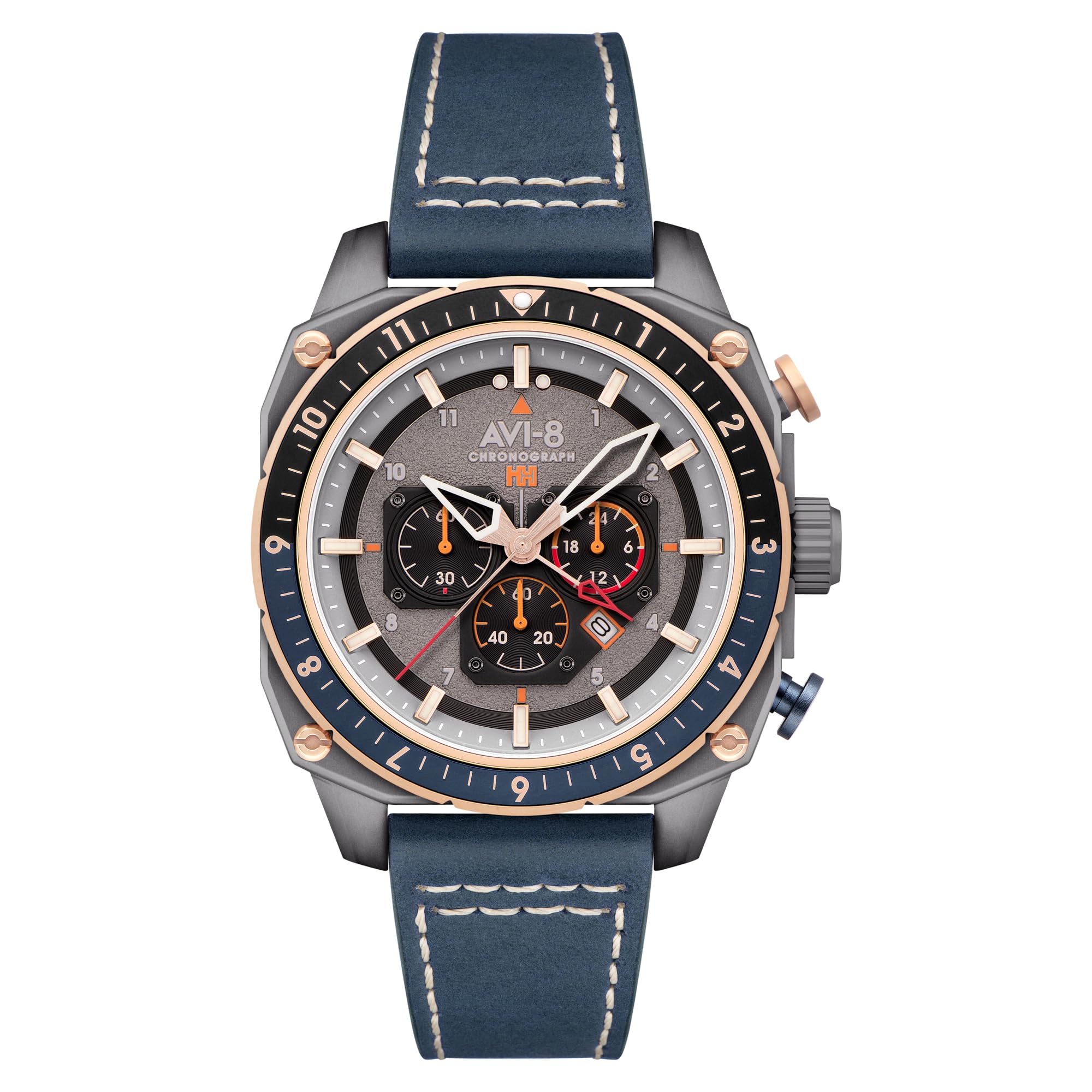
Image 1.1: The AVI-8 Hawker Hunter Atlas Dual Time Chronograph watch worn on a wrist, showcasing its design and fit.
Video 1.1: An overview of the AVI-8 Hawker Hunter Atlas Dual Time Chronograph watch (Model AV-4100-07), demonstrating its features and design.
2. Setup
2.1 Initial Time Setting
- Pull out the crown (the knob on the side of the watch) to the outermost position.
- Turn the crown clockwise or counterclockwise to set the main time.
- Push the crown back in to secure the time setting.
2.2 Adjusting the Leather Strap
The leather strap can be adjusted to fit your wrist comfortably. Use the buckle to select the appropriate hole for a secure fit. Ensure the watch is snug but not too tight to allow for proper circulation.
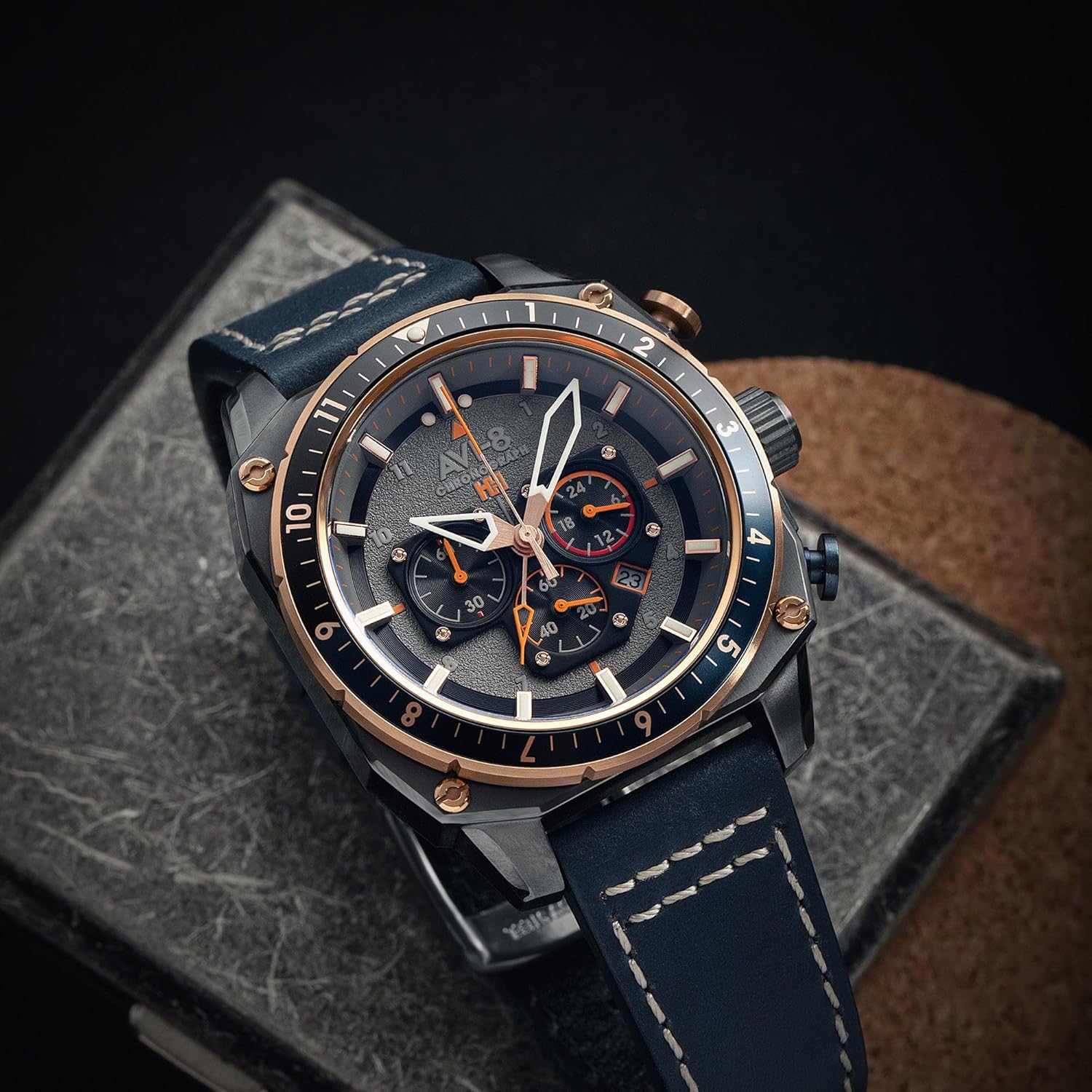
Image 2.1: The AVI-8 Hawker Hunter watch on a wrist, illustrating how it sits and the strap's appearance.
3. Operating Instructions
3.1 Chronograph Functions
The watch features a chronograph for measuring elapsed time. The pushers located on the side of the case control these functions:
- Start: Press the top pusher to start the chronograph.
- Stop: Press the top pusher again to stop the chronograph.
- Reset: With the chronograph stopped, press the bottom pusher to reset all chronograph hands to zero.
3.2 Dual Time Functionality
The dual time feature allows you to track a second time zone. Refer to the specific instructions for setting the dual time sub-dial, typically adjusted via a separate crown or pusher.
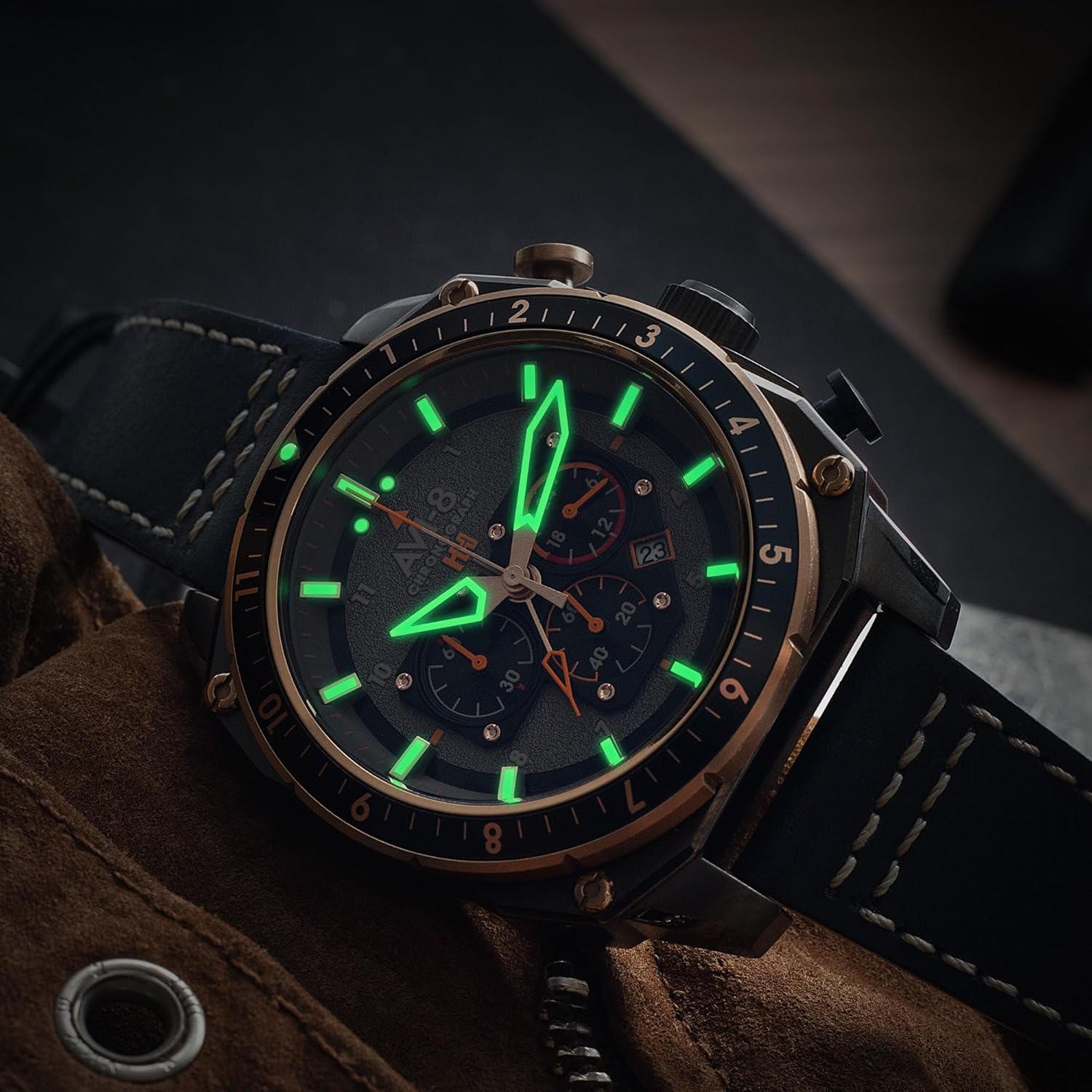
Image 3.1: A close-up of the watch face, highlighting the luminous hands and markers for visibility in low light conditions.

Image 3.2: A side view of the watch, detailing the crown and chronograph pushers used for setting and operating the watch functions.
4. Maintenance
4.1 Water Resistance
This watch is water resistant up to 5 ATM (50 meters). This means it is suitable for everyday use and can withstand splashes, rain, and brief immersion in water. It is not suitable for swimming, showering, or diving. Avoid operating the crown or pushers when the watch is wet to prevent water ingress.
4.2 Strap Care
The genuine leather strap should be kept dry and clean. Avoid prolonged exposure to direct sunlight, extreme temperatures, and moisture, which can cause the leather to crack or discolor. Clean with a soft, damp cloth if necessary and allow to air dry completely.

Image 4.1: A close-up of the watch buckle, featuring the AVI-8 logo, part of the genuine leather strap.
4.3 Battery Replacement
The watch is powered by a quartz movement requiring a battery. When the battery runs low, the watch may stop or the second hand may jump in irregular intervals. Battery replacement should be performed by a qualified watch technician to ensure proper sealing and water resistance.
5. Troubleshooting
5.1 Watch Not Running
If the watch is not running, check if the crown is fully pushed in. If it is, the battery may need replacement. Contact customer support or a certified watch repair center.
5.2 Incorrect Time Display
If the time is incorrect, follow the instructions in Section 2.1 to reset the time. If the issue persists, the movement may require inspection by a professional.
6. Specifications
| Feature | Detail |
|---|---|
| Model Number | AV-4100-07 |
| Movement | Japanese Quartz Chronograph with Date and Dual Time |
| Case Material | Stainless Steel |
| Case Diameter | 43mm |
| Strap Material | Genuine Leather (22mm width) |
| Lens | Mineral Lens with Anti-Reflection Coating |
| Water Resistance | 5 ATM (50 meters) |
| Product Dimensions | 2.76 x 0.79 x 1.57 inches; 4.94 ounces |

Image 6.1: The engraved back of the watch, displaying model and water resistance information.
7. Warranty
This AVI-8 watch comes with a 2-year International Warranty. This warranty covers manufacturing defects under normal use. For warranty claims or service, please retain your proof of purchase and contact AVI-8 customer support.
8. Support
For further assistance, technical support, or service inquiries, please visit the official AVI-8 website or contact their customer service department. Always refer to the official product documentation for the most up-to-date information.


