
VGR VGR V-613
VGR Professional Trimmer V-613 User Manual
Model: VGR V-613 | Brand: VGR
Introduction
The VGR V-613 is a multi-functional 2-in-1 nose hair trimmer designed for long-lasting use. This high-quality product offers convenient USB-C charging, allowing you to power it via your computer, wall charger, or power bank. Its 360-degree rotating design ensures safe and accurate hair removal without pain or skin irritation. Compact and lightweight, it is ideal for travel. The classic black design is suitable for all adults, both men and women, for face and body hair trimming.
Safety Information
- Exercise caution around water sources.
- Avoid using the trimmer near eyes and other sensitive areas.
- Handle the blades with care to prevent injury.
- Do not use this product on infants.
Product Overview and Features
The VGR V-613 trimmer is engineered for precision and comfort, offering a versatile grooming experience. Below are its key features and components:

Figure 1: The VGR V-613 trimmer, showing the main unit, protective cap, cleaning brush, USB charging cable, and product packaging. This image provides a complete view of what is included with the product.

Figure 2: A detailed diagram highlighting the key features of the VGR V-613 trimmer, including the hair trimmer head (2mm/4mm), nose trimmer head, on/off button, washable design, USB charging port, and LED indicator light.

Figure 3: A close-up view of the three-dimensional cutting head, designed to protect the nasal cavity during use and ensure efficient trimming.
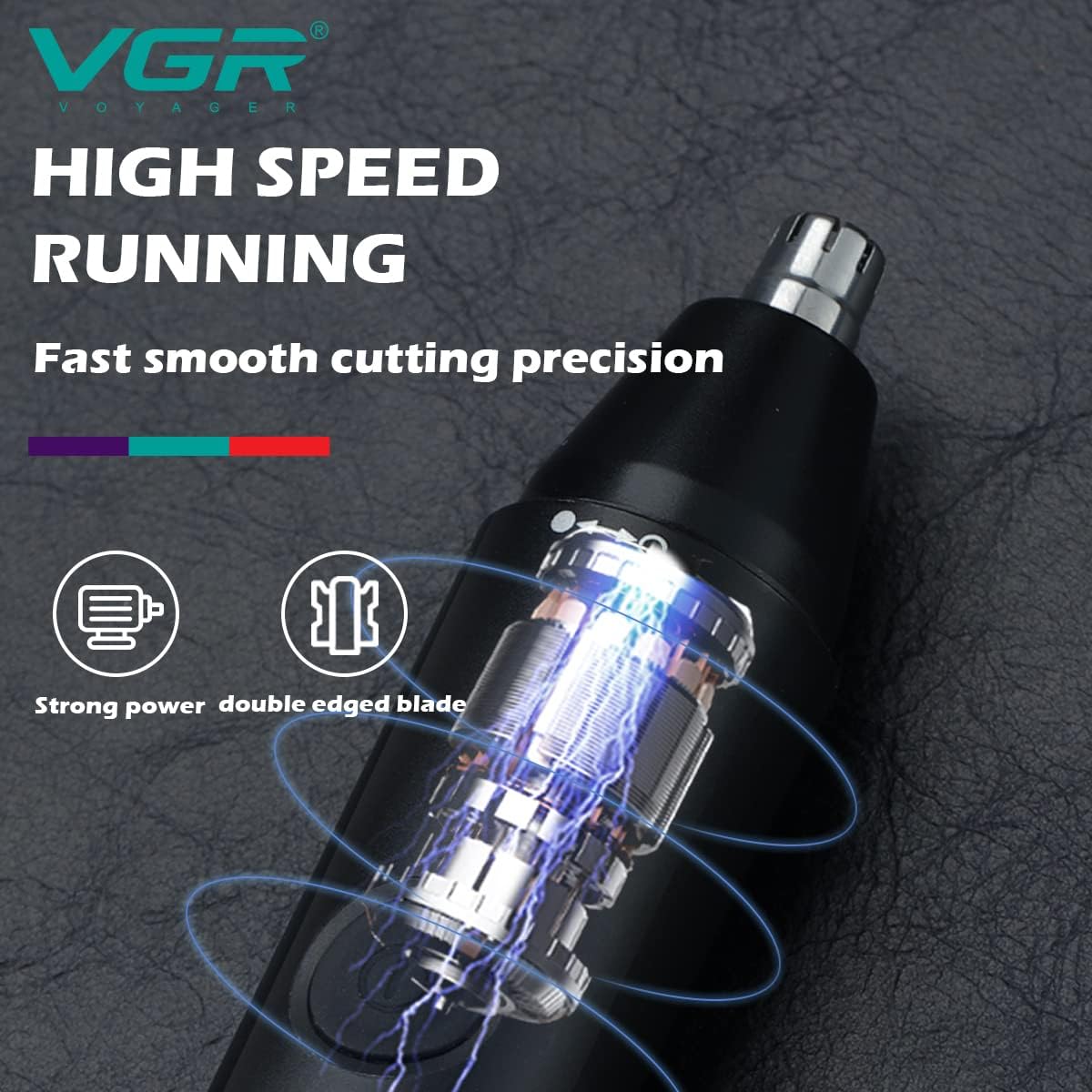
Figure 4: This image illustrates the high-speed motor and double-edged blade system, emphasizing the strong power and fast, smooth cutting precision of the VGR V-613 trimmer.

Figure 5: The trimmer is shown with water droplets, highlighting its IPX5 waterproof rating, indicating it is showerproof and can be used for both wet and dry shaving with foam.

Figure 6: This image visually demonstrates the two primary functions: nose trimming and general hair trimming, showcasing the versatility of the VGR V-613.

Figure 7: An illustration depicting the "Smart Clip Hair" technology, which ensures smooth operation even when the battery is low, preventing snagging or pulling.

Figure 8: A flat lay image showing the VGR V-613 trimmer unit along with its complete set of accessories, including the different trimming heads, cleaning brush, and charging cable.
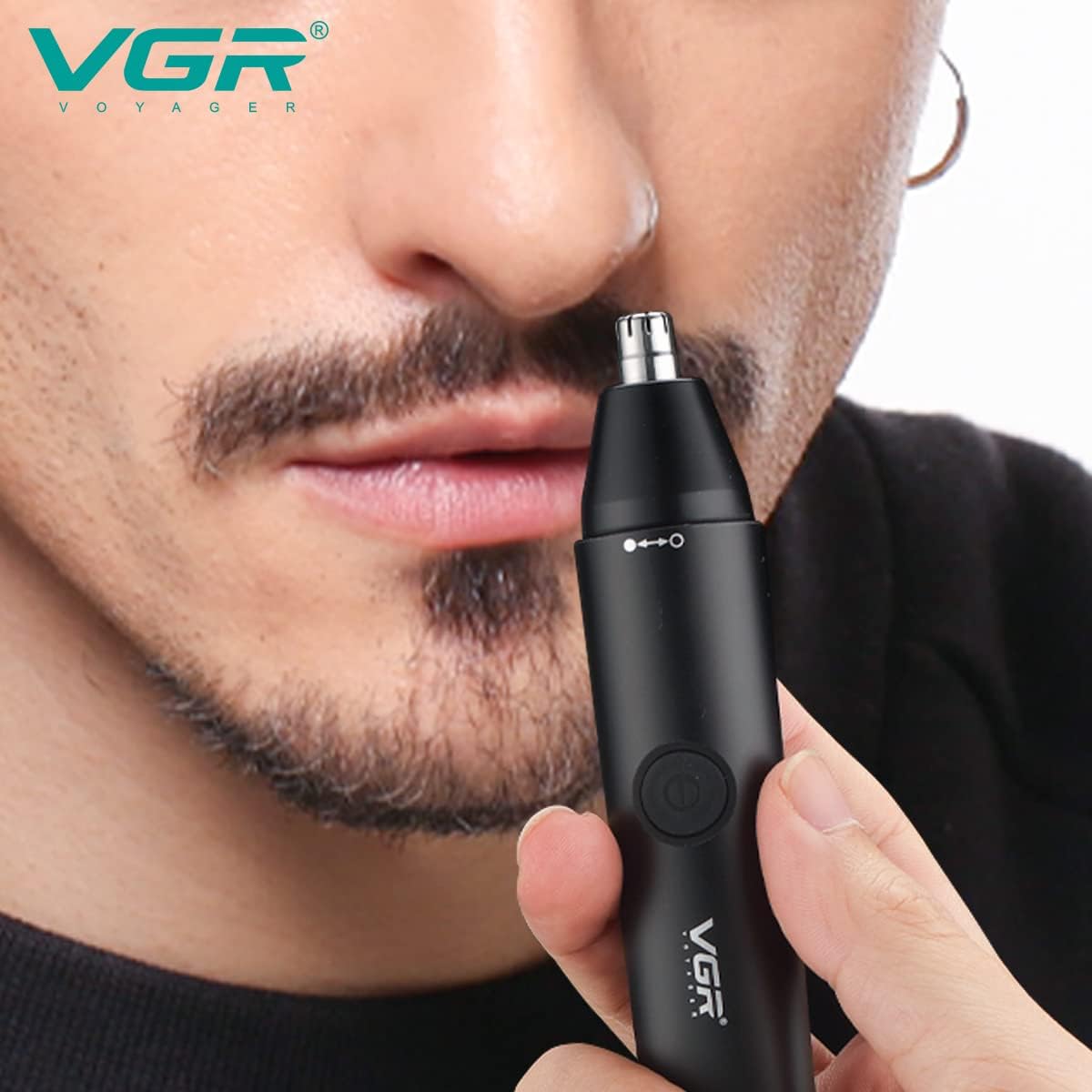
Figure 9: This image visually demonstrates the VGR V-613 nose trimmer being used, illustrating its ergonomic design and ease of handling for precise grooming.
Key Features:
- Multi-functional 2-in-1 Design: This set includes an electric shaver for nose hair, sideburns, ear hair, and eyebrow trimming. The heads are easy to replace, and the device operates quietly for a comfortable experience.
- USB Rechargeable: Equipped with a built-in rechargeable battery and a USB cable, eliminating the need for disposable AA batteries. The one-button design ensures ease of use for both men and women.
- Painless and Powerful: Features a dual-edge rotary blade system with a protective cover, crafted from high-quality stainless steel. The 360-degree internal rotating design smoothly and accurately removes hair without painful pulling or irritation.
- IPX5 Water Resistant & Easy to Clean: The trimmer head is washable and removable for convenient cleaning and maintenance. The body design includes a dust-proof cover to protect the trimmer head, and a base for organized storage of all blade heads when not in use.
- Professional Grade: VGR clippers and trimmers are trusted by beauty and barber professionals, ensuring a high-quality design for smooth trimming, cutting, or shaving every time.
Setup
- Unboxing: Carefully remove all components from the packaging. Verify that all items listed in the "Product Overview and Features" section are present.
- Initial Charge: Before first use, fully charge the trimmer. Connect the provided USB cable to the trimmer's charging port and plug the other end into a USB power source (e.g., computer, wall adapter, power bank). The LED indicator will show charging status.
- Attaching Trimmer Head: Select the desired trimmer head (nose trimmer or hair trimmer). Align the head with the main unit and gently twist or push until it clicks securely into place.
Operating Instructions
This product is designed for daily use. For optimal results, ensure the trimmer is fully charged before each use.
- Power On/Off: Press the on/off button located on the main unit to turn the trimmer on. Press it again to turn it off.
- Nose Hair Trimming:
- Ensure the nose trimmer head is attached.
- Gently insert the trimmer tip into the nostril, ensuring it does not go too deep.
- Move the trimmer in a circular motion to effectively cut unwanted hair.
- Ear Hair Trimming:
- Use the nose trimmer head.
- Carefully guide the trimmer around the outer ear and just inside the ear canal to remove visible hair. Do not insert deeply into the ear canal.
- Eyebrow/Sideburn Trimming:
- Attach the hair trimmer head.
- For eyebrows, use the trimmer to carefully shape and trim stray hairs. You may use the included comb attachment for uniform length.
- For sideburns, guide the trimmer downwards along the desired line to achieve a clean edge.
- Body Hair Trimming:
- Use the hair trimmer head.
- Apply the trimmer to the desired body area, moving against the direction of hair growth for a closer trim.
Maintenance
Regular cleaning and proper storage will extend the life of your VGR V-613 trimmer.
- Cleaning the Trimmer Head:
- After each use, turn off the trimmer and detach the trimmer head.
- Rinse the trimmer head under running water. The IPX5 rating allows for easy washing.
- Use the provided cleaning brush to remove any trapped hairs from the blades.
- Allow the trimmer head to air dry completely before reattaching or storing.
- Cleaning the Main Unit:
- Wipe the main unit with a clean, damp cloth. Do not submerge the main unit in water.
- Ensure the charging port is dry before charging.
- Storage:
- Store the trimmer and its accessories in a cool, dry place, away from direct sunlight and moisture.
- Use the dust-proof cover for the trimmer head and the base to keep all components organized and protected.
Troubleshooting
| Problem | Possible Cause | Solution |
|---|---|---|
| Trimmer does not turn on. | Battery is low or depleted. | Charge the trimmer using the provided USB cable until the LED indicator shows a full charge. |
| Trimmer is not cutting effectively. | Blades are clogged with hair or dull. | Clean the trimmer head thoroughly with the brush and rinse under water. Ensure no hair is trapped. If the issue persists, the blades may be worn and require replacement (contact support). |
| Trimmer makes unusual noise. | Hair caught in the mechanism or head not properly attached. | Turn off the trimmer, remove the head, clean thoroughly, and reattach securely. If the noise continues, discontinue use and contact customer support. |
| LED indicator not lighting up during charging. | Charging cable or power source issue. | Try a different USB port or power adapter. Ensure the cable is securely connected to both the trimmer and the power source. |
Specifications
| Feature | Detail |
|---|---|
| Model Number | VGR V-613 |
| Brand | VGR |
| Power Source | Battery Powered (1 Lithium Ion battery included) |
| Blade Material | Stainless Steel |
| Special Feature | IPX5 Water Resistant |
| Recommended Uses | Body, Face, Ear, Nose, Eyebrow |
| Color | Black |
| Product Dimensions | 17 x 8 x 4 cm |
| Item Weight | 150 grams |
| Country of Origin | Egypt |
Warranty and Support
Your VGR V-613 trimmer comes with a 12-month quality guarantee.
If you encounter any issues with this product, please do not hesitate to contact our customer service team. You can reach us at warranty@vgrindia.co. Our customer service team will respond to your inquiry within 24 hours and provide solutions to all your questions.
Related documentsVGR V-613


Ask a question about this manual
Ask about setup, troubleshooting, compatibility, parts, safety, or missing instructions. Manuals+ will review the question and use this page’s manual context to help answer it.