
Introduction
This instruction manual provides detailed information on the proper use, setup, and maintenance of the Eyes.sys MST-101 Automotive Electronic Faults Detector. Please read this manual thoroughly before operating the device to ensure safe and effective use.
Package Contents
Verify that all items listed below are present in your package:
- 1 x Car ignition coil tester
- 2 x Battery
Product Overview
The Eyes.sys MST-101 is a diagnostic tool designed for safe and reliable troubleshooting of automotive electrical parts without requiring disassembly. It features LED light indicators and an audible beeper for clear testing results.
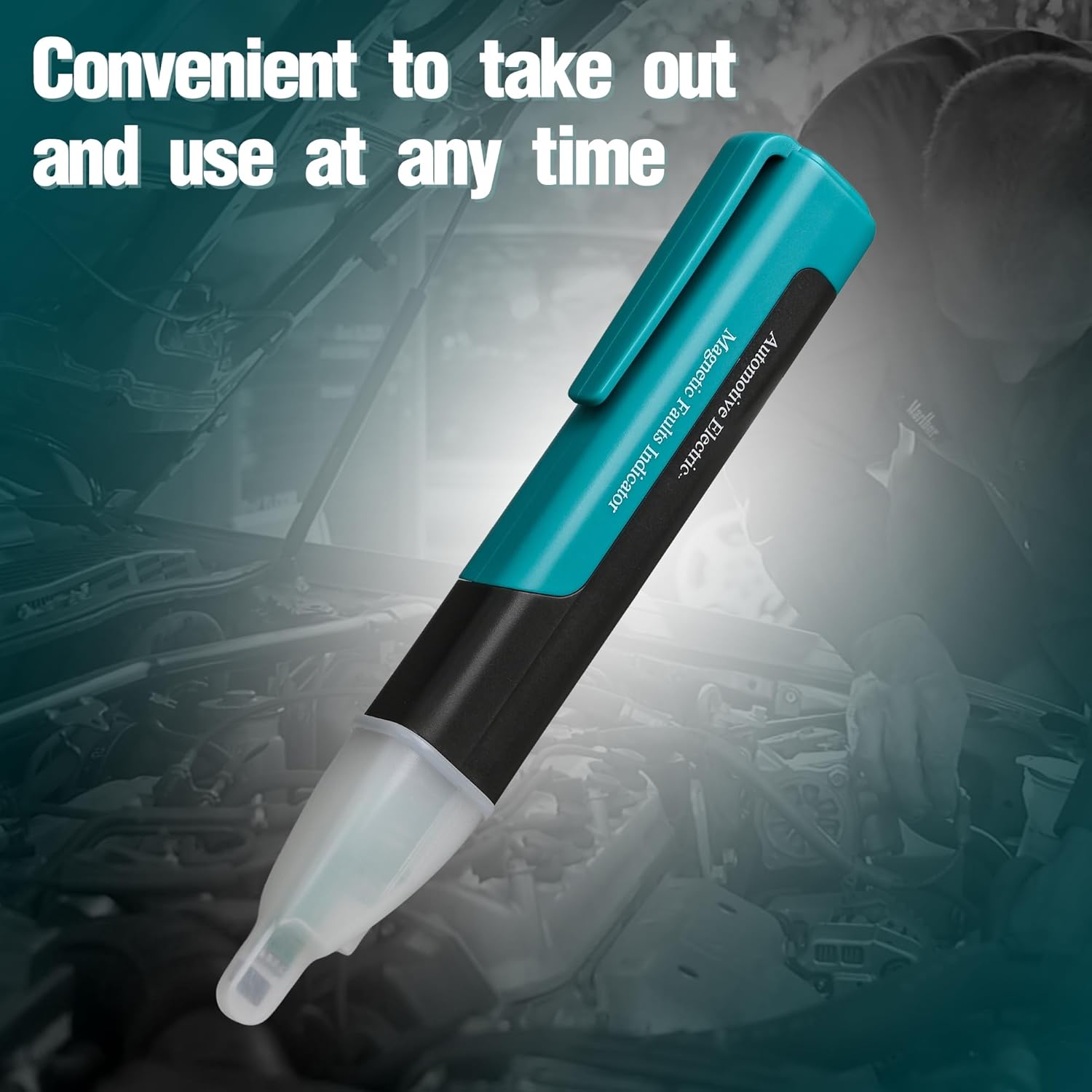
Figure 1: MST-101 Component Diagram. This image illustrates the various parts of the MST-101 tester, including the LED light, Status Indicator LEDs (for strong magnetic and normal tests), Lighting Switch, and the sensitivity switches (0 for Off, I for Strong Magnetic Test, II for Normal Test).
Setup
- Battery Installation: Open the battery compartment (usually located at the rear or side of the device). Insert the two provided batteries, ensuring correct polarity. Close the compartment securely.
- Initial Check: Turn the device on using the power switch. Observe if the LED light illuminates briefly, indicating power.
Operating Instructions
General Operation
- Power On: Slide the switch to position 'I' for strong magnetic test or 'II' for normal test. Position '0' is for Off.
- Positioning: Approach the tip of the tester to the automotive electrical part you wish to test (e.g., ignition coil, fuel injector).
- Interpreting Results:
- Flashing LED: A flashing LED light indicates the detection of an electronic fault or signal.
- Audible Beeper: An audible buzz will accompany the flashing LED, providing an additional indicator of detection.
- LED Light at Tip: Use the lighting switch to illuminate dark or dim environments for better visibility during testing.
Standby and Wakeup Function
If no signal is detected within approximately 20 seconds, the LED light will automatically turn off to conserve battery power. To reactivate the tester, simply approach it to the parts to be tested; the device will automatically detect a signal and resume operation.
Test Range
The MST-101 can be used to test a variety of automotive components, including but not limited to:
- Ignition coils (traditional coil, double spark coil, single spark coil)
- Electric generators
- Inside fan motors
- Solenoid valves
- Electric-magnetic valves
- Combination valves (heating, water cooling)
- Emission controlling valves
- Fuel injectors
- Spark plugs
- Hall sensors
- Electric relays

Figure 2: Testing an Ignition Coil. This image demonstrates the MST-101 being used to test an ignition coil within an engine bay, highlighting its application for various components.
Safety Information and Cautions
Adhering to these safety guidelines is crucial for preventing accidents and ensuring the longevity of the device:
- Vehicles being tested should be parked in a well-ventilated area, away from open flames or sources of ignition.
- Avoid inhaling exhaust gases from the engine during testing.
- Exercise caution around moving parts and hot surfaces within the engine compartment to protect both yourself and the testing equipment.
- Maintain a safe distance from the engine's cooling fan when it is operating.
- Do not place other electrical equipment directly on the vehicle's battery.
- Never leave the vehicle unattended while conducting tests.
Maintenance
- Cleaning: Wipe the device with a soft, dry cloth. Do not use abrasive cleaners or solvents.
- Storage: Store the tester in a cool, dry place, away from direct sunlight and extreme temperatures. Remove batteries if the device will not be used for an extended period.
- Battery Replacement: Replace batteries when the LED indicator becomes dim or the device fails to respond. Ensure correct polarity during replacement.
Troubleshooting
| Problem | Possible Cause | Solution |
|---|---|---|
| Device does not power on. | Dead or incorrectly installed batteries. | Check battery polarity or replace with new batteries. |
| No signal detection. | Tester not close enough to component; component not emitting a signal; incorrect sensitivity setting. | Ensure close proximity to the component. Verify the component is active. Try switching between 'Strong Magnetic Test' and 'Normal Test' settings. |
| LED light turns off unexpectedly. | Automatic standby function activated. | This is normal behavior. Approach the tester to a component to reactivate it. |
Specifications
- Brand: Eyes.sys
- Model Number: MST-101 (ICT-4478)
- Power Source: Battery Powered
- Dimensions: Approximately 8.74 x 7.01 x 1.34 inches
- Weight: Approximately 2.86 ounces
- UPC: 765169351812
- Features: LED Light Indicator, Audible Beeper, 2 Sensitivity Options (Strong/Normal), Standby & Wakeup Function
Warranty and Support
For warranty information or technical support, please refer to the contact details provided with your purchase documentation or visit the official Eyes.sys website. Keep your purchase receipt for warranty claims.
Disposal Information
This product contains batteries and electronic components. Do not dispose of it with general household waste. Please follow local regulations for the proper recycling of electronic devices and batteries.


