
Introduction
This instruction manual provides essential information for the proper installation, operation, and maintenance of your CATLINK Ultrafiltration Filter. This filter is designed exclusively for use with the CATLINK PURE 2 Pet Drinking Fountain to ensure optimal water quality for your pet.
Package Contents
- UF Ultrafiltration Filter x2
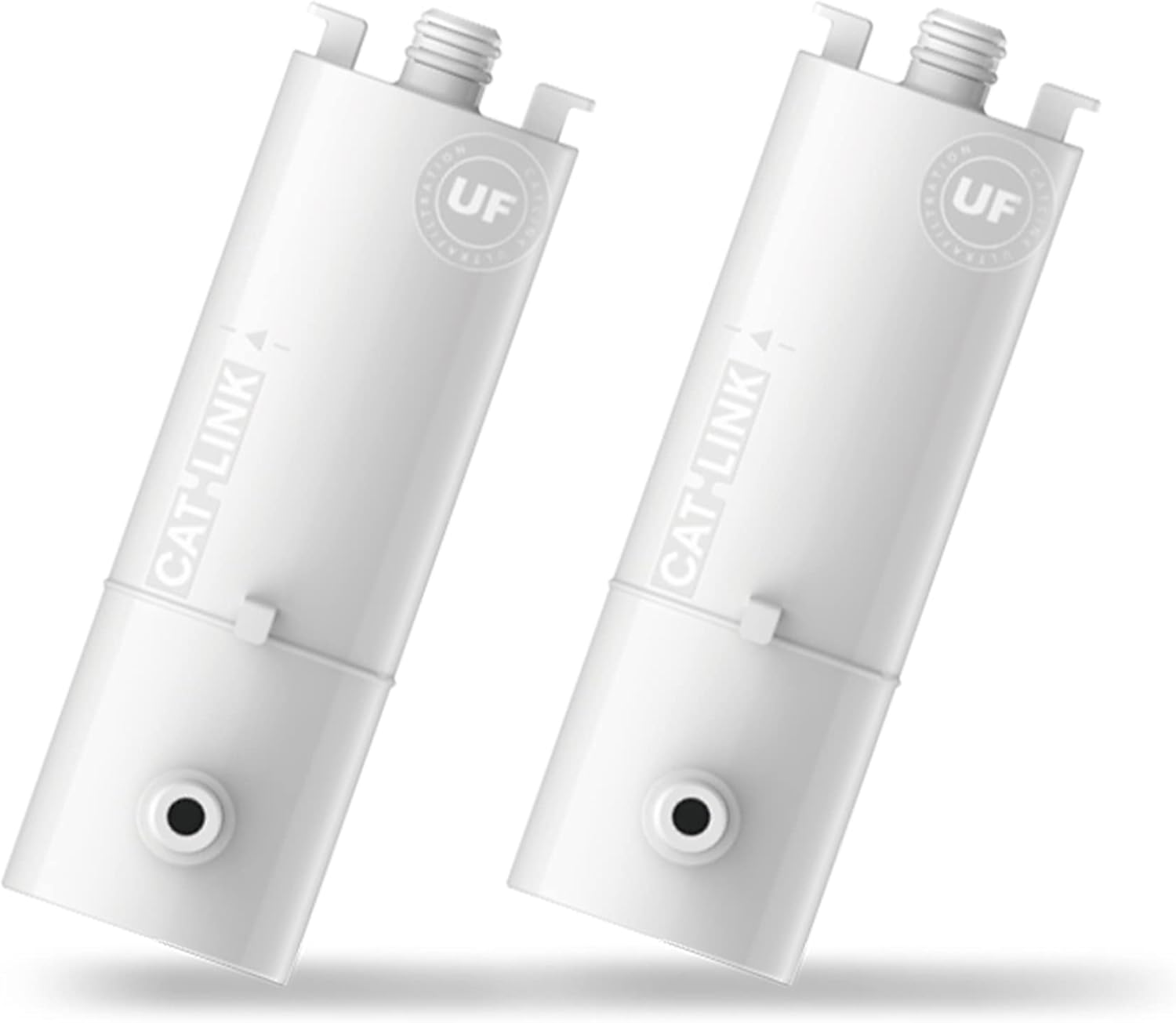
Image: Two CATLINK Ultrafiltration Filters, white in color, designed for the PURE 2 fountain.
Compatibility
This Ultrafiltration Filter is only compatible with the CATLINK PURE 2 Cat Water Fountain. Ensure you are using the correct filter for your specific fountain model.
Product Features
The CATLINK Ultrafiltration Filter incorporates advanced technology to provide clean and healthy drinking water for your pet.
- Ultrafiltration Technology: Features high-density micropores (0.01µm) for effective water purification, removing impurities and particles.
- Ion Exchange Resin: Softens water quality by replacing calcium and magnesium ions, which helps prevent urinary stones in pets.
- Fully Enclosed Structure: The filter element is designed with a fully enclosed structure to prevent external contamination and maintain hygiene.

Image: A detailed diagram illustrating the internal components of the CATLINK Ultrafiltration Filter, highlighting the 0.01µm high-density micropores and ion exchange resin for water purification.
Filter Installation and Replacement
Follow these steps to install a new filter or replace an existing one in your CATLINK PURE 2 Cat Water Fountain.
Steps for Replacement
- Unplug the Fountain: Always disconnect the power supply to the fountain before performing any maintenance.
- Disassemble Components: Carefully remove the top cover and any other components of the fountain to access the filter housing.
- Remove Old Filter: Locate the used Ultrafiltration Filter and gently pull it out from its designated slot. Dispose of the old filter responsibly.
- Rinse New Filter: Rinse the new Ultrafiltration Filter under running water for a few minutes to remove any loose carbon dust or manufacturing residue.
- Insert New Filter: Insert the new filter firmly into the filter slot within the fountain's water reservoir. Ensure it is seated correctly.
- Reassemble and Refill: Reassemble all fountain components. Fill the water reservoir with fresh, clean water up to the maximum fill line.
- Plug In and Operate: Connect the power supply to the fountain. The fountain should begin operating, circulating water through the new filter.
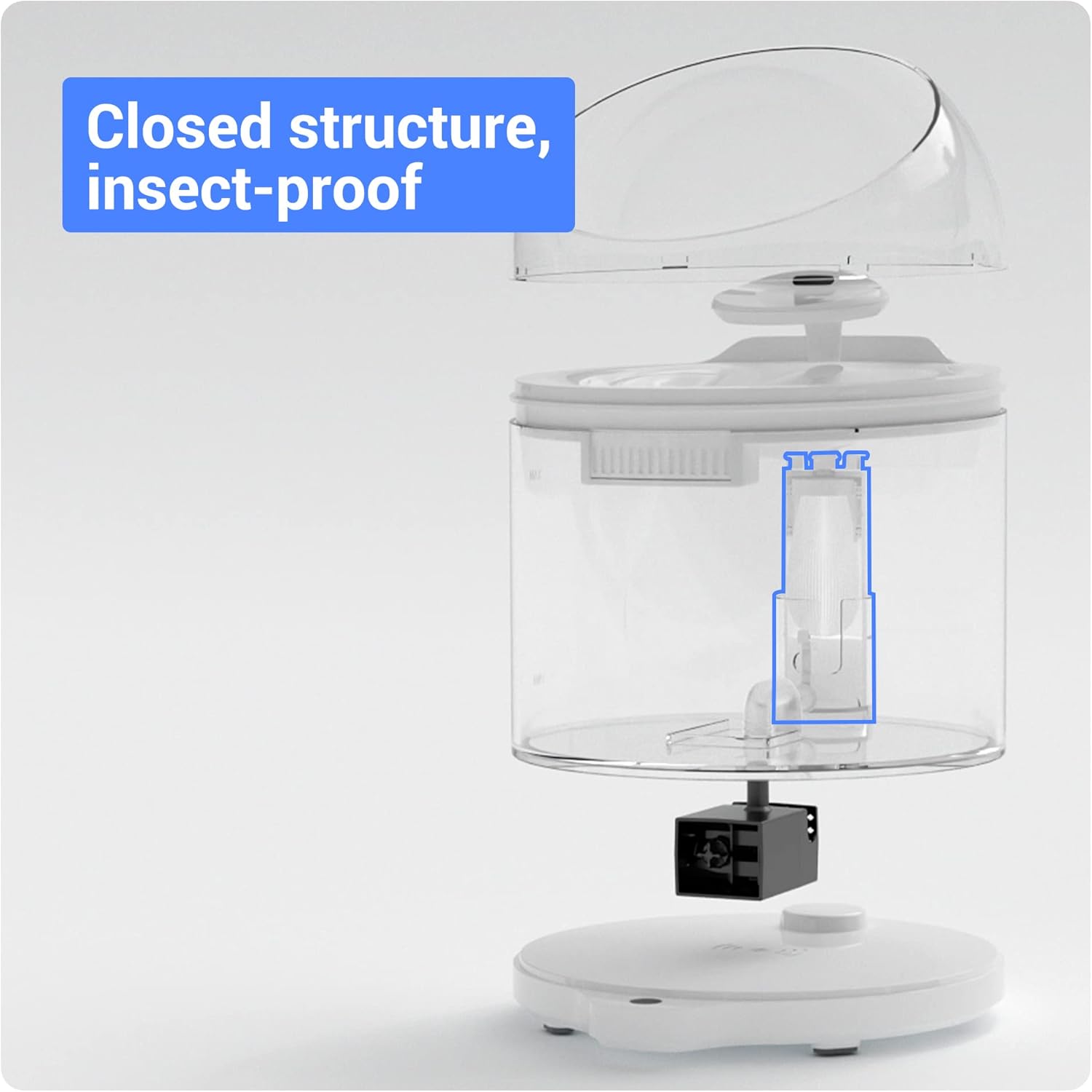
Image: An exploded view of the CATLINK PURE 2 fountain, highlighting the correct placement of the Ultrafiltration Filter within the main water reservoir.
Operation
Once installed, the Ultrafiltration Filter continuously purifies the water as it circulates through the CATLINK PURE 2 fountain. The multi-stage filtration process ensures that your pet receives clean, softened water, free from common impurities.
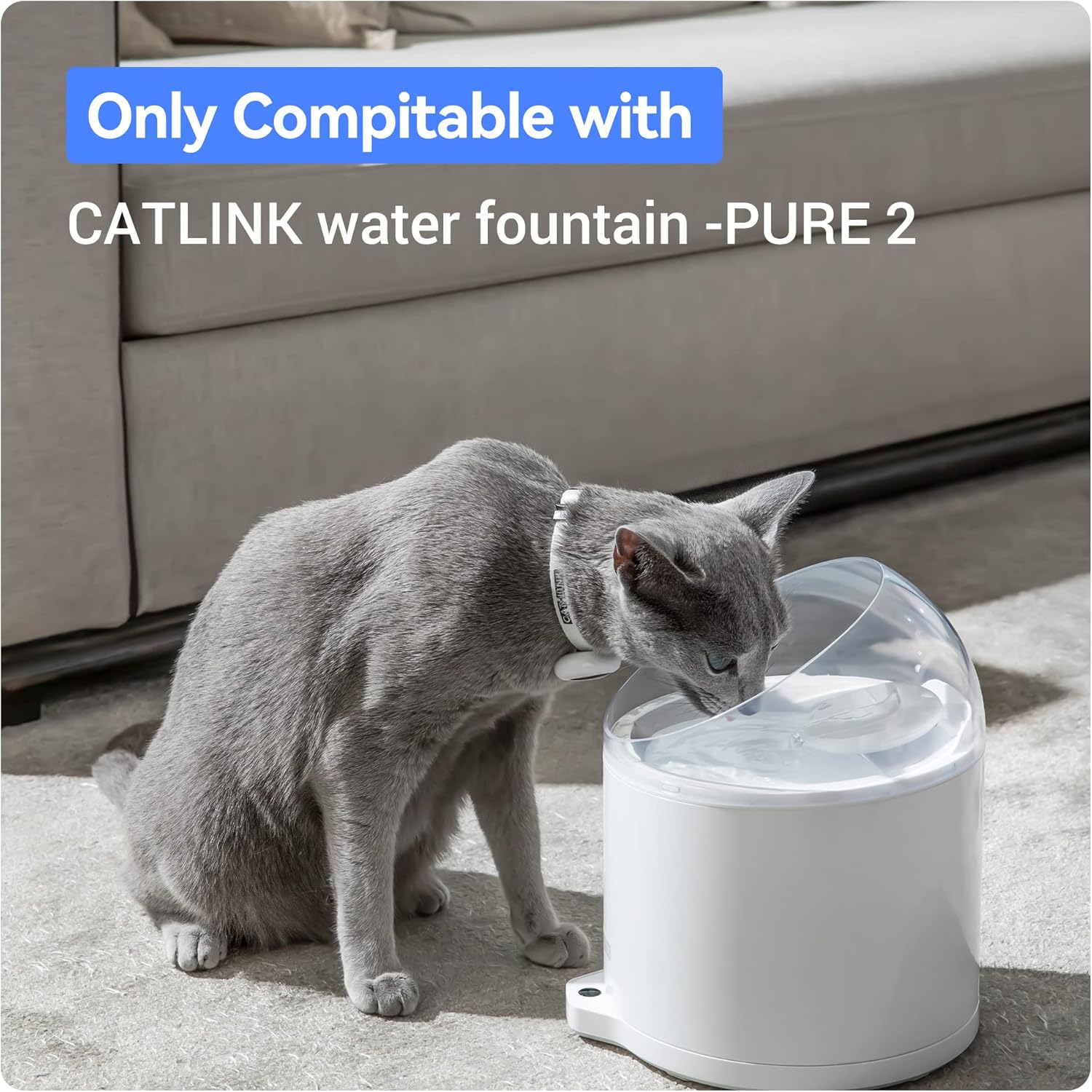
Image: A cat drinking fresh water from the CATLINK PURE 2 water fountain, demonstrating typical operation.
Maintenance
Filter Replacement Schedule
For optimal performance and water quality, the CATLINK Ultrafiltration Filter should be replaced every 3 months. Regular replacement ensures continuous effective filtration and helps maintain your pet's health.
Fountain Cleaning
In addition to filter replacement, it is recommended to clean the entire CATLINK PURE 2 fountain regularly (e.g., weekly) to prevent mineral buildup and maintain hygiene. Refer to your CATLINK PURE 2 fountain's instruction manual for detailed cleaning procedures.
Troubleshooting
If you experience issues related to water quality or flow after installing a new filter, consider the following:
- Reduced Water Flow: Ensure the filter is correctly seated and not obstructed. Check if the fountain pump is clean and free of debris.
- Unusual Taste or Odor: If a new filter has an initial slight odor, rinse it thoroughly under running water before installation. If the issue persists, ensure the filter is not expired or damaged.
- Water Clarity Issues: Confirm the filter is installed correctly and that the fountain itself is clean. If the water remains unclear, the filter may be saturated and require replacement, even if before the recommended 3-month period, depending on water hardness and usage.
For further assistance, please refer to the CATLINK PURE 2 fountain manual or contact customer support.
Specifications
| Brand | CATLINK |
| Model | Ultrafiltration Filter (Compatible with PURE 2) |
| Material | Carbon (Filter media) |
| Item Weight | 7.04 ounces (for 2 filters) |
| Unit Count | 2.0 Count |
| UPC | 810105180756 |
| Product Benefits | Improves water quality and prevents urinary stones for pets |
| External Testing Certification | CE |
Warranty Information
The CATLINK Ultrafiltration Filter is covered by a 1-year warranty from the date of purchase. This warranty covers manufacturing defects. Please retain your proof of purchase for warranty claims.
Customer Support
For technical support, warranty claims, or any questions regarding your CATLINK Ultrafiltration Filter or PURE 2 Cat Water Fountain, please contact CATLINK customer service through their official website or the retailer where the product was purchased.
Official Product Videos
No official product videos from the seller with m3u8 format were found in the provided product data for embedding in this manual.