
OSCAL C30 PRO
OSCAL C30 PRO Smartphone User Manual
Model: C30 PRO | Brand: OSCAL
1. Introduction
Welcome to the user manual for your new OSCAL C30 PRO smartphone. This guide provides essential information on setting up, operating, maintaining, and troubleshooting your device to ensure optimal performance and user experience. Please read this manual carefully before using your phone.

Image 1.1: Front and back view of the OSCAL C30 PRO smartphone in blue.
2. Setup
2.1 Package Contents
Ensure all items are present in your product package:
- OSCAL C30 PRO Smartphone x1
- User Manual x1
- Power Supply x1
- USB Cable x1
2.2 SIM Card and Storage Installation
The OSCAL C30 PRO features a convenient three-slot card tray, allowing for the simultaneous use of dual 4G SIM cards and a microSD card for expandable storage up to 256GB. To install, locate the card tray on the side of the phone. Use the provided SIM ejector tool to open the tray. Carefully place your SIM cards and microSD card into their respective slots, ensuring correct orientation. Gently push the tray back into the phone until it is flush with the device body.
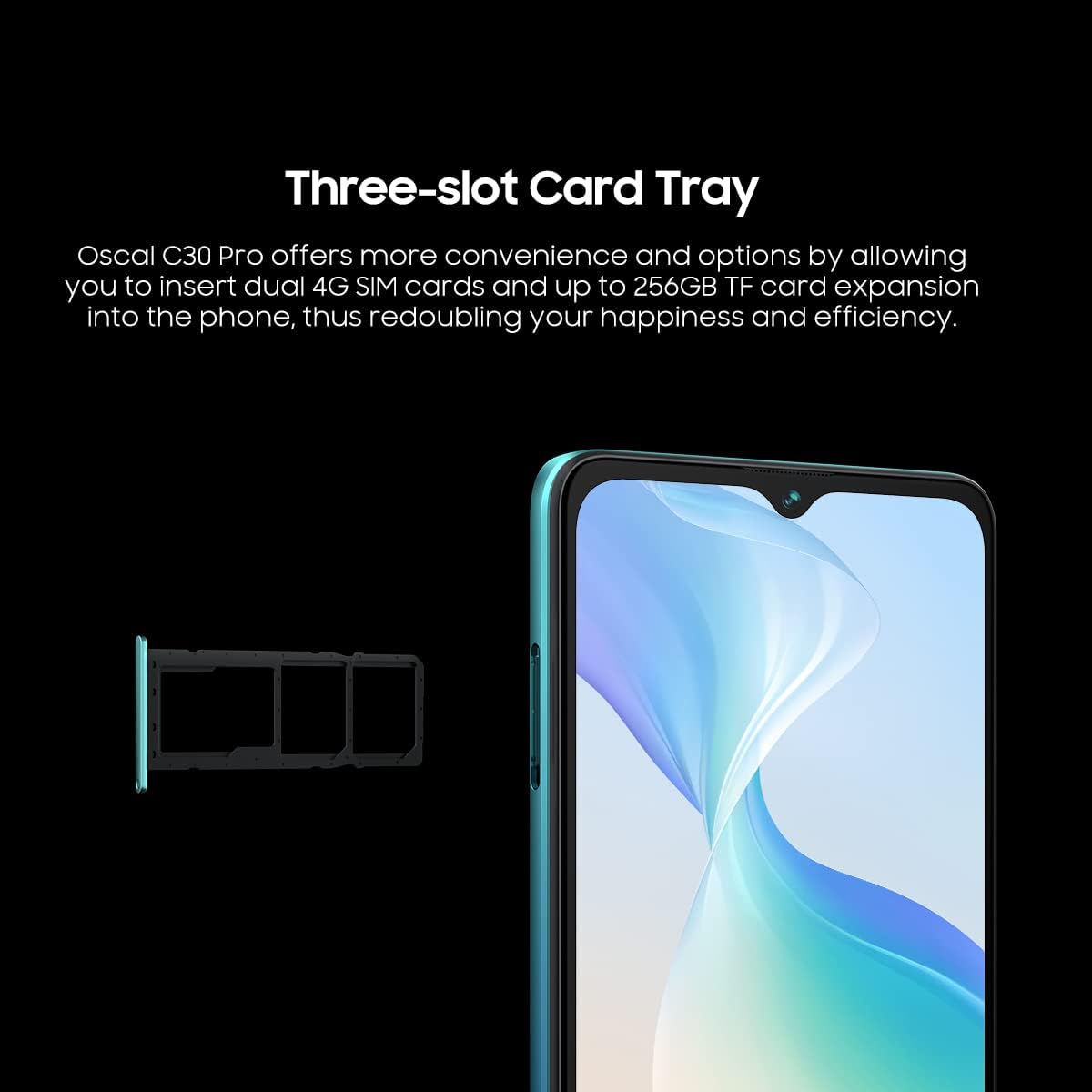
Image 2.1: Illustration of the three-slot card tray for dual SIM and microSD card installation.
2.3 Powering On/Off
To power on your OSCAL C30 PRO, press and hold the power button located on the side of the device until the OSCAL logo appears. To power off, press and hold the power button, then select 'Power off' from the options displayed on the screen.
3. Operating Your Device
3.1 Display
The OSCAL C30 PRO is equipped with a 6.5-inch HD+ Incell display, offering a resolution of 720x1600 pixels. This large, vibrant screen provides an immersive viewing experience for all your content, from browsing social media to watching videos. With an 87% screen-to-body ratio and 500 nits brightness, visuals are clear and colors are lifelike.
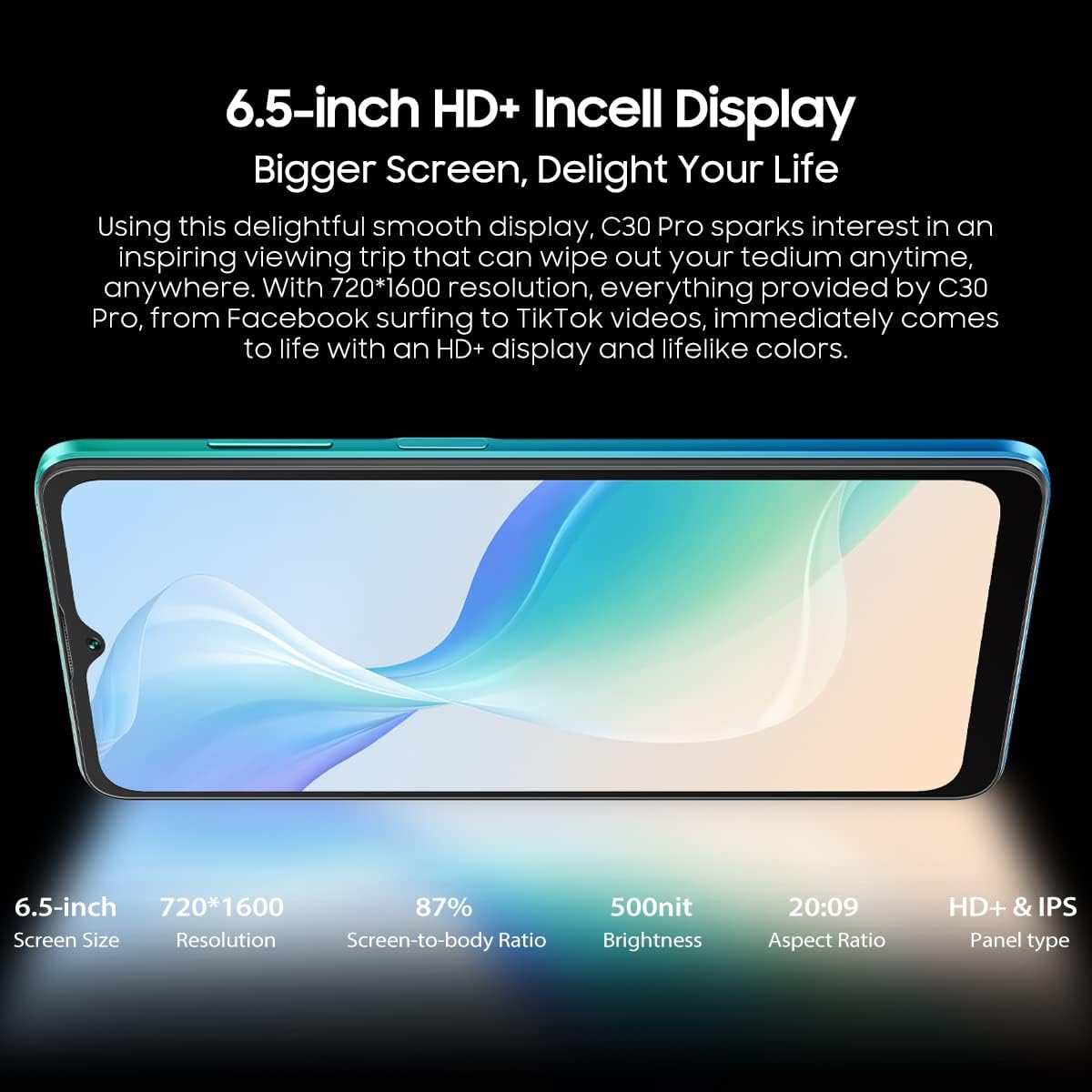
Image 3.1: Visual representation of the 6.5-inch HD+ Incell Display and its specifications.
3.2 Processor and Performance
Powered by an Octa-Core MediaTek Helio G35 processor, the OSCAL C30 PRO delivers robust performance for multitasking and demanding applications. It features 4GB of RAM, expandable up to 7GB with RAM expansion technology, and 64GB of internal storage (ROM), which can be further expanded up to 256GB using a TF card. This configuration ensures smooth operation and ample space for your apps and files.

Image 3.2: Diagram illustrating the Octa-core MediaTek Helio G35 processor and memory specifications.
3.3 Camera Features
Capture stunning photos and videos with the OSCAL C30 PRO's advanced camera system. It features a 12MP main rear camera with a Sony IMX363 sensor, enhanced by ArcSoft-based algorithms for clear and detailed images. The 5MP front camera is ideal for video calls and selfies.

Image 3.3: Close-up view of the OSCAL C30 PRO's rear camera module.
3.4 Battery Management
The OSCAL C30 PRO is powered by a large 5080mAh Li-Po battery, designed to provide extended usage times. With intelligent energy efficiency algorithms, the battery supports up to 27 days of standby time, 22 hours of talk time, and 10 hours of web browsing, ensuring you stay connected throughout your day.
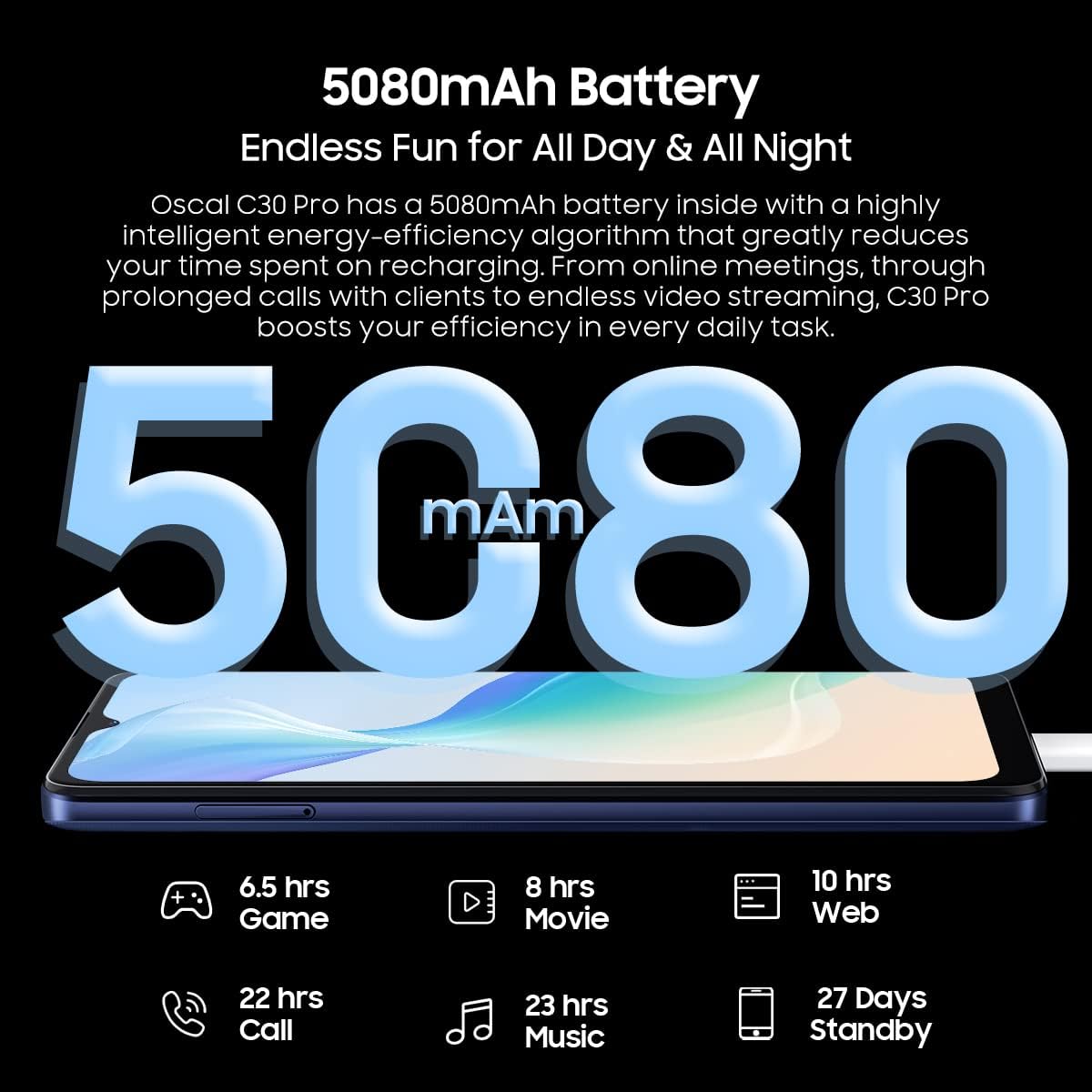
Image 3.4: Visual representation of the 5080mAh battery and its estimated usage durations.
3.5 Security Features
Your device offers multiple security options to protect your data. Utilize the fingerprint sensor for quick and secure unlocking, or enable face recognition in the system settings for convenient access with just a glance.
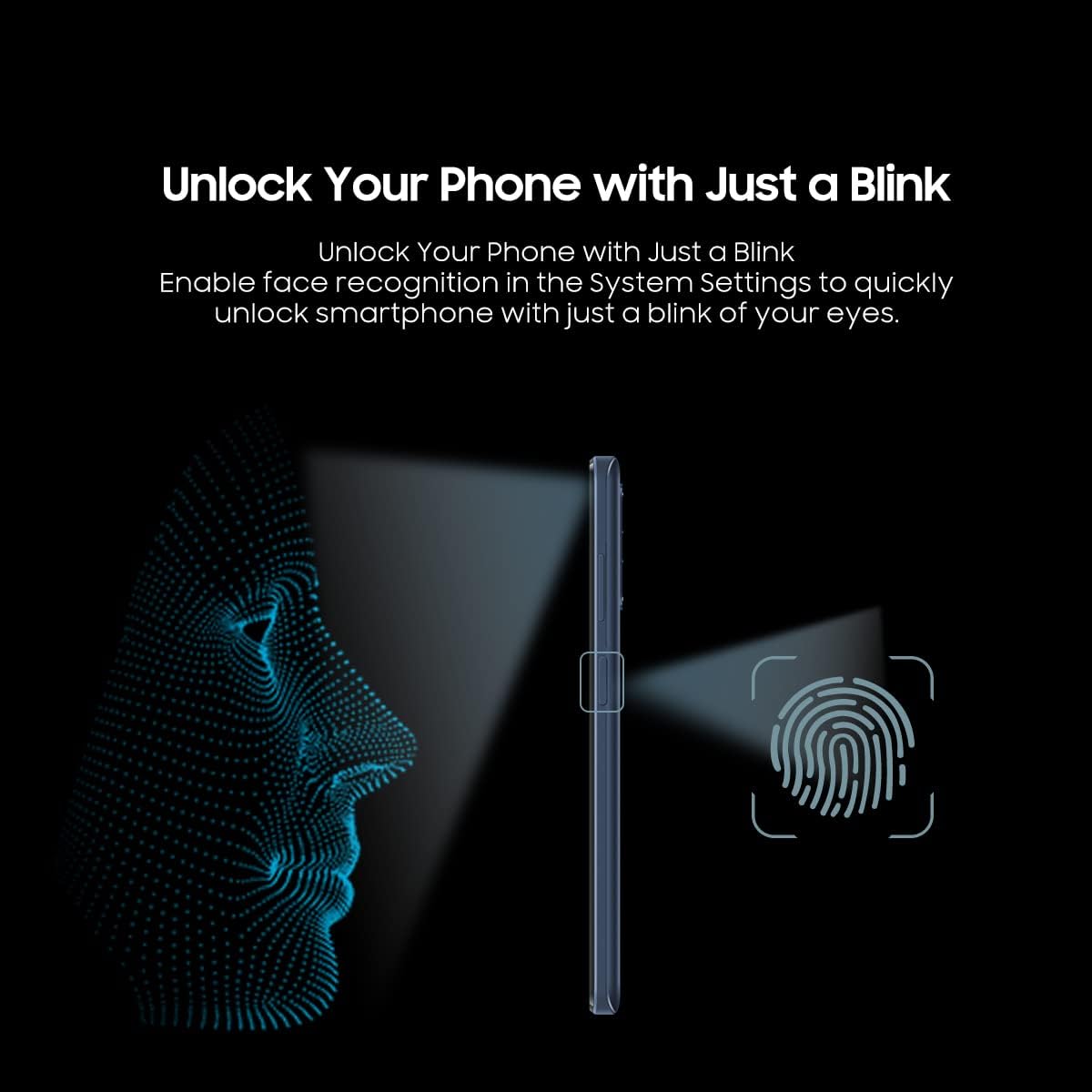
Image 3.5: Diagram illustrating the face unlock and fingerprint unlock functionalities.
3.6 Connectivity and Navigation
The OSCAL C30 PRO supports comprehensive connectivity options including Wi-Fi (802.11 a/b/g/n/ac) and Bluetooth 5.0. For navigation, the device integrates GPS, GLONASS, BEIDOU, and Galileo systems, providing accurate location services.
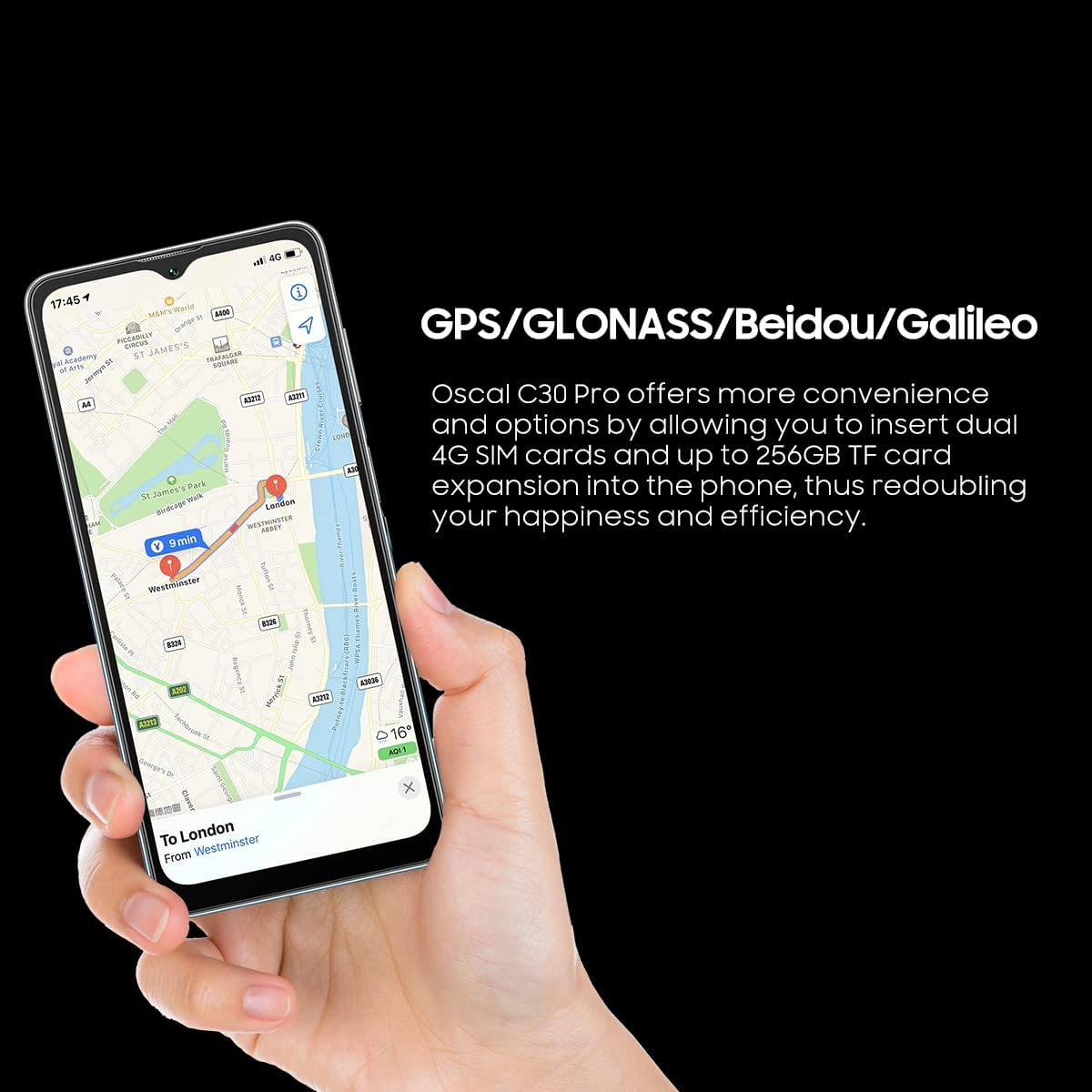
Image 3.6: Screenshot of a map application demonstrating the phone's navigation capabilities.
4. Maintenance and Care
To ensure the longevity and optimal performance of your OSCAL C30 PRO, follow these maintenance guidelines:
- Keep the device clean using a soft, dry cloth. Avoid abrasive materials or harsh chemicals.
- Protect the screen with a screen protector and use a protective case to prevent scratches and damage.
- Avoid exposing the phone to extreme temperatures, direct sunlight, or excessive moisture.
- Regularly back up your data to prevent loss.
- Keep the software updated to the latest version for improved security and features.

Image 4.1: The slim and lightweight design of the OSCAL C30 PRO, emphasizing its portability and ease of handling.
5. Troubleshooting
This section addresses common issues you might encounter with your OSCAL C30 PRO.
| Issue | Possible Cause | Solution |
|---|---|---|
| Device does not power on | Low battery | Charge the device for at least 30 minutes. |
| Software crash | Press and hold the power button for 10-15 seconds to force restart. | |
| Poor Wi-Fi connection | Out of range or interference | Move closer to the Wi-Fi router; check for obstructions. |
| Incorrect password | Re-enter the Wi-Fi password. | |
| Apps crashing or freezing | Insufficient RAM or storage | Close background apps; clear app cache; free up storage. |
| Outdated app version | Update apps from the Google Play Store. | |
| Battery drains quickly | High screen brightness | Reduce screen brightness. |
| Background apps | Close unnecessary background applications. | |
| Network signal issues | Move to an area with better network coverage. | |
| Cannot make/receive calls | No SIM card or incorrect insertion | Ensure SIM card is properly inserted and activated. |
| No network signal | Check network coverage in your area. | |
| Airplane mode is on | Turn off Airplane mode in Quick Settings. | |
| Fingerprint/Face Unlock not working | Dirty sensor/camera | Clean the fingerprint sensor or front camera lens. |
| Incorrect setup | Re-register your fingerprint or face data in settings. | |
| GPS inaccurate | Weak signal | Move to an open area with clear sky view. |
| Location services off | Enable location services in settings. |
If the issue persists, contact customer support or refer to the official OSCAL website for further assistance.
6. Technical Specifications
Below are the detailed technical specifications for the OSCAL C30 PRO smartphone:
| Feature | Specification |
|---|---|
| Operating System | Android 12.0 (DokeOS 3.0) |
| CPU | Octa-Core MediaTek Helio G35 (up to 2.3 GHz) |
| RAM | 4GB (expandable up to 7GB) |
| Internal Storage (ROM) | 64GB |
| Expandable Storage | Up to 256GB via TF card |
| Display Size | 6.5 inches HD+ Incell |
| Display Resolution | 720 x 1600 pixels |
| Rear Camera | 12MP (Sony IMX363) + 8MP (ArcSoft-powered) |
| Front Camera | 5MP |
| Battery Capacity | 5080mAh Li-Po (Non-removable) |
| Connectivity | Wi-Fi (802.11 a/b/g/n/ac), Bluetooth 5.0, USB Type-C |
| SIM Card Slots | Dual 4G SIM + MicroSD (3 card slots) |
| Navigation | GPS, GLONASS, BEIDOU, Galileo |
| Security Features | Fingerprint Unlock, Face Unlock |
| Dimensions | 164.6 x 76.85 x 9.4 mm |
| Weight | 194.6 g |
7. Warranty and Support
The OSCAL C30 PRO comes with a standard manufacturer's warranty. For detailed warranty terms, conditions, and support information, please refer to the official OSCAL website or contact your point of purchase. Keep your proof of purchase for warranty claims. Additional support resources, including FAQs and software updates, may be available online.
Related documentsC30 PRO

Ask a question about this manual
Ask about setup, troubleshooting, compatibility, parts, safety, or missing instructions. Manuals+ will review the question and use this page’s manual context to help answer it.