
1. Introduction
This manual provides detailed instructions for the RUIQIAI Android 15 Tablet, Model AICP20J. This 10.1-inch tablet is designed for versatile use, featuring the Android 15.0 operating system, a quad-core processor, and a high-definition touch screen. It comes as a 2-in-1 device with a Bluetooth keyboard, mouse, protective case, and stylus, enhancing both productivity and entertainment.

Image 1.1: RUIQIAI Android 15 Tablet and included accessories.
2. Setup
2.1. Unboxing and Initial Power On
Upon receiving your RUIQIAI tablet, carefully unpack all components. The package includes the tablet, Bluetooth keyboard, mouse, protective case, flexible stylus, and screen protector. Before first use, ensure the tablet is charged for at least 2 hours.
- Remove the protective film from the screen, starting at the corner as marked.
- Press and hold the power button until the screen turns on.
- If the tablet does not power on, charge it for 2 hours and then try again.
- Wait for 1-3 minutes during initial startup until instructions for setting the language appear.
- Complete setup by following on-screen instructions. Your device is ready to use.

Image 2.1: Tablet and accessories ready for setup.
2.2. Connecting Bluetooth Accessories
The RUIQIAI tablet comes with a Bluetooth keyboard and mouse for enhanced usability. Follow these steps to pair them:
- On the tablet, navigate to Settings > Connected devices > Bluetooth. Turn Bluetooth on.
- For the Bluetooth Keyboard: Slide the power switch on the keyboard to the ON position. Press the 'Connect' button. The Bluetooth indicator light will start flashing. On your tablet, search for the device (Bluetooth name: BT5.2 Keyboard). Tap it for connection.
- For the Bluetooth Mouse: Open the battery cover on the back of the mouse and insert the batteries. Slide the power switch on the mouse to the ON position. The Bluetooth indicator light will start flashing. On your tablet, search for the device (Bluetooth name: BT5.2 Mouse). Tap it for connection.
- Once connection is successfully done, the Bluetooth indicator light for the keyboard/mouse will turn off automatically.
Video 2.1: Instructions on how to connect Bluetooth accessories to the tablet.
2.3. Expanding Storage with a MicroSD Card
The tablet supports expandable storage up to 1TB via a MicroSD card. Locate the MicroSD card slot on the side of the tablet. Gently insert the card until it clicks into place. The tablet will automatically detect the new storage.
3. Operating the Tablet
3.1. Display and Performance
The RUIQIAI tablet features a 10.1-inch HD IPS display with a resolution of 1280 x 800 pixels, providing clear visuals for various activities. Powered by a quad-core processor, the tablet ensures smooth operation for multiple applications and media consumption.
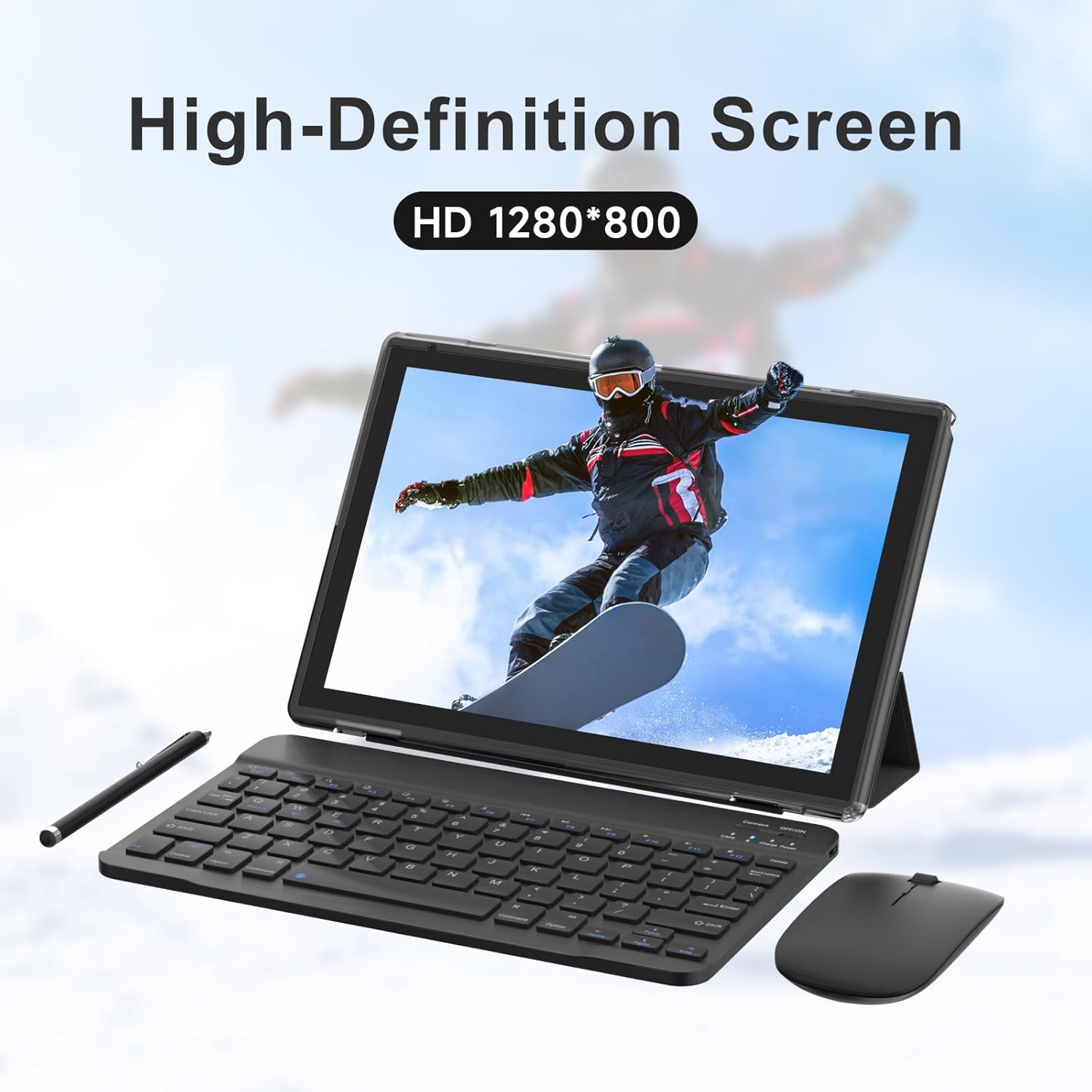
Image 3.1: High-definition screen experience.

Image 3.2: High-performance quad-core processor.
3.2. Camera Functions
The tablet is equipped with dual cameras: a 2MP front camera and an 8MP rear camera. These cameras are suitable for video calls, capturing moments, and scanning documents.
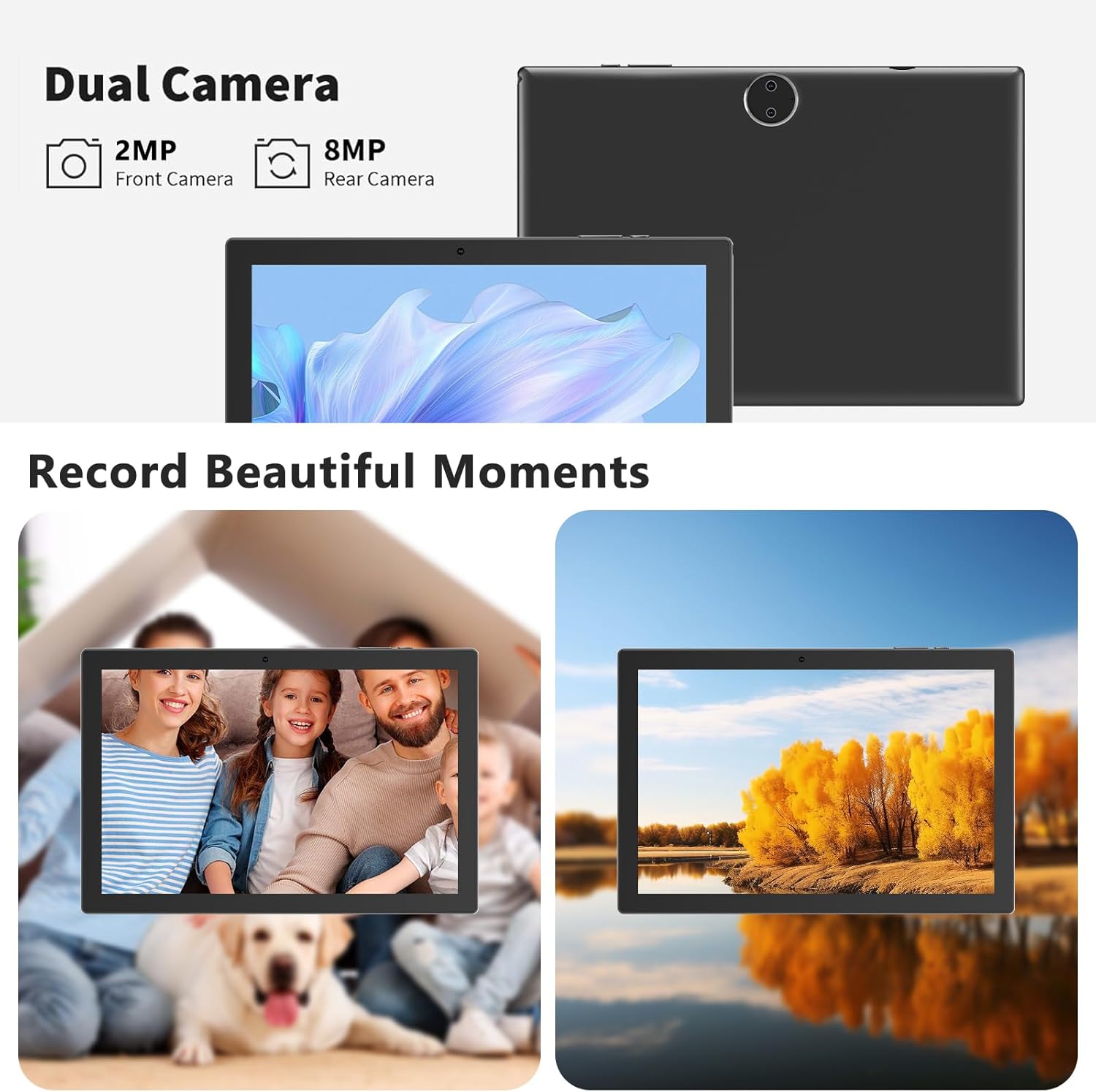
Image 3.3: Dual camera capabilities.
3.3. Operating System and Features
Running on Android 15.0, the tablet offers a smooth user experience with Google GMS certification, providing access to a wide range of applications from the Google Play Store. Key features include privacy protection, split-screen multitasking, and parental controls.

Image 3.4: Android 15.0 system features.
3.4. Battery Life and Charging
The tablet is powered by a 6000mWh rechargeable battery, offering approximately 6-8 hours of usage on a single charge. It supports fast charging via its Type-C port.
Image 3.5: Battery and charging information.
4. Maintenance
4.1. Cleaning the Device
To maintain the tablet's condition, use a soft, lint-free cloth to clean the screen and body. Avoid using harsh chemicals or abrasive materials that could damage the surfaces.
4.2. Software Updates
Regularly check for and install software updates to ensure optimal performance, security, and access to the latest features. Navigate to Settings > System > System update to check for available updates.
4.3. Storage Management
Periodically review and manage your tablet's storage. Uninstall unused applications, clear cache data, and transfer large files to external storage (MicroSD card) or cloud services to free up internal memory.
5. Troubleshooting
5.1. Common Issues and Solutions
- Tablet does not power on: Ensure the tablet is sufficiently charged. If it still doesn't power on, press and hold the power button for 10 seconds to force a shutdown, then try powering on again.
- Tablet does not charge: Verify the charging cable and adapter are working correctly. Try a different Type-C cable and adapter if available.
- Wi-Fi/Bluetooth connectivity issues: Ensure Wi-Fi/Bluetooth is enabled in settings. Forget the network/device and reconnect. Restart the tablet and your router/Bluetooth device.
- Slow performance: Close unused apps, clear cache, and check for available software updates. Consider performing a factory reset if issues persist (back up data first).
5.2. Factory Reset
A factory reset will erase all data from your tablet and restore it to its original factory settings. This can resolve persistent software issues. Before performing a factory reset, back up all important data.
- Go to Settings > System > Reset options.
- Select 'Erase all data (factory reset)'.
- Confirm your choice and follow the on-screen prompts.
6. Specifications
| Feature | Specification |
|---|---|
| Brand | RUIQIAI |
| Model Name | YQ10S |
| Item Model Number | AICP20J |
| Operating System | Android 15.0 |
| Screen Size | 10.1 Inches |
| Screen Resolution | 1280 x 800 Pixels |
| Processor Brand | MediaTek (Quad-Core) |
| RAM | 8 GB (3GB + 5GB virtual) |
| Flash Memory Size | 64 GB |
| Expandable Storage | Up to 1 TB (MicroSD) |
| Wireless Type | 802.11ac (Wi-Fi) |
| Connectivity | Bluetooth, Wi-Fi |
| Battery Capacity | 6000mWh |
| Average Battery Life | 5-8 Hours |
| Front Camera | 2 MP |
| Rear Camera | 8 MP |
| Item Weight | 2.77 pounds |
| Product Dimensions | 9.57 x 6.39 x 0.3 inches |
| Color | Black |
7. Warranty and Support
RUIQIAI provides a 1-year warranty from the date of purchase for this tablet. For any issues or support inquiries, please contact RUIQIAI-US. They are committed to providing a satisfactory shopping experience and will respond within 12 hours to assist with problem resolution.