
Introduction
Thank you for choosing the Riversong Rhythm L5 Wireless Over Ear Headphones. These headphones are designed to provide a high-quality audio experience with the convenience of wireless connectivity. Featuring Bluetooth 5.0, they offer a stable connection up to 10 meters and include a built-in microphone for hands-free calling.
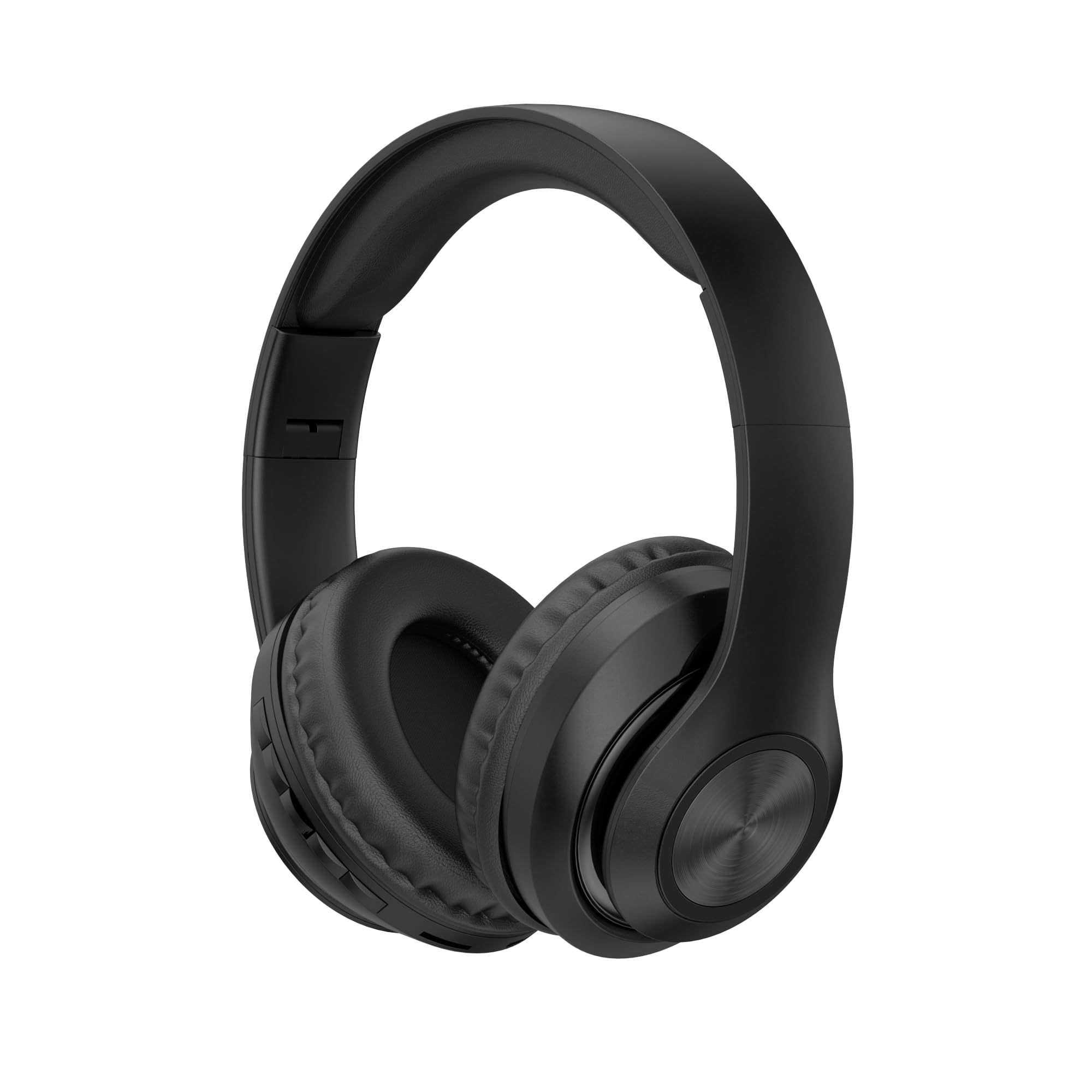
Image: Front view of the Riversong Rhythm L5 Wireless Over Ear Headphones in black.
Package Contents
Ensure all items are present in the package:
- 1 x Riversong Rhythm L5 Wireless Over Ear Headphone (Black)
- Charging Cable
- User Manual (this document)
Setup
1. Charging the Headphones
Before first use, fully charge the headphones. Connect the charging cable to the charging port on the headphones and the other end to a USB power source (e.g., computer, wall adapter). The indicator light will show charging status and turn off or change color when fully charged.
2. Powering On/Off
- To Power On: Press and hold the Power button for approximately 3 seconds until the indicator light flashes.
- To Power Off: Press and hold the Power button for approximately 3-5 seconds until the indicator light turns off.
3. Bluetooth Pairing
To connect your Riversong Rhythm L5 headphones to a device:
- Ensure the headphones are powered off.
- Press and hold the Power button for approximately 5-7 seconds until the indicator light flashes red and blue alternately, indicating pairing mode.
- On your device (smartphone, tablet, computer), enable Bluetooth and search for available devices.
- Select "Riversong Rhythm L5" from the list of found devices.
- Once connected, the indicator light on the headphones will flash blue slowly or remain solid blue.
- The headphones will automatically attempt to reconnect to the last paired device when powered on.

Image: Side view of the Riversong Rhythm L5 headphones, showing the control buttons on the earcup.
Operating Instructions
1. Wearing the Headphones
Adjust the headband to ensure a comfortable and secure fit. The soft and padded ear cups should fully cover your ears for optimal sound quality and comfort.

Image: A person wearing the Riversong Rhythm L5 headphones, demonstrating proper fit.
2. Music Playback Controls
- Play/Pause: Press the Multi-function button (often the Power button) once.
- Next Track: Press and hold the Volume Up (+) button.
- Previous Track: Press and hold the Volume Down (-) button.
- Volume Up: Short press the Volume Up (+) button.
- Volume Down: Short press the Volume Down (-) button.
3. Call Management
The built-in microphone allows for hands-free calling.
- Answer/End Call: Press the Multi-function button once.
- Reject Call: Press and hold the Multi-function button for approximately 2 seconds.
- Redial Last Number: Double-press the Multi-function button.
Maintenance
- Cleaning: Use a soft, dry cloth to clean the headphones. Do not use abrasive cleaners or solvents.
- Storage: When not in use, store the headphones in a cool, dry place, away from direct sunlight and extreme temperatures. The headphones feature a foldable design for compact storage.
- Avoid Water: Do not expose the headphones to water or excessive moisture.

Image: The Riversong Rhythm L5 headphones shown in their folded configuration, highlighting portability.
Troubleshooting
| Problem | Solution |
|---|---|
| Headphones do not power on. | Ensure the headphones are fully charged. Connect them to a power source and try again after a few minutes. |
| Cannot pair with device. |
|
| No sound or low volume. |
|
| Poor sound quality or disconnections. |
|
Specifications
| Feature | Detail |
|---|---|
| Brand | RIVERSONG |
| Model Name | Rhythm L5 |
| Model Number | EA 205 BLACK |
| Connectivity Technology | Wireless (Bluetooth 5.0) |
| Wireless Range | Up to 10 meters |
| Ear Placement | Over Ear |
| Form Factor | Over Ear |
| Colour | Black |
| Impedance | 80 Ohms |
| Noise Control | None |
| Frequency Response | 20 GHz (Note: This value is unusually high and likely a typo for 20 Hz - 20 kHz) |
| Sensitivity | 88 Adult MEX (Note: This unit is unusual for sensitivity, typically measured in dB) |
| Headphone Jack | 2.5 mm Jack |
| Built-in Microphone | Yes |
| Additional Features | Adjustable Headband, Soft and Padded Ear Cups, Foldable Design |
| Item Weight | 153 Grams |

Image: An internal view of the earcup, highlighting the Bluetooth 5.0 chip for wireless connectivity.
Warranty Information
The Riversong Rhythm L5 Wireless Over Ear Headphones come with a One-Year Warranty from the date of purchase. This warranty covers manufacturing defects. Please retain your proof of purchase for warranty claims. For detailed terms and conditions, refer to the warranty card included with your product or contact customer support.
Customer Support
If you encounter any issues or have questions regarding your Riversong Rhythm L5 headphones that are not addressed in this manual, please contact Riversong customer support. Refer to the product packaging or the official Riversong website for contact details.
