
1. Introduction
Thank you for choosing the Amplim Non-Contact Forehead Thermometer, Model 1701AE1. This device is designed for accurate and hygienic body temperature measurement for individuals of all ages, including infants, children, and adults. Its non-contact design ensures a safe and comfortable experience, minimizing the risk of cross-contamination.
Please read this manual thoroughly before use to ensure proper operation and to maintain the device's accuracy and longevity. Keep this manual for future reference.
2. Product Components and Diagram
The Amplim Non-Contact Forehead Thermometer package includes the following items:
- Amplim Non-Contact Forehead Thermometer
- 2 AAA Batteries
- User Manual (this document)
- One Year Warranty Card
- Certificate
Refer to the diagram below for an overview of the thermometer's parts:

Figure 2.1: Product Diagram. Key components include the sensor at the top, the LCD display for readings, the multi-function ON/SCAN/OFF button, the main body, and the battery lid at the bottom.
3. Setup
3.1 Battery Installation
- Locate the battery lid at the bottom of the thermometer (refer to Figure 2.1).
- Gently slide or press and slide the battery lid to open the compartment.
- Insert the two AAA batteries, ensuring correct polarity (+ and -) as indicated inside the compartment.
- Close the battery lid securely.
3.2 Unit Selection (Celsius/Fahrenheit)
The thermometer allows you to switch between Celsius (°C) and Fahrenheit (°F) units. To change the unit:
- Ensure the thermometer is powered off.
- Press and hold the 'SCAN' button for approximately 3-5 seconds until the unit changes on the display.
- Release the button once your desired unit is displayed. The thermometer will save this setting.

Figure 3.1: Switching between Fahrenheit and Celsius units on the display.
4. Operating Instructions
4.1 Taking a Temperature Measurement
To take an accurate temperature reading:
- Press the 'SCAN' button once to turn on the thermometer.
- Point the thermometer sensor towards the center of the forehead, maintaining a distance of 0.3 to 1.2 inches (1-3 cm).
- Press the 'SCAN' button again. The thermometer will beep, and the temperature reading will appear on the LCD display within one second.
- The thermometer will automatically power off after 1 minute of inactivity to conserve battery life.

Figure 4.1: Proper technique for taking a non-contact forehead temperature.
4.2 Interpreting Readings with Color-Coded Display
The thermometer features a color-coded backlight display to visually indicate temperature status:
- Blue Backlight: Indicates a normal temperature (typically below 100.1°F / 37.8°C).
- Orange Backlight: Indicates a high temperature or fever (typically 100.1°F / 37.8°C or above).

Figure 4.2: Color-coded display for normal (blue) and high (orange) temperatures.
4.3 Memory Function
The thermometer can store up to 25 previous temperature readings. To access the memory:
- With the thermometer powered on, press and hold the 'SCAN' button for approximately 2 seconds (less than the unit change duration) until the memory icon appears.
- Press the 'SCAN' button repeatedly to cycle through the stored readings.
4.4 Night Light Mode
The backlit display allows for easy reading in low-light conditions, making it convenient for nighttime use without disturbing a sleeping individual.
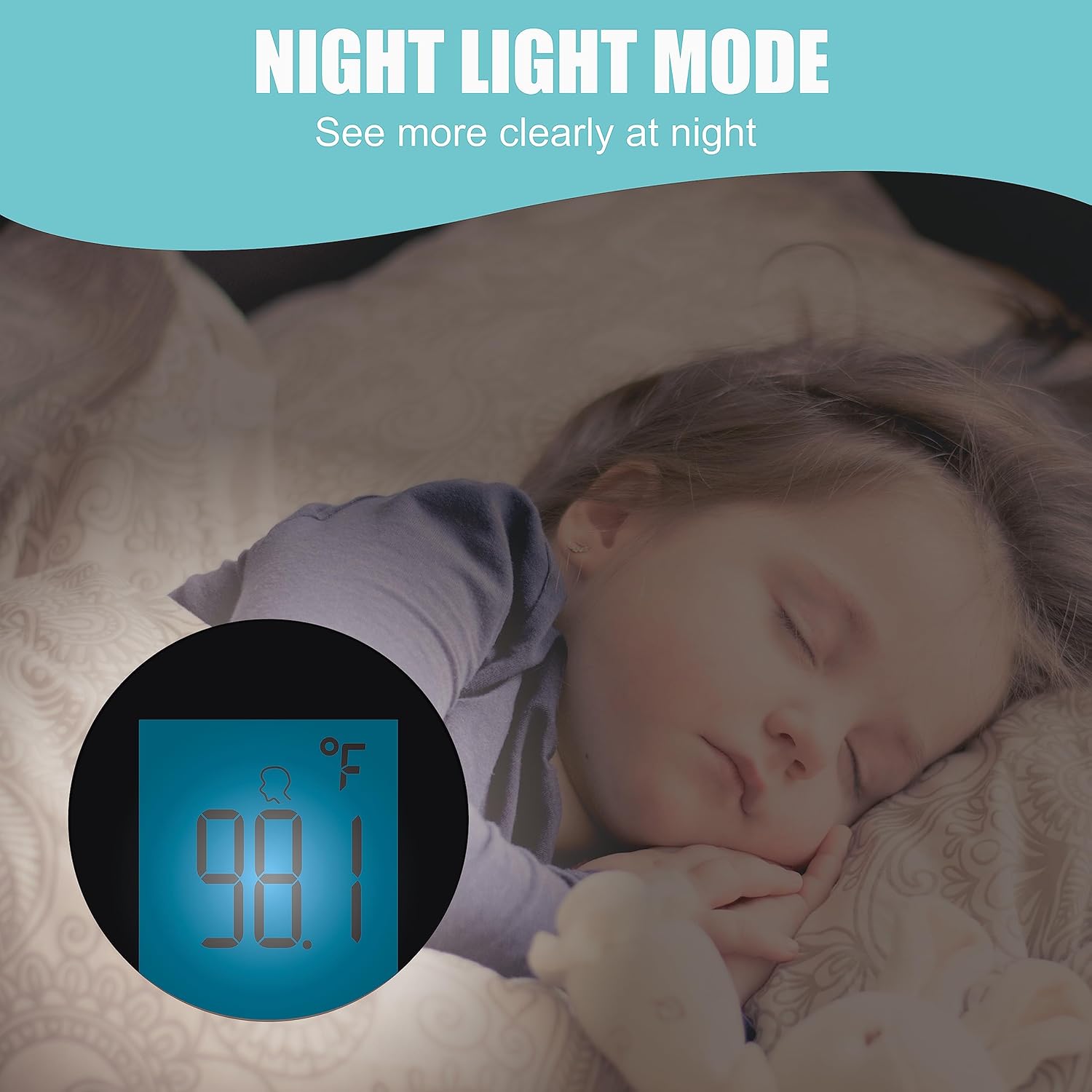
Figure 4.3: Night Light Mode for clear readings in the dark.
5. Maintenance
5.1 Cleaning
To ensure hygienic use and accurate readings, clean the thermometer regularly:
- Wipe the thermometer body and sensor with a soft cloth lightly dampened with alcohol (70% isopropyl) or a mild disinfectant.
- Do not immerse the thermometer in water or any cleaning solution.
- Allow the thermometer to air dry completely before storage or next use.
5.2 Storage
Store the thermometer in a dry place, away from direct sunlight, extreme temperatures, and humidity. Remove batteries if the device will not be used for an extended period.
6. Troubleshooting
If you encounter issues with your Amplim Non-Contact Forehead Thermometer, refer to the following common problems and solutions:
| Problem | Possible Cause | Solution |
|---|---|---|
| Display shows "LO" | Temperature measured is below 89.6°F (32°C), possibly due to measuring ambient air. | Ensure the thermometer is aimed at the forehead within the recommended distance (0.3" - 1.2"). Retake the temperature. |
| Inaccurate or inconsistent readings | Incorrect measurement distance, movement during measurement, or environmental factors. | Maintain a stable distance of 0.3" - 1.2" from the forehead. Ensure the individual is still. Avoid drafts or direct sunlight during measurement. |
| Display digits are incomplete or unreadable | Low battery or a device malfunction. | Replace the AAA batteries with new ones. If the issue persists, contact customer support. |
| Cannot switch between °C and °F | Incorrect button press duration. | Ensure the thermometer is off. Press and hold the 'SCAN' button for 3-5 seconds until the unit changes. Release the button. |

Figure 6.1: Explanation for the 'LO' message and correct measurement distance.
7. Specifications
| Feature | Detail |
|---|---|
| Model Number | 1701AE1 |
| Product Dimensions | 3.31 x 2.52 x 7.83 inches; 3.4 ounces |
| Batteries | 2 AAA batteries (included) |
| Special Features | 1 Min Auto Power Off, °F/°C Switchable, No Mercury, 2 Colors Fever Alarm, Ultra Fast, 25X Memory, Battery Operated, Low Battery Indicator, Forehead Mode, Color-coded Display, Non-contact, High Accuracy, Large Display, Ultra Clear Screen |
| Color | Blue |
| Age Range | Newborn, Infant, Toddler, Kid, Youth, Adult, All ages |
| Outer Material | Plastic |
| Specification Met | CE, FDA, FSA/HSA eligible |
| Display Type | LCD |
| Connectivity Technology | Infrared |
| Product Care Instructions | Wipe Clean |
8. Warranty and Support
8.1 Warranty Information
Your Amplim Non-Contact Forehead Thermometer comes with a One Year Warranty. Please refer to the included Warranty Card for detailed terms and conditions.
8.2 Customer Support
For any product issues, questions, or assistance, please contact Amplim customer support:
Email: customersupport@amplim.com
We are committed to providing support and ensuring your satisfaction with our product.
9. Important Safety Information
Legal Disclaimer: Use of this thermometer is not intended as a substitute for consultation with your physician. Always consult a healthcare professional for medical advice.
Note on Forehead Temperature: It is clinically verified that forehead temperature is typically about 0.5-1.0°F (0.3-0.6°C) lower than oral temperature. Average normal forehead temperature ranges around 97-98.9°F (36.1-37.2°C). Body temperature can vary depending on activity level and time of day.