
Introduction
This manual provides comprehensive instructions for the installation, operation, and maintenance of your Kaleinavi DC 12V-36V 4-Channel RF Wireless Remote Control Switch. This system is designed for reliable wireless control of various DC loads, offering multiple operating modes to suit diverse applications.
Package Contents:
- 1x Receiver Unit (with protective cover)
- 1x Remote Control (with 9V battery)
- 1x 3M Antenna
- 1x User Manual
Product Overview
The Kaleinavi 4-channel RF wireless remote control system (Model AK-C211008) features a single-chip microcontroller for independent programming. It offers low standby power consumption, high reception sensitivity, and a compact design, making it suitable for multi-channel control equipment.

Image: The complete Kaleinavi 4-Channel RF Wireless Remote Control Switch system, including the receiver, remote control, and antenna.
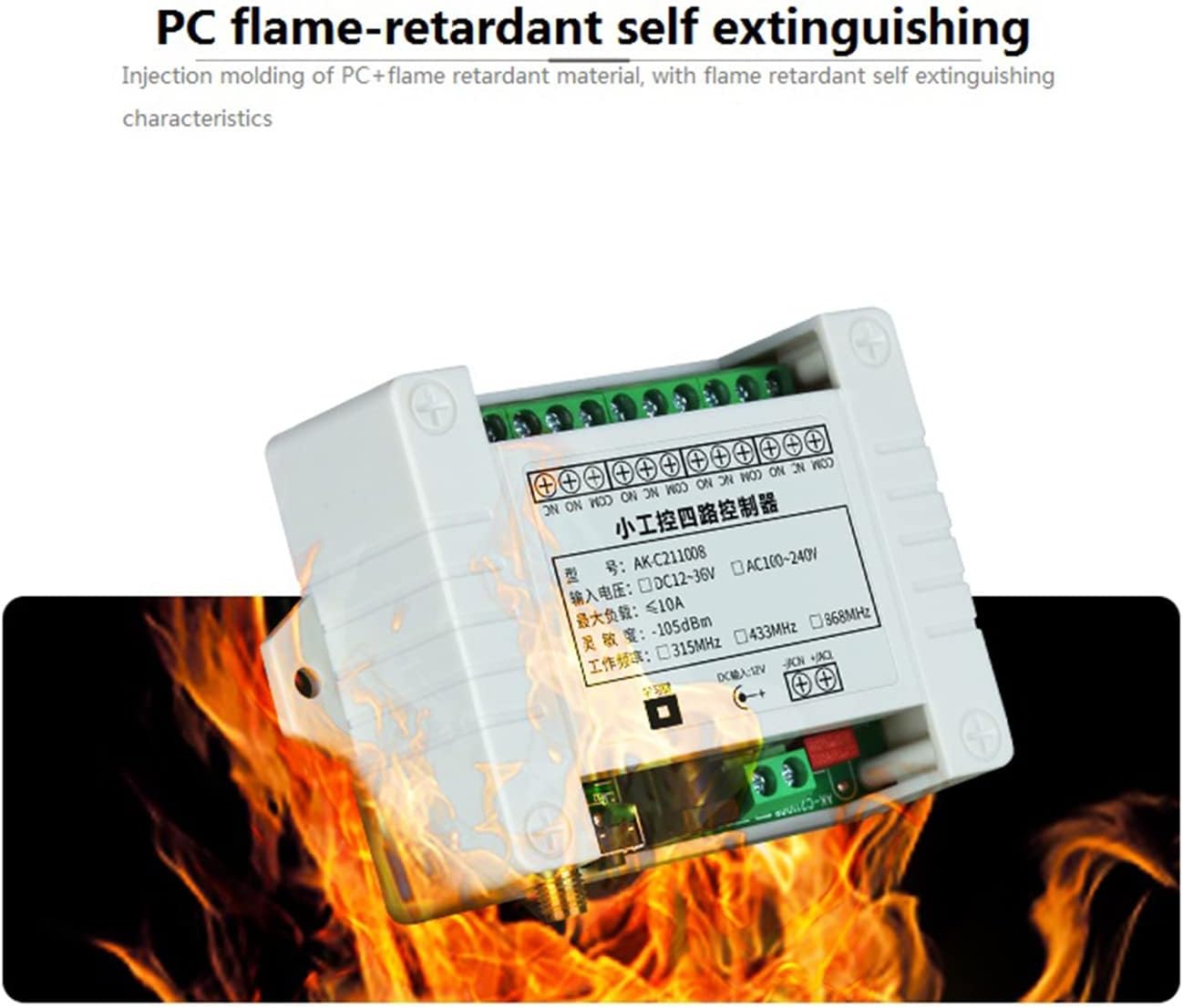
Image: Diagram highlighting key components of the receiver unit, including output port, brand relay, learning button, antenna interface, DC power connector, and power input.
Setup and Installation
1. Power Input Connection
The receiver supports DC 12V-36V power input. It offers two input power modes: a DC jack and a wiring terminal.

Image: Close-up of the receiver board showing the DC jack and DC wiring port for power input.
2. Antenna Connection
Connect the provided 3M antenna to the antenna interface on the receiver board. Ensure a secure connection for optimal signal reception.
3. Load Wiring Diagrams
The receiver provides relay outputs (NO, NC, COM) for controlling various devices. Ensure correct polarity and voltage matching for your load.
Control DC Output:

Image: Wiring diagram illustrating how to connect a DC load to the receiver's output terminals.
Control AC Output:

Image: Wiring diagram illustrating how to connect an AC load to the receiver's output terminals.
Wiring for DC Motor:

Image: Wiring diagram illustrating how to connect a DC motor for control via the receiver.
Operating Instructions
Remote Control Timeout Protection:
Upon receiving the remote control, it is in an off state by default. To activate, press and hold the 'A' and 'B' buttons simultaneously for 0.5 seconds. If there is no operation for 10 minutes, the remote will automatically power off to conserve battery life and prevent accidental triggers.
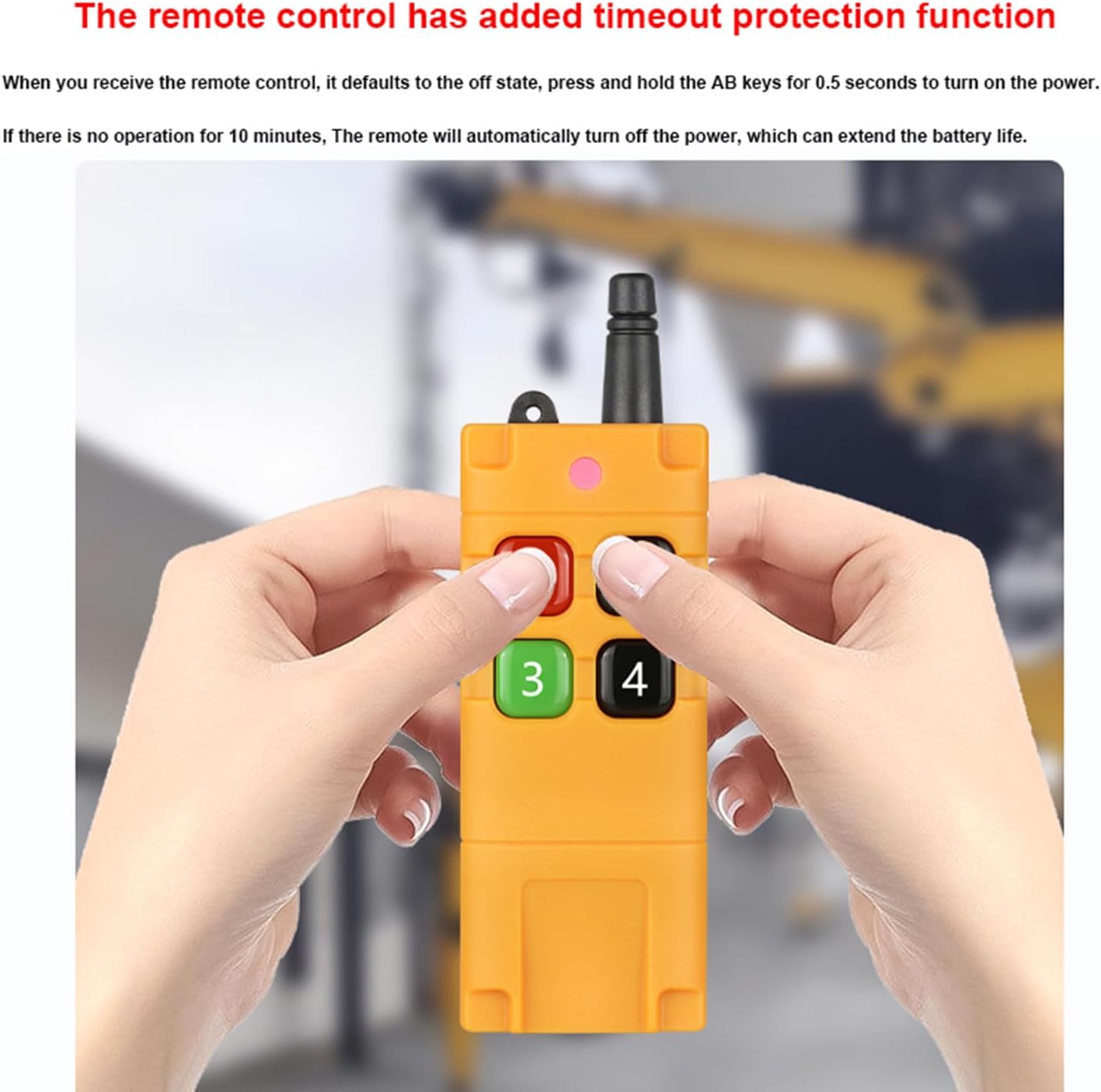
Image: A user holding the remote control, demonstrating the timeout protection feature.
Learning and Clearing Method:
The receiver uses a learning code system to pair with the remote control. The number of times the learning button is pressed determines the working mode.
Learning a Remote Control:
- Press the learning button on the receiver. The indicator light will flash and then turn off.
- Release your finger from the learning button.
- Press any button on the remote transmitter. The indicator light on the receiver will flash three times, indicating successful learning.
Clearing Codes:
To clear all learned remote controls from the receiver:
- Press and hold the learning button for approximately 8 seconds.
- The indicator light will flash several times and then turn off.
- After clearing, pressing a remote button will not elicit a response from the relay, confirming successful code clearing.
Setting Working Modes:
The working mode is changed by the number of quick presses on the learning button:
- Momentary Mode: Quickly press the learning button 1 time. In this mode, the relay is ON while the transmitter button is pressed and held; it turns OFF when the button is released.
- Toggle Mode: Quickly press the learning button 2 times. In this mode, pressing a transmitter button once turns the corresponding relay ON; pressing the same button again turns it OFF.
- Latched Mode: Quickly press the learning button 3 times. In this mode, pressing transmitter button A turns relay A ON and all other relays (B/C/D) OFF. Pressing button D turns relay D ON and all other relays (A/B/C) OFF.
- 2-Channel Momentary + 2-Channel Latched: Quickly press the learning button 4 times.
- 2-Channel Momentary + 2-Channel Toggle: Quickly press the learning button 5 times.
- 2-Channel Toggle + 2-Channel Latched: Quickly press the learning button 6 times.
Maintenance
Remote Control Battery Replacement:
The remote control uses a 9V battery. To replace it, open the battery compartment on the back of the remote. Ensure correct polarity when inserting the new battery.

Image: View of the remote control's battery compartment, showing the 9V battery and sealing ring.
General Care:
- Keep the receiver and remote control dry and away from extreme temperatures.
- Clean the devices with a soft, dry cloth. Avoid using harsh chemicals.
- Ensure the antenna is not obstructed for optimal range.
Troubleshooting
- Issue: Remote control not responding.
Solution: Check the remote control battery. Ensure it is properly inserted and has sufficient charge. Verify the remote is powered on (press and hold A+B for 0.5 seconds). Re-pair the remote with the receiver using the learning method.
- Issue: Receiver not activating load.
Solution: Check power supply to the receiver (DC 12V-36V). Verify wiring connections to the load are correct (NO, NC, COM terminals). Ensure the load's voltage and current requirements are within the receiver's specifications (Max Load: 10A Relay, Resistive load less than 8A, Inductive load less than 3A).
- Issue: Reduced remote control range.
Solution: Ensure the antenna is securely connected and unobstructed. Environmental factors like walls, trees, or other obstacles can reduce range. Try repositioning the receiver or antenna.
- Issue: Cannot change working mode.
Solution: Ensure you are following the correct procedure for setting working modes by pressing the learning button the specified number of times. If issues persist, try clearing all codes and then re-learning the remote with the desired mode.
Specifications
| Working Voltage: | DC 12V-36V |
| Current (Standby): | Less than 10mA |
| Current (Working): | Less than 128mA |
| Working Temperature: | -10°C to +60°C |
| Receiver Frequency: | 433.92MHZ |
| Receiving Sensitivity: | -105dB |
| Output State: | Switching Value (Relay Output: NO, NC, COM) |
| Max Load: | 10A Relay (Resistive load < 8A, Inductive load < 3A) |
| Case Size: | 96 x 80 x 29mm |
| Encoding Type: | Learning Code |
| Remote Distance: | Up to 300m (open field), typically 200-300m (open air) |
| Channels: | 4 Channels |
| Remote Battery: | 1x 9V battery (included) |
Warranty and Support
Warranty Information:
This product comes with a one-year warranty. If you encounter any product quality issues within one year of purchase, please contact customer support for assistance.
Customer Support:
For technical assistance, wiring questions, or any other inquiries, please contact our support team. Our engineers are available to help you with any issues you may encounter.
Refer to your purchase documentation for specific contact details or visit the Kaleinavi official website for support resources.