
1. Introduction and Overview
The JESSINIE ASAIR/AM2120 is a high-precision digital temperature and humidity sensor. It utilizes a dedicated digital module acquisition technology and a temperature and humidity sensing technology to ensure high reliability and excellent long-term stability. This sensor provides accurate environmental data, making it suitable for various applications including home automation, weather stations, and industrial monitoring systems.
2. Product Features
- Measurement Range: Temperature: -40°C to 80°C; Humidity: 0-99.9% RH.
- Accuracy: Temperature: ±0.5°C; Humidity: ±3% RH (at 25°C).
- Resolution: Temperature: 0.1°C; Humidity: 0.1% RH.
- Long-term Stability: Temperature: <0.1°C/year; Humidity: <0.5% RH/year.
- Sensor Type: Capacitive humidity sensor.
- Output Signal: Single-bus digital signal.
- Power Supply: DC 3.3V-5.5V.
- Housing Material: Polycarbonate plastic.
- Excellent quality, ultra-fast response, strong anti-interference ability, and very cost-effective.
3. Package Contents
The package typically includes:
- 1 x ASAIR/AM2120 Temperature and Humidity Sensor
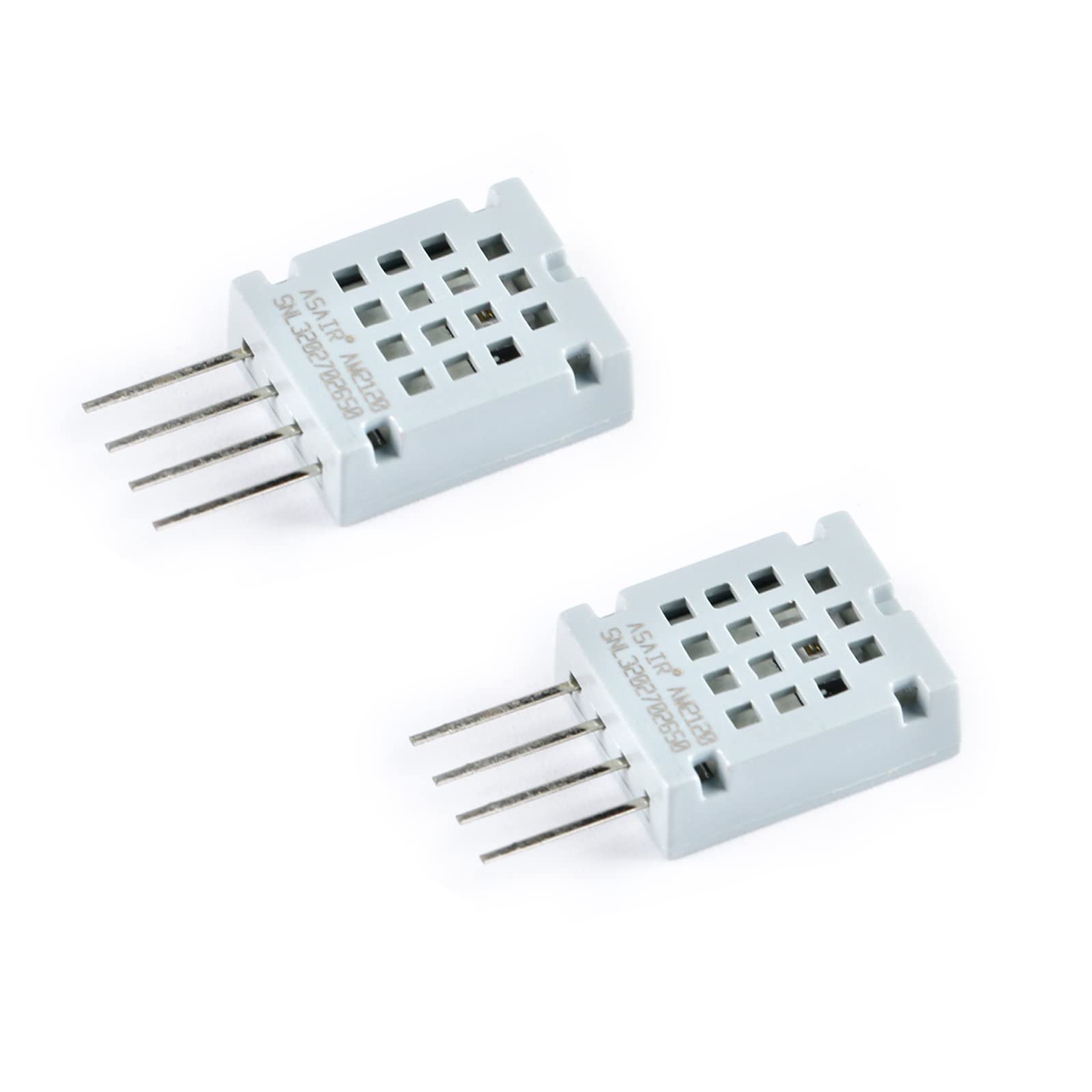
Figure 1: Front view of the ASAIR/AM2120 Temperature and Humidity Sensor, showing the main body and pins.
4. Safety Information
- Handle the sensor with care to avoid physical damage to the pins or housing.
- Avoid exposing the sensor to static electricity, which can damage electronic components.
- Do not exceed the specified operating voltage (DC 3.3V-5.5V).
- Ensure proper wiring to prevent short circuits or incorrect operation.
- Keep the sensor away from direct water exposure or corrosive environments unless specifically designed for such conditions.
5. Setup
5.1 Pinout Description
The AM2120 sensor typically has 4 pins. Refer to the image below for pin identification.
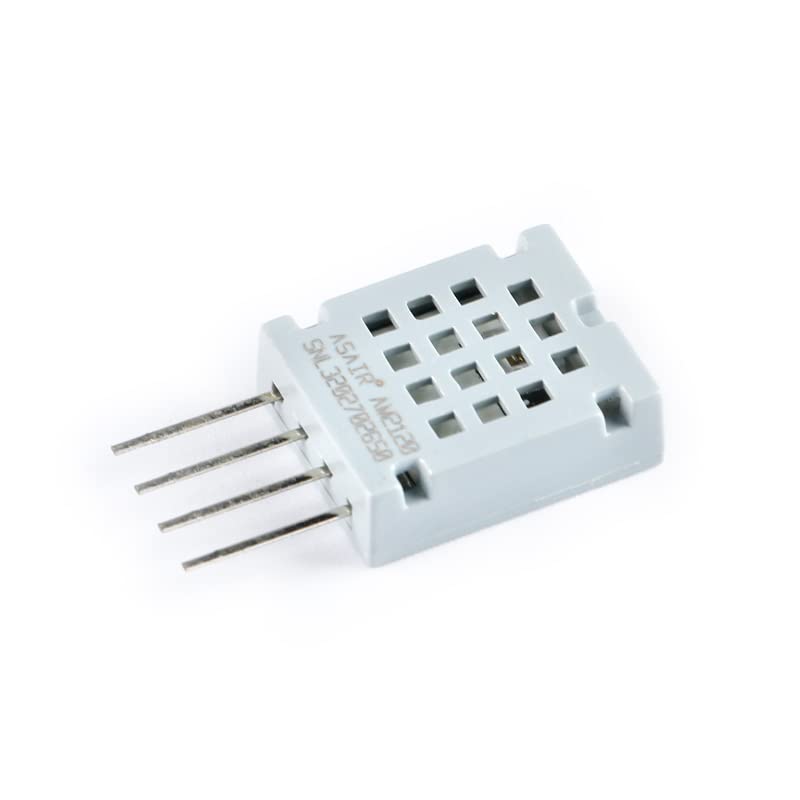
Figure 2: Detailed front view of the sensor, showing the ASAIR AM2120 label and the four pins.
- Pin 1 (VCC): Power supply (DC 3.3V-5.5V).
- Pin 2 (DATA): Single-bus digital data output.
- Pin 3 (NC): Not Connected (often left unconnected).
- Pin 4 (GND): Ground.
5.2 Electrical Connection
Connect the sensor to your microcontroller or development board as follows:
- Connect VCC (Pin 1) to the 3.3V or 5V power supply of your microcontroller.
- Connect DATA (Pin 2) to a digital input pin on your microcontroller. A pull-up resistor (typically 4.7kΩ to 10kΩ) between the DATA pin and VCC is often required for reliable communication.
- Leave Pin 3 (NC) unconnected.
- Connect GND (Pin 4) to the ground of your microcontroller.
5.3 Software Setup
The AM2120 sensor is similar to DHT22 sensors in its communication protocol. Many microcontroller platforms (e.g., Arduino, ESP32) have existing libraries that support DHT22-like devices. To use the sensor:
- Install a compatible library (e.g., 'DHT sensor library' by Adafruit for Arduino IDE).
- Include the library in your code.
- Initialize the sensor object, specifying the data pin and sensor type (e.g.,
DHT dht(DHTPIN, DHT22);). - Begin communication in your setup function (e.g.,
dht.begin();).
6. Operating Instructions
Once the sensor is wired and the software is set up, you can read temperature and humidity values from it.
6.1 Reading Data
In your microcontroller's main loop, use the library functions to read the sensor data. It is recommended to read the sensor at intervals of at least 2 seconds to ensure stable readings.
float humidity = dht.readHumidity();
float temperatureC = dht.readTemperature();
float temperatureF = dht.readTemperature(true); // For Fahrenheit
Always check if the readings are valid before using them, as sensor communication can sometimes fail:
if (isnan(humidity) || isnan(temperatureC)) {
  Serial.println("Failed to read from DHT sensor!");
} else {
  Serial.print("Humidity: ");
  Serial.print(humidity);
  Serial.print(" %\t");
  Serial.print("Temperature: ");
  Serial.print(temperatureC);
  Serial.println(" *C");
}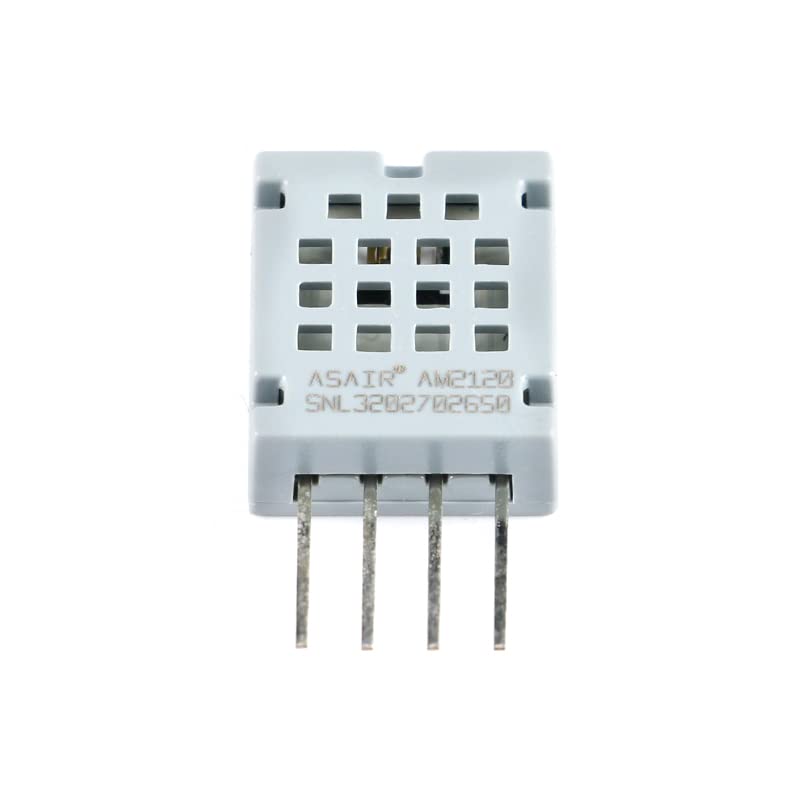
Figure 3: Top view of the sensor, highlighting the grid design for optimal air circulation to the sensing element.
7. Maintenance
- Keep the sensor clean and free from dust, dirt, or debris, especially the sensing element area.
- Avoid touching the sensing element directly, as oils and contaminants can affect accuracy.
- Store the sensor in a dry, non-condensing environment when not in use.
- Regularly check wiring connections for looseness or corrosion.
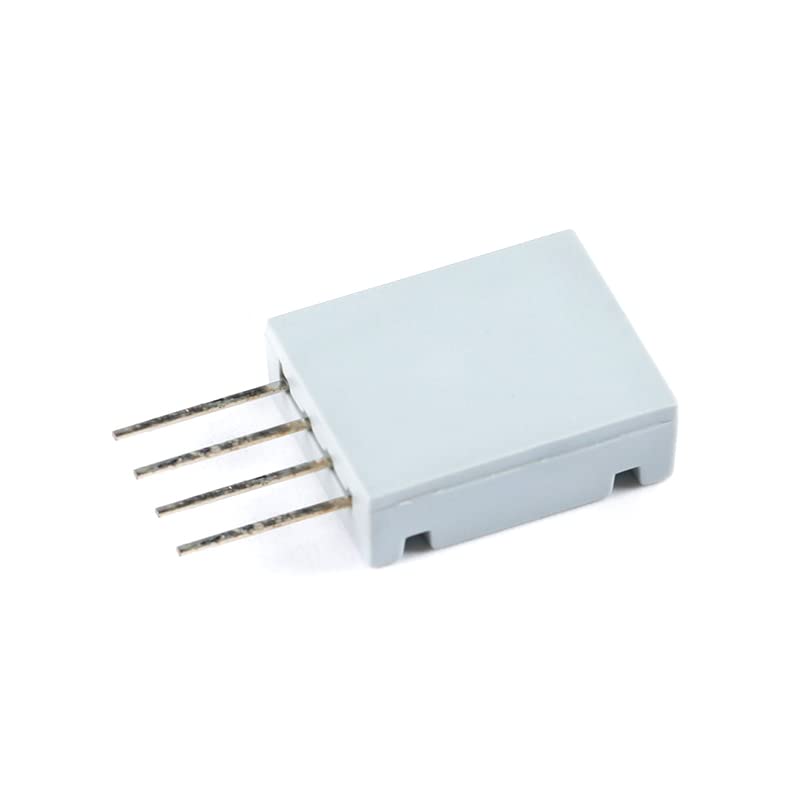
Figure 4: Side view of the ASAIR/AM2120 sensor, showing its compact profile.
8. Troubleshooting
| Problem | Possible Cause | Solution |
|---|---|---|
| No readings or 'Failed to read' error | Incorrect wiring, insufficient power, missing pull-up resistor, incorrect data pin in code, faulty sensor. | Verify all wiring connections (VCC, GND, DATA). Ensure power supply is within 3.3V-5.5V. Add a 4.7kΩ to 10kΩ pull-up resistor between DATA and VCC. Double-check the data pin number in your code. Test with a known working sensor if possible. |
| Inaccurate readings | Sensor placed in an unsuitable environment (e.g., direct sunlight, near heat source, high airflow), dust/debris on sensing element, sensor drift. | Relocate the sensor to a more stable environment. Gently clean the sensor surface with a soft brush or compressed air. Consider recalibration if long-term drift is suspected. |
| Intermittent readings | Loose connections, electrical noise, timing issues in code. | Secure all connections. Ensure proper grounding. Increase the delay between readings in your code. Use shielded cables if electrical noise is a significant factor. |
9. Specifications
| Parameter | Value |
|---|---|
| Model Number | AM2120 |
| Manufacturer | JESSINIE |
| Temperature Range | -40°C to 80°C |
| Humidity Range | 0-99.9% RH |
| Temperature Accuracy | ±0.5°C |
| Humidity Accuracy | ±3% RH (at 25°C) |
| Temperature Resolution | 0.1°C |
| Humidity Resolution | 0.1% RH |
| Long-term Temperature Stability | <0.1°C/year |
| Long-term Humidity Stability | <0.5% RH/year |
| Power Supply | DC 3.3V-5.5V |
| Output Signal | Single-bus digital signal |
| Housing Material | Polycarbonate Plastic |
| Shipping Dimensions | 17.98 x 11.99 x 1.78 cm |
| Weight | 0.28 grams |
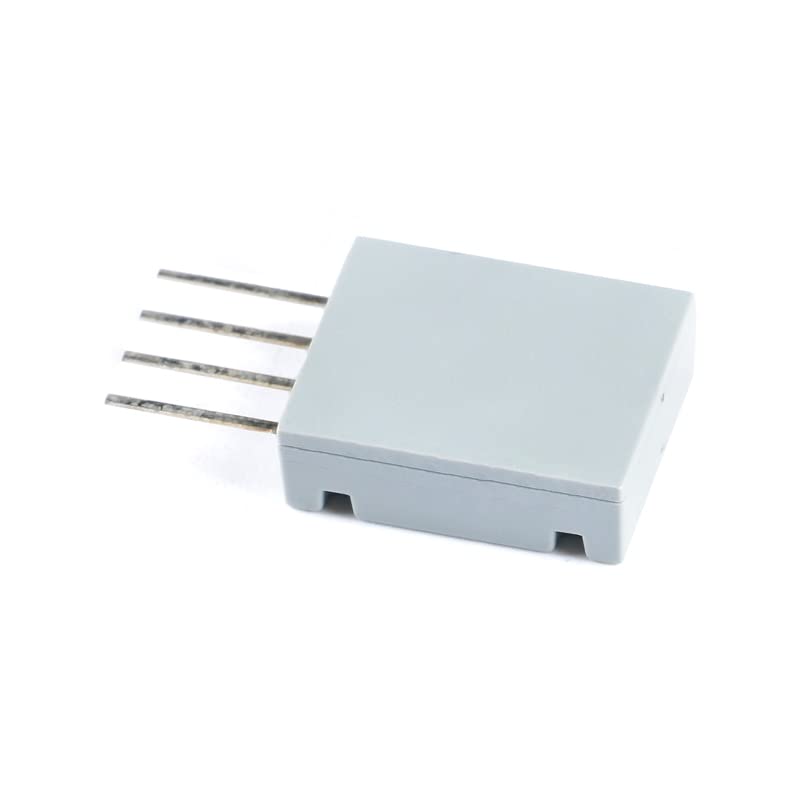
Figure 5: Another perspective of the ASAIR/AM2120 sensor, showing its compact form factor.
10. Warranty and Support
For warranty information and technical support, please refer to the retailer or the manufacturer's official website where you purchased the JESSINIE ASAIR/AM2120 Temperature and Humidity Sensor. Keep your proof of purchase for any warranty claims.