
Product Overview
The KIDEE Neck Fan is a portable, bladeless personal fan designed to provide a comfortable cooling experience. Featuring an upgraded 360° airflow system and a super quiet operation, it's ideal for various indoor and outdoor activities. Its hands-free design and long-lasting battery make it a convenient accessory for staying cool on the go.
- Upgrade Air Volume: Innovative turbo fan blades and wind hole design increase air volume by 70% for rapid cooling.
- High Capacity Battery: Built-in 4000mAh battery provides up to 16 hours of operating time.
- Ultra Quiet & Bladeless Safe: Utilizes noise reduction technology for quiet operation and a bladeless design for safety, preventing hair entanglement.
- Adjustable Speeds & Hands-Free: Offers 3 adjustable speeds and a wearable, headphone-like design for convenience and style.
- Practical & Versatile: Suitable for office work, gym, walking, driving, traveling, camping, and more.

Figure 1: The KIDEE Neck Fan providing 360° airflow.
What's in the Box
Upon opening your KIDEE Neck Fan package, you should find the following items:
- 1 x KIDEE Neck Fan
- 1 x USB-C Charging Cable
- 1 x User Manual (this document)
Setup
Initial Charging
Before first use, fully charge your KIDEE Neck Fan. Connect the provided USB-C charging cable to the fan's charging port and plug the other end into a compatible USB power source (e.g., wall adapter, computer USB port). A full charge typically takes approximately 4 hours. The fan's display will show the battery percentage.

Figure 2: USB-C charging port and 4000mAh battery capacity.
Wearing the Neck Fan
The KIDEE Neck Fan is designed to be worn comfortably around your neck, similar to headphones. Gently place the fan around your neck, ensuring the air outlets are positioned to direct airflow towards your face and neck for optimal cooling. The flexible design allows for minor adjustments to fit various neck sizes.
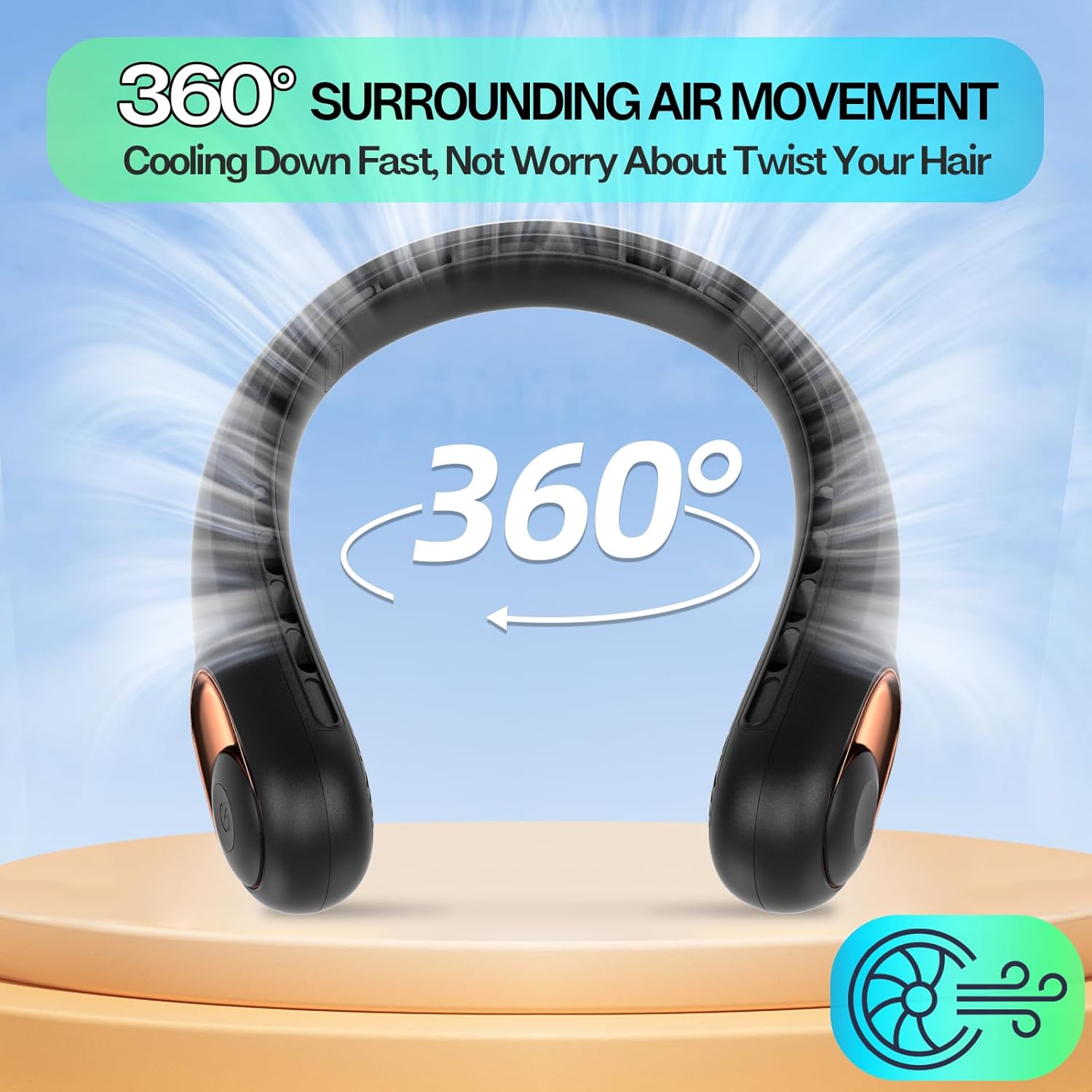
Figure 3: Proper way to wear the hands-free neck fan.
Operating Instructions
Power On/Off and Speed Adjustment
The neck fan features a single power button for easy control:
- To Power On: Press the power button once. The fan will start at Speed 1.
- To Adjust Speed: Press the power button repeatedly to cycle through the 3 available speeds:
- First press: Speed 1 (Low)
- Second press: Speed 2 (Medium)
- Third press: Speed 3 (High)
- To Power Off: After Speed 3, pressing the button again will turn the fan off.

Figure 4: Adjusting fan speeds for personalized comfort.
Battery Life Indicator
The fan is equipped with a digital display that shows the remaining battery percentage, allowing you to monitor power levels and recharge as needed.
Maintenance
Cleaning
To ensure optimal performance and longevity of your neck fan:
- Wipe the exterior of the fan with a soft, dry cloth.
- Do not use abrasive cleaners or immerse the fan in water.
- Gently clean the air outlets with a small brush or cotton swab to remove any dust or debris.
Storage
When not in use, store the fan in a cool, dry place away from direct sunlight and extreme temperatures.
Troubleshooting
| Problem | Possible Cause | Solution |
|---|---|---|
| Fan does not turn on. | Low battery or no charge. | Charge the fan fully using the provided USB-C cable. |
| Weak airflow. | Fan is on a low speed setting; air outlets are blocked. | Increase the speed setting. Check and clear any obstructions from the air outlets. |
| Short battery life. | Fan is consistently used on high speed; battery not fully charged. | For longer use, operate on lower speed settings. Ensure the fan is fully charged before use. |
| Unusual noise during operation. | Debris inside the fan; internal malfunction. | Turn off the fan and gently clean air inlets/outlets. If noise persists, contact customer support. |
Specifications
| Brand | KIDEE |
| Model Name | Neck Fan (S9) |
| Color | Black |
| Power Source | Battery Powered |
| Battery Capacity | 4000mAh Lithium Polymer (included) |
| Running Time | 4-16 hours (depending on speed setting) |
| Charging Time | Approx. 4 hours |
| Number of Speeds | 3 |
| Control Method | Touch Button |
| Product Dimensions | 8.66"D x 5.91"W x 2.17"H |
| Item Weight | 0.73 Pounds (11.7 ounces) |
| Material | Plastic (ABS) |
| Special Features | Ultra Quiet, Lightweight, 360° Airflow, Bladeless, Hands-Free, Digital Battery Display |
Warranty and Support
For any questions, concerns, or warranty inquiries regarding your KIDEE Neck Fan, please contact the manufacturer directly through their official support channels. Refer to the product packaging or the official KIDEE website for contact information.
Please retain your proof of purchase for warranty purposes.