
Introduction
This manual provides detailed instructions for the installation, operation, and maintenance of your hizpo 8-inch Android 12 Car Stereo. This unit features an 8-inch touchscreen, Android 12 operating system, GPS navigation, Apple CarPlay, Android Auto, Bluetooth, RDS, USB, WiFi, and 4G connectivity. Please read this manual thoroughly before using the product to ensure proper functionality and safety.
What's in the Box
Carefully unpack the box and ensure all items listed below are present and in good condition.

Image: All components included in the hizpo car stereo package.
- hizpo 8-inch Android 12 Car Stereo Main Unit
- Power Cable & Canbus Decoder
- RCA Harness with 4G SIM Card Slot
- Rear Camera Input RCA Cable
- 2*USB Adapter Cables
- 4G LTE Antenna
- GPS Antenna
- External Microphone
- Radio Antenna Adapter Cable
Setup & Installation
Professional installation is recommended for this car stereo. Ensure the vehicle's power is disconnected before beginning installation. Refer to the wiring diagram and connector pin pictures for correct connections.

Image: Wiring diagram and connector pin details for the car stereo installation.
Wiring Instructions:
- If connected to the 'Connect 1' Power interface, connect the 'B' and 'A' interfaces.
- If connected to the 'Connect 2' Power interface, connect the 'Z' and 'A' interfaces.
- If connected to the 'Connect 3' Power interface, you need to connect the 'S' and 'A' interfaces. (For Mercedes-Benz B-class models, choose the appropriate connector from the three types shown in the figure: connector 1, connector 2, or connector 3).
- The Canbus Box is a decoder that adapts to the steering wheel control functions of your original car system.
- The tandem valve bridges the connection and disconnection of the cables to replace the male connector and the Canbus Box.
- If your car has a Command system, this unit is not compatible.
- This device cannot decode the AC conditioning information of your car.
Operating Instructions
Basic Controls
The unit features an intuitive touchscreen interface. Power on/off by pressing the power button. Adjust volume using the dedicated volume controls or steering wheel controls.
Apple CarPlay & Android Auto
Connect your smartphone via USB or wirelessly to access Apple CarPlay or Android Auto. This allows for voice control of phone calls, GPS navigation, music playback, and messaging directly from the car stereo display.

Image: Apple CarPlay and Android Auto functionality on the car stereo screen.
Video: Demonstration of the 8-core radio with Apple CarPlay and Android Auto features, including various settings and applications.
Bluetooth Hands-Free
Pair your mobile phone via Bluetooth for hands-free calling and music streaming. The system automatically connects to previously paired devices.

Image: Bluetooth hands-free calling and music streaming interface.
FM Radio & Music Playback
Tune into FM radio stations (87.5 - 108MHz) or AM stations (522 - 1620 KHz). The unit supports lossless music playback from USB drives or via Bluetooth streaming.

Image: FM Radio and music playback controls on the car stereo.
GPS Navigation
Utilize the built-in GPS navigation system for accurate routing. The system supports various map types and can be integrated with Apple CarPlay or Android Auto for enhanced navigation features.
Steering Wheel Control
The unit supports original car steering wheel controls for convenient operation of audio and other functions, thanks to the integrated Canbus decoder.
Image: Steering wheel control interface for custom button mapping.
Display Settings
Adjust display settings including day and night modes for optimal visibility in different lighting conditions. The unit also supports split-screen functionality to view multiple applications simultaneously.

Image: Day and Night mode display settings.

Image: Split screen feature displaying two applications concurrently.
Audio Settings (DSP)
The built-in DSP (Digital Signal Processor) with BU32107EFV chip allows for advanced audio customization, including equalizer settings, bass enhancement, and sound field adjustments for an optimized listening experience.

Image: Digital Sound Processor (DSP) interface for audio adjustments.

Image: Optical and coaxial digital audio output ports on the rear of the unit.
CarAPP Functions
Access various car-related information and settings through the CarAPP interface, including car info display, AC settings, TPMS info, and drive mode selection.

Image: CarAPP menu displaying various vehicle information and settings.
Voice Control
The unit supports voice commands for various functions, enhancing convenience and safety while driving. Voice control sensitivity is increased by 30% for better recognition.

Image: Voice control feature in action, showing prompts and responses.
Rearview Camera Input
Connect a rearview camera to the unit for enhanced safety during parking and reversing. The display automatically switches to the camera view when reversing.
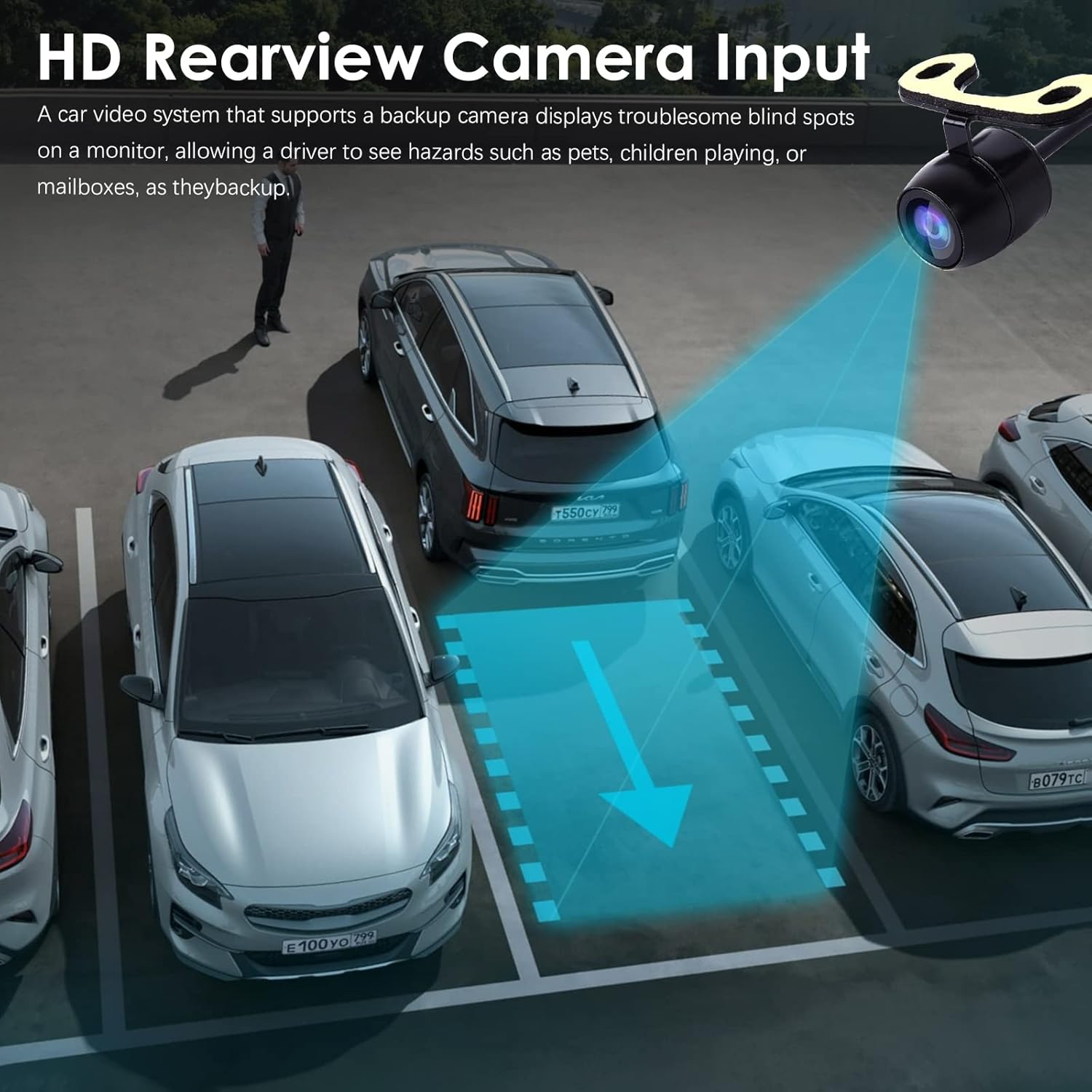
Image: Rearview camera input display on the car stereo.
Maintenance
To ensure the longevity and optimal performance of your hizpo car stereo, follow these maintenance guidelines:
- Cleaning: Use a soft, dry cloth to clean the screen and exterior. Avoid abrasive cleaners or solvents.
- Software Updates: Periodically check for and install software updates to ensure the system has the latest features and bug fixes. Updates can typically be found in the system settings or on the manufacturer's website.
- Temperature: Avoid exposing the unit to extreme temperatures, both hot and cold, for extended periods.
- Cooling Fan: The unit includes a small cooling fan to maintain optimal operating temperature. Ensure the fan vents are not obstructed.

Image: Integrated cooling fan for thermal management.
Troubleshooting
If you encounter issues with your car stereo, refer to the following common problems and solutions:
- No Power: Check all power connections and fuses. Ensure the ignition is on.
- No Sound: Verify speaker connections. Check volume levels and mute settings. Ensure the correct audio source is selected.
- GPS Not Working: Ensure the GPS antenna is properly connected and has a clear view of the sky. Check GPS settings in the system.
- Bluetooth Connection Issues: Ensure Bluetooth is enabled on both the stereo and your phone. Delete previous pairings and try re-pairing.
- Steering Wheel Controls Not Responding: Verify Canbus decoder connection. Check steering wheel control settings in the CarAPP.
- Touchscreen Unresponsive: Try restarting the unit. If the issue persists, a factory reset may be necessary (note: this will erase all user data).
For persistent issues, contact hizpo customer support.
Specifications
| Feature | Detail |
|---|---|
| Brand | hizpo |
| Vehicle Service Type | Car |
| Screen Size | 8 Inches |
| Special Feature | Bluetooth, Touchscreen |
| Connectivity Technology | Cellular, Wi-Fi |
| Map Type | Europe (Pre-installed, other regions via download) |
| Audio Output Mode | Stereo |
| Mounting Type | Dashboard Mount |
| Resolution | 720 x 1280 |
| Operating System | Android 12 |
| Compatible with Vehicle Type | Car (Mercedes-Benz A-Class B-Class V-Class Sprinter) |
| Human-Interface Input | Touchscreen |
| Compatible Devices | Smartphone, Speaker |
| Control Method | Touch |
| Supported Satellite Navigation System | GPS |
| CPU | 8-Core Unisoc 7862 (1.8-2.0GHz) |
Warranty & Support
hizpo is committed to providing quality products and customer satisfaction. Your hizpo car stereo comes with a 1-Year Warranty from the date of purchase, covering manufacturing defects.
For technical assistance, troubleshooting, or warranty claims, please contact hizpo customer support through the retailer where the product was purchased or visit the official hizpo website for contact information. Please have your product model number (B0BL6KVL17) and proof of purchase ready when contacting support.

Image: hizpo's commitment to customer satisfaction and support.
