
Introduction
This manual provides essential information for the proper installation, operation, and maintenance of your X AUTOHAUX Universal Engine Cooling Fan Temperature Sensor Switch. This sensor is designed to automatically activate and deactivate an electric cooling fan based on engine or coolant temperature, ensuring optimal thermal management for your vehicle.
Safety Information
- Always disconnect the vehicle's battery before performing any electrical work to prevent electrical shock or damage to components.
- Working with automotive systems can involve high temperatures and moving parts. Exercise extreme caution and wear appropriate personal protective equipment.
- Professional installation is recommended for individuals unfamiliar with automotive electrical systems.
- The sensor's working current is 5A. It requires the use of a 12V or 24V relay for proper and safe operation. Direct connection without a relay can damage the sensor or vehicle's electrical system.
- Ensure the engine is cool before attempting installation or maintenance to avoid burns from hot coolant or engine components.
Product Overview
The X AUTOHAUX Universal Engine Cooling Fan Temperature Sensor Switch is a critical component for managing engine temperature. It is designed for universal application in various engine blocks, radiators, manifolds, or water outlets that accommodate a 1/8'' NPT port.

Image: The X AUTOHAUX Engine Cooling Fan Temperature Sensor Switch, shown both as a standalone unit and installed within an engine bay, highlighting its application.
Key Features:
- Application: Measures temperature of liquids such as water, motor oil, and coolant.
- Universal Fit: Compatible with most engine blocks, radiators, manifolds, or water outlets with a 1/8'' NPT port.
- Temperature Activation: Activates the fan between 135-150 degrees Fahrenheit.
- Temperature Deactivation: Deactivates the fan at 115 degrees Fahrenheit.
- Material: Constructed from durable metal for long service life.

Image: A detailed view of the sensor switch, featuring its brass threaded body and the electrical spade terminals.
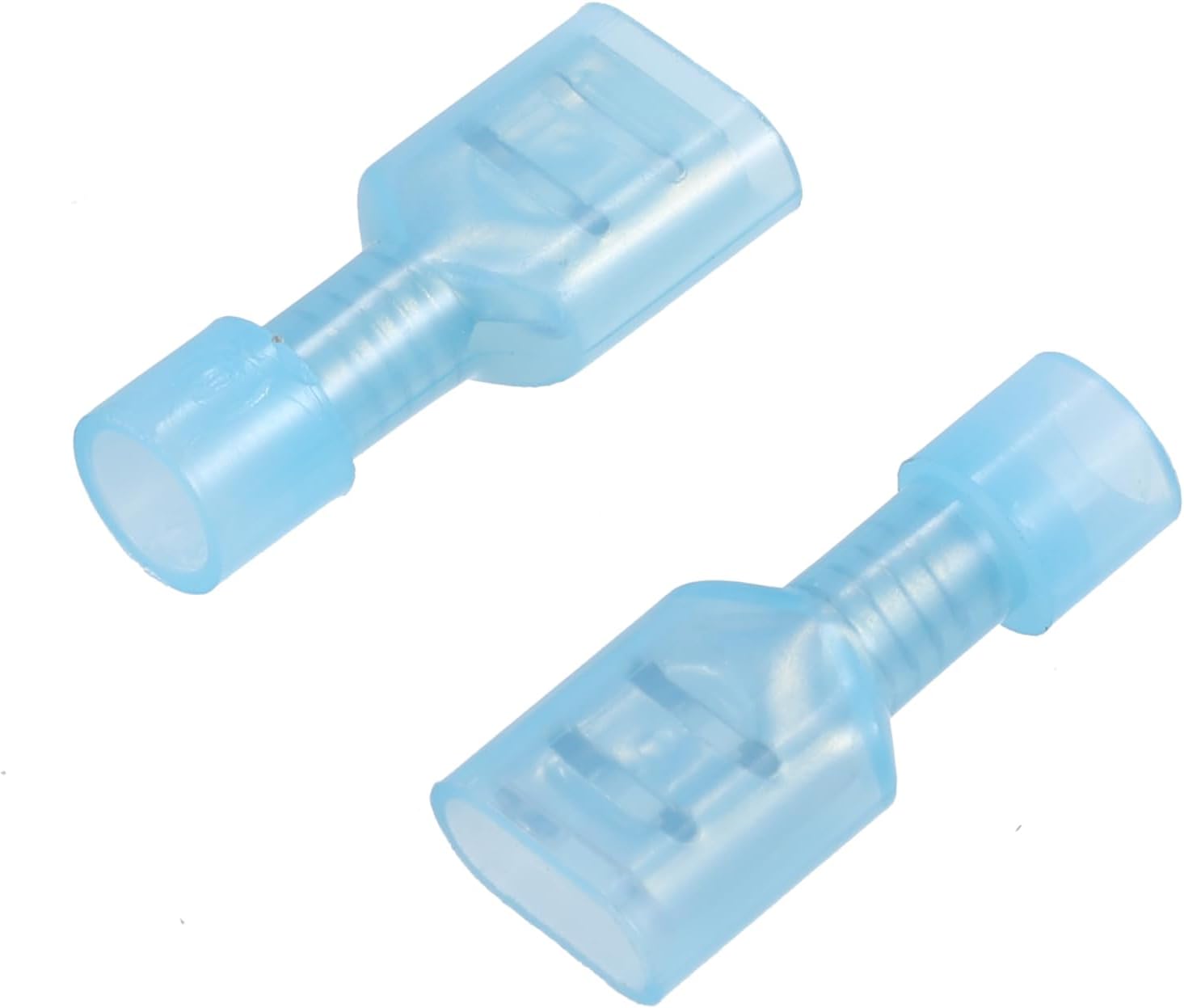
Image: Two blue insulated spade connectors, typically used to connect wiring to the sensor's terminals.
Specifications
| Specification | Value |
|---|---|
| Brand | X AUTOHAUX |
| Material | Metal |
| Thread Size | 1/8'' NPT |
| Fan On Temperature | 135-150 Degrees Fahrenheit |
| Fan Off Temperature | 115 Degrees Fahrenheit |
| Current Rating | 5 Amps |
| Maximum Supply Voltage | 24 Volts (DC) |
| Item Weight | 0.02 Kilograms (0.704 ounces) |
| Dimensions (L x W) | 3.2cm x 2cm (1.26'' x 0.79'') |
| Top of Threads to Tip Length | 1cm (0.39'') |
| Switch Type | Normally Open |

Image: Dimensional drawing of the sensor, indicating its length, width, and thread specifications.
Setup and Installation
This sensor is designed for universal fitment in applications with a 1/8'' NPT port. Ensure the chosen location is suitable for temperature measurement and allows for secure installation.
- Preparation: Ensure the engine is completely cool. Disconnect the negative terminal of the vehicle's battery to prevent accidental electrical shorts. Drain a small amount of coolant if installing directly into a radiator or coolant passage to prevent spillage.
- Locate Port: Identify a suitable 1/8'' NPT threaded port in your engine block, radiator, manifold, or water outlet.
- Install Sensor: Apply a thread sealant (e.g., PTFE tape or liquid thread sealant) to the sensor's NPT threads. Carefully thread the sensor into the port by hand to avoid cross-threading. Tighten with a wrench until snug, but do not overtighten to prevent damage to the sensor or port.
- Wiring (Relay Required): Connect the sensor to a 12V or 24V relay. The sensor acts as a switch to complete the ground circuit for the relay coil. Consult a wiring diagram for your specific relay and fan setup. Important: Do not connect the fan directly to the sensor. A relay is mandatory.
- Reconnect Battery: Once all connections are secure and verified, reconnect the vehicle's battery.
- Test System: Start the engine and monitor the temperature. Verify that the cooling fan activates and deactivates at the specified temperatures. Check for any leaks around the sensor.

Image: The sensor installed in an engine compartment, indicating a typical mounting location.

Image: A close-up of the sensor's electrical terminals, where the wiring for the relay connection is made.
Operating Instructions
The X AUTOHAUX temperature sensor switch operates automatically based on the detected liquid temperature. It functions as a normally open switch.
- When the liquid temperature reaches between 135-150 degrees Fahrenheit, the sensor closes its internal circuit, activating the connected relay, which in turn powers the electric cooling fan.
- Once the liquid temperature drops to 115 degrees Fahrenheit, the sensor opens its internal circuit, deactivating the relay and turning off the cooling fan.
- This cycle ensures that the engine's operating temperature remains within an optimal range, preventing overheating.

Image: Visual representation of the sensor's activation and deactivation temperature thresholds.
Maintenance
The X AUTOHAUX temperature sensor switch is designed for durability and requires minimal maintenance. However, periodic checks can help ensure its continued reliable operation:
- Visual Inspection: Periodically inspect the sensor and its wiring for any signs of corrosion, damage, or loose connections.
- Cleanliness: Ensure the sensor's tip is free from excessive buildup or debris that could impede accurate temperature readings.
- Fluid Levels: Maintain proper coolant levels in your vehicle, as low fluid levels can affect sensor performance.
Troubleshooting
If you experience issues with your cooling fan system after installing the sensor, consider the following troubleshooting steps:
- Fan Not Activating/Deactivating:
- Check all electrical connections to the sensor, relay, and fan for looseness or corrosion.
- Verify that the relay is functioning correctly. A faulty relay is a common cause of fan issues.
- Ensure the sensor is properly grounded if applicable to your wiring setup.
- Confirm the sensor is installed in a location where it can accurately measure liquid temperature.
- Incorrect Temperature Readings/Fan Behavior:
- Note that due to instrument variations, a temperature deviation of up to 5 degrees Fahrenheit is considered normal.
- Ensure the sensor tip is clean and fully immersed in the liquid it is measuring.
- If the issue persists, the sensor itself may be faulty and require replacement.
- No Power to Fan:
- Check fuses related to the cooling fan circuit.
- Confirm the relay is receiving power and ground as per its wiring diagram.
Warranty and Support
X AUTOHAUX products are manufactured to high-quality standards. For specific warranty information or technical support, please refer to the product packaging or contact X AUTOHAUX customer service through their official channels. You can also visit the X AUTOHAUX Store on Amazon for more information.