
Introduction
This manual provides instructions for the ECONTROLLY replacement remote control, designed to be compatible with various Toshiba Air Conditioner models, including WC-E1NE, WH-E1BE, and WC-E1BE. This remote control is a direct replacement and requires no programming; simply install batteries to begin operation.

Figure 1: Front view of the ECONTROLLY replacement remote control, showing the display and various function buttons.
Setup
Battery Installation
The remote control requires two (2) AAA batteries (not included). Follow these steps to install them:
- Locate the battery compartment on the back of the remote control.
- Slide the battery cover downwards to open it.
- Insert two AAA batteries, ensuring the positive (+) and negative (-) terminals align correctly with the markings inside the compartment.
- Slide the battery cover back into place until it clicks securely.
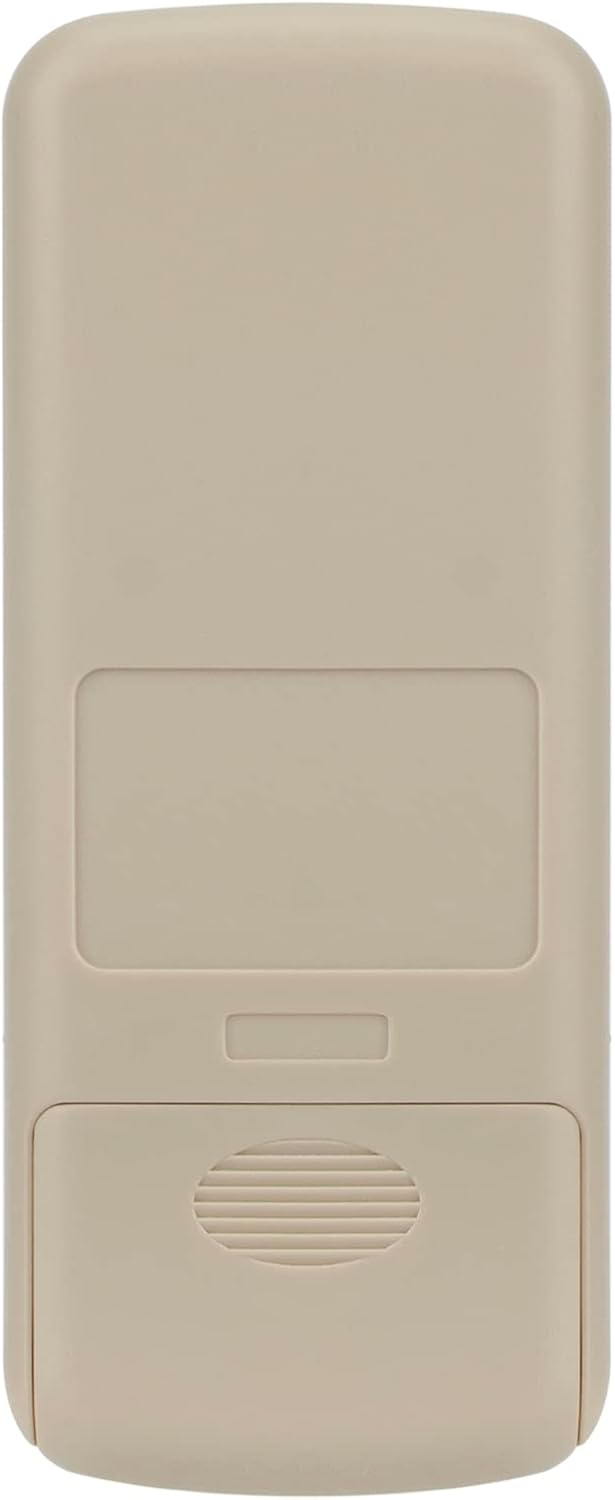
Figure 2: Back view of the remote control, highlighting the battery compartment.
Initial Use
This remote control is pre-programmed and does not require any additional setup or pairing with your Toshiba Air Conditioner. Once batteries are installed, it is ready for immediate use.
Operating Instructions
Familiarize yourself with the buttons and their functions:
- START/STOP: Powers the air conditioner on or off.
- MODE: Cycles through operating modes (e.g., Cool, Heat, Fan, Dry, Auto).
- TEMP. ▲ / ▼: Adjusts the temperature setting up or down.
- FAN: Adjusts the fan speed.
- ECONO: Activates or deactivates the economy mode for energy saving.
- AUTO: Sets the air conditioner to automatically select the operating mode based on room temperature.
- SET: Used for confirming settings, often in conjunction with timer functions.
- TIMER: Accesses timer settings for scheduled on/off operations.
- ON/OFF/RSV/CNL: These buttons are typically used for advanced timer settings or reservation/cancellation functions. Refer to your air conditioner's main manual for specific usage.
Ensure a clear line of sight between the remote control's infrared emitter and the air conditioner's receiver for optimal performance.
Maintenance
Battery Replacement
Replace batteries when the remote control's display becomes dim or the remote becomes unresponsive. Always replace both batteries simultaneously with new AAA alkaline batteries.
Cleaning
Wipe the remote control with a soft, dry cloth. Do not use liquid cleaners, sprays, or abrasive materials, as these can damage the remote's surface or internal components.
Storage
If the remote control will not be used for an extended period, remove the batteries to prevent leakage and potential damage to the device.
Troubleshooting
| Problem | Possible Cause | Solution |
|---|---|---|
| Remote not responding | Dead or incorrectly installed batteries. Obstruction between remote and AC unit. Remote out of range. | Replace batteries, ensuring correct polarity. Remove any obstructions. Move closer to the AC unit. |
| Display is dim or blank | Low battery power. | Replace batteries. |
| Specific button not working | Button malfunction or debris. | Ensure the button is not stuck. Gently clean around the button. If issue persists, the remote may be faulty. |
Specifications
- Brand: ECONTROLLY
- Model Number: WC-E1NE (Compatible with WH-E1BE, WC-E1BE)
- Product Dimensions: 7 x 2 x 0.65 inches
- Item Weight: 3 ounces
- Batteries Required: 2 x AAA (not included)
- Connectivity Technology: Infrared
- Compatible Devices: Toshiba Air Conditioners
Warranty and Support
No specific warranty information is provided for this product. For any issues or inquiries, please contact the seller or refer to the product listing where you purchased the item.