
SANODESK EP1 SET
SANODESK QS1+140*60 Electric Standing Desk User Manual
Model: EP1 SET
1. Important Safety Information
Please read all instructions carefully before assembly and use. Retain this manual for future reference.
- This desk requires assembly. Ensure all parts are securely fastened before use to prevent instability.
- The maximum weight capacity for this desk is 60 kg (132 lbs). Do not exceed this limit.
- Keep children and pets away from the desk during operation to avoid injury.
- Ensure no obstructions are present in the desk's path during height adjustment.
- The desk is equipped with safety features including overload protection, overheating protection, overcurrent protection, and power outage protection.
- Do not attempt to modify the desk's electrical or mechanical components. Contact customer support for assistance.

Figure 1: The desk features rounded safety edges for user protection and durability against scratches and water.
2. Package Contents
Before beginning assembly, verify that all components listed below are present and undamaged.
- Desk surface (140x60cm, Black Desktop)
- Mechanical frame with electric motor (Black Frame)
- Control panel
- Power adapter and cable
- Assembly hardware (screws, tools, etc.)
- Cupholder
- Headphone hook
- Cable management tray
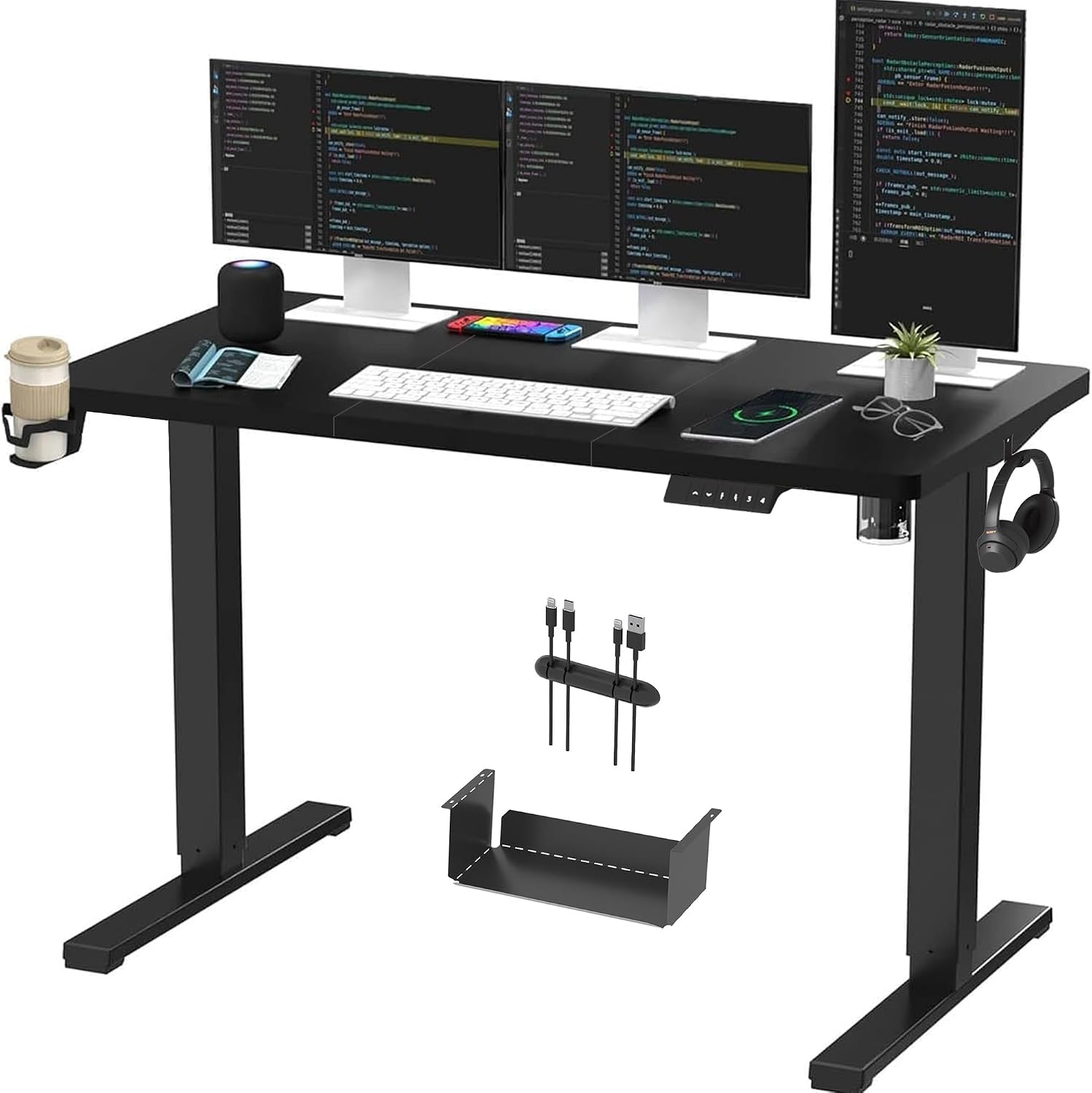
Figure 2: Overview of the SANODESK Electric Standing Desk, including the desktop, frame, cupholder, and headphone hook.
3. Setup and Assembly
Follow these steps to assemble your SANODESK Electric Standing Desk. It is recommended to have two people for assembly.
- Unpack Components: Carefully remove all parts from the packaging and lay them out on a clean, soft surface to prevent scratches.
- Assemble Frame: Attach the lifting columns to the crossbar according to the provided diagram in the separate assembly guide.
- Attach Feet: Securely fasten the desk feet to the bottom of the lifting columns.
- Mount Desktop: Carefully place the desktop upside down on the soft surface. Align the assembled frame with the pre-drilled holes on the desktop and secure it using the provided screws.
- Install Control Panel: Attach the control panel to the underside of the desktop in the designated area. Connect the motor and power cables to the control panel as indicated in the assembly guide.
- Install Accessories: Attach the cupholder and headphone hook to the desired locations on the desk frame. Install the cable management tray under the desk to organize wires.

Figure 3: The desk facilitates effortless cable organization, transforming a cluttered workspace into a tidy one.

Figure 4: An integrated under-desk storage solution helps maintain a clutter-free and organized workspace.
4. Operating Instructions
Your SANODESK Electric Standing Desk features an intelligent control panel for easy height adjustment and memory presets.
4.1 Control Panel Functions

Figure 5: The multi-function intelligent control panel provides smooth and intuitive desk operation.
- LED Display: Shows the current desk height in centimeters.
- Up/Down Buttons (▲ / ▼): Press and hold to smoothly adjust the desk height upwards or downwards. Release the button to stop at the desired height.
- Memory Presets (1, 2, 3, 4): These buttons allow you to save and recall your preferred sitting and standing heights.
- To Save a Height: Adjust the desk to your desired height using the Up/Down buttons. Press the 'M' button (if present, or hold the number button directly) followed by the desired number button (1, 2, 3, or 4) until the display flashes or beeps, indicating the height is saved.
- To Recall a Height: Simply press the corresponding number button (1, 2, 3, or 4). The desk will automatically move to the saved height.
4.2 Height Adjustment Range
The desk offers a versatile height adjustment range to accommodate various working positions, from sitting to standing.
- Minimum Height: 73.5 cm (28.9 inches)
- Maximum Height: 118 cm (46.5 inches)

Figure 6: The desk's adjustable height feature allows for comfortable use by individuals of different statures, promoting both sitting and standing work positions.

Figure 7: The adjustable height promotes a healthy working and living environment by allowing users to alternate between sitting and standing.
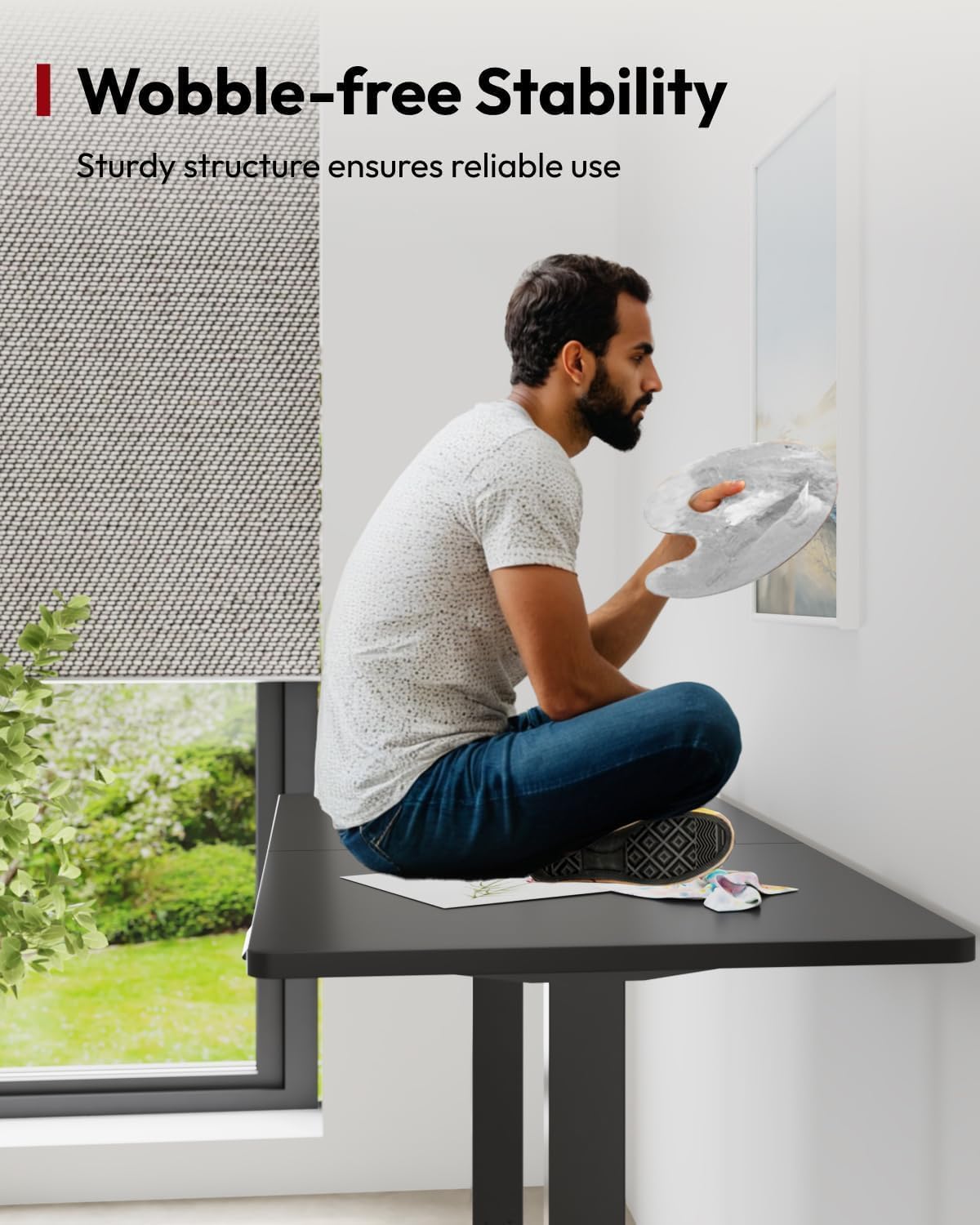
Figure 8: The sturdy structure of the desk ensures wobble-free stability, providing a reliable surface for all activities.
5. Maintenance and Care
Proper maintenance ensures the longevity and optimal performance of your SANODESK Electric Standing Desk.
- Cleaning: Wipe the desktop and frame with a soft, damp cloth. Avoid abrasive cleaners or harsh chemicals that may damage the surface.
- Regular Checks: Periodically check all screws and fasteners to ensure they are tight. Re-tighten if necessary.
- Cable Management: Keep cables neatly organized to prevent tangling and damage to the motor or control panel.
- Avoid Overloading: Do not exceed the maximum weight capacity of 60 kg.
- Environmental Conditions: Use the desk in a dry environment. Avoid exposure to extreme temperatures or humidity.
6. Troubleshooting
If you encounter any issues with your desk, refer to the following common troubleshooting steps:
| Problem | Possible Cause | Solution |
|---|---|---|
| Desk does not move. | Power cable disconnected; Overload protection activated; Motor error. | Check power connections. Reduce weight on desk. Unplug and re-plug the power for 10 seconds to reset. |
| Desk moves unevenly or makes unusual noises. | Loose connections; Obstruction; Damaged component. | Check all assembly screws. Ensure no obstructions. Contact customer support if problem persists. |
| Memory presets not working. | Incorrect saving procedure; Control panel issue. | Refer to "Operating Instructions" to re-save presets. Reset the desk by unplugging power. |
| Desk stops mid-movement. | Overheat protection; Obstruction detected. | Allow motor to cool down for 20 minutes. Remove any obstructions. |
If these steps do not resolve the issue, please contact SANODESK customer support for further assistance.
7. Product Specifications
| Feature | Detail |
|---|---|
| Model Number | EP1 SET |
| Brand | SANODESK |
| Desktop Dimensions (L x W) | 140 cm x 60 cm (55.1 x 23.6 inches) |
| Height Adjustment Range | 73.5 cm - 118 cm (28.9 - 46.5 inches) |
| Maximum Weight Capacity | 60 kg (132 lbs) |
| Primary Material | Metal (Frame), Alloy Steel (Top) |
| Color | Black Frame + Black Desktop |
| Assembly Required | Yes |
| Special Features | Electric Height Adjustment, Memory Smart Panel, Cupholder, Headphone Hook, Cable Management |
| Certifications | UL Certified (for safety features) |

Figure 9: The desk is built with sturdy materials, providing a reliable workspace with a maximum load capacity of 60 kg.
8. Warranty and Support
SANODESK products are designed for durability and performance. For warranty information and customer support, please refer to the details below.
- Warranty: Please refer to the warranty card included with your product or visit the official SANODESK website for detailed warranty terms and conditions.
- Customer Support: For technical assistance, troubleshooting, or parts replacement, please contact SANODESK customer service.
- Online Support: Visit the SANODESK Store on Amazon.
- Email/Phone: Refer to your product packaging or the SANODESK website for direct contact information.
Related documentsEP1 SET


Ask a question about this manual
Ask about setup, troubleshooting, compatibility, parts, safety, or missing instructions. Manuals+ will review the question and use this page’s manual context to help answer it.