
1. Introduction
This manual provides detailed instructions for the proper use and care of your TTartisan 27mm F2.8 Autofocus Lens. Designed for Fujifilm X-Mount APS-C mirrorless cameras, this compact prime lens offers a 41mm equivalent focal length and a bright f/2.8 maximum aperture, making it suitable for various photographic applications. Please read this manual thoroughly before using the lens to ensure optimal performance and longevity.
2. Product Overview
The TTartisan 27mm F2.8 lens is characterized by its compact "pancake" design and robust construction. It features an autofocus system, an aperture ring for manual control, and a Type-C port for firmware updates.

Figure 2.1: Front view of the TTartisan 27mm F2.8 Autofocus Lens, showcasing its compact design and aperture markings.
Key Features:
- Compact APS-C Prime Lens: Lightweight and portable, offering a 41mm equivalent focal length.
- Bright f/2.8 Maximum Aperture: Suitable for low-light conditions and depth of field control.
- Autofocus with Manual Override: Provides flexibility in focusing.
- Aperture Ring: Manually adjustable from F/2.8 to F/16.
- Optical Design: 6 elements in 5 groups, including 2 high refractive index lenses for sharp images and chromatic aberration control.
- 7-Blade Diaphragm: Contributes to smooth bokeh.
- STM Stepping Motor: Ensures small size and smooth focusing.
- Type-C Interface: For convenient firmware upgrades.
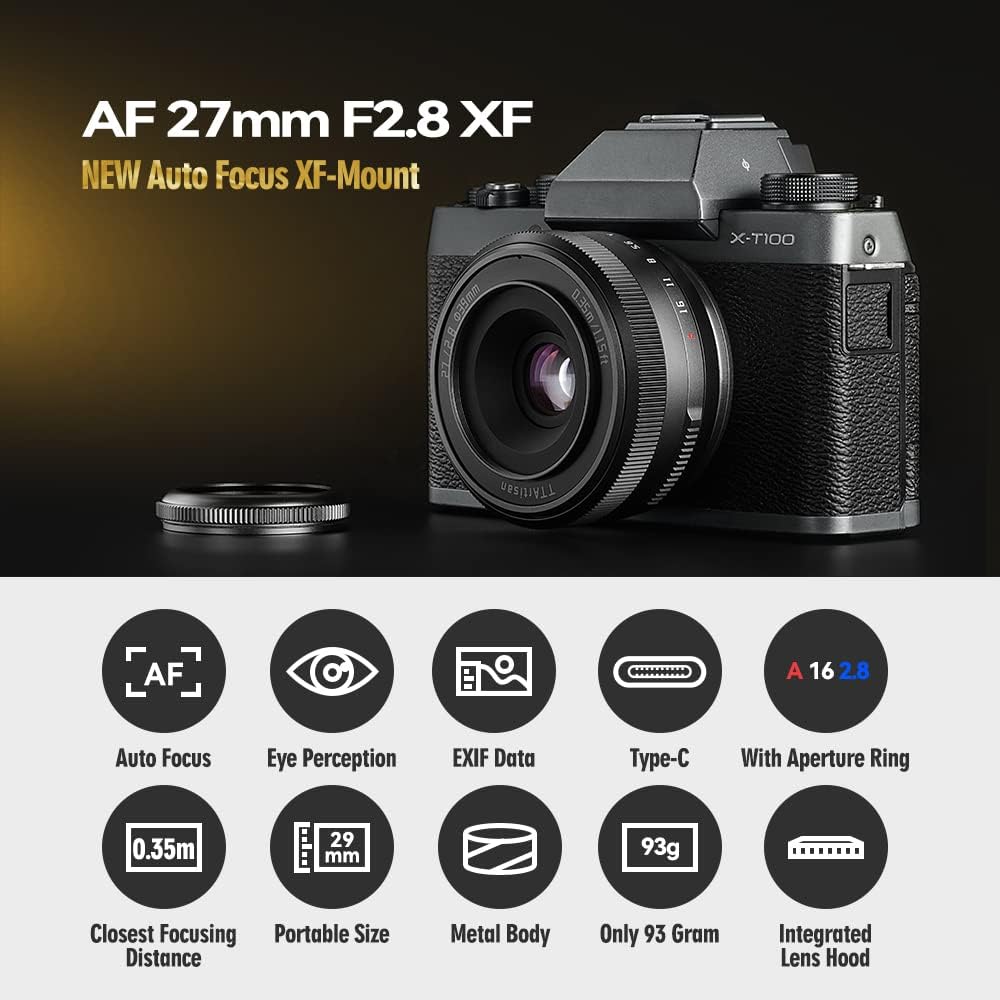
Figure 2.2: Visual representation of the lens's key features, including autofocus, eye perception, EXIF data support, Type-C port, aperture ring, closest focusing distance, portable size, metal body, light weight, and integrated lens hood.
3. Setup
3.1 Mounting the Lens
- Ensure your camera is turned off.
- Remove the rear lens cap from the TTartisan 27mm F2.8 lens and the body cap from your Fujifilm X-Mount camera.
- Align the red dot on the lens barrel with the corresponding red dot on your camera's lens mount.
- Gently insert the lens into the camera mount and rotate it clockwise until it clicks into place. Do not force the lens.
- Replace the front lens cap when the lens is not in use.
3.2 Initial Camera Settings
- After mounting the lens, turn on your camera.
- Navigate to your camera's menu and ensure that "Shoot Without Lens" or a similar setting is enabled if you encounter issues with the camera not recognizing the lens.
- Set your desired shooting mode (e.g., Aperture Priority, Shutter Priority, Manual, Program).
4. Operating the Lens
The TTartisan 27mm F2.8 lens is designed for ease of use and portability. Its compact form factor makes it an ideal choice for everyday shooting and travel photography when mounted on compatible Fujifilm X-Mount cameras.
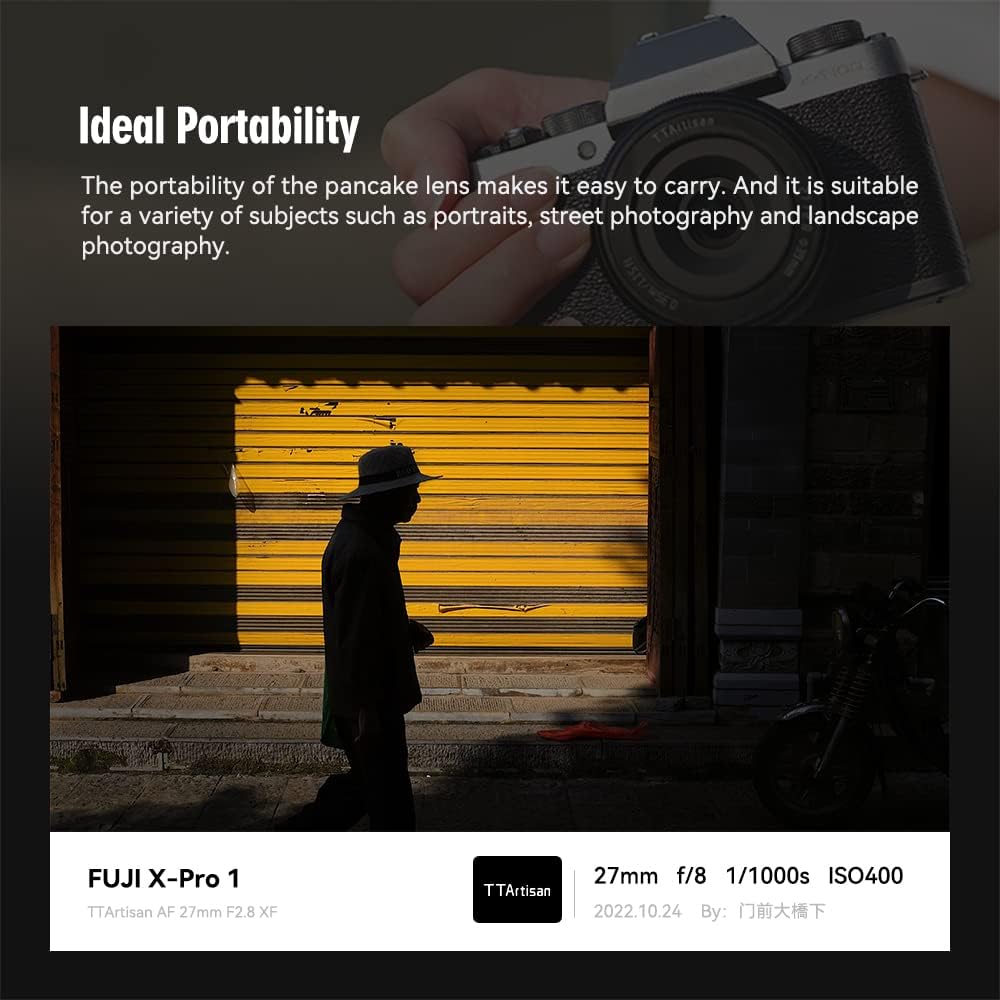
Figure 4.0: The TTartisan 27mm F2.8 lens mounted on a Fujifilm X-Pro 1 camera, demonstrating its compact profile.
4.1 Autofocus Operation
The TTartisan 27mm F2.8 lens features an STM stepping motor for fast, quiet, and smooth autofocus performance. This is beneficial for both still photography and video recording.
- To engage autofocus, ensure your camera's focus mode is set to AF (Autofocus).
- The lens supports advanced camera features such as Eye Recognition Focus, which helps in accurately tracking subjects' eyes for sharp portraits.
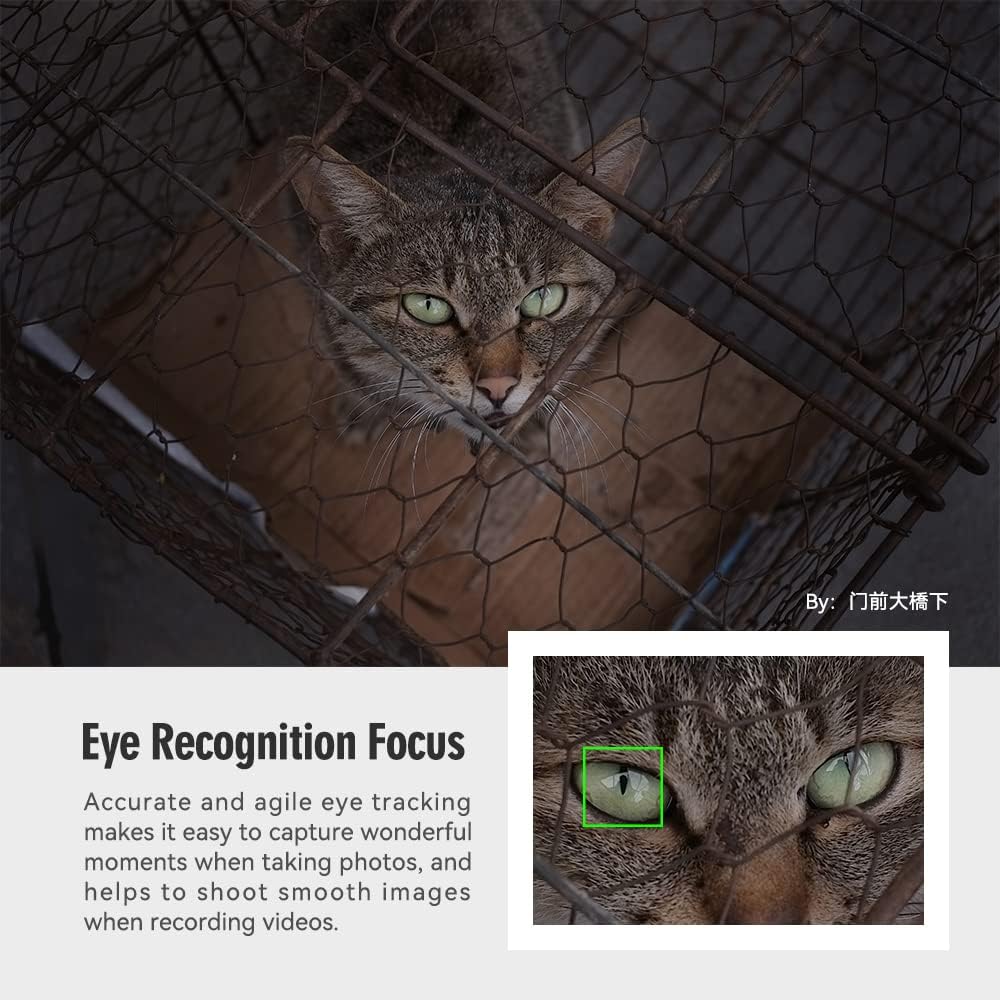
Figure 4.1: Illustration of the Eye Recognition Focus feature, highlighting its ability to accurately track and focus on a subject's eye.

Figure 4.2: Diagram illustrating the internal STM Stepping Motor, responsible for the lens's quiet and smooth autofocus capabilities.
4.2 Manual Focus Override
Even in autofocus mode, you can typically override the focus manually by rotating the focus ring on the lens. Consult your camera's manual for specific settings related to manual focus override (e.g., AF+MF mode).
4.3 Aperture Control
The lens features a dedicated aperture ring for direct control over the aperture setting. The aperture can be adjusted from F/2.8 to F/16.
- To use the aperture ring, rotate it to your desired f-stop.
- For camera-controlled aperture, set the aperture ring to the 'A' (Auto) position. This allows the camera to control the aperture electronically.

Figure 4.3: Demonstrates the aperture ring on the lens. To enable camera control of the aperture, set the lens aperture ring to the 'A' position.
4.4 Firmware Upgrade
The lens is equipped with a Type-C USB port located on the rear lens cap for firmware updates. This allows for performance improvements and compatibility enhancements.
- To update the firmware, connect the lens (with the rear cap attached) to a computer using a USB Type-C cable.
- Visit the official TTartisan website for the latest firmware and detailed instructions.

Figure 4.4: Close-up view of the Type-C USB port integrated into the rear lens cap, used for firmware updates.
5. Maintenance
5.1 Cleaning the Lens
- Use a soft, lint-free cloth or a lens brush to remove dust from the lens surfaces.
- For smudges or fingerprints, apply a small amount of lens cleaning solution to a clean microfiber cloth and gently wipe the lens in a circular motion from the center outwards.
- Avoid using abrasive materials or harsh chemicals, as these can damage the lens coatings.
- Do not touch the glass elements directly with your fingers.
5.2 Storage
- When not in use, always attach the front and rear lens caps.
- Store the lens in a cool, dry place, away from direct sunlight and extreme temperatures.
- Consider using a dehumidifying cabinet or silica gel packets to prevent mold growth, especially in humid environments.
5.3 General Care
- Avoid dropping or subjecting the lens to strong impacts.
- This lens is not weather-sealed. Avoid using it in rain, snow, or dusty environments to prevent damage.
- When traveling, transport the lens in a padded camera bag to protect it from bumps and vibrations.
6. Troubleshooting
| Problem | Possible Cause | Solution |
|---|---|---|
| Lens not recognized by camera | "Shoot Without Lens" setting disabled; improper mounting. | Enable "Shoot Without Lens" in camera settings. Re-mount the lens, ensuring it clicks into place. |
| Autofocus is slow or inaccurate | Low light conditions; camera settings; dirty lens contacts; outdated firmware. | Ensure adequate lighting. Check camera AF settings. Clean lens and camera contacts. Update lens firmware. |
| Images appear blurry or soft | Incorrect focus; camera shake; dirty lens elements. | Verify focus point. Use a faster shutter speed or tripod. Clean lens elements. |
| Vignetting (dark corners) in images | Common with wide apertures; lens hood misalignment. | Stop down the aperture (e.g., f/4 or f/5.6). Ensure lens hood is correctly attached. Vignetting can often be corrected in post-processing. |
| Aperture ring not responding | Lens aperture ring set to 'A' (Auto) or mechanical issue. | If you want manual control, ensure the aperture ring is NOT set to 'A'. If the issue persists, contact support. |
7. Specifications
Below are the technical specifications for the TTartisan 27mm F2.8 Autofocus Lens:
| Focal Length | 27mm (41mm equivalent on APS-C) |
| Maximum Aperture | F2.8 |
| Minimum Aperture | F16 |
| Lens Mount | Fujifilm X-Mount |
| Format Compatibility | APS-C |
| Optical Design | 6 Elements in 5 Groups (including 2 high refractive index lenses) |
| Diaphragm Blades | 7 |
| Autofocus Motor | STM Stepping Motor |
| Closest Focusing Distance | 0.35m (1.15 ft) |
| Angle of View | 56° |
| Filter Size | 39mm |
| Dimensions (Diameter x Length) | 61mm x 29mm (without lens hood) / 61mm x 36mm (with lens hood) |
| Weight | Approximately 93g (3.3 oz) |
| Firmware Update Port | USB Type-C (on rear lens cap) |
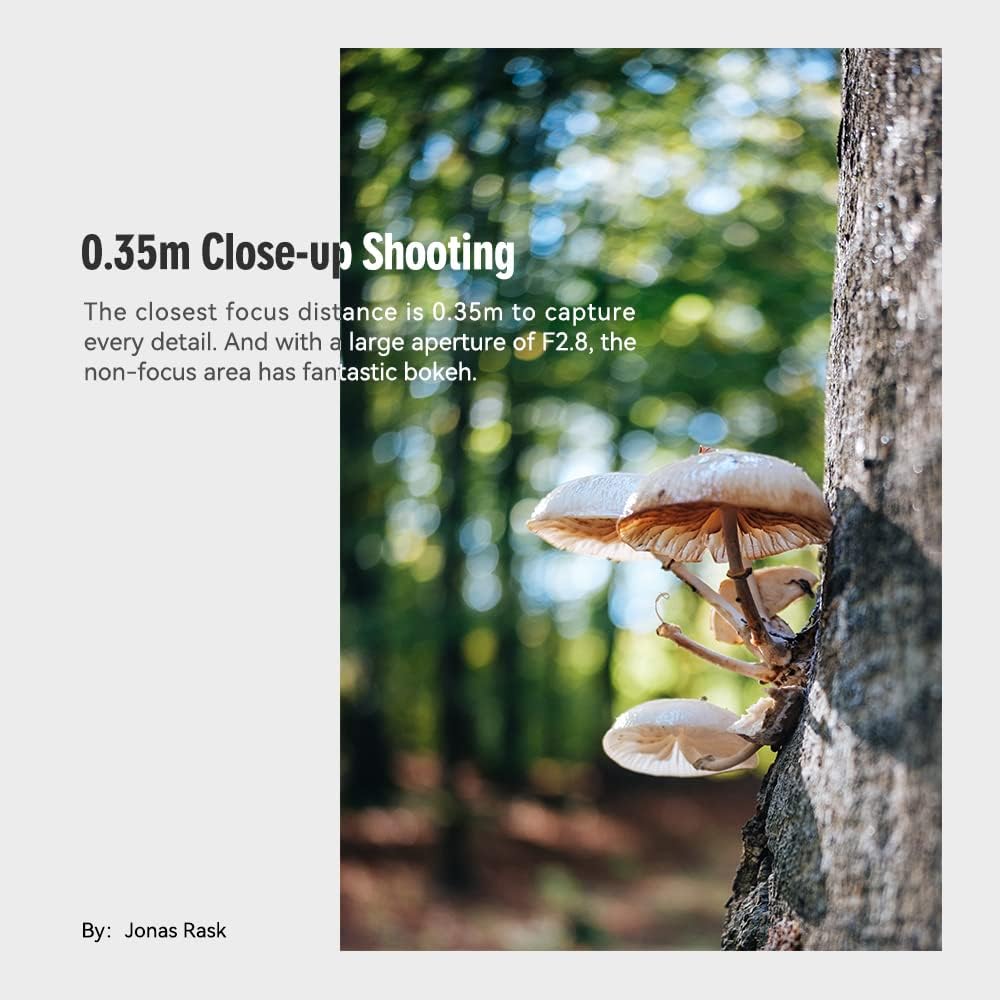
Figure 7.1: Diagram illustrating the physical dimensions of the lens with and without the lens hood, alongside a table of key specifications.
8. Warranty and Support
For warranty information, technical support, or service inquiries, please contact TTartisan directly through their official website or authorized distributors. Keep your purchase receipt as proof of purchase for warranty claims.
Official TTartisan Website: www.ttartisan.com


