1. Introduction
This manual provides essential instructions for the safe and effective use of your Braun Series 3 Shave&Style 300BT shaver. This versatile 3-in-1 electric shaver is designed for clean-shaving, trimming, and edging, offering flexibility for various grooming needs. Please read these instructions thoroughly before first use and retain them for future reference.
2. Safety Information
To ensure safe operation and prevent injury, observe the following safety guidelines:
- Always hold the shaver away from your face when turning it on or off to prevent injury.
- Do not use the shaver while charging.
- After each use, clean the shaver thoroughly and dry it completely to prevent bacterial growth.
- Keep the shaver away from water while charging.
- Always follow the manufacturer's instructions for proper use and care.
- This appliance is not intended for use by persons (including children) with reduced physical, sensory or mental capabilities, or lack of experience and knowledge, unless they have been given supervision or instruction concerning use of the appliance by a person responsible for their safety.
3. Package Contents
Your Braun Series 3 Shave&Style 300BT package includes the following items:
- Braun Series 3 Shave&Style 300BT Shaver
- Precision Trimmer Head
- 5 Trimmer Combs (1mm, 2mm, 3mm, 5mm, 7mm)
- Protective Cap
- SmartPlug Charger
- Cleaning Brush
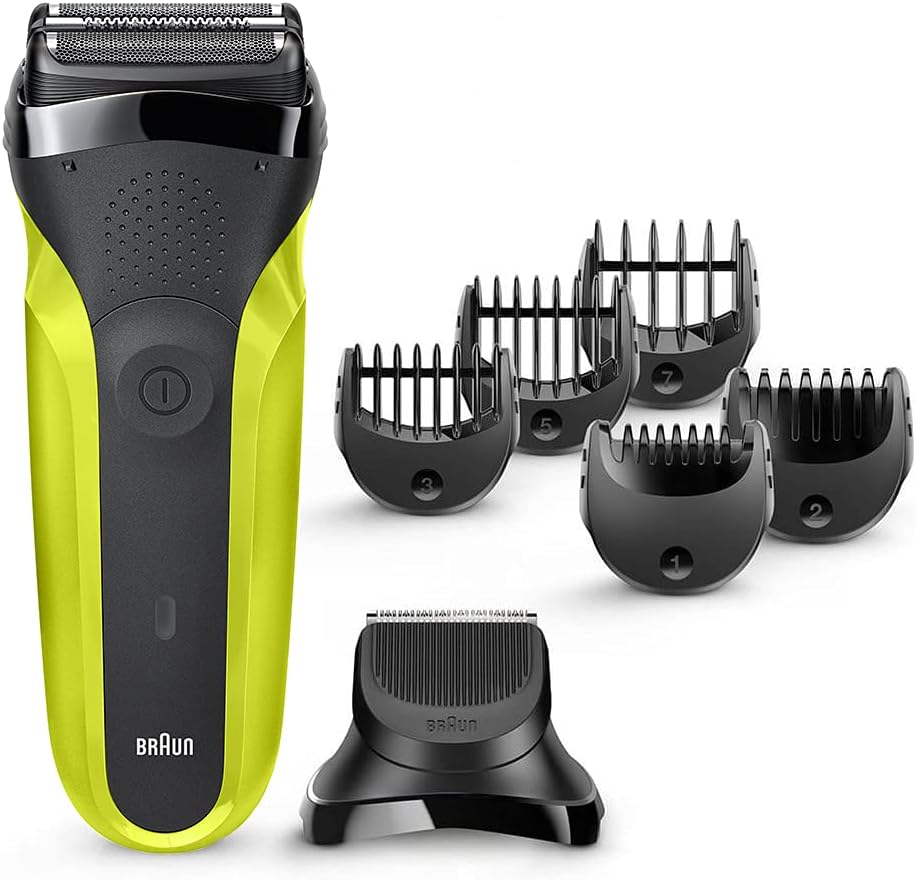
Image: The Braun Series 3 Shave&Style 300BT shaver body, along with the separate trimmer head and five comb attachments (1mm, 2mm, 3mm, 5mm, 7mm).
4. Setup
4.1 Charging the Shaver
- Ensure the shaver is switched off.
- Connect the SmartPlug charger to the shaver and then plug it into an electrical outlet.
- The charging indicator light will illuminate, indicating that the shaver is charging.
- A full charge takes approximately 1 hour and provides up to 30 minutes of cordless shaving time. A 5-minute quick charge is sufficient for one shave.
- Once fully charged, disconnect the charger.
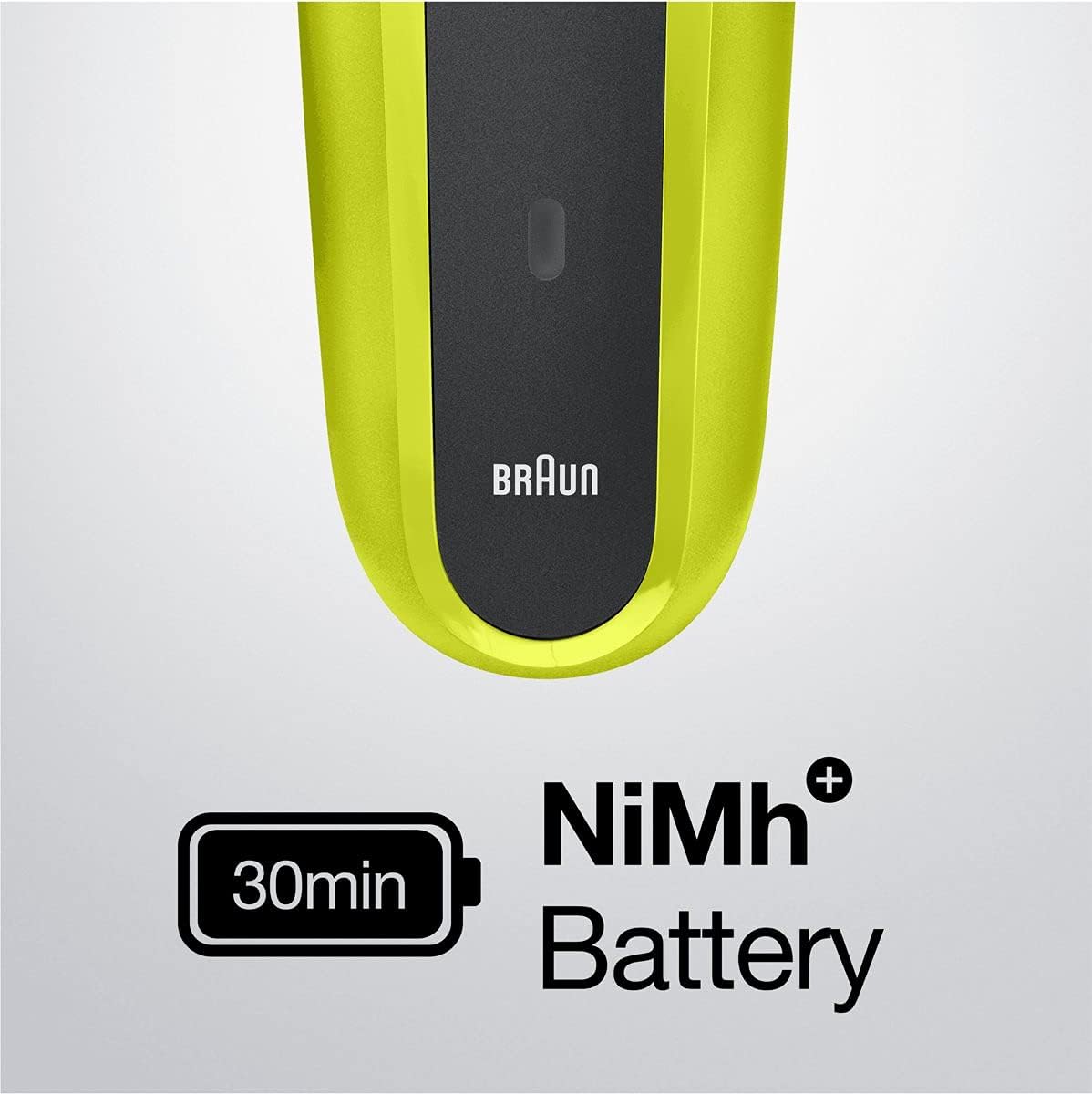
Image: The shaver's battery indicator showing 30 minutes of runtime from its NiMh battery.
4.2 Attaching/Detaching Heads and Combs
- To attach a head: Align the desired head (shaver foil head or trimmer head) with the shaver body and press it down until it clicks into place.
- To detach a head: Press the release buttons (if present) on the sides of the head and pull it upwards.
- To attach a comb: Slide the desired comb onto the trimmer head until it securely locks.
- To detach a comb: Gently pull the comb upwards from the trimmer head.
5. Operating Instructions
The Braun Series 3 Shave&Style 300BT offers three primary functions: shaving, trimming, and edging.
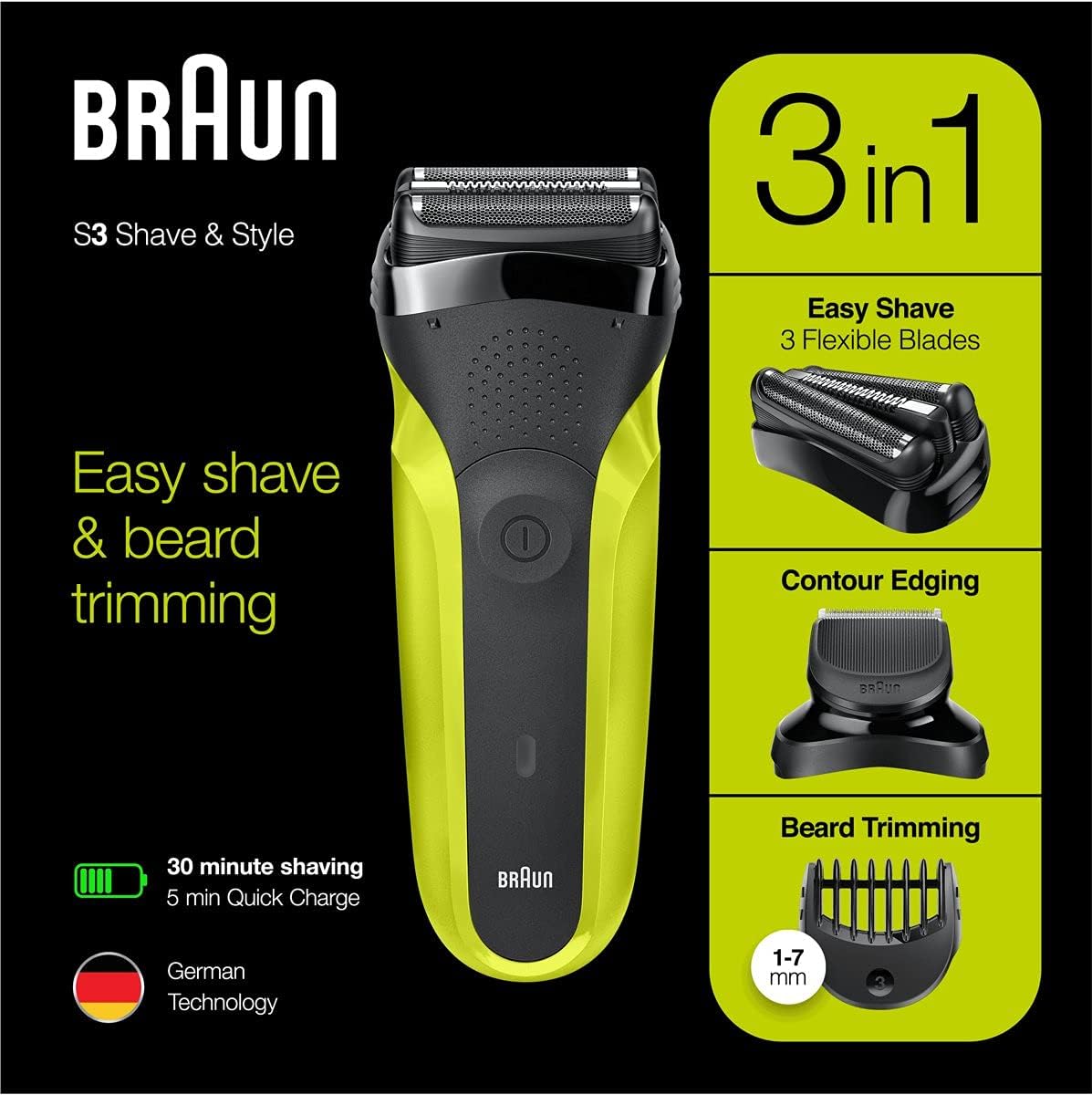
Image: Visual representation of the shaver's 3-in-1 functionality for shaving, contour edging, and beard trimming.
5.1 Shaving
- Attach the shaver foil head to the shaver body.
- Press the on/off button to start the shaver.
- Hold the shaver at a right angle (90°) to your skin.
- Stretch your skin and shave against the direction of hair growth using short, firm strokes. The 3-Flex head adapts to facial contours for a close shave.

Image: The 3-Flex head design, engineered to adapt to various facial contours for efficient shaving.
5.2 Trimming and Edging
- Detach the shaver foil head and attach the precision trimmer head.
- For trimming, select one of the 5 comb attachments (1mm, 2mm, 3mm, 5mm, 7mm) and slide it onto the trimmer head.
- Press the on/off button.
- Move the trimmer against the direction of hair growth, ensuring the flat part of the comb rests on your skin.
- For edging, remove the comb attachment. Use the trimmer head directly to define sharp lines and contours.

Image: A user demonstrating the shaver's versatility for different grooming styles, including clean shaving, trimming, and edging.
6. Maintenance and Cleaning
Regular cleaning ensures optimal performance and hygiene of your shaver.
6.1 Cleaning Under Running Water
- Ensure the shaver is switched off and disconnected from the power supply.
- Hold the shaver head under warm running tap water until all hair residues are removed. You may use a mild liquid soap.
- Rinse thoroughly.
- Shake off excess water and allow the shaver head to air dry completely before reattaching the protective cap or storing.
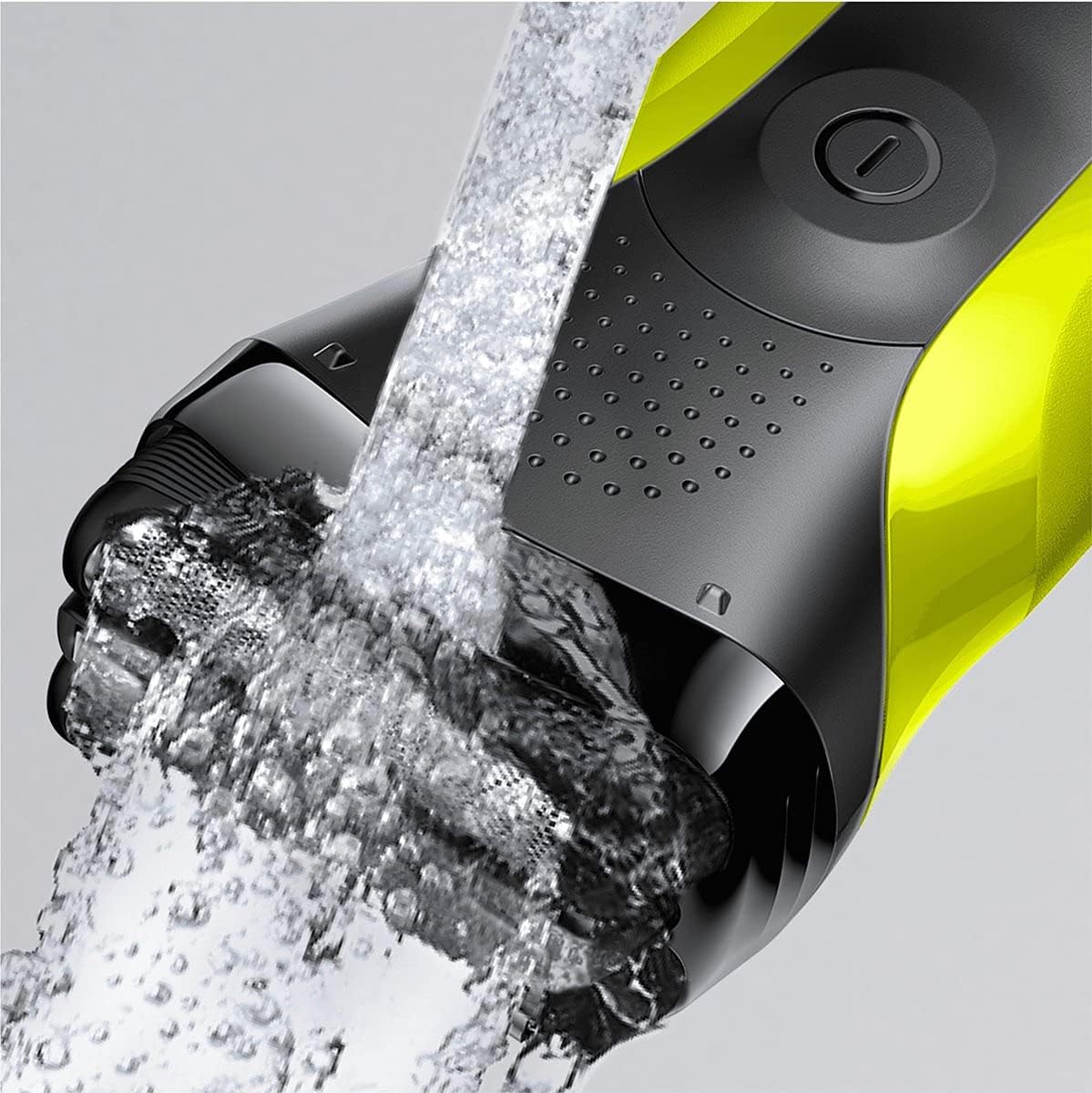
Image: The shaver being cleaned under running water, highlighting its easy-to-clean design.
6.2 Dry Cleaning
- Ensure the shaver is switched off.
- Remove the shaver head.
- Use the provided cleaning brush to brush out any hair from the shaver head and the shaver body. Do not use the brush on the foil itself, as this may damage it.
- Reattach the shaver head.
7. Troubleshooting
If you encounter issues with your shaver, refer to the following common solutions:
| Problem | Possible Cause | Solution |
|---|---|---|
| Shaver does not turn on. | Battery is depleted. | Charge the shaver for at least 5 minutes. |
| Poor shaving performance. | Shaver head is dirty or worn. | Clean the shaver head thoroughly. Consider replacing the shaver head if it's old. |
| Shaver pulls hair. | Shaver head is worn or hair is too long for direct shaving. | Replace the shaver head. For longer hair, pre-trim with the trimmer head and a comb. |
| Charging indicator not working. | Charger not properly connected or faulty. | Ensure charger is securely plugged into shaver and outlet. Try a different outlet. |
If the problem persists, please contact Braun customer support.
8. Specifications
| Feature | Detail |
|---|---|
| Model Name | 300BT |
| Power Source | Battery Powered (Rechargeable NiMh) |
| Battery Life | Up to 45 minutes (actual usage 30 minutes) |
| Quick Charge | 5 minutes for one shave |
| Item Weight | 0.42 Kilograms |
| Head Type | Foil (3-Flex head) |
| Blade Material | Stainless Steel |
| Color | Black/Volt Green |
| Package Dimensions | 20.3 x 11.2 x 5.8 cm |
| Country of Origin | China |
9. Warranty and Support
Your Braun Series 3 Shave&Style 300BT shaver is covered by a manufacturer's warranty. Please refer to the warranty card included in your product packaging for specific terms and conditions, including the warranty period and coverage details.
For technical support, service, or to inquire about replacement parts, please visit the official Braun website or contact their customer service department. Contact information can typically be found on the Braun website or in your product documentation.


