
1. Introduction
Thank you for choosing the MOFII Wireless Bluetooth Keyboard. This manual provides detailed instructions to help you set up, operate, and maintain your new keyboard. Designed for versatility and comfort, this keyboard features colorful retro round keycaps and stable Bluetooth 5.1 technology, allowing simultaneous connection to up to 3 devices.

Figure 1: MOFII Wireless Bluetooth Keyboard (Milk Tea Colorful)
The keyboard's ergonomic design ensures comfortable typing, making it an ideal choice for various uses, from office work to smart TV control.

Figure 2: Ergonomic design for comfortable typing.
2. Setup and Connectivity
2.1 Battery Installation
The keyboard requires two AAA batteries (not included). Locate the battery compartment on the underside of the keyboard, open it, insert the batteries according to the polarity indicators, and close the compartment securely.
2.2 Bluetooth Pairing
The MOFII keyboard utilizes Bluetooth 5.1 for a stable and clutter-free connection. It can connect to up to 3 devices simultaneously.
- Ensure your device (Mac, iPad, iPhone, PC, Laptop, Android Smartphone) has Bluetooth functionality enabled.
- Turn on the keyboard using the power switch.
- Press and hold one of the Bluetooth buttons (BT1, BT2, or BT3) for 3 seconds until the indicator light flashes, indicating pairing mode.
- On your device, search for Bluetooth devices and select "MOFII CANDY BT" to connect.
- Repeat for up to two additional devices using BT2 and BT3.
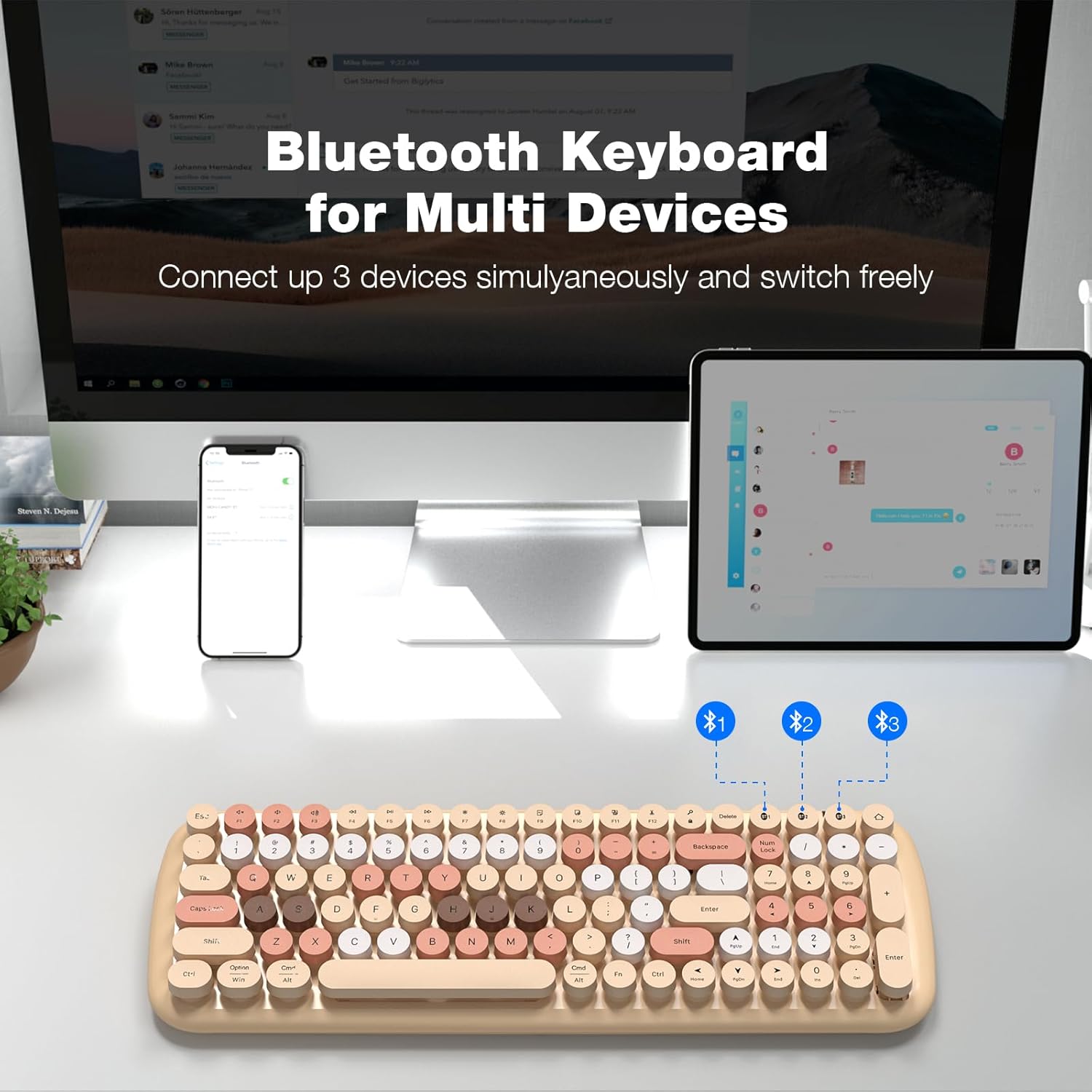
Figure 3: Connecting the keyboard to multiple devices.
3. Operating Instructions
3.1 Switching Between Devices
Once paired with multiple devices, you can quickly switch between them by simply pressing the corresponding Bluetooth button (BT1, BT2, or BT3). The keyboard will instantly connect to the selected device without interference.
3.2 Auto Power-Saving Function
To conserve battery life, the keyboard automatically enters power-saving mode after a period of inactivity. To wake it up, simply click any key or button, and it will reconnect within seconds.

Figure 4: Keyboard automatically enters power-saving mode.
3.3 Wide Compatibility
The MOFII keyboard is compatible with a wide range of operating systems and devices, including Windows, iOS, Mac OS, and Android. It is a perfect choice for iPad, iPhone, iMac, MacBook, and various smartphones. Advanced Bluetooth technology provides a cable-free connection with an effective operating distance of about 6 meters (20 feet).
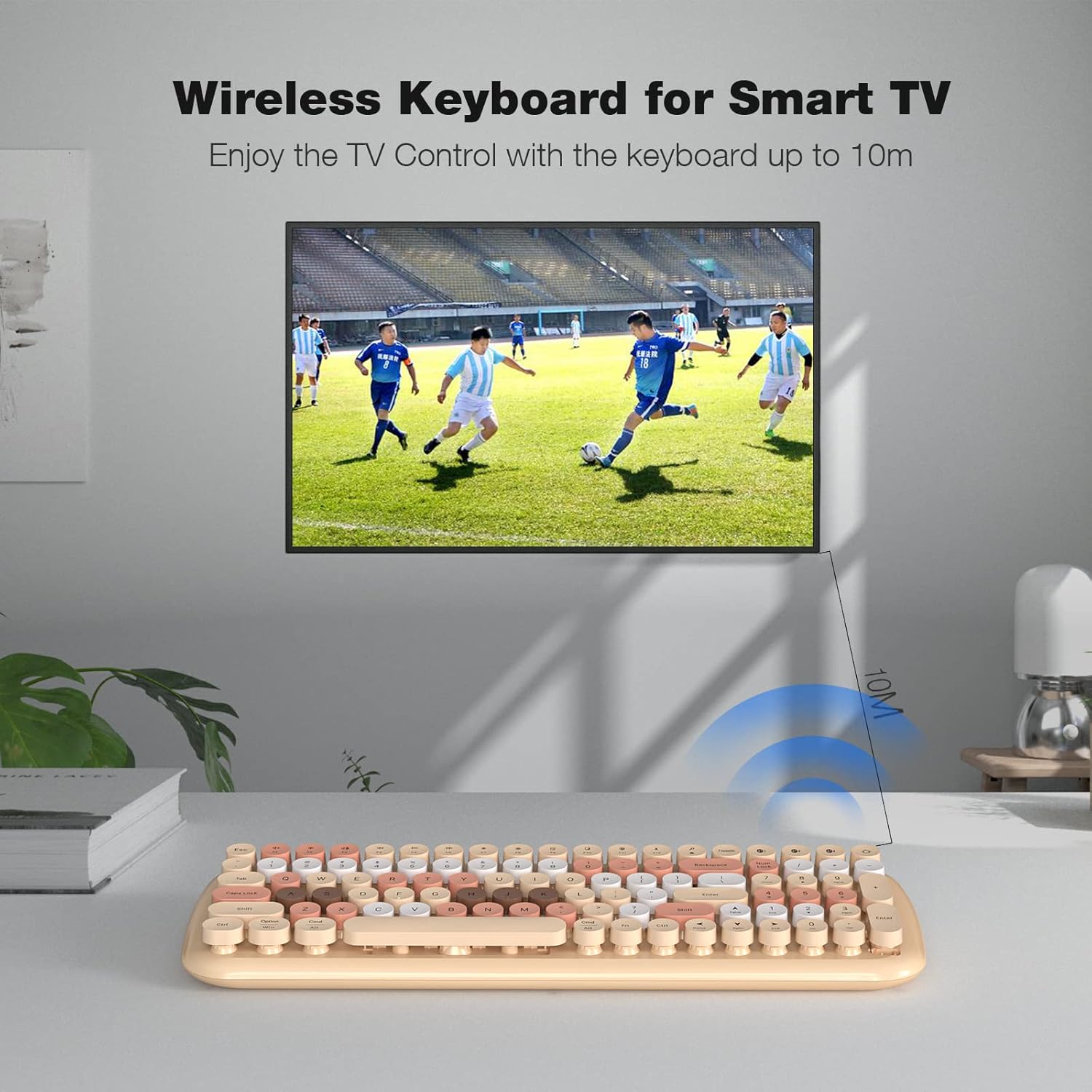
Figure 5: Enjoy controlling your Smart TV with the keyboard.
4. Maintenance
4.1 Cleaning Detachable Keycaps
The keyboard features detachable round keycaps, making cleaning simple and efficient. Gently pull the keycaps upwards to remove them. You can then clean the panel underneath and the keycaps separately. Ensure all parts are dry before reattaching the keycaps.

Figure 6: Detachable keycaps for easy cleaning.
5. Troubleshooting
5.1 Connectivity Issues
- Keyboard not connecting: Ensure Bluetooth is enabled on your device and the keyboard is in pairing mode (indicator light flashing). Try restarting both the keyboard and your device.
- Interference: While the keyboard offers stable connection, strong electromagnetic interference from other devices might affect performance. Try moving closer to your device or away from other wireless devices.
5.2 Battery Low Indication
When the battery is low, the low battery indication light in the top right corner of the keyboard will illuminate, reminding you to replace the batteries promptly to ensure uninterrupted use.
6. Product Specifications
| Feature | Specification |
|---|---|
| Brand | MOFII |
| Model Number | Candy BT/ SK-646BT |
| Connectivity Technology | Bluetooth 5.1 |
| Number of Keys | 100 |
| Keyboard Description | Wireless |
| Special Feature | Round Key, Ergonomic Design, Auto Power-Saving |
| Compatible Devices | iPad, iPhone, iMac, MacBook, Smartphone, Windows, iOS, Mac OS, Android |
| Effective Operating Distance | Approx. 6m (20ft) |
| Product Dimensions | 15.9 x 15.9 x 5.5 inches |
| Item Weight | 1.65 pounds |
| Manufacturer | MOFII |
| Country of Origin | China |

Figure 7: Keyboard dimensions and layout.
7. What's in the Box
- MOFII Wireless Bluetooth Keyboard
- USB Cable (for charging, if applicable, though product description mentions AAA batteries)
Note: The product description mentions AAA batteries for power, but also lists a USB cable in "What's in the Box". Please refer to your product packaging for exact contents and power requirements.
8. Warranty and Support
For warranty information and customer support, please refer to the documentation included with your product or visit the official MOFII website. If you encounter any issues not covered in this manual, please contact MOFII customer service for assistance.


