
Coby CPA901
Coby Flame Bluetooth Party Speaker
Model: CPA901 User Manual
1. Introduction
Thank you for purchasing the Coby Flame Bluetooth Party Speaker, Model CPA901. This portable speaker is designed to deliver powerful sound and vibrant LED lighting for various indoor and outdoor events. This manual provides essential information for safe and optimal use of your device. Please read it thoroughly before operation and retain it for future reference.

Image 1.1: The Coby Flame Bluetooth Party Speaker, showcasing its integrated LED lighting and compact design.
2. Safety Information
- Do not expose the speaker to water or excessive moisture. This product is not waterproof.
- Avoid placing the speaker near heat sources or in direct sunlight for extended periods.
- Do not attempt to disassemble or modify the speaker. This may void the warranty and cause damage.
- Use only the provided charging cable or a certified equivalent.
- Keep out of reach of children.
- Dispose of the battery and speaker according to local regulations.
3. Package Contents
Please check the package for the following items:
- Coby Flame Bluetooth Party Speaker (CPA901)
- USB Charging Cable
- User Manual
4. Product Overview
Familiarize yourself with the speaker's controls and ports:

Image 4.1: Top panel controls and ports of the Coby Flame speaker.
- OFF/ON Switch: Powers the speaker on or off.
- LED Button: Cycles through LED light modes.
- EQ Button: Selects equalizer presets.
- VOL- / Previous Track: Decreases volume or skips to the previous track.
- VOL+ / Next Track: Increases volume or skips to the next track.
- MODE Button: Switches between Bluetooth, USB, and TF Card modes.
- Play/Pause / SCAN Button: Plays or pauses audio; long press to scan for FM radio stations (if applicable).
- DC 5V/IN Port: USB charging input.
- TF CARD Slot: For playing music from a TF (MicroSD) card.
- USB Input: For playing music from a USB flash drive.
- MIC Input: For connecting a microphone (Karaoke mode).
5. Setup
5.1 Charging the Speaker
Before first use, fully charge the speaker. Connect the provided USB charging cable to the DC 5V/IN port on the speaker and the other end to a USB power adapter (not included) or a computer's USB port. The charging indicator will illuminate. Once fully charged, the indicator may change color or turn off.
A full charge provides up to 7 hours of continuous playtime.

Image 5.1: The Coby Flame speaker offers up to 7 hours of playtime on a single charge.
5.2 Powering On/Off
Slide the OFF/ON switch to the 'ON' position to power on the speaker. You will hear an audible prompt. To power off, slide the switch to the 'OFF' position.
6. Operating Instructions
6.1 Bluetooth Pairing
- Ensure the speaker is powered on and in Bluetooth mode (indicated by an audible prompt or LED). If not, press the MODE button to switch to Bluetooth mode.
- Enable Bluetooth on your smartphone or other Bluetooth-enabled device.
- Search for available devices and select "Coby Flame" from the list.
- Once paired, you will hear a confirmation sound. You can now play audio from your device through the speaker.
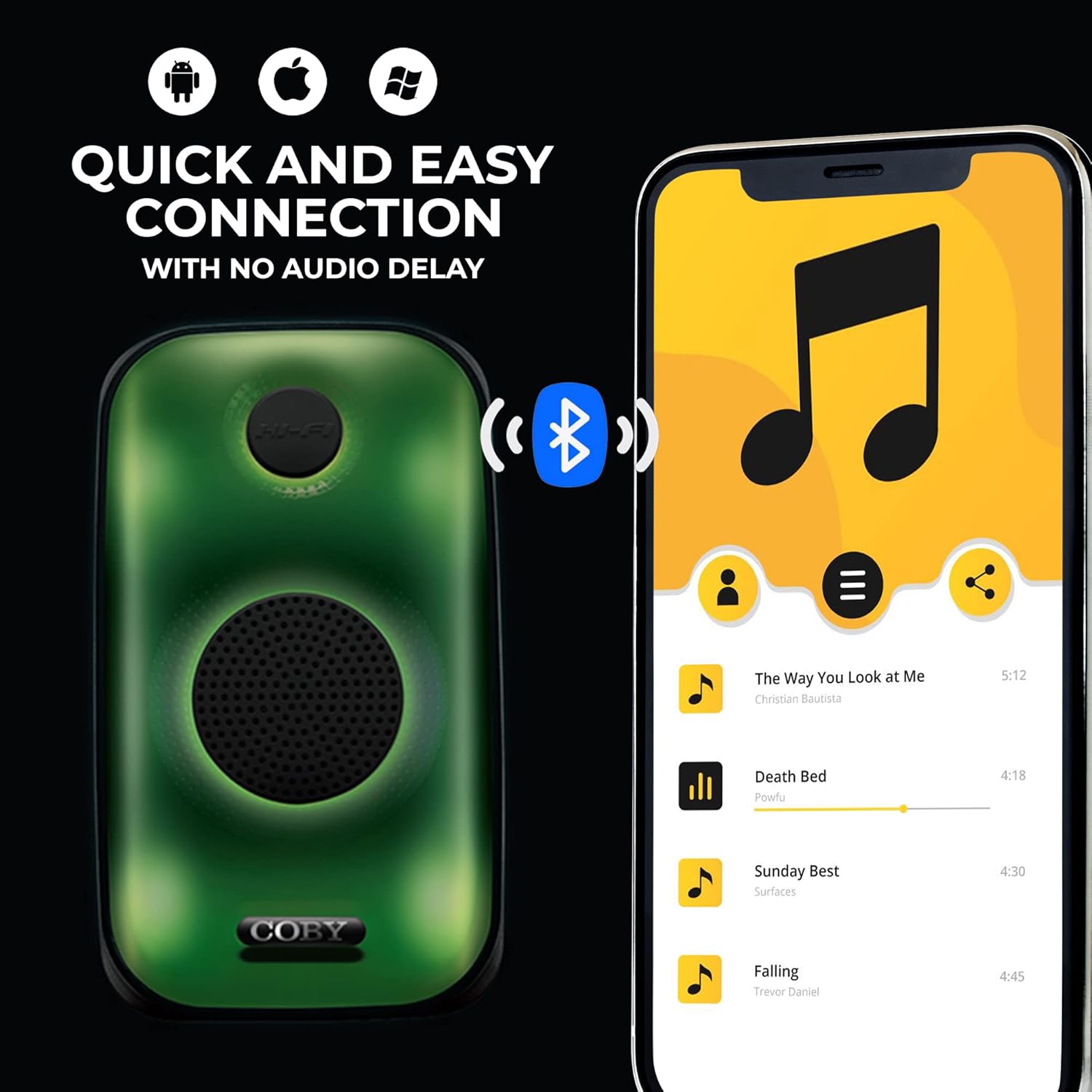
Image 6.1: Quick and easy Bluetooth connection with various smart devices.
6.2 USB / TF Card Playback
- Insert a USB flash drive or TF (MicroSD) card with MP3 audio files into the respective port.
- The speaker will automatically switch to USB or TF Card mode and begin playing music. If not, press the MODE button to select the correct input.
- Use the Play/Pause, VOL- / Previous Track, and VOL+ / Next Track buttons to control playback.
6.3 LED Light Modes
Press the LED button to cycle through the available light modes. The speaker features 3 unique LED lighting modes to enhance your listening experience.

Image 6.2: The speaker offers 3 distinct LED light modes.
6.4 EQ Settings
Press the EQ button to cycle through the 6 customizable equalizer presets. This allows you to adjust the audio output to suit your preferences or music genre.
6.5 Volume Control
Press the VOL+ button to increase the volume. Press the VOL- button to decrease the volume.
7. Maintenance
7.1 Cleaning
Wipe the speaker with a soft, dry cloth. Do not use abrasive cleaners or solvents, as these may damage the surface.
7.2 Storage
When not in use for extended periods, store the speaker in a cool, dry place away from direct sunlight and extreme temperatures. It is recommended to charge the battery periodically to maintain its lifespan.
8. Troubleshooting
| Problem | Possible Cause | Solution |
|---|---|---|
| Speaker does not power on. | Battery is depleted. | Charge the speaker using the USB charging cable. |
| No sound. | Volume is too low or muted. Device not paired. Incorrect mode selected. | Increase volume. Ensure Bluetooth device is paired. Press MODE button to select correct input (Bluetooth, USB, TF Card). |
| Bluetooth pairing fails. | Speaker is not in pairing mode. Device is too far. Interference. | Ensure speaker is in Bluetooth mode. Move device closer to speaker. Turn off other Bluetooth devices. |
| USB/TF card not playing. | Incorrect file format. Card/drive not inserted correctly. | Ensure files are MP3 format. Reinsert the USB drive or TF card. Press MODE to select correct input. |
9. Specifications
- Model: CPA901
- Brand: Coby
- Connectivity Technology: Bluetooth 5.0, USB, TF Card
- Speaker Size: 3 Inches
- Audio Output Mode: Stereo
- Power Source: Battery Powered (Lithium Ion)
- Battery Life: Up to 7 hours (continuous playtime)
- Special Features: LED Light Modes, Portable, EQ Settings, Built-in Handle
- Product Dimensions: 12.7 x 23.8 x 14 cm
- Weight: 983 g
- Included Components: Handle, USB Input
- Is Waterproof: No
10. Warranty and Support
Coby products are designed and manufactured to the highest quality standards. For warranty information or technical support, please refer to the warranty card included with your purchase or visit the official Coby website. Please retain your proof of purchase for warranty claims.
Ask a question about this manual
Ask about setup, troubleshooting, compatibility, parts, safety, or missing instructions. Manuals+ will review the question and use this page’s manual context to help answer it.