
1. Introduction
The Creative MUVO Go is a portable, waterproof Bluetooth speaker designed for versatile use, both indoors and outdoors. It features an IPX7 waterproof rating, up to 18 hours of battery life, and Bluetooth 5.3 connectivity for stable audio streaming. This manual provides essential information for setting up, operating, and maintaining your speaker.

Image: The Creative MUVO Go Waterproof Bluetooth Speaker in its blue color variant.
2. Package Contents
- Creative MUVO Go Portable Speaker
- USB-C Charging Cable
- Quick Start Leaflet
3. Setup
3.1 Charging the Speaker
Before initial use, fully charge the Creative MUVO Go speaker. Connect the provided USB-C charging cable to the speaker's charging port and the other end to a USB power adapter (not included) or a computer's USB port. The charging indicator light will show the charging status.
3.2 Powering On/Off
- To power on: Press and hold the Power button until you hear an audible prompt and the indicator light illuminates.
- To power off: Press and hold the Power button again until you hear an audible prompt and the indicator light turns off.
4. Operating Instructions
4.1 Bluetooth Pairing
To connect your Creative MUVO Go to a Bluetooth device:
- Ensure the speaker is powered on and in pairing mode (the Bluetooth indicator will flash). If not, press and hold the Bluetooth button to initiate pairing mode.
- On your device (smartphone, tablet, laptop), enable Bluetooth and search for available devices.
- Select "Creative MUVO Go" from the list of found devices.
- Once connected, the Bluetooth indicator on the speaker will glow solid, and you will hear a confirmation tone.
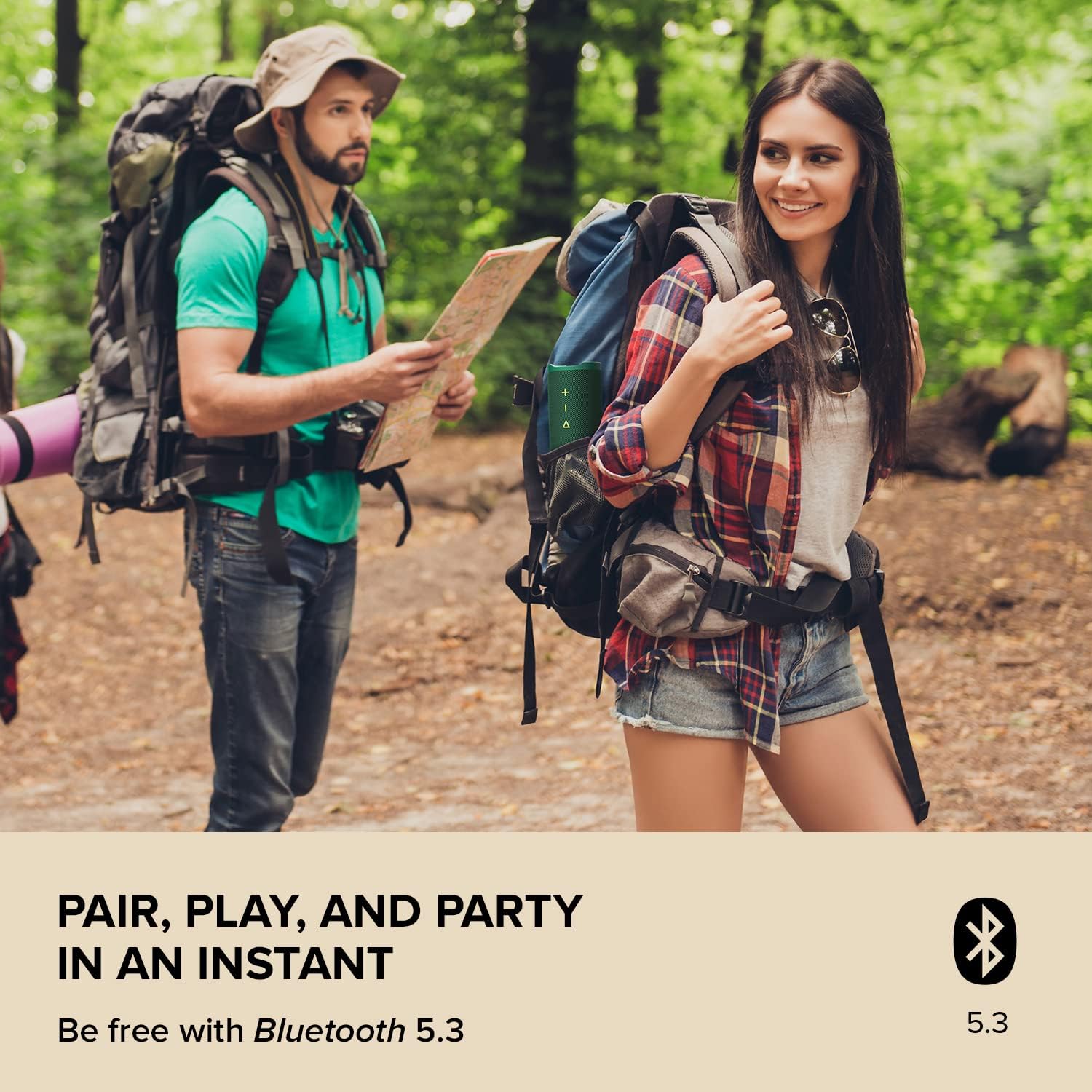
Image: The Creative MUVO Go speaker is easily paired via Bluetooth 5.3 for wireless audio streaming.
4.2 Audio Playback and Volume Control
- Play/Pause: Press the Play/Pause button.
- Volume Up: Press the '+' button.
- Volume Down: Press the '-' button.
- Next Track: Press and hold the '+' button.
- Previous Track: Press and hold the '-' button.
4.3 Wireless Stereo Link
You can pair two Creative MUVO Go speakers together to create a wider stereo soundstage.
- Ensure both speakers are powered on and not connected to any Bluetooth device.
- On one speaker (this will be the primary speaker), press and hold the Wireless Stereo Link button until you hear an audible prompt.
- On the second speaker, press the Wireless Stereo Link button briefly.
- The speakers will connect automatically. Once connected, the indicator lights will confirm the stereo link, and you can then pair your device to the primary speaker via Bluetooth.

Image: Two Creative MUVO Go speakers can be paired for an expanded stereo sound experience.
4.4 Speaker Placement
The Creative MUVO Go supports dual orientation placement:
- Vertical: Provides clearer audio.
- Horizontal: Offers well-balanced audio with robust bass.
Video: An official overview of the Creative MUVO Go speaker, demonstrating its features and operation, including seamless wireless streaming and powerful audio.
5. Maintenance
5.1 Waterproof Rating (IPX7)
The Creative MUVO Go is IPX7-rated waterproof, meaning it can be submerged in water up to 1 meter (3.3 ft) for up to 30 minutes. Ensure the charging port cover is securely closed before exposing the speaker to water. After exposure to water, wipe the speaker dry before charging.

Image: The Creative MUVO Go is fully waterproof, making it suitable for use near water without concern for splashes or submersion.
5.2 Cleaning
To clean the speaker, use a soft, damp cloth. Do not use harsh chemicals or abrasive cleaners, as these may damage the surface or internal components.
6. Troubleshooting
- Speaker does not power on: Ensure the battery is charged. Connect the speaker to a power source using the USB-C cable.
- Cannot pair with Bluetooth device:
- Ensure the speaker is in Bluetooth pairing mode (flashing indicator).
- Make sure Bluetooth is enabled on your device and it is within the 10-meter range.
- Try forgetting the speaker from your device's Bluetooth list and re-pairing.
- Restart both the speaker and your device.
- No sound or poor sound quality:
- Check the volume levels on both the speaker and your connected device.
- Ensure the speaker is not too far from your device or obstructed.
- If using Wireless Stereo Link, ensure both speakers are properly linked and your device is connected to the primary speaker.
- Check for interference from other wireless devices.
- Battery life is shorter than expected: Battery life can vary based on volume level and usage conditions. Ensure the speaker is fully charged before use.
7. Specifications
| Feature | Detail |
|---|---|
| Brand | Creative |
| Model Number | MF8405 |
| Connectivity Technology | Bluetooth 5.3 |
| Water Resistance Level | IPX7 Waterproof |
| Battery Life | Up to 18 hours |
| Audio Output Mode | Stereo |
| Speaker Type | Portable Speaker |
| Bluetooth Range | 10 meters |
| Item Dimensions (D x W x H) | 2.87"D x 2.4"W x 8.03"H |
| Item Weight | 1.3 pounds |
| Material | Plastic, Rubber |
| Audio Driver Type | Dynamic Driver (Dual full-range micro drivers with passive radiators) |
| Signal-to-Noise Ratio | 70 dB |

Image: The internal structure of the Creative MUVO Go, showcasing its dual full-range micro drivers and passive bass radiators for powerful audio.
8. Warranty and Support
8.1 Warranty Information
The Creative MUVO Go speaker comes with a One-year limited warranty. Please retain your proof of purchase for warranty claims. For detailed warranty terms and conditions, refer to the official Creative website or contact customer support.
8.2 Customer Support
For further assistance, product registration, or to access additional resources, please visit the official Creative Store or support website:


