
1. Introduction
Thank you for choosing the Kisonli LED-909 Portable Wireless Bluetooth Soundbar Speaker. This manual provides essential information for the safe and efficient use of your new device. Please read it thoroughly before operation and retain it for future reference.
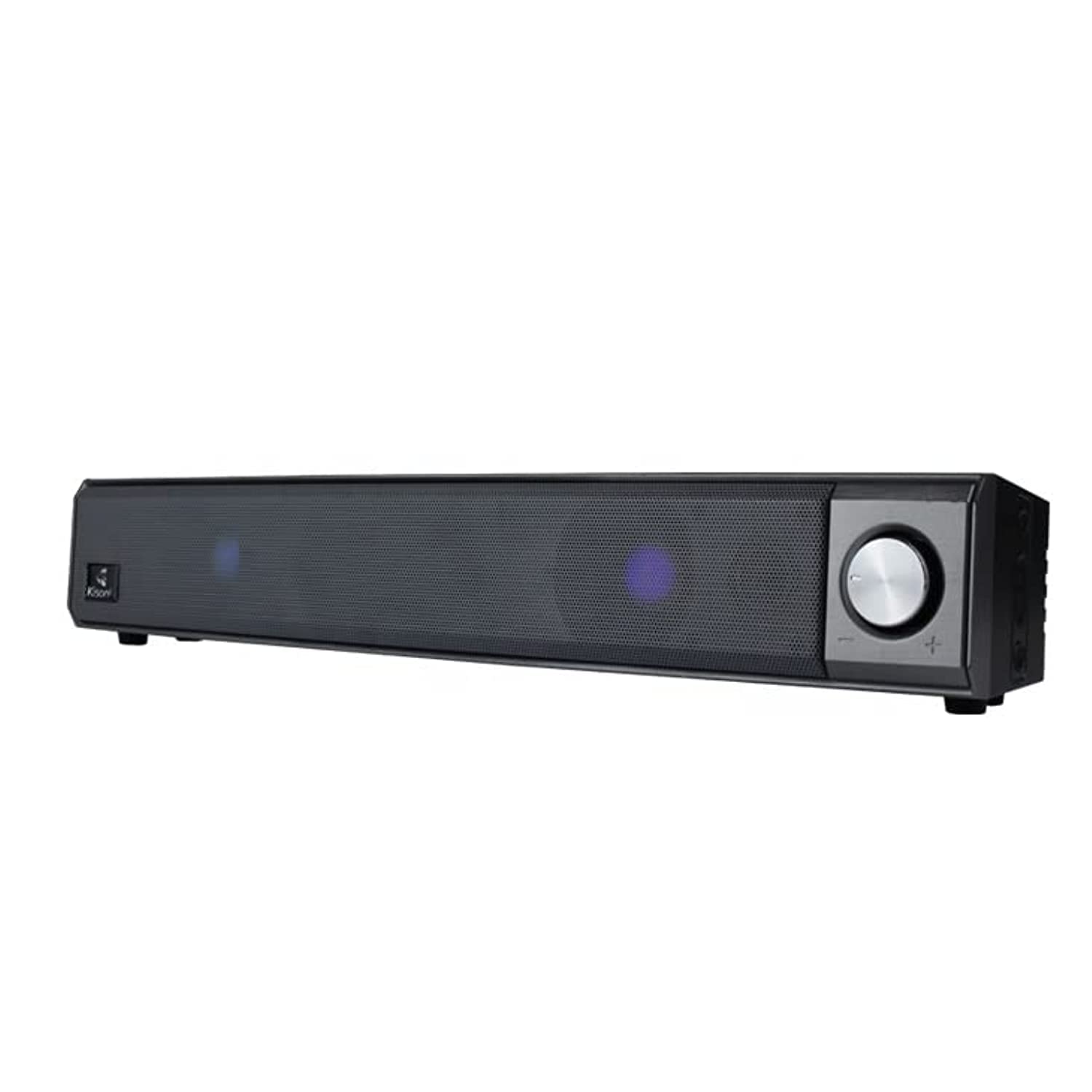
The Kisonli LED-909 Portable Wireless Bluetooth Soundbar Speaker, featuring its design and integrated LED lights.
2. Safety Information
- Do not expose the device to extreme temperatures, direct sunlight, or high humidity.
- Avoid dropping or subjecting the speaker to strong impacts.
- Do not disassemble, repair, or modify the unit yourself. Refer all servicing to qualified personnel.
- Keep the speaker away from water and other liquids, despite its water-resistant feature, to prevent damage.
- Use only the specified charging cable and power adapter to avoid damage or fire.
- Clean the device with a soft, dry cloth. Do not use abrasive cleaners or solvents.
3. Package Contents
Verify that all items are present in the package:
- Kisonli LED-909 Soundbar Speaker
- Remote Control
- Tabletop Stand
- USB Charging Cable (assumed)
- User Manual

The Kisonli LED-909 Portable Wireless Bluetooth Soundbar Speaker shown in its retail packaging.
4. Product Overview
Familiarize yourself with the speaker's controls and ports:

This image displays the side panel of the Kisonli LED-909 soundbar, highlighting its control buttons and rotary volume knob. Labels indicate 'play/pause', 'last song', 'next song/colorful light', and 'power on/off/modes switch'. The main rotary knob is for volume control, rotating left for volume down and right for volume up.
- Power On/Off / Modes Switch Button: Press and hold to power on/off. Short press to cycle through input modes (Bluetooth, AUX, etc.).
- Play/Pause Button: Press to play or pause audio.
- Last Song Button: Press to go to the previous track.
- Next Song / Colorful Light Button: Press to go to the next track. Press and hold to change LED light modes.
- Volume Knob: Rotate left to decrease volume, rotate right to increase volume.
5. Setup
5.1 Charging the Speaker
Before first use, fully charge the speaker. Connect the USB charging cable to the speaker's charging port and the other end to a compatible USB power source (e.g., computer, USB wall adapter). The LED indicator will show charging status and turn off when fully charged.
5.2 Power On/Off
Press and hold the Power On/Off / Modes Switch Button for approximately 3 seconds to turn the speaker on or off.
5.3 Bluetooth Pairing
- Ensure the speaker is powered on and in Bluetooth mode (indicated by a flashing LED). If not, short press the Power On/Off / Modes Switch Button to switch to Bluetooth mode.
- Enable Bluetooth on your smartphone, tablet, or other compatible device.
- Search for available Bluetooth devices and select "LED-909" from the list.
- Once paired, the speaker will emit a confirmation sound, and the LED indicator will stop flashing.
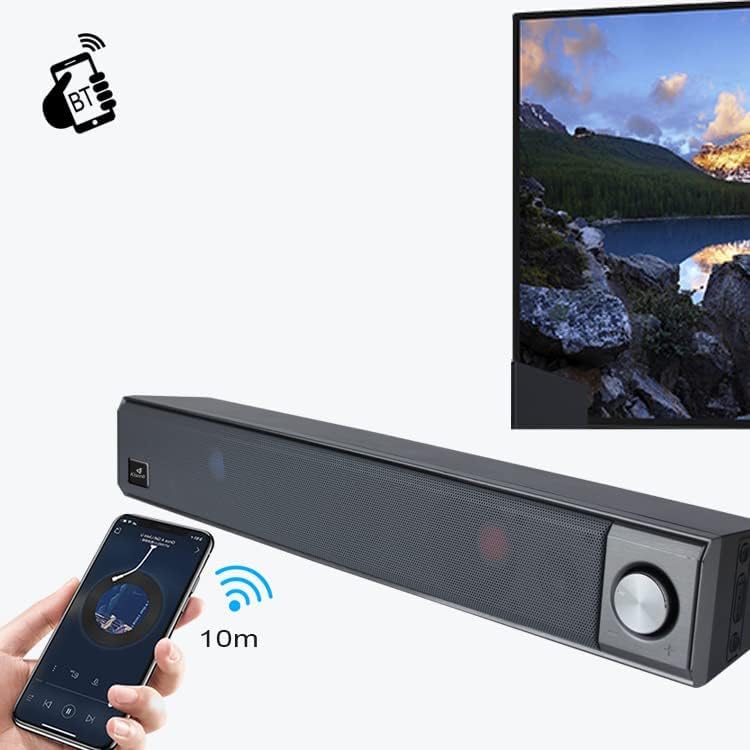
This image illustrates the wireless Bluetooth connection process. A hand holds a smartphone displaying a Bluetooth pairing screen, with a wireless signal icon pointing towards the Kisonli LED-909 soundbar. A television screen is visible in the background, suggesting connectivity to various devices. The image indicates a 10-meter Bluetooth range.
5.4 Other Connections (AUX)
If your device does not support Bluetooth, you can connect it using an AUX cable (not included). Insert one end of a 3.5mm audio cable into the speaker's AUX port and the other end into your device's audio output. Short press the Power On/Off / Modes Switch Button to switch to AUX mode.
6. Operating Instructions
6.1 Audio Playback
- Play/Pause: Press the Play/Pause Button to start or pause audio playback.
- Next Track: Press the Next Song Button to skip to the next track.
- Previous Track: Press the Last Song Button to go back to the previous track.
6.2 Volume Control
Rotate the Volume Knob clockwise to increase the volume and counter-clockwise to decrease it.
6.3 LED Light Modes
Press and hold the Next Song / Colorful Light Button to cycle through different LED light modes and effects.
7. Maintenance
- Cleaning: Wipe the speaker with a soft, dry, lint-free cloth. Do not use liquid cleaners or sprays.
- Storage: When not in use for extended periods, store the speaker in a cool, dry place away from direct sunlight.
- Battery Care: To prolong battery life, avoid fully discharging the battery frequently. Charge the speaker regularly, even if not in use.
8. Troubleshooting
| Problem | Possible Cause | Solution |
|---|---|---|
| Speaker does not power on. | Battery is low or depleted. | Charge the speaker fully. |
| No sound from speaker. | Volume is too low; incorrect input mode; device not connected properly. | Increase volume; switch to correct input mode (Bluetooth/AUX); ensure device is paired/connected. |
| Bluetooth pairing fails. | Speaker not in pairing mode; device Bluetooth off; too far from speaker. | Ensure speaker is in Bluetooth pairing mode; turn on device Bluetooth; move device closer (within 10m). |
| LED lights not working. | Light mode off or stuck. | Press and hold the 'Next Song / Colorful Light' button to cycle through modes. |
9. Specifications
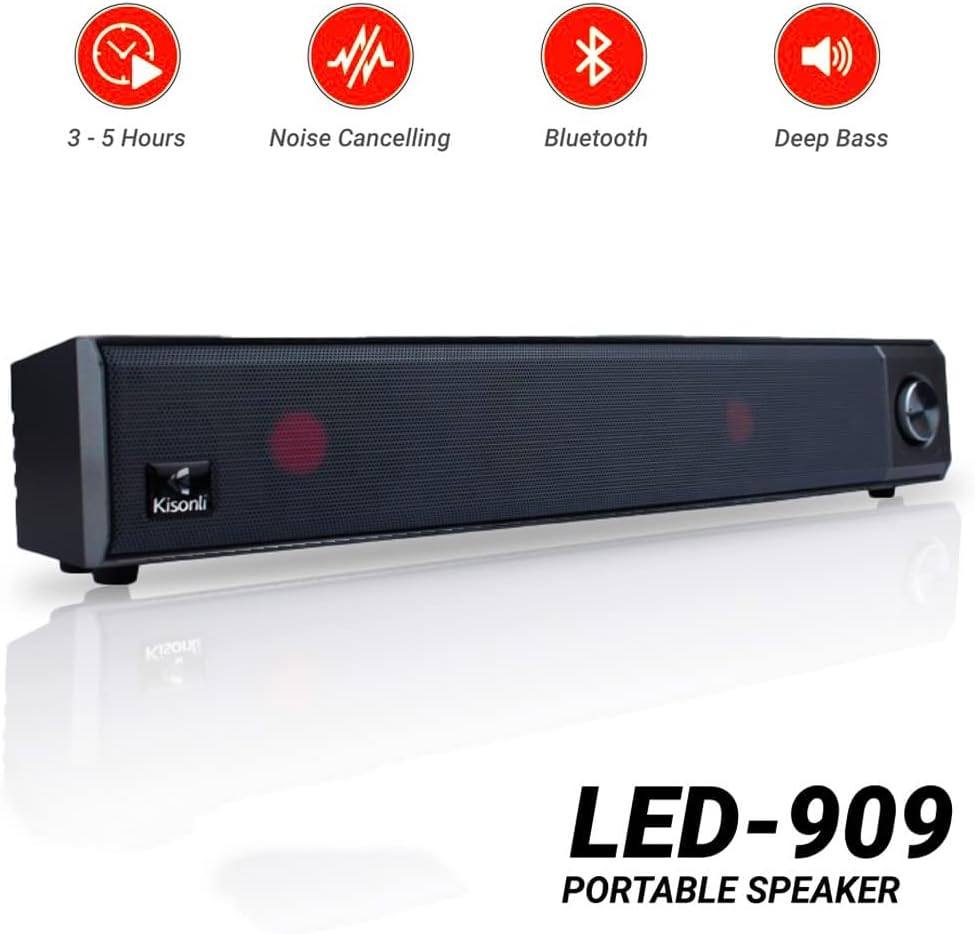
Kisonli LED-909 portable speaker highlighting key features such as 3-5 hours battery life, noise cancelling, Bluetooth connectivity, and deep bass audio.
| Feature | Detail |
|---|---|
| Model Name | LED-909 |
| Brand | Kisonli |
| Speaker Type | Soundbar |
| Connectivity Technology | Bluetooth |
| Wireless Communication Technology | Bluetooth |
| Audio Output Mode | Stereo |
| Power Source | Battery Powered |
| Special Features | Bluetooth, Wireless, Portable, LED Light |
| Recommended Uses | For smartphones or tablets |
| Compatible Devices | Tablet, Smartphone |
| Item Weight | 650 grams |
| Water Resistant | Yes |
| Speaker Size (Length) | 41.4 cm |
| Mounting Type | Tabletop Mount |
| Material | Plastic |
| Included Components | Remote control, Tabletop stand |
| Color | Blue |
| Surround Sound Channel Configuration | 2 |
10. Warranty and Support
The Kisonli LED-909 Portable Wireless Bluetooth Soundbar Speaker comes with a standard manufacturer's warranty. Please refer to the warranty card included in your package for specific terms and conditions, including the warranty period and coverage details.
For technical support, troubleshooting assistance, or warranty claims, please contact Kisonli customer service through the contact information provided on the product packaging or the official Kisonli website. Keep your purchase receipt as proof of purchase for warranty services.