
1. Safety Information
Please read and understand all safety instructions before using the MOOER GWU4 UHF Wireless System. Retain this manual for future reference.
- Do not expose the device to water, moisture, or extreme temperatures.
- Avoid dropping or subjecting the units to strong impacts.
- Do not attempt to disassemble, repair, or modify the units. Refer all servicing to qualified personnel.
- Use only the provided charging cable and a compatible power adapter (not included) for charging.
- Keep out of reach of children.
2. Package Contents
Verify that all items are present in your package:
- GWU4 Wireless Transmitter Unit (1)
- GWU4 Wireless Receiver Unit (1)
- Y-style USB Charging Cable (1)
- User Manual (This document)

Image: The MOOER GWU4 Wireless System components, showing the transmitter, receiver, and the Y-style USB charging cable.
3. Product Overview
3.1. Components
The MOOER GWU4 system consists of two main units: a transmitter and a receiver. Both units feature a 1/4-inch jack, a power/channel button, and LED indicators for channel and battery status.

Image: A close-up view of the MOOER GWU4 transmitter and receiver units, highlighting their channel indicator lights.
3.2. Key Features
- UHF Wireless Technology: Provides stable signal transmission with low interference.
- Low Latency: Ultra-low latency of 0.3ms ensures real-time performance.
- High Signal-to-Noise Ratio (SNR): 103dB SNR for clear audio quality.
- Extended Range: Up to 30 meters (98 feet) transmission distance.
- 4 Selectable Channels: Allows multiple units to operate simultaneously without interference.
- Rechargeable Battery: Built-in 800mAh battery provides up to 6 hours of continuous use. Full charge in approximately 2.5 hours via Type-C USB.
- Flexible Jack: The 1/4-inch jack can rotate up to 220 degrees for compatibility with various instrument designs.

Image: The MOOER GWU4 system demonstrating compatibility with various instruments including guitar, bass, drums, keyboards, and mixers.

Image: An illustration highlighting the 30-meter (98-foot) transmission distance and low latency of the MOOER GWU4 system.
4. Setup
4.1. Initial Charging
Before first use, fully charge both the transmitter and receiver units. Connect the Y-style USB charging cable to both units and plug the other end into a USB power source (e.g., computer USB port, USB wall adapter). The battery indicator LED will show charging status and turn off when fully charged.
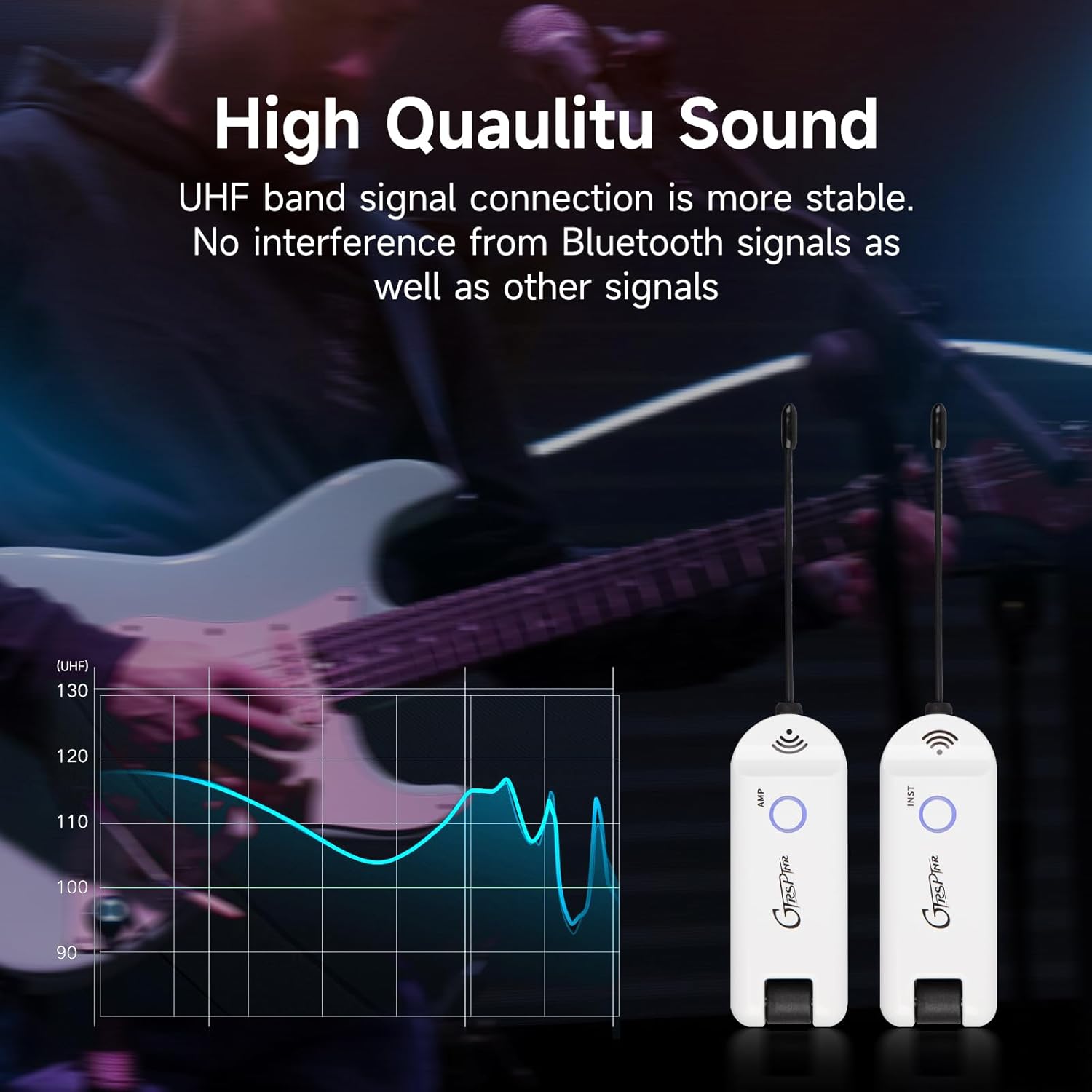
Image: The MOOER GWU4 units being charged, with an indication of battery status and approximately 6 hours of working time.
4.2. Connecting the Units
- Connect Transmitter: Plug the GWU4 transmitter unit into the 1/4-inch output jack of your instrument (e.g., electric guitar, bass).
- Connect Receiver: Plug the GWU4 receiver unit into the 1/4-inch input jack of your amplifier, effects processor, audio interface, or mixing console.
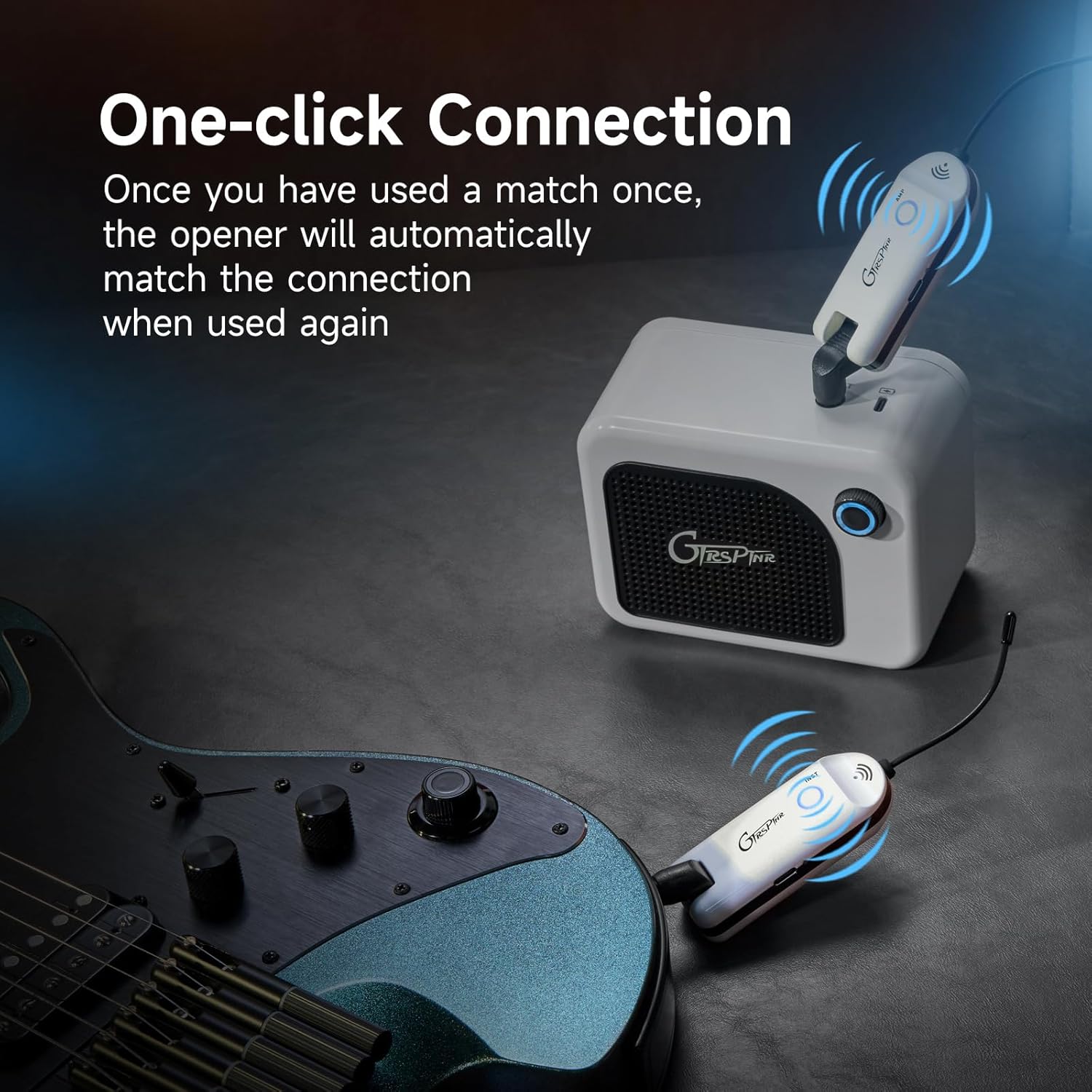
Image: The MOOER GWU4 system illustrating a one-click connection process between an instrument and an amplifier.
4.3. Powering On and Channel Selection
- Power On: Press and hold the power/channel button on both the transmitter and receiver units for a few seconds until the LED indicators light up.
- Automatic Pairing: The units will automatically attempt to pair. If they have been paired before, they will reconnect to the last used channel.
- Manual Channel Selection: If pairing is not successful or you wish to change channels, short press the power/channel button on either unit. The LED indicator will change color, indicating a different channel. Ensure both the transmitter and receiver are set to the same channel (same LED color) for proper operation. The GWU4 supports 4 distinct channels.
For a visual guide on connecting your electric guitar, please refer to the video below:
Video: Demonstrates how to connect an electric guitar to an effects processor using a cable, providing context for instrument connections.
For a comparison between wired and wireless guitar connections, consider the following video:
Video: Discusses the differences and considerations between using a cable or a wireless system for your guitar.
5. Operating Instructions
5.1. Basic Operation
- Once both units are powered on and paired (indicated by matching LED colors), your instrument's signal will be transmitted wirelessly.
- Adjust the volume on your instrument and amplifier/processor as usual.
5.2. Monitoring Battery Life
The LED indicator on each unit also serves as a battery life indicator:
- Green LED: High battery level.
- Red LED: Low battery level. Recharge the units promptly when the red LED appears to avoid interruption during use.
6. Maintenance
- Cleaning: Use a soft, dry cloth to clean the units. Do not use abrasive cleaners or solvents.
- Battery Care: To prolong battery life, avoid fully discharging the units frequently. If storing for an extended period, charge the units to about 50% and recharge every few months.
- Storage: Store the units in a cool, dry place away from direct sunlight and extreme temperatures.
7. Troubleshooting
- No Sound or Intermittent Signal:
- Ensure both transmitter and receiver are powered on and fully charged.
- Verify that both units are set to the same channel (matching LED color).
- Check that the units are within the 30-meter operating range and there are no major obstructions.
- Try switching to a different channel to avoid potential interference from other wireless devices.
- Ensure all cables (if any) are securely connected.
- Poor Sound Quality (Noise, Distortion):
- Check for potential sources of interference (e.g., Wi-Fi routers, other wireless systems, strong electromagnetic fields). Move the units away from such sources.
- Ensure the instrument's output and amplifier's input levels are set appropriately to avoid clipping.
- Verify the units are fully charged. Low battery can affect signal quality.
- Units Not Charging:
- Ensure the Y-style USB cable is properly connected to both units and the power source.
- Try a different USB power source or charging cable.
- Confirm the power source is providing sufficient power.
8. Specifications
| Model Number | GWU4 |
| Item Weight | 6.7 ounces |
| Package Dimensions | 6.22 x 5.71 x 2.01 inches |
| Battery Type | Lithium Ion (1 included) |
| Material Type | Plastic |
| Color | White |
| Frequency Band | UHF |
| Transmission Distance | Up to 30 meters (98 feet) |
| Signal-to-Noise Ratio (SNR) | 103dB |
| Input Dynamic Range | > 103dB |
| Latency | < 0.3ms |
| Working Hours | Up to 6 hours |
| Number of Channels | 4 |
| Distortion | < 0.15% |
9. Warranty and Support
MOOER products are designed for reliability and performance. For warranty information, please refer to the warranty card included with your purchase or visit the official MOOER website. If you encounter any issues or require technical assistance, please contact MOOER customer support through their official channels.
Please have your product model number (GWU4) and purchase details ready when contacting support.

