
Introduction
This manual provides comprehensive instructions for the DieseRC KT1527 4-Button 433Mhz Wireless Remote Control. This device is designed to operate with DieseRC 1527 learning code receivers, offering a reliable solution for controlling various household and industrial devices. Please read this manual carefully before use to ensure proper operation and longevity of your remote control.
Product Features
- RF Frequency: 433MHz for stable wireless communication.
- Encoding: Supports 1527 Learning Code, ensuring compatibility with specific receivers.
- Buttons: Four independent buttons for controlling multiple functions or devices.
- Operating Range: Effective control distance of over 30 meters (approximately 98 feet).
- Durability: Buttons designed for over 500,000 clicks; estimated battery life of 5 years.
- Power: Uses one 12V 27A battery (included and replaceable).
- Signal Penetration: Strong signal capable of passing through walls, floors, and doors.
Setup Instructions
The DieseRC KT1527 remote control is designed to work exclusively with DieseRC 1527 learning code receivers. It cannot clone other remote controls and cannot be programmed directly. The setup process involves matching the remote with a compatible receiver.
1. Battery Installation
The remote control comes with a 12V 27A battery pre-installed. If replacement is needed, carefully open the remote control casing to access the battery compartment. Ensure the new battery is inserted with the correct polarity.
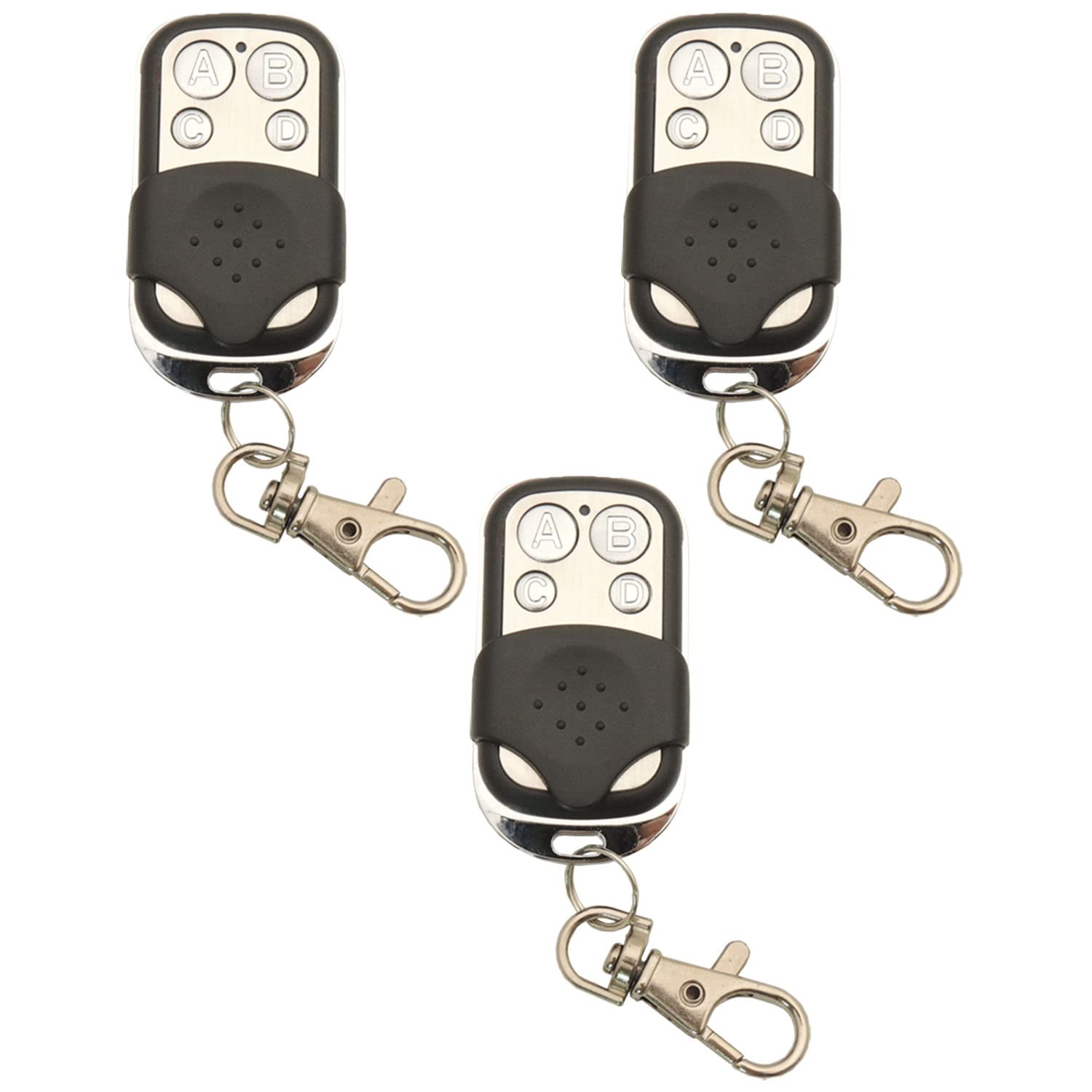
Image of the DieseRC KT1527 4-Button 433Mhz Wireless Remote Control, showing its compact design and four buttons. This image represents the product for which the battery installation is described.
2. Matching with a Receiver
To use the remote control, it must be matched with a compatible DieseRC 1527 learning code receiver. Refer to your receiver's instruction manual for specific matching procedures. Generally, the process involves:
- Power on your DieseRC 1527 learning code receiver.
- Locate the learning button or pairing button on your receiver.
- Press and hold the learning button on the receiver until an indicator light (usually an LED) illuminates or flashes, indicating it is in learning mode.
- While the receiver is in learning mode, press any button on your KT1527 remote control.
- The receiver's indicator light should change (e.g., turn off, flash differently, or stay solid) to confirm successful pairing.
- Test the remote control by pressing its buttons to ensure the receiver responds as expected.
Important: This remote control is not programmable and cannot clone other remotes. It functions solely by matching with a 1527 learning code receiver.
Operating Instructions
Once successfully matched with a receiver, the DieseRC KT1527 remote control is ready for use.
- Each of the four buttons on the remote control corresponds to a specific function or channel on your paired receiver.
- Press the desired button firmly to activate or deactivate the connected device.
- Ensure you are within the operating range (up to 30 meters) for optimal performance. Obstacles like thick walls may reduce the effective range.
Maintenance
Battery Replacement
The remote control uses a 12V 27A battery. When the remote's range decreases significantly or it stops responding, it's likely time to replace the battery. To replace:
- Carefully open the remote control casing. This may require a small screwdriver or prying tool.
- Remove the old 12V 27A battery.
- Insert a new 12V 27A battery, ensuring the positive (+) and negative (-) terminals are correctly aligned.
- Close the casing securely.
- Test the remote control with your receiver.
Cleaning
Wipe the remote control with a soft, dry cloth. Avoid using harsh chemicals or abrasive cleaners, as these can damage the casing or internal components.
Troubleshooting
| Problem | Possible Cause | Solution |
|---|---|---|
| Remote control does not work. |
|
|
| Reduced operating range. |
|
|
| Remote control cannot clone another remote. | This remote is not designed for cloning. | The DieseRC KT1527 is a fixed 1527 learning code transmitter and cannot clone other remote controls. It must be matched with a compatible 1527 learning code receiver. |
Specifications
| Brand | DieseRC |
| Model Name | KT1527 |
| RF Frequency | 433MHz |
| Encoding Support | 1527 Learning Code |
| Buttons | 4 Buttons |
| Receiving Sensitivity | >97dBm |
| Operating Range | >30 meters (approx. 98 feet) |
| Battery Type | 12V 27A Alkaline (included) |
| Lifespan (Buttons) | 500,000 times |
| Dimensions (L*W*T) | 55*30*15mm / 2.2*1.2*0.6in |
| Weight | 29g |
| Operating Temperature | -30~+80°C |
Warranty and Support
DieseRC products are manufactured to high-quality standards. For specific warranty information, please refer to the documentation included with your purchase or visit the official DieseRC website. If you encounter any issues or require technical assistance, please contact DieseRC customer support through their official channels or the seller from whom you purchased the product.
For more information, visit the DieseRC Store on Amazon.


