
Product Overview
The Alula RE620 Sensor Repeater is designed to extend the wireless range of Alula Connect+ compatible sensors. This device ensures optimal signal strength for your sensors, enhancing the reliability and coverage of your security system. It features a battery-backed design for continuous operation.
Key Features:
- Extends wireless range for Connect+ sensors.
- Ensures proper sensor signal strength.
- Battery-backed for continuous operation.
- Includes cover and wall tamper detection.
Package Contents
- Alula RE620 Sensor Repeater Unit
- Rechargeable Battery
- Mounting Hardware (screws, anchors)
- Installation Guide
Product Visuals
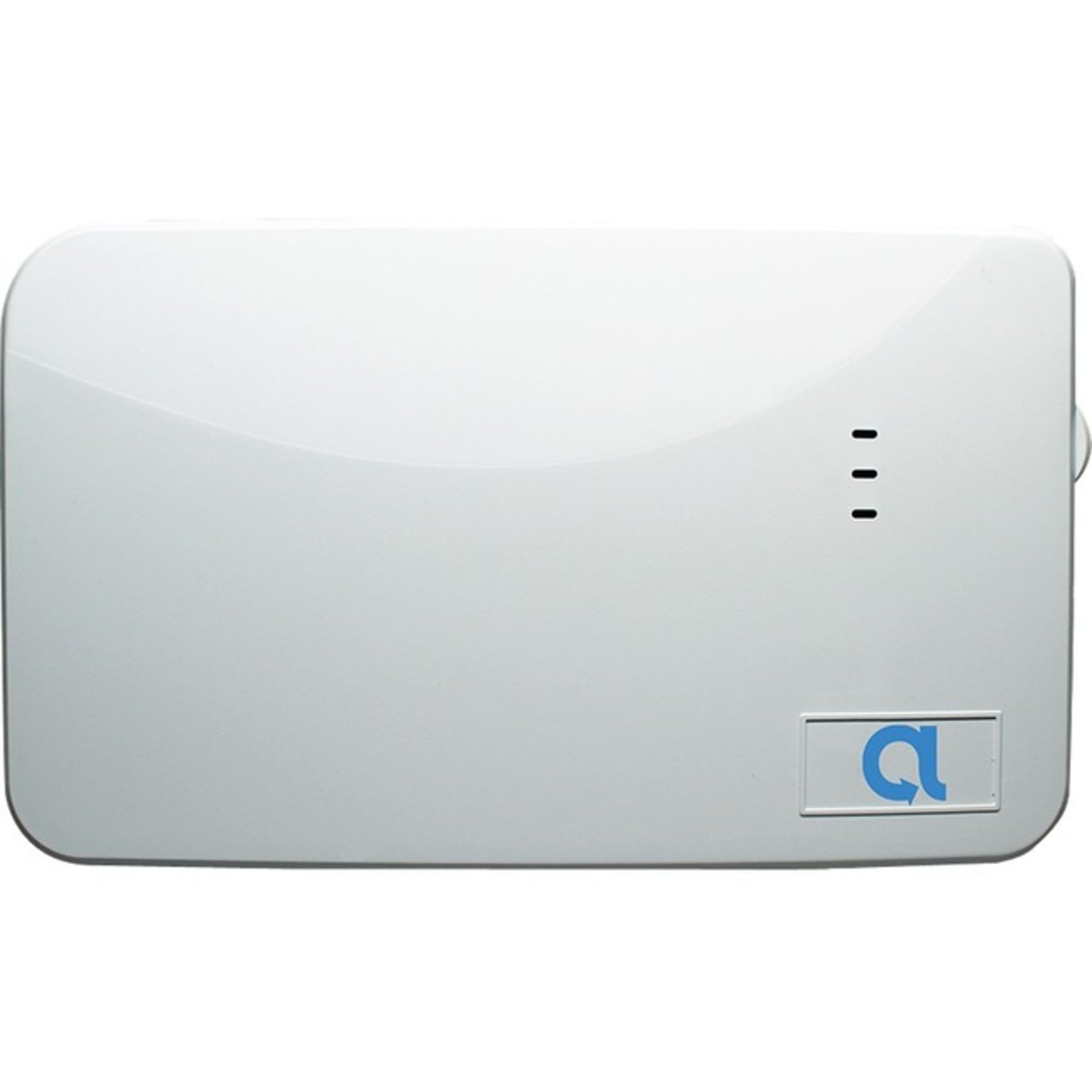
Image Description: A white rectangular device with rounded corners, featuring three small indicator lights vertically aligned on the right side and a blue 'a' logo in a rectangular indentation at the bottom right. This image displays the front view of the Alula RE620 Sensor Repeater.
Setup Instructions
1. Battery Installation
- Carefully open the repeater's casing.
- Connect the rechargeable battery to the designated port inside the unit.
- Close the casing securely.
2. Placement and Mounting
- Identify an optimal location between your Connect+ panel and the sensors that require extended range. Ensure the location is central to the sensors and free from major obstructions.
- Mount the repeater securely to a wall using the provided mounting hardware. The device includes a wall tamper feature, so ensure it is firmly attached.
- Ensure the cover is properly closed to engage the cover tamper switch.
3. Enrollment with Connect+ Panel
- Refer to your Connect+ panel's installation guide for specific instructions on enrolling new wireless devices.
- Typically, you will put the Connect+ panel into enrollment mode.
- Activate the repeater (e.g., by pressing an enrollment button or triggering a tamper switch) to send its signal to the panel.
- Confirm successful enrollment on the Connect+ panel.
Operation
Once installed and enrolled, the Alula RE620 Sensor Repeater automatically extends the wireless communication range for all Connect+ compatible sensors within its operational area. It receives signals from distant sensors and re-transmits them to the Connect+ panel, ensuring reliable communication. The integrated rechargeable battery provides backup power during outages, maintaining system integrity.
The indicator lights on the device provide status information (e.g., power, signal transmission, battery status). Consult the full product documentation for a detailed explanation of indicator light patterns.
Maintenance
Battery Care:
- The rechargeable battery is designed for long-term use. No regular user intervention is typically required for charging.
- If the Connect+ panel indicates a low battery for the repeater, ensure the repeater is receiving consistent power from its primary source.
- Replace the battery only with an Alula-approved replacement battery if necessary.
Cleaning:
- Wipe the device with a soft, dry cloth.
- Do not use liquid cleaners or abrasive materials.
Troubleshooting
| Problem | Possible Cause | Solution |
|---|---|---|
| Sensors still out of range | Repeater placement is not optimal; too many obstructions. | Relocate the repeater to a more central position between the panel and the affected sensors. Ensure line of sight where possible. |
| Repeater not communicating with panel | Not properly enrolled; power issue. | Verify enrollment process. Check power connection and battery status. |
| Tamper alert | Cover not closed properly; device dislodged from wall. | Ensure the cover is securely fastened. Re-mount the device firmly to the wall. |
Technical Specifications
| Model | RE620 |
| Brand | Alula |
| Compatible Devices | Connect+ sensors |
| Frequency Bands Supported | 2.4 GHz |
| Special Feature | Battery Backup |
| Included Components | Rechargeable Battery |
| Package Dimensions | 9 x 1 x 1 inches |
| ASIN | B0BHXDQ67M |
Warranty Information
Alula products are typically covered by a limited manufacturer's warranty. For specific details regarding the warranty period, coverage, and terms for your RE620 Sensor Repeater, please refer to the warranty card included with your product or visit the official Alula website. Keep your proof of purchase for warranty claims.
Customer Support
If you encounter any issues or have questions not covered in this manual, please contact Alula customer support. You can find contact information, including phone numbers and support portals, on the official Alula website. Please have your product model (RE620) and any relevant purchase information ready when contacting support.
For additional resources and frequently asked questions, visit the Alula Support Page.


