
1. Introduction
This manual provides essential information for the proper use and maintenance of your OUKITEL WP18 Pro Rugged Smartphone. Please read it carefully to ensure optimal performance and longevity of your device. The OUKITEL WP18 Pro is designed for durability and extended use, featuring a large battery and robust construction.
2. Product Overview
Familiarize yourself with the physical components and controls of your OUKITEL WP18 Pro smartphone.

Figure 2.1: Front View of the Device

Figure 2.2: Back View of the Device

Figure 2.3: Side View with Buttons and Ports
The device features a 5.93-inch HD+ display on the front. The rear houses the camera module and the OUKITEL branding. On the sides, you will find the power button, volume controls, and a customizable button, along with the SIM/SD card slot and charging port.
3. Setup
3.1. SIM Card and SD Card Installation
The OUKITEL WP18 Pro supports dual Nano SIM cards or one Nano SIM card and one TF (microSD) card for expandable storage up to 1TB.
- Locate the SIM card tray on the side of the device.
- Use the provided SIM ejector tool to open the tray.
- Carefully place your Nano SIM card(s) and/or TF card into the designated slots. Ensure the gold contacts are facing down.
- Gently push the tray back into the device until it is flush with the side.
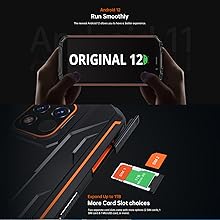
Figure 3.1: SIM/SD Card Tray
3.2. Initial Charging and Power On
Before first use, it is recommended to fully charge your device.
- Connect the USB Type-C cable to the charging port at the bottom of the phone.
- Connect the other end of the cable to a compatible power adapter and plug it into a wall outlet.
- The charging indicator will appear on the screen. Allow the phone to charge until it reaches 100%.
- To power on, press and hold the Power button (usually on the right side) until the OUKITEL logo appears.

Figure 3.2: Charging the Device
4. Operating Instructions
4.1. Basic Phone Functions
- Power On/Off: Press and hold the Power button. Select 'Power off' or 'Restart' from the menu.
- Volume Control: Use the Volume Up and Volume Down buttons on the side to adjust media, call, and alarm volumes.
- Screen Lock/Unlock: Briefly press the Power button to lock or unlock the screen.
- Fingerprint Unlock: Register your fingerprint in the Security settings to unlock the device using the side-mounted fingerprint sensor.
4.2. Camera Operation
The OUKITEL WP18 Pro is equipped with a 13MP main camera, a 5MP auxiliary camera, and a 5MP front camera. It also features an underwater mode.
- Open the Camera application from your home screen or app drawer.
- Select your desired mode (Photo, Video, Portrait, Underwater, etc.).
- Tap the screen to focus on a specific area.
- Press the Shutter button to capture a photo or start/stop video recording.

Figure 4.1: Camera Module Details

Figure 4.2: Camera Sample Images
4.3. Rugged Features
The OUKITEL WP18 Pro is built to withstand harsh environments, meeting IP68, IP69K, and MIL-STD-810G standards for water, dust, and drop resistance.
- Waterproof: Can be immersed in up to 1.5 meters of water for 30 minutes. Ensure all port covers are securely closed before exposure to water.
- Dustproof: Fully protected against dust ingress.
- Drop-proof: Designed to withstand drops from up to 1.5 meters.
- Temperature Resistance: Operates in temperatures ranging from -10°C to 70°C.

Figure 4.3: Waterproof Capability

Figure 4.4: Temperature Resistance
Video 4.1: Demonstrating the Ruggedness of OUKITEL WP18 Pro. This video shows the phone being subjected to water, dust, and drop tests, highlighting its durable design.
Video 4.2: OUKITEL WP18 Pro Rugged Phone Features. This video provides a detailed overview of the phone's robust construction and features designed for extreme conditions.
4.4. Battery and OTG Functionality
The device is powered by a massive 12500mAh battery, offering extended usage times. It also supports OTG (On-The-Go) functionality, allowing it to act as a power bank for other devices.
- Battery Life: Up to 37 days standby, 70 hours calling, 48 hours music, and 22 hours video playback.
- OTG Reverse Charging: Connect other devices via a compatible OTG cable to charge them using your WP18 Pro's battery.

Figure 4.5: 12500mAh Battery Performance
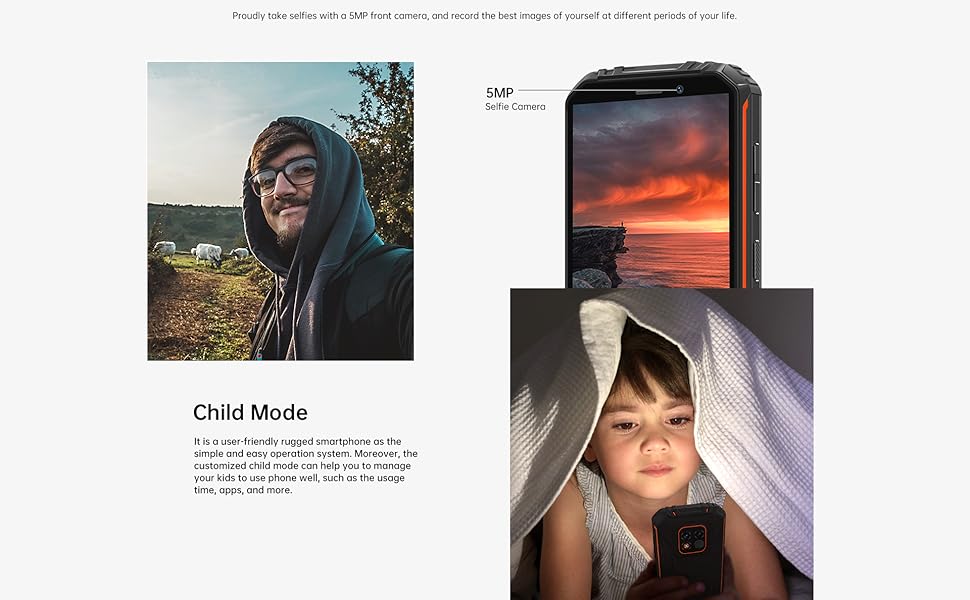
Figure 4.6: OTG Reverse Charging
4.5. Android 12 System
The OUKITEL WP18 Pro runs on Android 12, offering a clean interface, enhanced privacy features, and a smooth user experience.
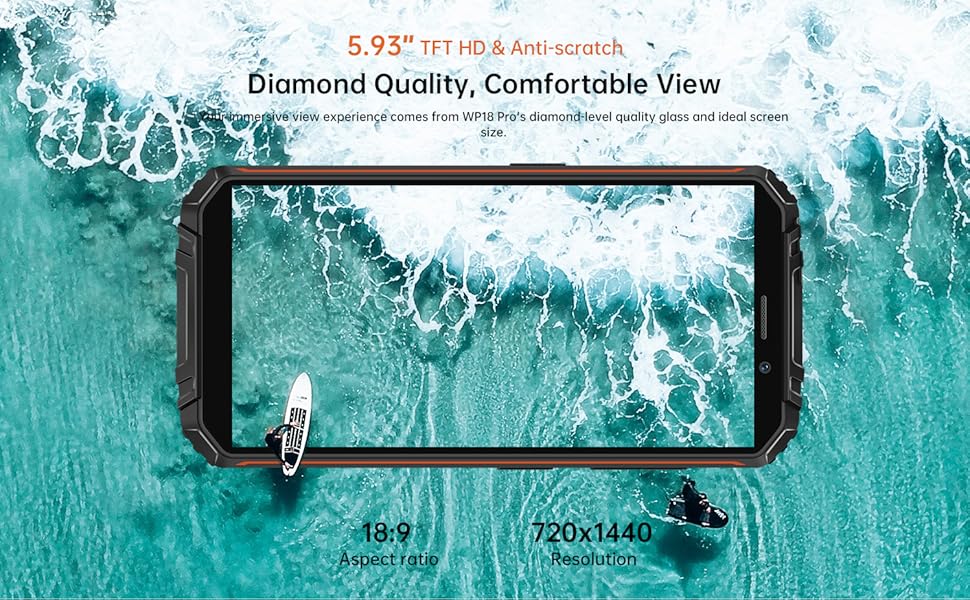
Figure 4.7: Android 12 Interface
5. Maintenance
To ensure the longevity and optimal performance of your OUKITEL WP18 Pro, follow these maintenance guidelines:
- Cleaning: Use a soft, damp cloth to wipe the device. Avoid harsh chemicals or abrasive materials.
- Port Care: Ensure all port covers (USB, SIM tray) are securely closed, especially before exposing the phone to water or dust. Regularly check ports for debris and clean gently with a soft brush if necessary.
- Screen Protection: While the screen is made of Corning Gorilla Glass, using an additional screen protector can provide extra defense against scratches.
- Software Updates: Regularly check for and install system updates to ensure your device has the latest security patches and performance improvements.
6. Troubleshooting
If you encounter issues with your OUKITEL WP18 Pro, try the following solutions:
- Device Not Powering On: Ensure the battery is charged. Connect the charger and wait a few minutes before attempting to power on again.
- Unresponsive Screen: Try restarting the device by holding down the Power button for about 10-15 seconds until it reboots.
- Poor Network Signal: Check if your SIM card is correctly inserted. Move to an area with better network coverage.
- Apps Crashing/Freezing: Clear the cache of the problematic app in Settings > Apps. If the issue persists, try reinstalling the app.
- Battery Draining Quickly: Close unused apps running in the background. Reduce screen brightness. Check battery usage in Settings to identify power-hungry apps.
- Water/Dust Exposure: If the device has been exposed to water or dust, ensure all ports are dry before charging. Do not open the device.
If these steps do not resolve the issue, please contact OUKITEL customer support.
7. Specifications
| Feature | Specification |
|---|---|
| Brand | OUKITEL |
| Model | WP18 Pro |
| Memory Storage Capacity | 64 GB (expandable up to 1TB via microSD) |
| RAM | 4 GB |
| Screen Size | 5.93 Inches HD+ (720*1440 resolution, 400NIT brightness) |
| Wireless Carrier Compatibility | T-Mobile, Metro by T-Mobile, Mint Mobile, Republic Wireless (4G Dual SIM) |
| Cellular Technology | 4G |
| Connectivity Technology | Bluetooth, NFC, USB |
| Color | Orange |
| Item Dimensions (L x W x H) | 6 x 3 x 0.8 inches |
| Operating System | Android 12 |
| Battery Capacity | 12500mAh |
| Rear Camera | 13MP Main Camera + 5MP Auxiliary Camera |
| Front Camera | 5MP |
| Durability Standards | IP68, IP69K, MIL-STD-810G |
8. Warranty and Support
OUKITEL provides comprehensive support for your WP18 Pro device:
- 30-Day Return Policy: Enjoy a 30-day no-reason return period from the date of purchase.
- One-Year Free Warranty: Your device is covered by a one-year warranty for manufacturing defects.
- Long-Term Technical Support: OUKITEL offers ongoing technical assistance for your product.
- 24-Hour Online Customer Service: Dedicated customer service is available 24/7 to address your inquiries and concerns.
For warranty claims or technical assistance, please visit the official OUKITEL website or contact their customer service directly.