
1. Introduction
Thank you for choosing the TNTOR Thin Portable Phone Charger, Model WT-H230P. This ultra-slim 3500mAh power bank is designed for convenience and portability, ensuring your compatible devices stay charged on the go. Please read this manual carefully to ensure proper use and optimal performance.
2. Product Overview
Key Features
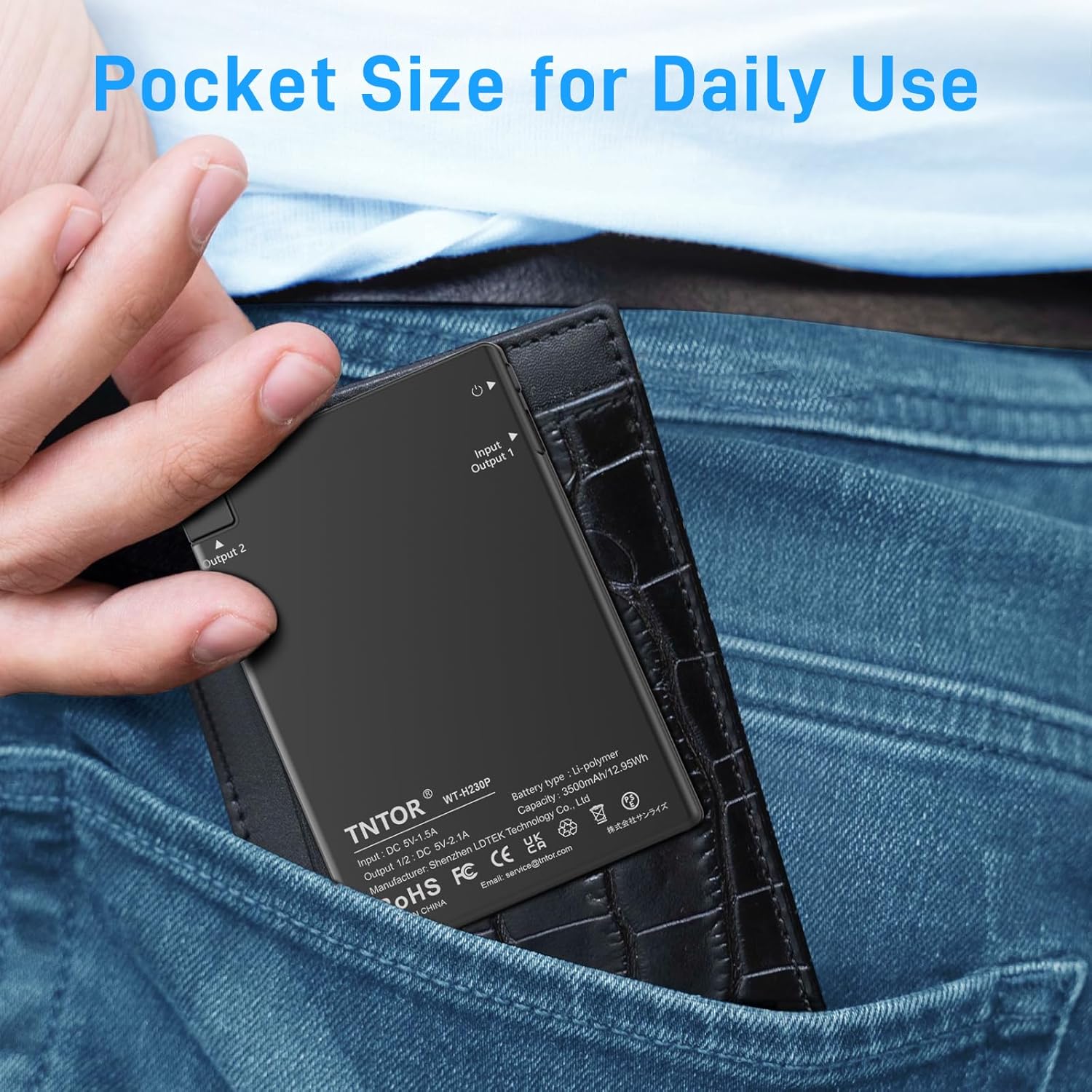
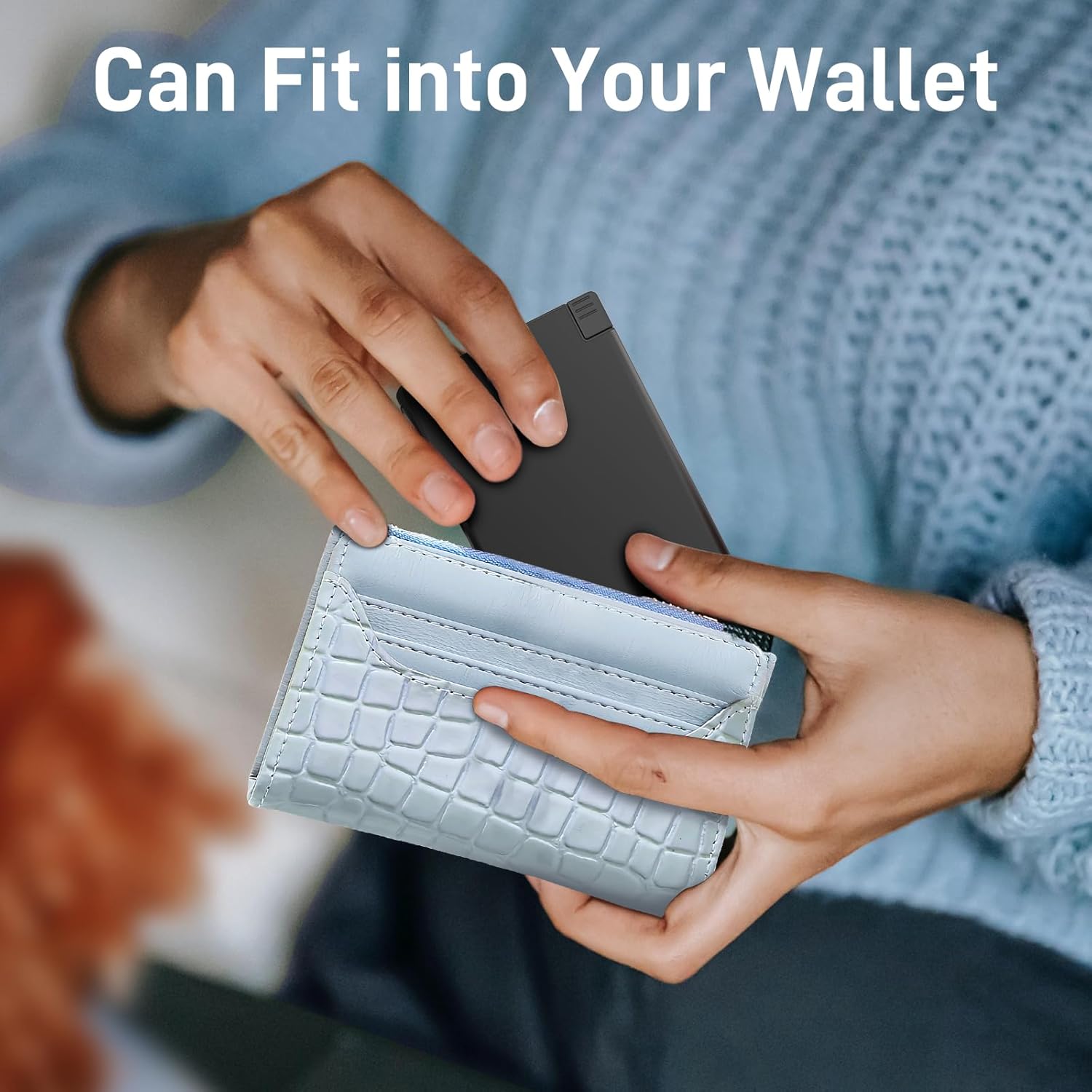
- Ultra-Slim Design: Credit card-sized (3.9 x 2.83 x 0.22 inches) and lightweight (3.35 oz) for easy portability in pockets, pouches, or wallets.
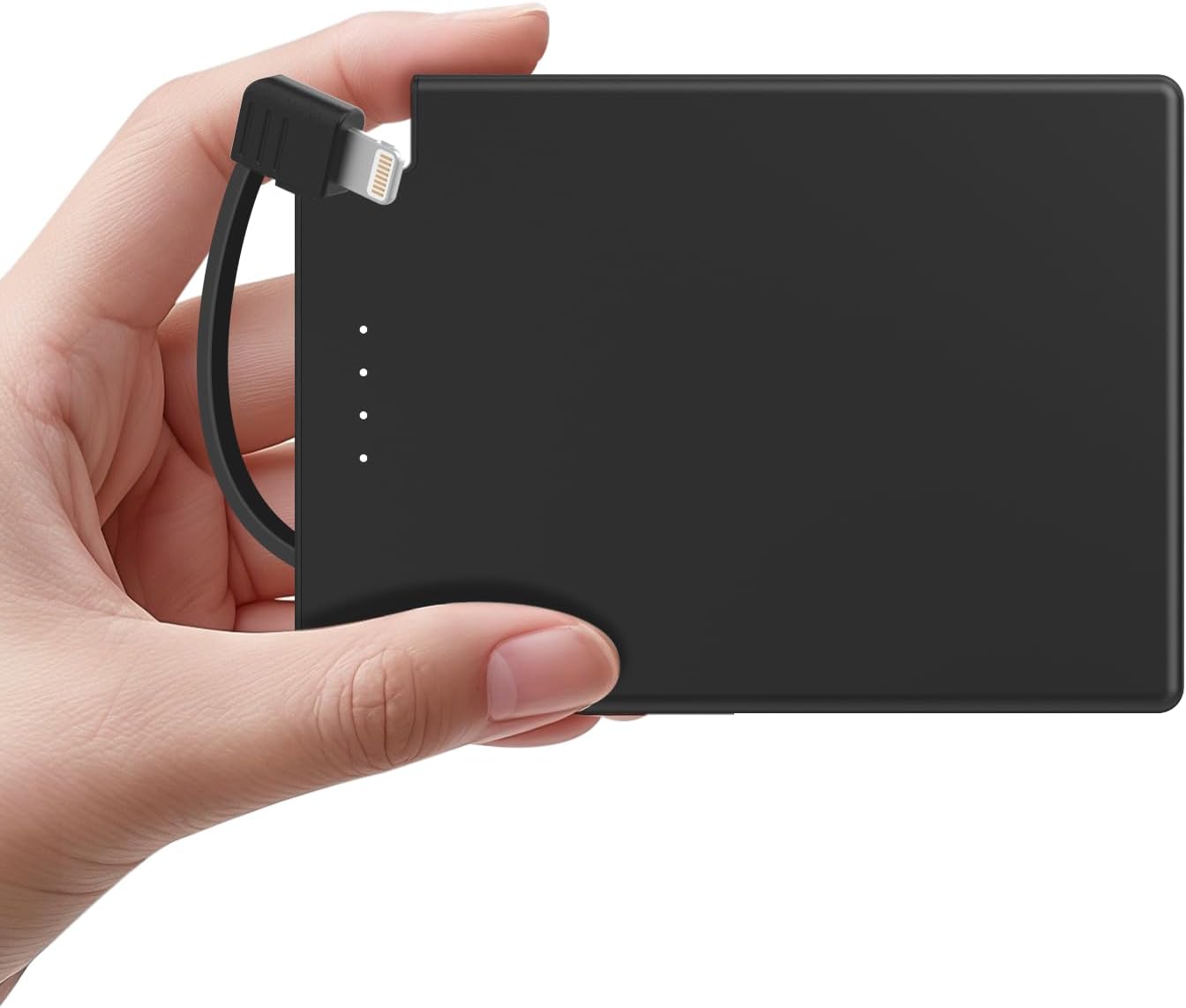
- Built-in Lightning Cable: Integrated cable for direct charging of compatible iPhone series devices, eliminating the need for extra cables.
- 3500mAh Capacity: Provides emergency power, capable of charging a phone approximately 0.7 times.
- Safety Protections: Intelligent Control Circuit protects against over-charging, over-current, over-voltage, and short circuits.
- LED Indicators: Displays remaining battery charge level.
What's in the Box
- TNTOR Thin Portable Phone Charger (Model WT-H230P)
- USB-A to USB-C Charging Cable (for recharging the power bank)
- User Manual
Product Visuals



3. Setup
Charging the Power Bank
- Connect the provided USB-A to USB-C cable to the USB-C input port on the power bank.
- Plug the USB-A end of the cable into a compatible USB wall adapter (not included) or a computer's USB port.
- The LED indicator lights on the power bank will illuminate to show the charging progress. All four lights indicate a full charge.
- Charging time is approximately 3.5 hours for a full charge.
Checking Battery Level
Press the power button on the side of the power bank. The LED indicator lights will show the remaining charge:
- One light: 0-25%
- Two lights: 25-50%
- Three lights: 50-75%
- Four lights: 75-100%
4. Operating Instructions
Charging Devices with Built-in Lightning Cable
- Gently pull out the built-in Lightning cable from its storage slot on the power bank.
- Plug the Lightning connector directly into your compatible iPhone (iPhone 14/13/12/11/X/8 Series).
- The power bank will automatically begin charging your device.
- Once charging is complete or you wish to stop, unplug the cable from your device and securely return the Lightning cable to its storage slot.
Charging Devices with USB-A Output
The power bank also features a USB-A output port for charging other devices using their respective charging cables (not included).
- Connect your device's USB charging cable to the USB-A output port on the power bank.
- Connect the other end of your device's charging cable to your device.
- The power bank will automatically begin charging your device.
- Unplug the cable from your device and the power bank once charging is complete.
Official Product Videos
Video: Official product demonstration of the TNTOR Portable Charge Card power bank with its built-in cable.
Video: Official product overview of the TNTOR Portable PowerCard, highlighting its features and design.
5. Compatibility
This power bank is compatible with:
- iPhone 14/13/12/11/X/8 Series (via built-in Lightning cable)
- iPad 2018-2021/mini 1-5 (via built-in Lightning cable)
- AirPods (via built-in Lightning cable)
- Other devices requiring USB-A charging (using your own USB cable)
Note: Not compatible with USB-C iPhones (iPhone 15/16 Series and onward).

6. Safety Information
The TNTOR Thin Portable Phone Charger incorporates an Intelligent Control Circuit to ensure the safety of your devices. This includes protection against:
- Over-charging
- Over-current
- Over-voltage
- Short circuit
Important Safety Precautions:
- Do not drop, short circuit, or operate under high temperature conditions.
- If the device or the battery swells or becomes malformed, please stop using it immediately.
- Keep out of the reach of children. Intended for adult use only.
7. Maintenance
- Keep the power bank dry and away from moisture.
- Avoid exposing the device to extreme temperatures (hot or cold).
- Clean the device with a soft, dry cloth. Do not use harsh chemicals or abrasive materials.
- Store in a cool, dry place when not in use for extended periods.
8. Troubleshooting
Device not charging:
- Ensure the power bank is sufficiently charged (check LED indicators).
- Verify that the built-in Lightning cable or your external USB cable is securely connected to both the power bank and your device.
- Confirm your device is compatible with the power bank (refer to Compatibility section).
- Try using a different charging cable if using the USB-A output.
Power bank not charging:
- Ensure the USB-A to USB-C charging cable is properly connected to the power bank's USB-C input and a working power source.
- Try a different USB wall adapter or USB port.
- Check if the charging cable is damaged.
9. Specifications
| Feature | Detail |
|---|---|
| Model Number | WT-H230P |
| Battery Capacity | 3500 Milliamp Hours |
| Product Dimensions | 3.9 x 2.83 x 0.22 inches |
| Item Weight | 3.36 ounces |
| Connector Type | Lightning (built-in), USB Type C (input), USB Type A (output) |
| Special Features | Auto Shut-Off, Built-in Cable, Lightweight, Pocket Size, Slim |
| Manufacturer | Shenzhen LDTEK Technology Co., Ltd |
10. Warranty and Support
Product Warranty
The TNTOR Thin Portable Phone Charger comes with a 1-Year Warranty for any problems related to the charge or device functionality. Please retain your proof of purchase for warranty claims.
Customer Support
For further assistance or inquiries, please contact TNTOR-US customer support. Refer to the product packaging or the official TNTOR website for the most up-to-date contact information.


