Introduction
The Joyjoz Dance Mat MB01 is an interactive light-up dance pad designed to provide engaging and active play for children. Featuring a detachable wireless music player, multiple game modes, and animal-themed pads, it encourages physical activity and cognitive development. This manual provides essential information for safe setup, operation, and maintenance of your dance mat.

Image: Overview of the Joyjoz Dance Mat with its various interactive elements and the detachable music player.
Safety Information
- Recommended for ages 36 months to 8 years. Adult supervision is recommended during play.
- Keep the mat away from water and moisture to prevent electrical hazards.
- Ensure the play area is clear of obstacles to prevent falls or injuries.
- Use only the specified battery type (4xAA batteries, not included). Do not mix old and new batteries or different types of batteries.
- Remove batteries if the product is not used for an extended period.
- Do not attempt to modify or disassemble the product.
Package Contents
- 1 x Joyjoz Dance Mat
- 1 x Detachable Wireless Music Player
- 1 x Instruction Manual
Setup
- Battery Installation:
- Locate the battery compartment on the underside of the detachable music player.
- Open the battery cover using a screwdriver (not included).
- Insert 4xAA batteries (not included) according to the polarity indicators (+/-).
- Close the battery cover securely.

Image: The battery compartment of the music player, showing where to insert 4xAA batteries.
- Attaching the Music Player:
- Connect the music player to the designated port on the dance mat. Ensure a secure connection.
Video: Demonstrates how to detach and reattach the wireless music player from the dance mat, highlighting its portability.
- Power On:
- Slide the power switch on the music player to the "ON" position. The digital display will light up.
Operating Modes
The Joyjoz Dance Mat offers several interactive modes to enhance playtime:
Image: Detailed view of the dance mat's control panel and interactive pads, indicating various modes and functions.
- Challenge Mode:
- This mode features 10 built-in songs with 3 different difficulty levels. Follow the light-up pads to dance along.
Video: Demonstrates the Challenge Mode with 10 songs and 3 difficulty levels, showing a child interacting with the light-up pads.
Video: Another demonstration of Challenge Mode, highlighting the 10 songs and 3 difficulty levels available for play.
- Memory Mode:
- Test your memory by repeating sequences of lights and sounds.
Video: Shows the Memory Mode in action on the Joyjoz dance mat, where users follow light sequences.
- Animal Sound Mode:
- Each of the 5 light-up pads corresponds to a different animal sound.
Video: Illustrates the Animal Sound Mode and Instrument Mode, demonstrating the sounds produced by interacting with the mat.
- Instrument Mode:
- Each of the 5 light-up pads corresponds to a different musical instrument sound.
Refer to the video above for a demonstration of Instrument Mode.
- Keyboard Mode:
- The pads function as piano keys, allowing children to create their own melodies.
Video: Shows the Keyboard Mode of the dance mat, where the pads act as piano keys for musical play.
- Wireless Free Dance Mode:
- Connect a Bluetooth-enabled device to the music player to play your favorite songs. The light-up pads will respond to your movements.
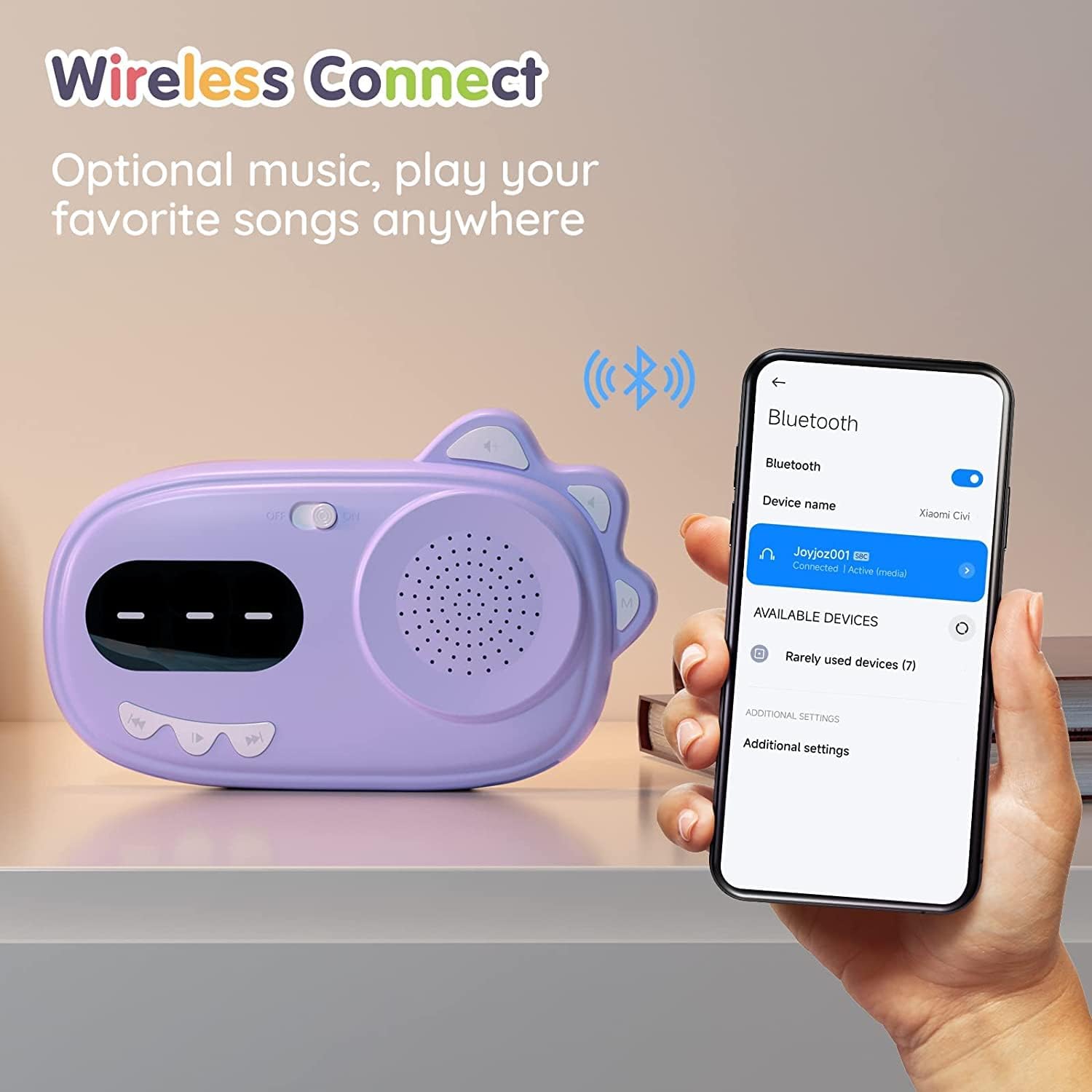
Image: The detachable music player displaying a Bluetooth connection to a smartphone, enabling wireless music playback.
- Looping Dance Mode:
- Select a built-in song to play on a continuous loop for extended dance sessions.
Detachable Music Player Features
The music player can be detached from the mat and used independently as a portable speaker.
- Built-in Songs: Comes with 20 pre-recorded songs.
- Bluetooth Connectivity: Easily connect to any Bluetooth-enabled device to stream music.
- Adjustable Volume: Control the sound level using the dedicated volume buttons.
- Portable Design: Lightweight and compact, making it easy to carry for outdoor use.
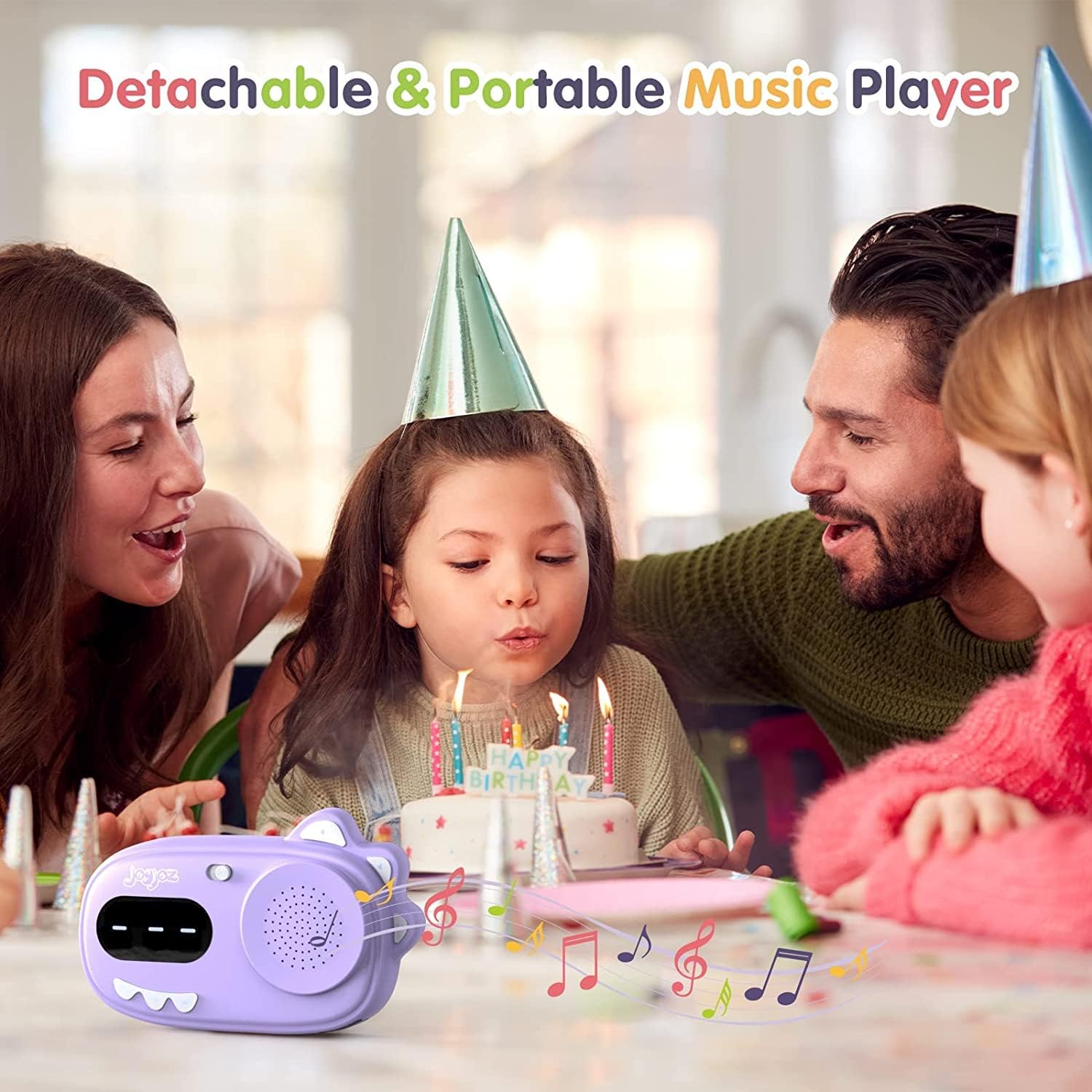
Image: The detachable music player shown separately from the mat, highlighting its use as a portable device.

Image: A family enjoying the portable music player outdoors, demonstrating its versatility.
Maintenance
- Cleaning: The dance mat is made of PEVA materials and can be easily wiped clean with a damp cloth. Do not immerse the mat or music player in water.
- Storage: Fold the mat neatly and store it in a dry place away from direct sunlight when not in use.
Troubleshooting
| Problem | Possible Cause | Solution |
|---|---|---|
| Mat does not power on. | Low or dead batteries; incorrect battery installation. | Replace batteries with new 4xAA batteries; ensure correct polarity. |
| No sound from the music player. | Volume is too low; player not connected to mat; Bluetooth not paired. | Increase volume; ensure player is securely attached; re-pair Bluetooth device. |
| Bluetooth connection issues. | Device too far; interference; player not in pairing mode. | Move device closer; restart player and device; ensure player is in pairing mode. |
| Pads not responding. | Loose connection between player and mat; mat damaged. | Check and secure the connection; contact customer support if damaged. |
Specifications
- Model Number: MB01
- Product Dimensions: 3.15 x 12.99 x 14.96 inches
- Item Weight: 2.2 pounds
- Power Source: 4xAA batteries (not included)
- Recommended Age: 36 months - 8 years
- Material: High-quality PEVA materials
Warranty and Support
For warranty information, product support, or any inquiries, please contact Joyjoz customer service through the retailer where the product was purchased or visit the official Joyjoz website. Please retain your proof of purchase for any warranty claims.


