
Leviton EV48W
Leviton EV48W Level 2 Smart EV Charger User Manual
Model: EV48W | Brand: Leviton
Introduction
This manual provides essential information for the safe and efficient installation, operation, and maintenance of your Leviton EV48W Level 2 Smart EV Charger. Please read all instructions carefully before use.
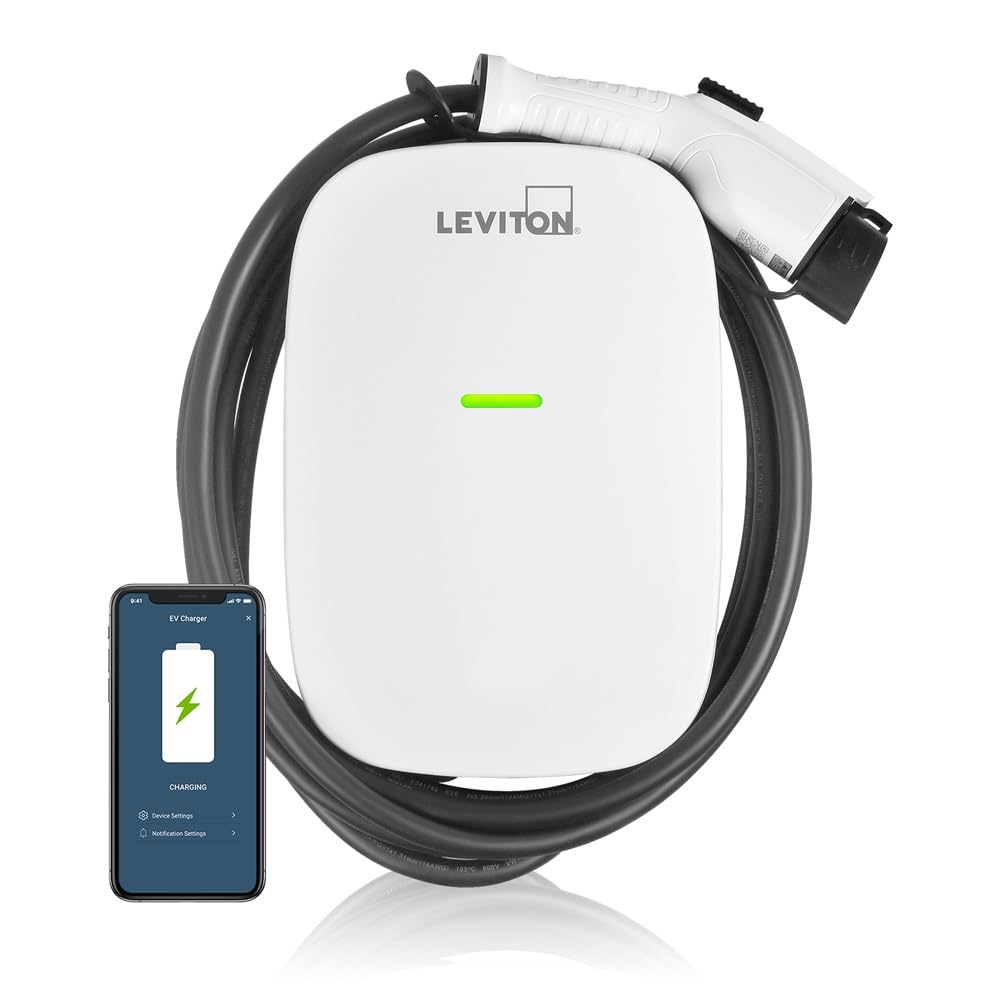
Front view of the Leviton EV48W Level 2 Smart EV Charger with its charging cable.
Safety Information
WARNING: Risk of Electric Shock. Improper installation or use can result in serious injury or death.
- Installation must be performed by a qualified electrician in accordance with all national and local electrical codes.
- Ensure the charging station is hardwired to a dedicated 60 Amp circuit breaker.
- Do not attempt to open, disassemble, or modify the charging station. There are no user-serviceable parts inside.
- Avoid contact with water or other liquids during installation or operation, unless the unit is specifically designed for outdoor use and properly sealed. This unit features a NEMA Type 3R water-resistant enclosure for indoor/outdoor use.
- Do not use if the charging cable or connector is damaged.
- Keep children away from the charging station during operation.
- Proposition 65 Warning: This product may contain chemicals known to the State of California to cause cancer and birth defects or other reproductive harm.
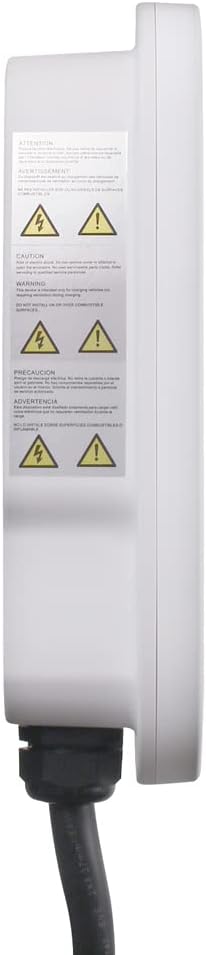
Side view of the EV48W charger displaying important safety and warning labels.
Package Contents
The Leviton EV48W Level 2 Smart EV Charger package includes:
- Leviton EV48W Electric Vehicle Charging Station Unit
- Pre-attached 18-foot charging cable with SAE J1772 connector
- Mounting hardware (included for installation)
- Documentation (this user manual)
Setup and Installation
1. Professional Installation
The EV48W charging station is designed for hardwired installation. It requires a dedicated 60 Amp circuit breaker. Due to the electrical requirements, professional installation by a licensed electrician is strongly recommended to ensure safety and compliance with local codes.

Rear view of the EV48W charger, illustrating the mounting bracket and hardwiring entry points.
2. My Leviton App and Wi-Fi Connection
The EV48W is a smart charger that connects to your home Wi-Fi network for remote control and monitoring via the My Leviton App.
- Download the My Leviton App from your device's app store.
- Create an account or log in.
- Follow the in-app instructions to add your EV48W charger to your account and connect it to your Wi-Fi network. Ensure a strong 2.4GHz Wi-Fi signal at the installation location for reliable connectivity.

Key features of the EV48W charger, including Wi-Fi connectivity and My Leviton app integration.
3. Optional RFID Access Control
The EV48W includes an optional RFID access control feature, which is disabled by default. If you wish to restrict access to the charging station, you can activate this feature using an ADMIN RFID card (sold separately or included with specific bundles). Simply tap the ADMIN card to the designated area on the charger to enable or disable access control.
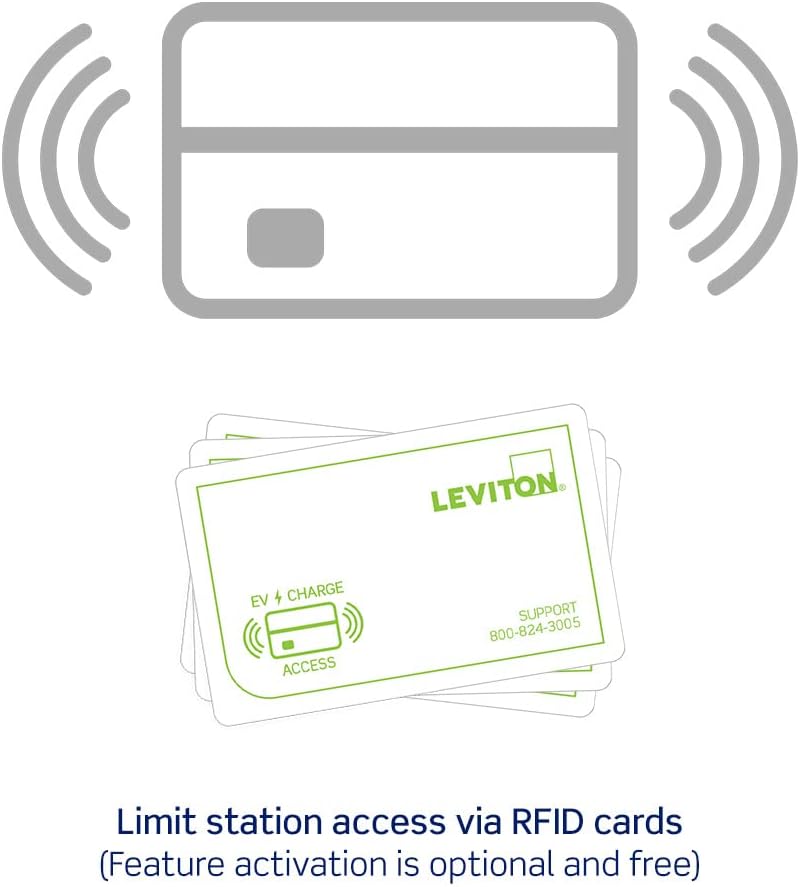
RFID cards used for optional access control to the charging station.
Operating Instructions
1. Charging Your Electric Vehicle
The Leviton EV48W charger is compatible with any electric vehicle that uses the industry-standard SAE J1772 connector. For Tesla vehicles, a Tesla-supplied adapter is required.
- Ensure the charging station is powered on and the indicator light is blue (standby).
- Plug the SAE J1772 connector into your vehicle's charging port.
- The charger will initiate the charging process. The indicator light will change to green (steady) and then flash green during active charging.
- To stop charging, disconnect the connector from your vehicle.
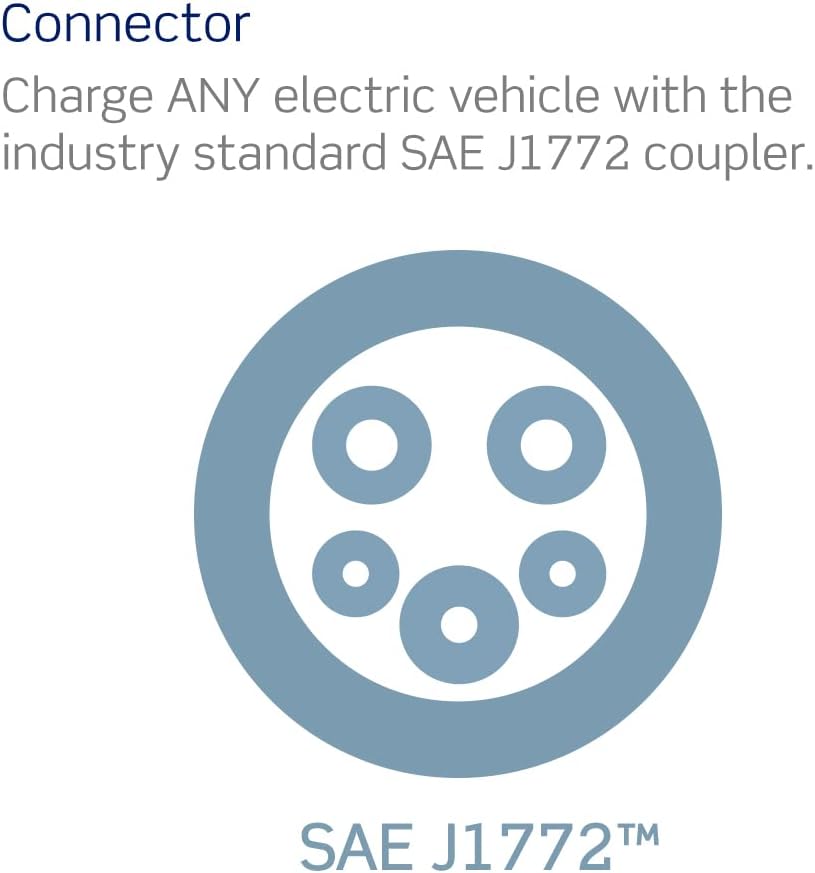
The SAE J1772 connector, compatible with most electric vehicles.
2. Status Indicator Light
The LED indicator light on the front of the charging station provides visual feedback on its operational status:
| Light Status | Description |
|---|---|
 Blue Light (Steady) Blue Light (Steady) | Standby mode. The charger is powered on and ready for use. |
 Green Light (Steady) Green Light (Steady) | Waiting for charge. The vehicle connector is connected to the vehicle inlet, but charging has not yet begun. |
 Green Light (Flashing) Green Light (Flashing) | Active charging. The vehicle is currently charging. |
 Red Light Red Light | Fault has occurred. Refer to the Troubleshooting section. |
Visual guide to the EV48W charger's status indicator lights.
Maintenance
The Leviton EV48W charger is designed for minimal maintenance. Follow these guidelines to ensure optimal performance and longevity:
- Cleaning: Wipe the exterior of the charging station with a soft, damp cloth. Do not use abrasive cleaners or solvents. Ensure the unit is powered off before cleaning.
- Cable Care: Regularly inspect the charging cable and connector for any signs of wear, cuts, or damage. If any damage is observed, discontinue use immediately and contact Leviton support. The cable is designed to prevent freezing and cracking in extreme weather, but proper handling is still recommended.
- Storage: When not in use, coil the charging cable neatly and store the connector in its designated holster or a clean, dry location to protect it from dirt and damage.
- Firmware Updates: Keep the My Leviton App updated to receive notifications for firmware updates for your charger. These updates can improve performance and add new features.
Troubleshooting
If you encounter issues with your EV48W charger, refer to the following common troubleshooting steps:
| Problem | Possible Cause | Solution |
|---|---|---|
| Red Indicator Light | Internal fault, overcurrent, or ground fault. | Disconnect the charging cable from the vehicle. Turn off the circuit breaker for the charger for 30 seconds, then turn it back on. Reconnect the cable. If the fault persists, contact Leviton support. |
| Charger is Offline / Wi-Fi Disconnected | Weak Wi-Fi signal, network interference, or router issue. |
|
| Charging Does Not Start | Vehicle not properly connected, charging schedule active, or vehicle fault. |
|
| Charger Not Responding (e.g., Bluetooth issues, ML0026 error) | Internal software issue or hardware malfunction. | Perform a power cycle by turning off the circuit breaker for 30 seconds and then turning it back on. If the issue persists, especially with specific error codes like ML0026, contact Leviton customer support. |
| Reduced Performance in Cold Temperatures | Extreme cold affecting electronics or cable flexibility. | While the unit is rated for -30°C, extreme conditions can sometimes affect performance. Ensure the cable is not frozen or stiff before use. If the unit ceases to function, try power cycling it. If issues persist, contact Leviton support, especially if temperatures are within the specified operating range. |
Specifications
| Feature | Detail |
|---|---|
| Model Number | EV48W |
| Output Power | 11.6 kW |
| Amperage | 48 Amp (requires 60 Amp breaker) |
| Input/Output Voltage | 208/240 VAC |
| Charging Cable Length | 18 feet |
| Connector Type | SAE J1772 |
| Connectivity | Wi-Fi (2.4GHz), My Leviton App compatible |
| Enclosure Rating | NEMA Type 3R (Indoor/Outdoor) |
| Operating Temperature | -30°C to 50°C |
| Dimensions (Product) | 14.19 x 9.84 x 3.42 inches |
| Item Weight | 15.54 pounds |
| Certifications | UL Listed, Energy Star Certified |
Warranty and Support
Leviton stands by the quality of its products. For warranty information, please refer to the documentation included with your product or visit the official Leviton website. For technical assistance, troubleshooting, or any questions regarding your EV48W charger, please contact Leviton's dedicated customer support team.
Leviton Customer Support:
- Visit www.leviton.com/support for online resources and contact information.
- Phone support is available 24/7. Refer to the product packaging or website for the most current phone number.
Related documentsEV48W


Ask a question about this manual
Ask about setup, troubleshooting, compatibility, parts, safety, or missing instructions. Manuals+ will review the question and use this page’s manual context to help answer it.