1. Product Overview
The NEXCAM T85 Trail Camera is a high-performance device designed for outdoor wildlife monitoring and home security. It captures clear 20MP pictures and 1296P HD videos, featuring WiFi and Bluetooth connectivity for easy control via a mobile application. Equipped with advanced night vision and an IP66 waterproof rating, it ensures reliable operation in various environmental conditions.

Image 1.1: The NEXCAM T85 Trail Camera, showcasing its camouflage design and connectivity icons.
2. Package Contents
Please verify that all items listed below are included in your package:
- NEXCAM T85 Trail Camera
- USB Cable
- Threaded Tripod Mount
- User Manual
- Mounting Belt
- Screws and Wall Anchors
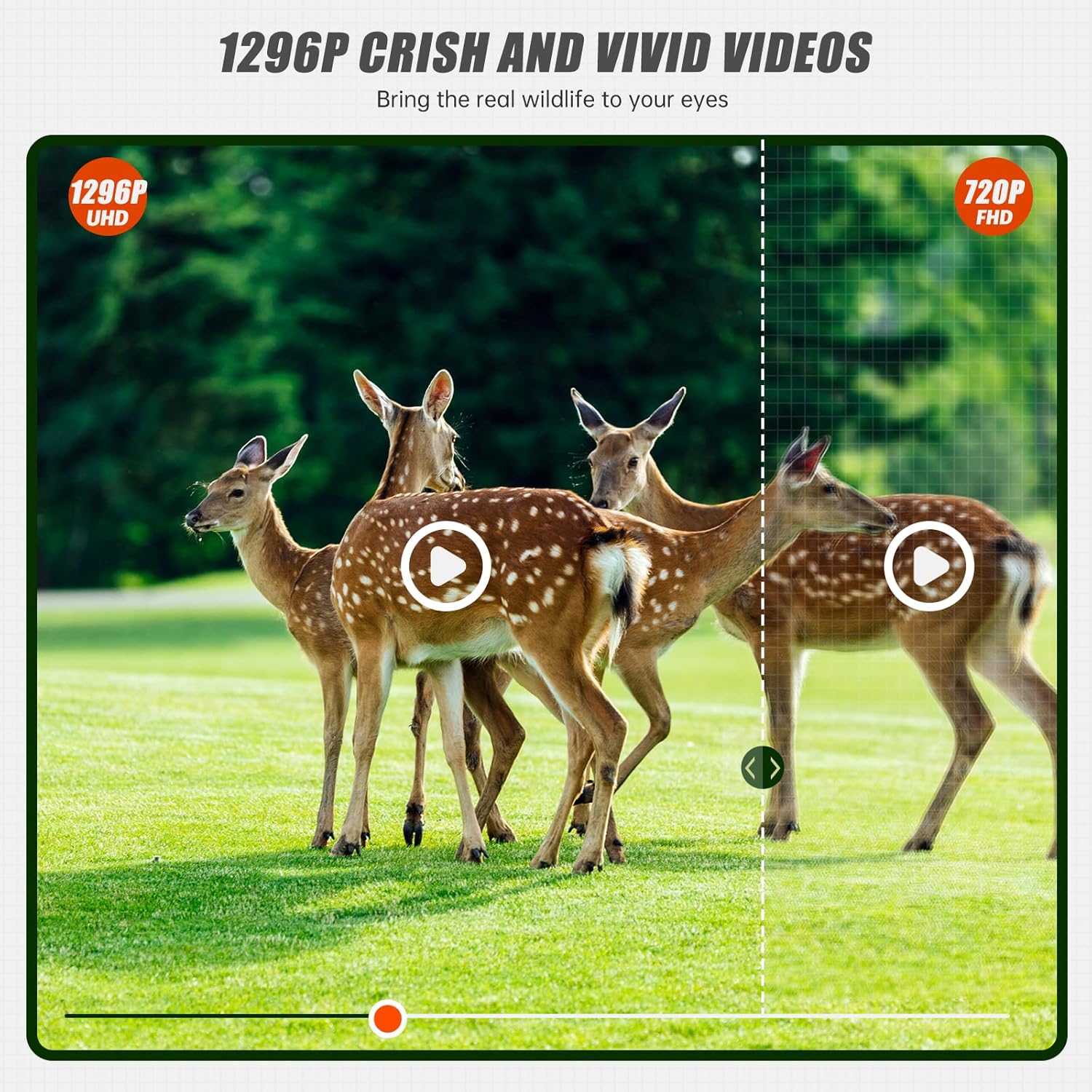
Image 2.1: All components included in the NEXCAM T85 Trail Camera package.
3. Setup
3.1 Battery and SD Card Installation
Open the camera casing. Insert 8 AA batteries (not included) into the battery compartment, ensuring correct polarity. Insert a Class 10 or higher SD card (up to 256GB, not included) into the SD card slot until it clicks into place. Close the casing securely to maintain the waterproof seal.
3.2 Mounting the Camera
The camera can be mounted using the included mounting belt or the threaded tripod mount. For tree mounting, thread the belt through the camera's rear slots and secure it around the tree. For other surfaces, use the tripod mount with the provided screws and anchors. Ensure the camera is positioned to capture the desired area without obstruction.

Image 3.1: The trail camera mounted on a tree, demonstrating its IP66 waterproof capability in rainy conditions.
4. Operating the Camera
4.1 Powering On and Mode Selection
After installing batteries and an SD card, switch the camera to the 'ON' position. The camera will enter monitoring mode. Use the internal screen and navigation buttons to access the menu and select your desired operating mode: Photo, Video, or Photo + Video.
4.2 Key Features
- 20MP Photos & 1296P Videos: Capture high-resolution images and crisp videos with audio.
- 0.3S Trigger Time: The camera activates rapidly upon detecting motion, ensuring minimal delay in capturing fast-moving subjects.
- 120° Wide Angle Lens: Provides a broad field of view for comprehensive monitoring.
- Super Night Vision: Equipped with 850nm infrared LEDs, the camera delivers clear black-and-white images and videos in low-light conditions without disturbing wildlife.
- IP66 Waterproof & Dustproof: Designed to withstand harsh outdoor environments, protecting against rain and dust.

Image 4.1: Comparison of 20MP image clarity versus 12MP.

Image 4.2: Comparison of 1296P video quality versus 720P.
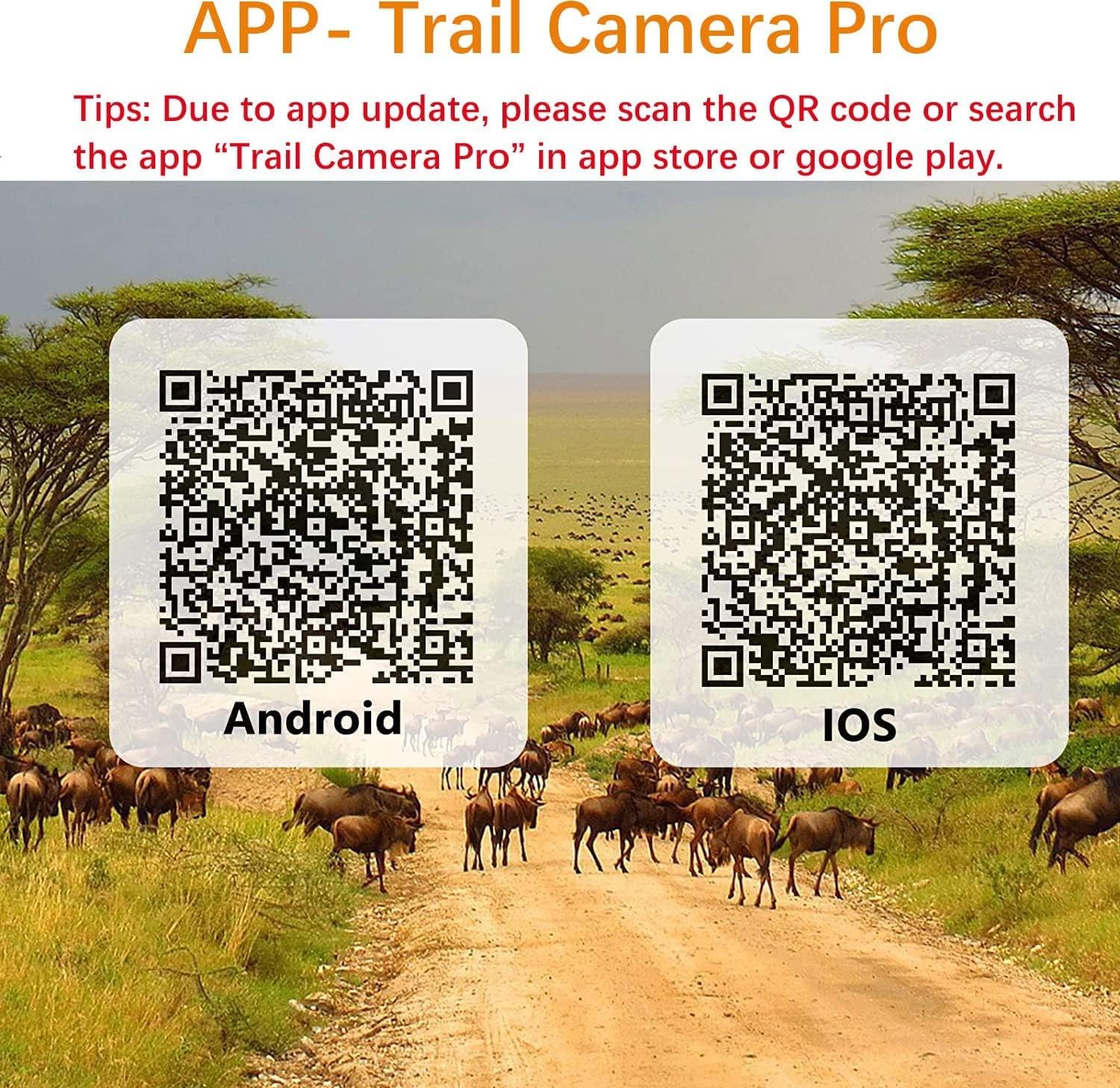
Image 4.3: Demonstration of advanced night vision capabilities, showing a deer in a dark environment.

Image 4.4: Visual representation of the camera's rapid 0.3-second trigger time, capturing a running horse.

Image 4.5: Diagram illustrating the 120-degree wide detection range of the three sensitive PIR sensors.
4.3 App Control & WiFi Connection
The NEXCAM T85 features low-power WiFi and Bluetooth for seamless control via the 'Trail Camera Pro' app. This allows you to browse and download photos/videos directly to your phone without removing the SD card, and easily adjust camera settings.

Image 4.6: Examples of wide usage scenarios including wildlife monitoring, home security, farm monitoring, and tracking.

Image 4.7: A user viewing live footage from the trail camera on a smartphone via the 'Trail Camera Pro' app.


4.4 Time Lapse Function
The camera supports a time-lapse function, allowing you to capture events over extended periods, such as plant growth or construction projects. Refer to the in-camera menu or app settings for configuration options.

Image 4.8: Visual example of the time-lapse function capturing the growth of a plant from seed to sprout.
4.5 Official Product Video
Video 4.1: A short video demonstrating the trail camera's ability to capture wildlife, featuring a bird in a garden setting.
5. Maintenance
To ensure optimal performance and longevity of your NEXCAM T85 Trail Camera, follow these maintenance guidelines:
- Cleaning: Gently wipe the lens and camera body with a soft, dry cloth. Avoid abrasive cleaners or solvents.
- Battery Replacement: Replace all batteries simultaneously when the low battery indicator appears. Do not mix old and new batteries or different battery types.
- SD Card Management: Regularly format the SD card within the camera's settings to prevent data corruption and ensure smooth operation. Back up important footage before formatting.
- Storage: When not in use for extended periods, remove batteries and store the camera in a cool, dry place away from direct sunlight.
6. Troubleshooting
If you encounter issues with your NEXCAM T85 Trail Camera, refer to the following common problems and solutions:
| Problem | Possible Cause | Solution |
|---|---|---|
| Camera not powering on. | Low or dead batteries; incorrect battery insertion. | Replace all batteries with new ones, ensuring correct polarity. |
| Camera not capturing images/videos. | SD card full or corrupted; incorrect settings; PIR sensor blocked. | Format the SD card (after backing up data); check camera settings (mode, sensitivity); ensure PIR sensor is clear. |
| App connection issues (WiFi/Bluetooth). | Bluetooth/WiFi not enabled on camera; app not updated; phone's WiFi/Bluetooth issues. | Ensure camera's WiFi/Bluetooth is active. Update 'Trail Camera Pro' app to the latest version. Restart phone's WiFi/Bluetooth. Try connecting closer to the camera. |
| Poor night vision quality. | IR LEDs obstructed; camera too far from subject; low battery. | Clear any obstructions from IR LEDs. Position camera closer to the target area. Replace batteries. |
7. Specifications
| Feature | Detail |
|---|---|
| Model Number | T85 |
| Effective Still Resolution | 20 MP |
| Video Capture Format | 1296P (MPEG-4) |
| Trigger Time | 0.3 seconds |
| Lens Angle | 120° Wide Angle |
| Night Vision | 850nm Infrared LED |
| Waterproof Rating | IP66 |
| Connectivity Technology | Bluetooth, Wi-Fi |
| Control Method | App (Trail Camera Pro) |
| Power Source | AA Batteries (not included) |
| Dimensions (L x W x H) | 2 x 3.5 x 3.5 inches |
| Item Weight | 1.37 pounds |
| UPC | 748507216264 |
8. Warranty and Support
For warranty information or technical support, please contact NEXCAM customer service. You can find more information and contact details on the official NEXCAM store page:


