
Introduction
This manual provides detailed instructions for the installation, operation, and maintenance of your Weiser Aura Satin Nickel Bluetooth Door Lock with Re-Key Kit. Please read all instructions carefully before installation and use to ensure proper function and safety.
Safety Information
- Do not attempt to disassemble or modify the lock. This may cause damage to the product, void the warranty, and compromise security.
- Use only the specified battery type (4x AA alkaline batteries). Do not mix old and new batteries or different types of batteries.
- Keep all keys and access codes in a secure location.
- Ensure the door frame and door are in good condition and properly aligned for optimal lock performance.
Package Contents
Verify that all components are present before beginning installation:
- Weiser Aura Bluetooth Smart Lock (Exterior Keypad and Interior Assembly)
- Deadbolt Latch
- Strike Plate and Reinforcement Screws
- Mounting Plate
- SmartKey Re-Key Kit (including SmartKey tool and new keys)
- Installation Hardware (screws, bolts)
- User Manual (this document)

Image: Weiser Aura Smart Lock showing both the exterior keypad and the interior assembly.

Image: Front packaging of the Weiser SmartKey Re-Key Kit, displaying keys and branding.
Setup and Installation
Follow these steps for proper installation of your Weiser Aura Smart Lock. For visual guidance, refer to the provided installation videos.
1. Prepare the Door
- Ensure your door has standard preparations for a deadbolt.
- Check door thickness (typically 1 3/8" to 2 1/4" or 35mm to 55mm).
- Verify backset distance (60mm or 70mm).
2. Install the Deadbolt Latch
- Insert the deadbolt latch into the edge of the door.
- Ensure the word "TOP" on the latch is oriented upwards.
- Secure the latch with screws.
3. Install the Exterior Keypad
- Route the cable from the exterior keypad through the cross bore hole in the door.
- Align the keypad with the deadbolt latch.
4. Install the Interior Assembly
- Attach the mounting plate to the interior side of the door, routing the cable through the plate.
- Connect the cable from the exterior keypad to the interior assembly.
- Secure the interior assembly to the mounting plate.
- Install 4x AA alkaline batteries (not included) into the interior assembly.
5. Install the Strike Plate
- Install the strike plate on the door frame, aligning it with the deadbolt latch.
- Secure with screws.
6. Re-Keying with SmartKey Technology
The included SmartKey Re-Key Kit allows you to re-key your lock to an existing key. This process is quick and does not require a locksmith.

Image: Back packaging of the Weiser SmartKey Re-Key Kit, showing visual instructions for re-keying.
Installation Videos:
Weiser Aura Bluetooth Keypad Smart Lock Overview
Video: This video provides an overview of the Weiser Aura Bluetooth Keypad Smart Lock, demonstrating its features and benefits in daily use.
How to Install SMONET Smart Lock (General Guide)
Video: A general installation guide for a smart lock, illustrating common steps for preparing the door, installing the deadbolt, exterior keypad, and interior assembly.
Installing eufy Smart Lock C30 Keyless Entry Door Lock (General Guide)
Video: Another general installation guide for a keyless entry door lock, showing the process from door preparation to final assembly and testing.
Weiser SmartKey Tutorial - Re-Key Your Lock In Seconds
Video: A tutorial demonstrating how to use the Weiser SmartKey technology to re-key your lock quickly and easily.
Operating Instructions
The Weiser Aura Smart Lock offers multiple ways to control access to your home:
1. Weiser App Control (Bluetooth)
- Download the Weiser App on your smartphone.
- Pair your smartphone with the lock via Bluetooth (within approximately 100 feet).
- Lock/Unlock: Use the app to remotely lock or unlock your door.
- User Code Management: Create, modify, or delete up to 250 customizable user codes for family, friends, or service providers.
- Schedules: Set specific times or days for user codes to be active.
- Activity Notifications: Receive alerts on your smartphone when the lock is accessed.
- Event Logs: View a history of lock activity, including who accessed the lock and when.
2. Keypad Operation
- One-Touch Locking: Press the lock button on the keypad to lock the door from the outside.
- Unlocking: Enter a valid user code on the keypad, then press the lock button to unlock.
3. Auto-Lock Feature
- The lock can be configured to automatically lock after a user-selectable time delay (e.g., 30 seconds, 60 seconds, 3 minutes, 5 minutes, 10 minutes). This feature enhances security by ensuring the door is always locked after entry or exit.
4. Manual Key Override
- In case of battery depletion or electronic malfunction, the lock can always be operated manually using the physical key.
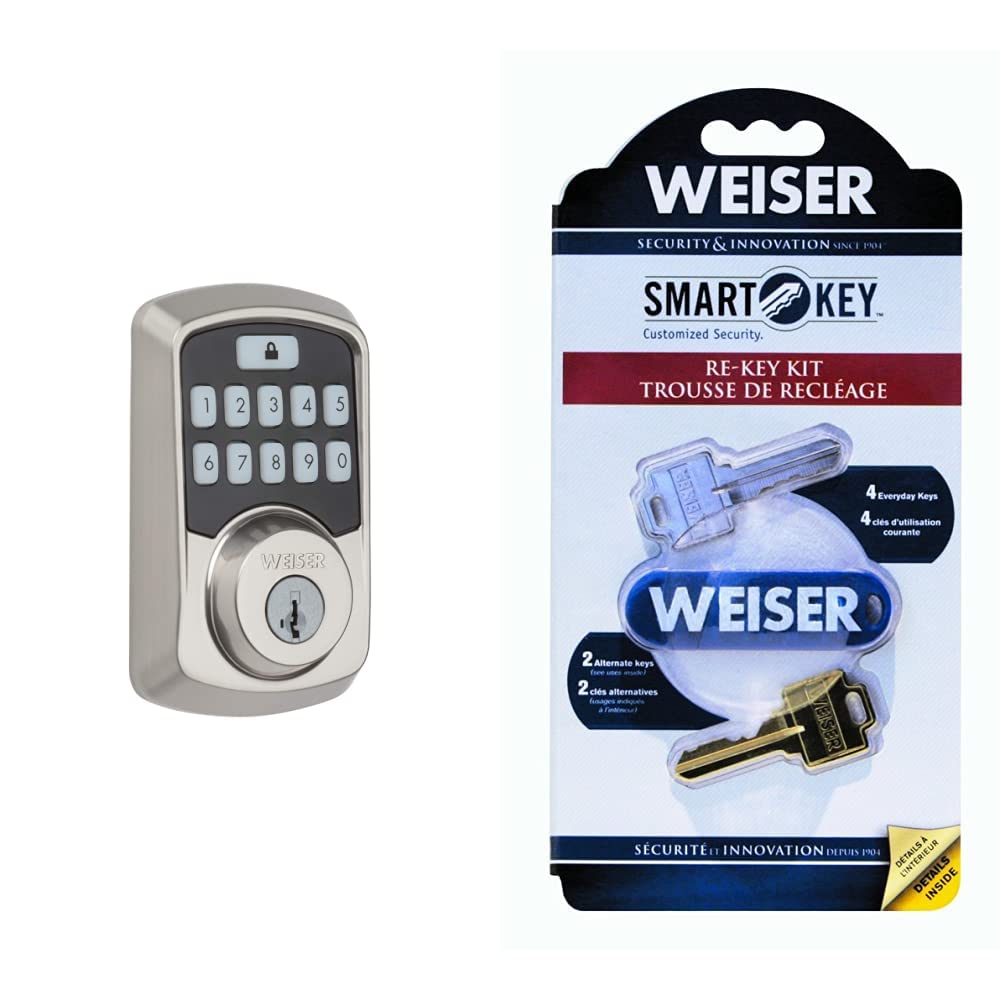
Image: Close-up of the Weiser Aura Smart Lock exterior keypad, showing the numbered buttons and the lock icon.
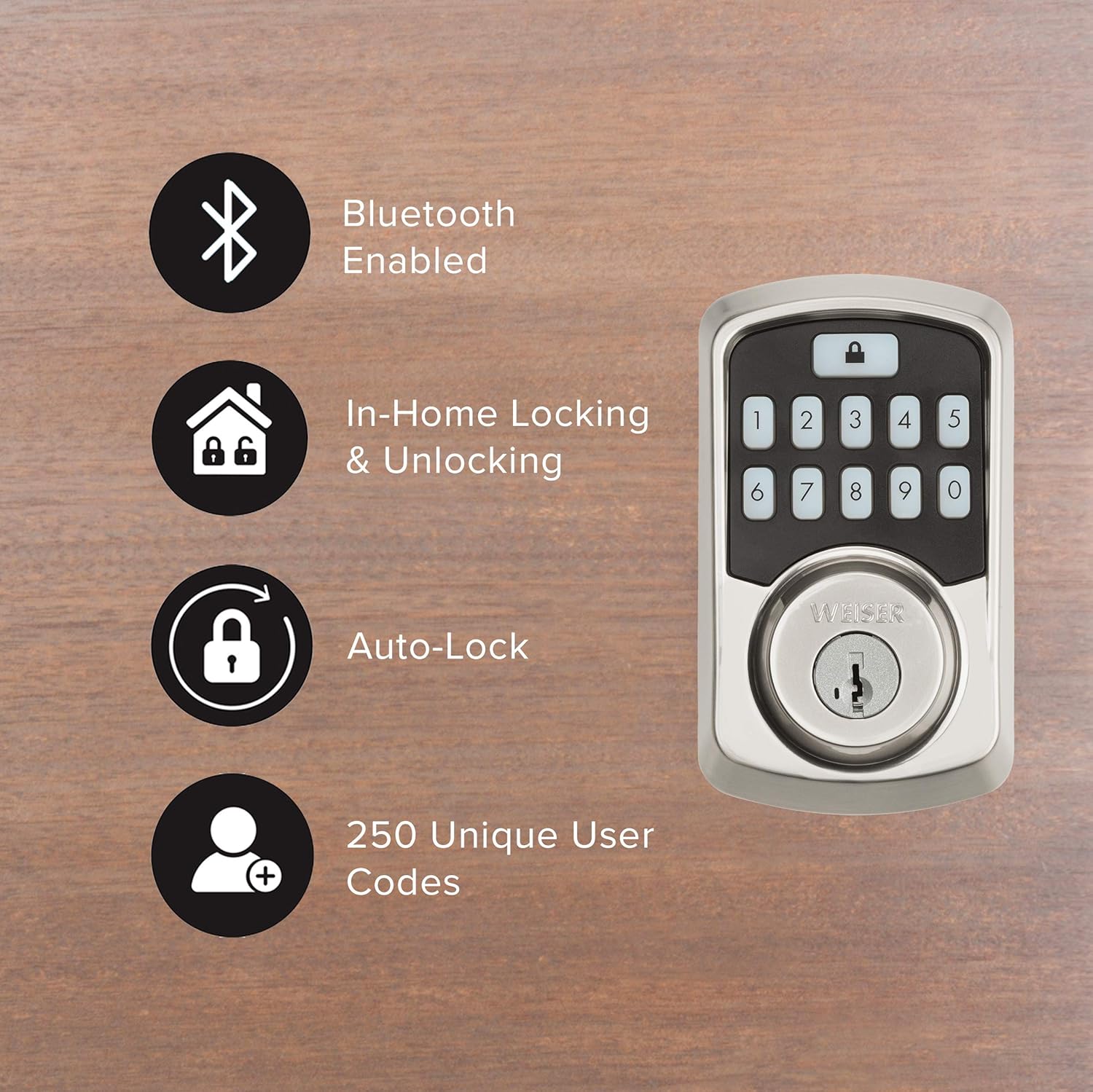
Image: Graphic illustrating key features of the Weiser Aura Smart Lock, including Bluetooth connectivity, in-home locking/unlocking, auto-lock, and support for 250 unique user codes.
Maintenance
1. Battery Replacement
- The lock will provide a low battery warning through the app and an indicator light on the interior assembly.
- To replace batteries, remove the battery cover on the interior assembly.
- Replace all four AA alkaline batteries with new ones. Ensure correct polarity.
- Replace the battery cover.
2. Cleaning
- Clean the lock's exterior surfaces with a soft, damp cloth.
- Avoid using abrasive cleaners, solvents, or harsh chemicals, as these can damage the finish and electronic components.
Troubleshooting
- Lock not responding: Check battery levels. Replace batteries if low. Ensure Bluetooth connection is active if using the app.
- Keypad not lighting up: Check battery levels. Ensure the keypad is clean and free from debris.
- Deadbolt not extending/retracting fully: Check for obstructions in the door frame or strike plate. Ensure the door is properly aligned.
- Forgotten user code: Reset or manage user codes through the Weiser App.
- Lock history/event logs: Access these features directly through the Weiser App for detailed information on lock usage and alerts.
Specifications
| Brand | Weiser |
| Model Number | 9GED18500-001 |
| Color | Satin Nickel |
| Style | Door Lock + Re-Key Kit |
| Material | Zinc |
| Lock Type | Keypad |
| Special Features | Keyless, Bluetooth, SmartKey Technology |
| Security Certification | BHMA Grade 2, 128-bit Encryption Security, 20-minute fire rating (UL) |
| Power Source | 4x AA Batteries (not included) |
Warranty and Support
For warranty information, please refer to the documentation included with your product or visit the official Weiser website. For technical support, troubleshooting assistance, or to inquire about replacement parts, please contact Weiser customer service through their official channels.


