
Introduction
Thank you for choosing the Casaria Electric Height-Adjustable Desk. This manual provides essential information for the safe assembly, operation, and maintenance of your new desk. Please read these instructions carefully before use and retain them for future reference.
This desk is designed to offer an ergonomic workspace, allowing you to easily switch between sitting and standing positions. Its robust construction and intuitive controls ensure a comfortable and productive environment.
Safety Information
- Ensure all components are present and undamaged before assembly. Do not use if any parts are missing or faulty.
- Assembly requires two people for safety and ease.
- Keep children and pets away from the desk during operation to prevent injury.
- Do not place hands or objects near moving parts of the desk frame during height adjustment.
- Ensure the power cable is not pinched or damaged. Use only the provided power adapter.
- Do not overload the desk. The maximum load capacity is 80 kg.
- Avoid spilling liquids on the control panel or motor components.
- Disconnect the power supply before cleaning or maintenance.
Package Contents
Verify that all the following components are included in your package. If any parts are missing or damaged, please contact customer support.
- Desktop (1 piece)
- Desk Frame (legs, crossbar, motor)
- Control Panel with LCD display
- Power Adapter and Cable
- Headphone Hook
- Cup Holder
- Cable Clamps and Cable Management Grommets
- Assembly Hardware (screws, bolts, etc.)
- Assembly Instructions (separate document)
Note: Tools for assembly are not included and must be provided by the user.
Setup and Assembly
Assembly of the Casaria Electric Height-Adjustable Desk requires approximately 2 people. Please refer to the separate detailed assembly instructions included in your package for step-by-step guidance. The following provides a general overview and important considerations.
- Unpack Components: Carefully remove all parts from the packaging and lay them out on a clean, soft surface to prevent scratches.
- Assemble Frame: Follow the instructions to connect the desk legs to the crossbar and motor assembly. Ensure all screws are tightened securely.
- Attach Desktop: Carefully place the desktop onto the assembled frame and secure it using the provided screws.
- Install Control Panel: Mount the control panel to the underside of the desktop in the designated area.
- Connect Cables: Connect the motor cable and control panel cable to the main control box. Then, connect the power adapter to the control box and plug it into a power outlet.
- Attach Accessories: Install the headphone hook and cup holder as desired. Utilize the cable clamps and grommets for organized cable management.
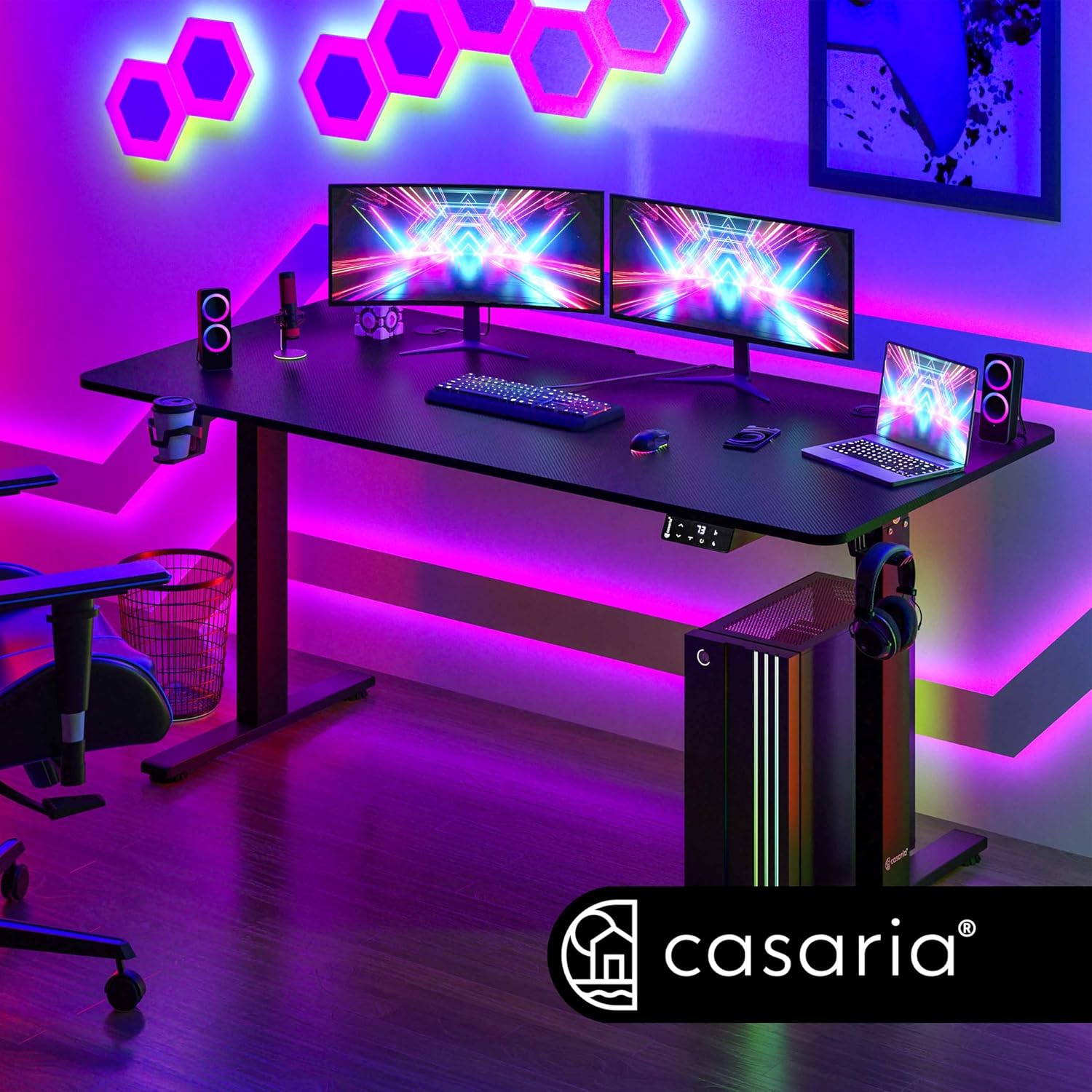
Image: Initial assembly of the desk frame components.

Image: Attaching the desk legs to the central support beam.

Image: Illustrates the stable construction, adjustable feet, and included accessories like the cup holder and headphone hook.
Operating Instructions
Your Casaria desk features an intuitive LCD control panel for easy height adjustment and memory functions.

Image: The LCD control panel with buttons for height adjustment and memory presets.
Height Adjustment
- Raise Desk: Press and hold the 'Up' arrow button (▲) to raise the desk. Release the button when the desired height is reached.
- Lower Desk: Press and hold the 'Down' arrow button (▼) to lower the desk. Release the button when the desired height is reached.
- The desk can be adjusted continuously between 73 cm and 118 cm. The quiet motor allows for smooth transitions.
Memory Presets
The control panel allows you to save two preferred height settings for quick adjustment.
- Adjust the desk to your desired height using the Up/Down buttons.
- Press the 'M' button (Memory). The display will flash 'S-'.
- Immediately press either button '1' or '2' to save the current height to that preset. The display will show 'S-1' or 'S-2' to confirm.
- To recall a saved height, simply press button '1' or '2'. The desk will automatically move to the stored position.
Timer Function
The integrated timer can remind you to change your working position or take a break.
- Press the 'T' button (Timer) to activate the timer.
- Each press cycles through timer intervals: 30 minutes, 45 minutes, 60 minutes, or Off.
- When the set time elapses, the desk will emit a gentle reminder sound.

Image: Visual representation of the desk's adjustable height range from sitting to standing positions.
Maintenance
Proper care will ensure the longevity and optimal performance of your Casaria desk.
- Cleaning: The desk surface is easy to clean. Wipe it with a soft, damp cloth. Avoid abrasive cleaners or harsh chemicals that could damage the finish.
- Inspection: Periodically check all screws and connections to ensure they remain tight. Retighten if necessary.
- Cable Management: Ensure cables are neatly organized and not obstructing the desk's movement.
- Motor Care: The motor is designed for durability. Avoid continuous operation for extended periods without rest.
Troubleshooting
If you encounter any issues with your desk, please refer to the following common problems and solutions before contacting support.
| Problem | Possible Cause | Solution |
|---|---|---|
| Desk does not move | Power cable disconnected, motor cable loose, overload. | Check all cable connections. Ensure the desk is plugged into a working outlet. Reduce weight on the desk. |
| Desk moves unevenly or makes unusual noise | Loose screws, obstruction, uneven weight distribution. | Check and tighten all assembly screws. Remove any obstructions. Distribute weight evenly on the desktop. |
| LCD display shows an error code | System fault, sensor issue. | Unplug the desk for 10 minutes, then plug it back in to reset the system. If the error persists, contact customer support. |
| Memory presets not working | Incorrect saving procedure. | Ensure you press 'M' then immediately '1' or '2' to save. Refer to 'Operating Instructions' for details. |
Specifications
| Feature | Detail |
|---|---|
| Model | Casaria Electric Height-Adjustable Desk |
| Dimensions (L x W x H) | 140 x 60 x 73-118 cm |
| Minimum Height | 73 cm |
| Maximum Height | 118 cm |
| Weight | 25 kg |
| Maximum Load Capacity | 80 kg |
| Desktop Material | Melamine Particle Board (15mm thickness) |
| Frame Material | Alloy Steel with Powder Coating |
| Color | Carbon Black |
| Special Features | Ergonomic, Height Adjustable, Scratch Resistant, Electric Motor, LCD Control Panel, Memory Presets, Timer Function |
| Included Accessories | Headphone Hook, Cup Holder, Cable Management |
| Assembly Required | Yes (2 persons recommended) |

Image: Detailed dimensions of the desk, including length, width, and adjustable height range.

Image: Illustration of the powerful and quiet motor, highlighting the 5-year motor warranty.
Warranty
The Casaria Electric Height-Adjustable Desk comes with a limited warranty. Specifically, the motor is covered by a 5-year warranty, ensuring reliable performance for an extended period. For detailed warranty terms and conditions, please refer to the warranty information provided with your purchase or contact customer support.
Support
If you have any questions, require assistance with assembly, or encounter issues not covered in this manual, please do not hesitate to contact our customer support team.
- Online Support: Visit the official CASARIA website for FAQs and support resources.
- Email: For technical assistance or warranty claims, please email support@casaria.com.
- Phone: Contact our customer service hotline during business hours. (Please refer to your purchase documentation for regional phone numbers).
When contacting support, please have your product model number (140 x 60 cm) and purchase date available.


