1. Introduction
This manual provides essential instructions for the safe and effective use of your Jadfezy J-5000 4K Action Camera. Please read this manual thoroughly before operating the device and retain it for future reference. The Jadfezy J-5000 is designed to capture high-quality video and photos in various environments, including underwater, with its 4K video resolution and 20MP photo capability.

Figure 1: Jadfezy J-5000 4K Action Camera overview with key features.
2. Package Contents
Verify that all items listed below are included in your package. If any items are missing or damaged, please contact customer support.
- Jadfezy J-5000 4K Action Camera
- Waterproof Case
- 2 x 1350mAh Lithium-ion Batteries
- Dual Battery Charging Base
- 2.4G Wireless Remote Control
- USB Cable
- Various Mounting Accessories (e.g., helmet mounts, bicycle mounts, wrist straps)
- User Manual
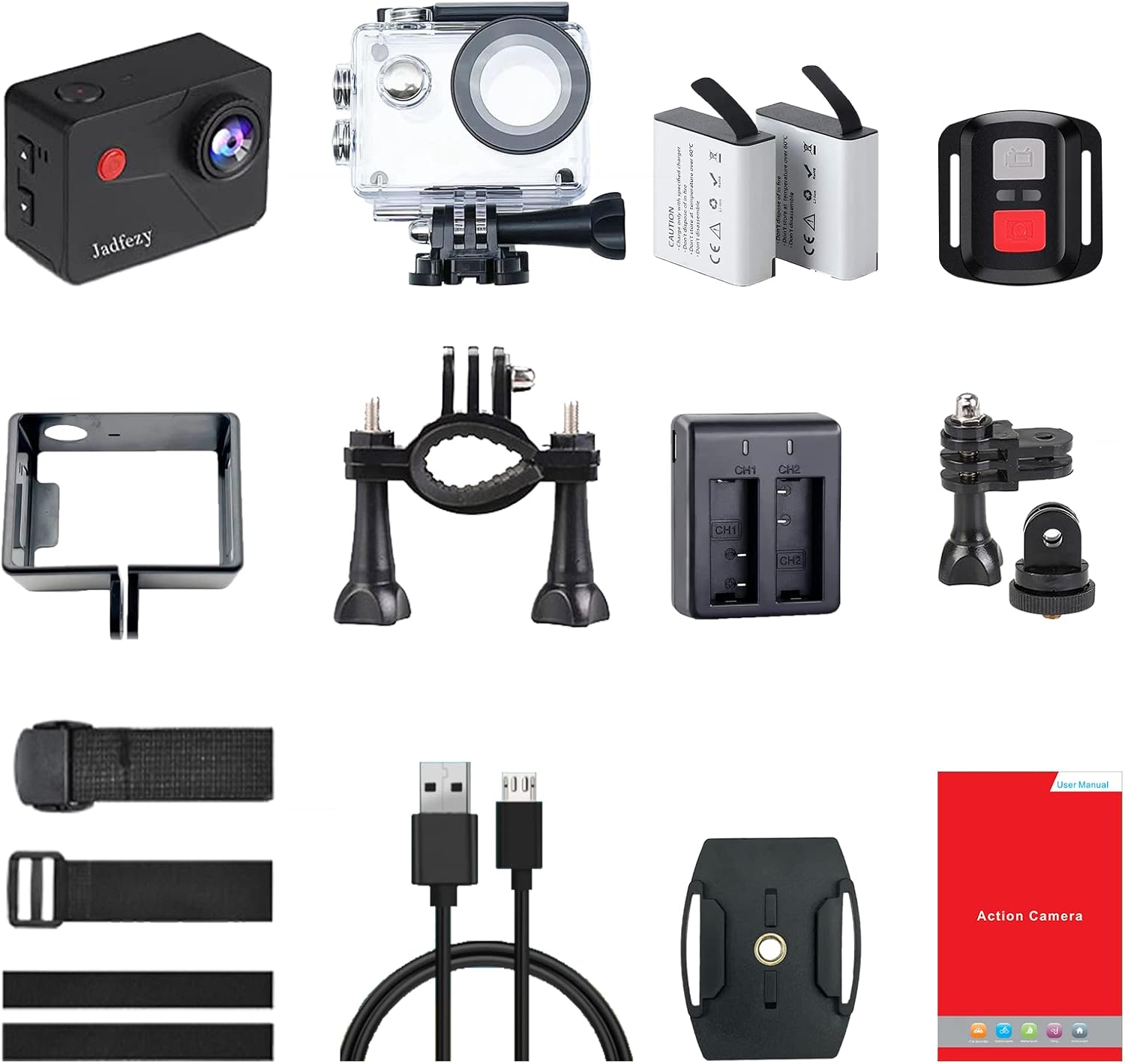
Figure 2: Complete package contents of the Jadfezy J-5000 Action Camera.
3. Setup
3.1 Battery Installation and Charging
- Open the battery compartment cover on the bottom of the camera.
- Insert a 1350mAh Lithium-ion battery, ensuring the correct orientation. Close the cover securely.
- To charge, insert the batteries into the dual charging base. Connect the charging base to a USB power source using the provided USB cable. The indicator lights on the charger will show charging status.

Figure 3: Dual battery charging base with batteries.
3.2 Memory Card Installation
The camera requires a Micro SD card (not included) for storing recordings. Insert the Micro SD card into the card slot until it clicks into place. Ensure the card is formatted before first use via the camera's settings menu.
3.3 Waterproof Case Usage
For underwater use or protection against dust and impact, place the camera inside the waterproof case. Ensure the case is properly sealed before submerging. The case supports diving depths up to 30 meters (98 feet).
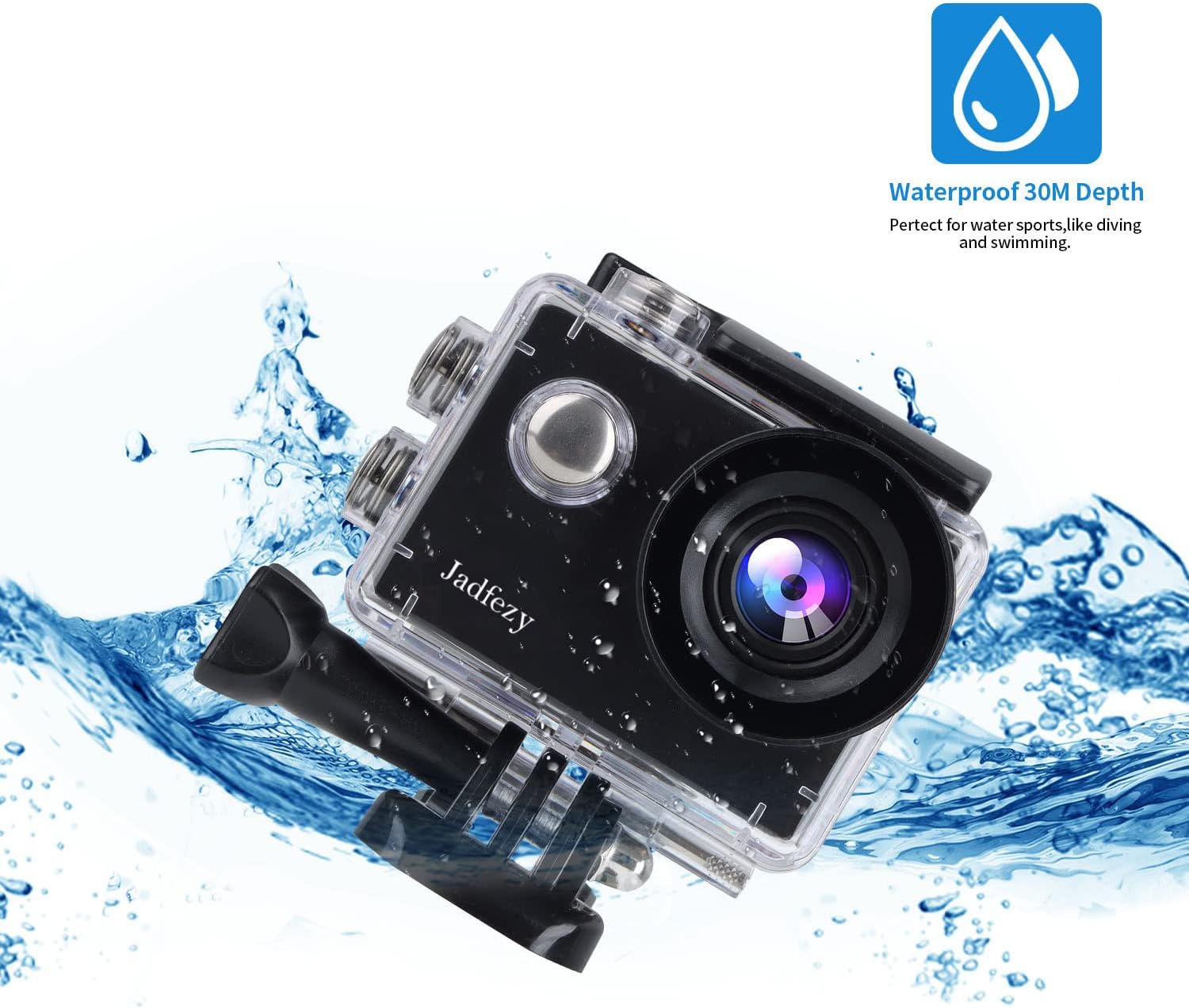
Figure 4: Camera inside the waterproof case.
4. Operating Instructions
4.1 Power On/Off and Mode Switching
- Power On: Press and hold the Power/Mode button for a few seconds.
- Power Off: Press and hold the Power/Mode button again until the camera shuts down.
- Mode Switching: Briefly press the Power/Mode button to cycle through different modes (Video, Photo, Playback, Settings).
4.2 Video Recording and Photo Capture
- In Video mode, press the Shutter/OK button to start recording. Press again to stop. The camera supports 4K/30fps video resolution.
- In Photo mode, press the Shutter/OK button to take a photo. The camera captures 20MP photos.
4.3 Wi-Fi Connection and X-Sport Pro App
The camera features built-in Wi-Fi for remote control and content transfer via the X-Sport Pro app.
- Enable Wi-Fi on the camera through the settings menu.
- Download the "X-Sport Pro" app from your smartphone's app store.
- Connect your smartphone to the camera's Wi-Fi network (SSID and password displayed on the camera screen).
- Open the X-Sport Pro app to control the camera, view live footage, and transfer files.
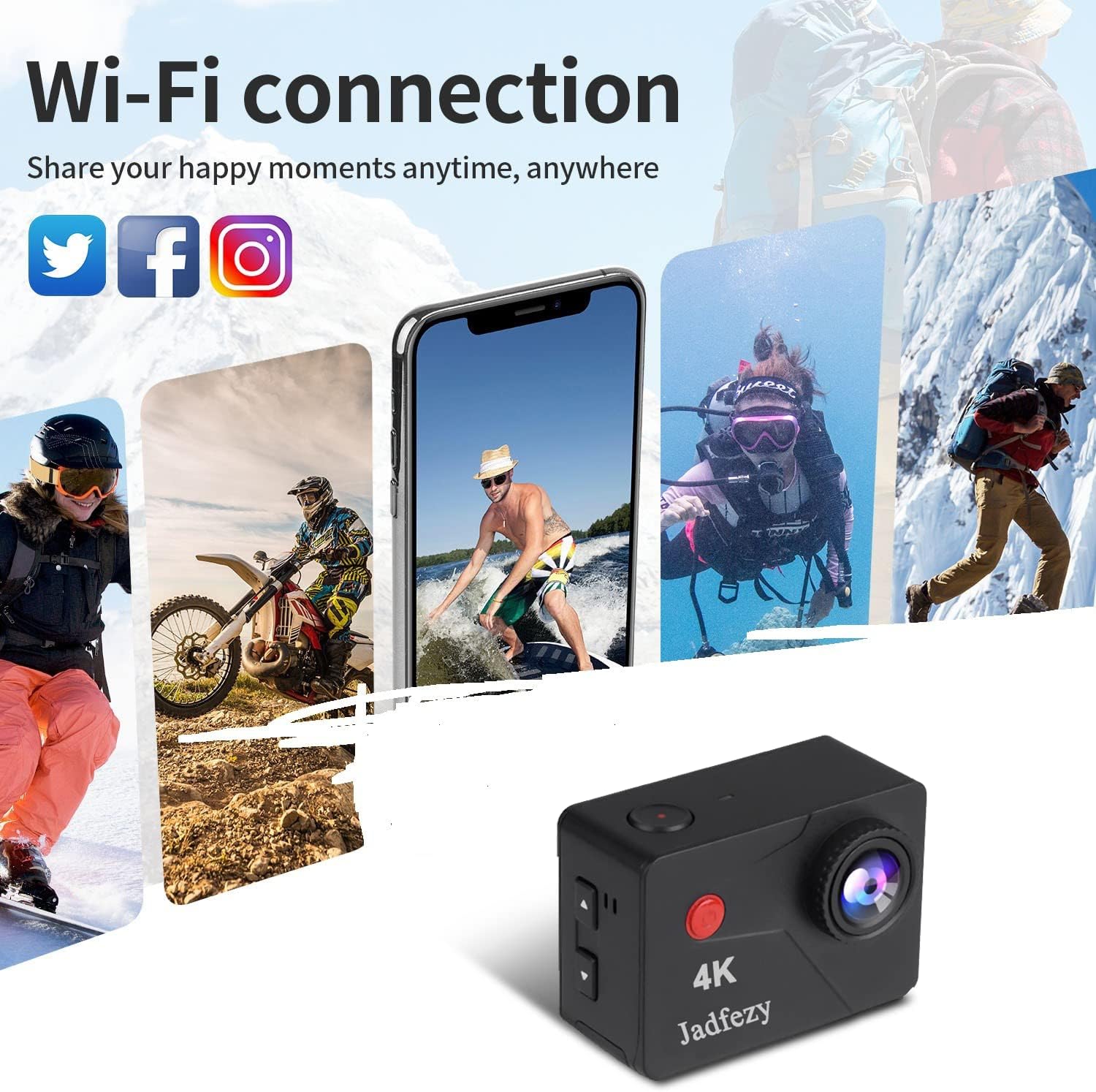
Figure 5: Wi-Fi connection and app usage.
4.4 Remote Control Usage
The 2.4G wireless remote control allows for convenient operation from a distance.
- Ensure the remote control is paired with the camera (refer to the camera's settings for pairing instructions).
- Use the designated buttons on the remote to start/stop video recording or take photos.
4.5 Special Shooting Modes
The camera offers several specialized modes:
- Time-lapse Video: Captures a series of photos at set intervals and stitches them into a video.
- Slow Motion: Records video at a higher frame rate for slow-motion playback.
- Loop Recording: Records video continuously, overwriting the oldest files when the memory card is full. Useful for car mode.
- Car Mode: Automatically starts recording when the vehicle starts and stops when it turns off.
- Timed Photo: Sets a delay before taking a photo.
- Self-timer: Allows for a delay before photo capture, giving time to get into position.
4.6 Wide Angle Lens
The 170° wide-angle lens captures a broader field of view, ideal for landscapes and action shots.

Figure 6: Illustration of the 170° wide-angle lens capability.
5. Maintenance
- Cleaning: Use a soft, dry cloth to clean the camera body and lens. For the waterproof case, rinse with fresh water after saltwater use and allow to air dry.
- Battery Care: Store batteries in a cool, dry place. Do not expose to extreme temperatures. Charge batteries fully before extended storage.
- Storage: When not in use, store the camera and accessories in a protective case to prevent damage.
6. Troubleshooting
- Camera not turning on: Ensure batteries are charged and correctly inserted. Try using a different charged battery.
- Wi-Fi connection issues: Verify Wi-Fi is enabled on the camera and your smartphone. Ensure you have the correct app ("X-Sport Pro") and password. Move closer to the camera to improve signal.
- Poor image/video quality: Check lens for smudges or dirt. Ensure sufficient lighting. Verify resolution settings in the camera menu.
- Water leakage in waterproof case: Before each use, inspect the waterproof case for cracks or damage. Ensure the rubber seal is clean and properly seated. Perform a dry test without the camera if unsure.
7. Specifications
| Feature | Specification |
|---|---|
| Brand | Jadfezy |
| Model | J-5000 |
| Video Resolution | 4K (30fps) |
| Photo Resolution | 20 Megapixels |
| Waterproof Depth | Up to 30 meters (98 feet) with case |
| Screen Size | 2 inches |
| Lens Angle | 170° Wide Angle |
| Connectivity | Wi-Fi, USB |
| Remote Control | 2.4G Wireless Remote |
| Battery Type | Lithium-ion (2 x 1350mAh included) |
| Storage | Micro SD (not included) |
| Image Stabilization | Digital |
| Optical Zoom | 3.99x |
| Digital Zoom | 4x |
| Focal Length | 5mm - 1mm |
| Aperture | f/2 |
| Product Dimensions (L x W x H) | 5.97 x 3.05 x 3.94 cm |
| Product Weight | 410 grams |
8. Warranty and Support
For warranty information or technical support, please refer to the contact details provided with your purchase documentation or visit the official Jadfezy website. Keep your proof of purchase for warranty claims.


