
1. Introduction
This manual provides essential information for the safe and efficient operation of your Majority Oakcastle DAB500 Stereo System. Please read this manual thoroughly before using the device and retain it for future reference.
The Oakcastle DAB500 is a versatile stereo system featuring DAB+ and FM radio, a CD player, Bluetooth connectivity, USB playback, and an AUX input. It delivers 60W of stereo sound and includes a remote control for convenient operation.
2. Safety Information
- Do not expose the unit to rain, moisture, or direct sunlight.
- Ensure proper ventilation around the unit. Do not block any ventilation openings.
- Use only the power adapter supplied with the unit.
- Do not open the casing. Refer all servicing to qualified personnel.
- Keep the unit away from heat sources such as radiators, heat registers, stoves, or other apparatus that produce heat.
- Clean only with a dry cloth.
3. Package Contents
Please check the contents of your package. If any items are missing or damaged, contact your retailer.
- 1x Oakcastle DAB500 CD Player
- 1x Remote Control
- 1x Power Adapter
- 1x User Manual
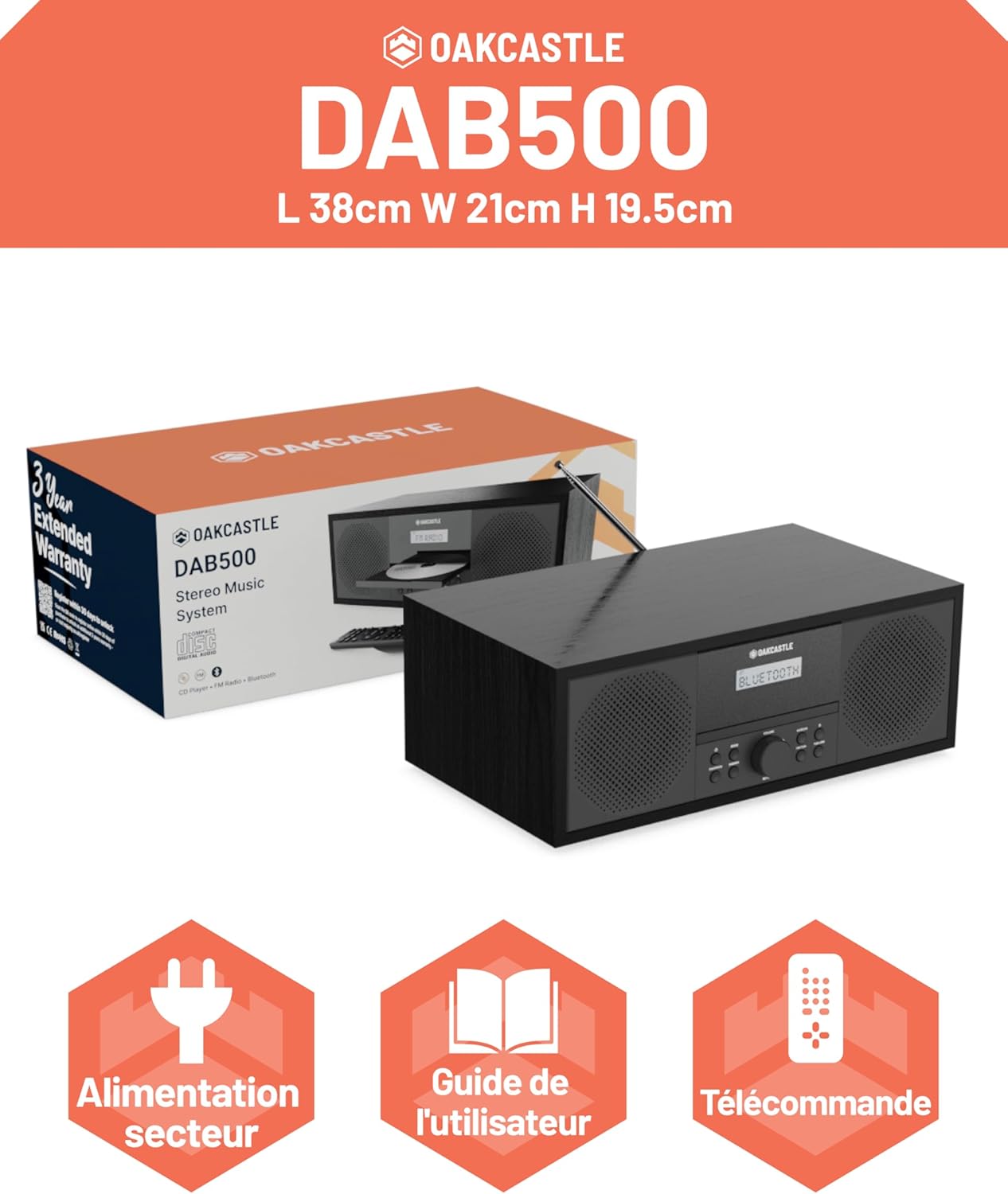
Image: The Oakcastle DAB500 stereo system shown with its packaging, highlighting the included power adapter, user guide, and remote control.
4. Product Overview
The Majority Oakcastle DAB500 is a compact stereo system designed for home use, offering multiple audio playback options.

Image: A front-angled view of the Oakcastle DAB500 stereo system, showcasing its black wooden finish, integrated speakers, central display, and CD tray. The remote control is also visible in the foreground.
4.1 Key Features
- DAB+ and FM Radio: Enjoy a wide range of digital and analog radio stations with 20 presets.
- CD Player: Compatible with standard CDs, CD-R, CD-RW, and MP3 CDs.
- Bluetooth 5.0: Wireless audio streaming from compatible devices like smartphones and tablets.
- USB Playback: Play MP3 files directly from a USB flash drive.
- AUX Input: Connect external audio devices via a 3.5mm audio cable.
- Headphone Jack: For private listening.
- Dual Alarm: Set two independent alarms.
- 60W Stereo Sound: Powerful audio output from integrated speakers.
- Remote Control: Full control over functions, including bass and treble adjustments.
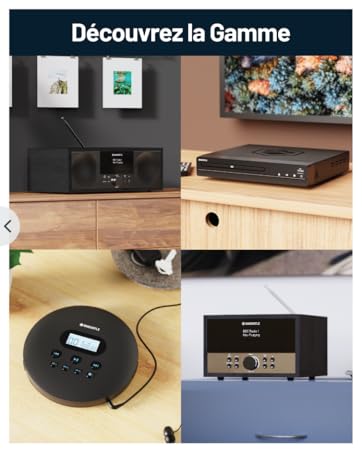
Image: The Oakcastle DAB500 with its CD tray open, illustrating its compatibility with CDs, CD-R, CD-RW, and MP3 files. Icons for USB playback, AUX input, and headphone jack are displayed below.
Image: A close-up of one of the Oakcastle DAB500's speakers, emphasizing its solid wood construction and 60W 2.0 stereo sound output.
5. Setup Guide
5.1 Power Connection
- Connect the supplied power adapter to the 'DC IN' port on the rear of the DAB500.
- Plug the power adapter into a wall socket.
- The unit will power on or enter standby mode.
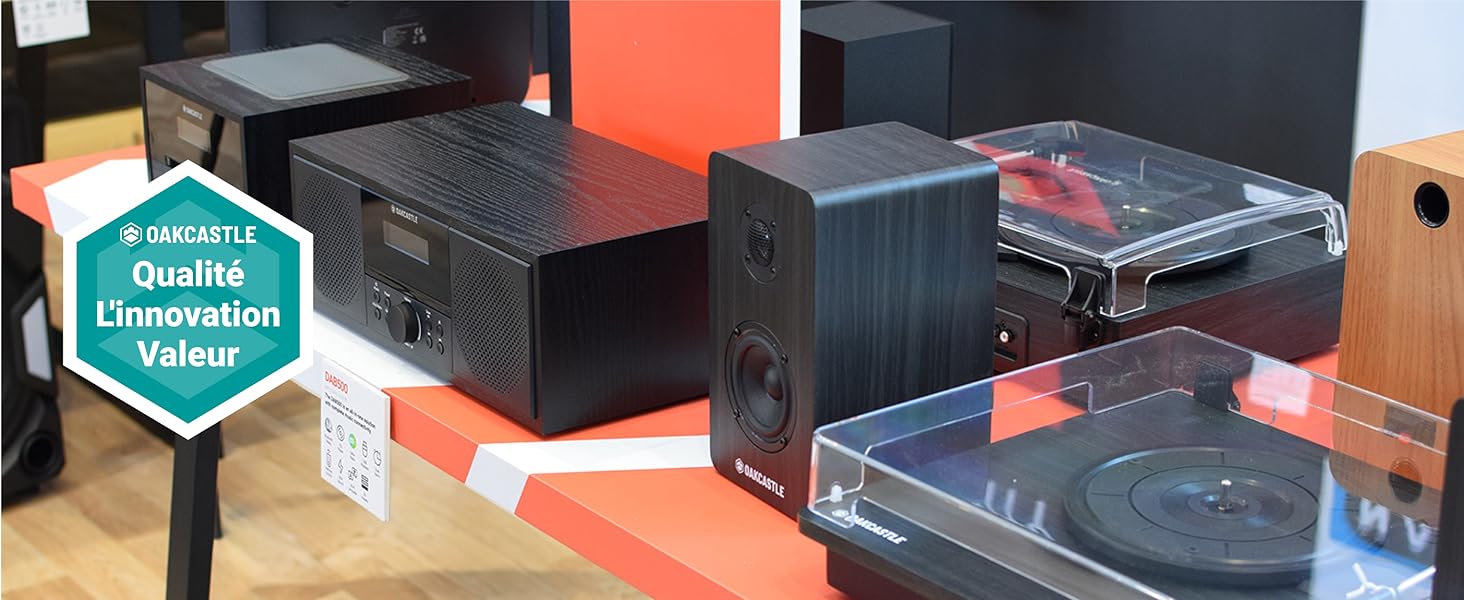
Image: A detailed view of the rear panel of the Oakcastle DAB500, showing the DC IN power input, AUX IN port, headphone jack, and USB port for external connections.
5.2 Antenna
Extend the telescopic antenna fully for optimal DAB+ and FM radio reception.
5.3 Initial Setup
Upon first power-on, the unit may automatically scan for DAB+ stations and set the time. Follow any on-screen prompts.
6. Operating Instructions
6.1 General Controls
- Power Button: Press to turn the unit on or off (standby).
- Mode Button: Press to cycle through available modes: DAB+, FM, CD, Bluetooth, USB, AUX.
- Volume Knob: Rotate to adjust the volume level.
- Navigation Buttons: Use to navigate menus, change tracks, or tune radio stations.
- Select/Enter Button: Confirm selections.
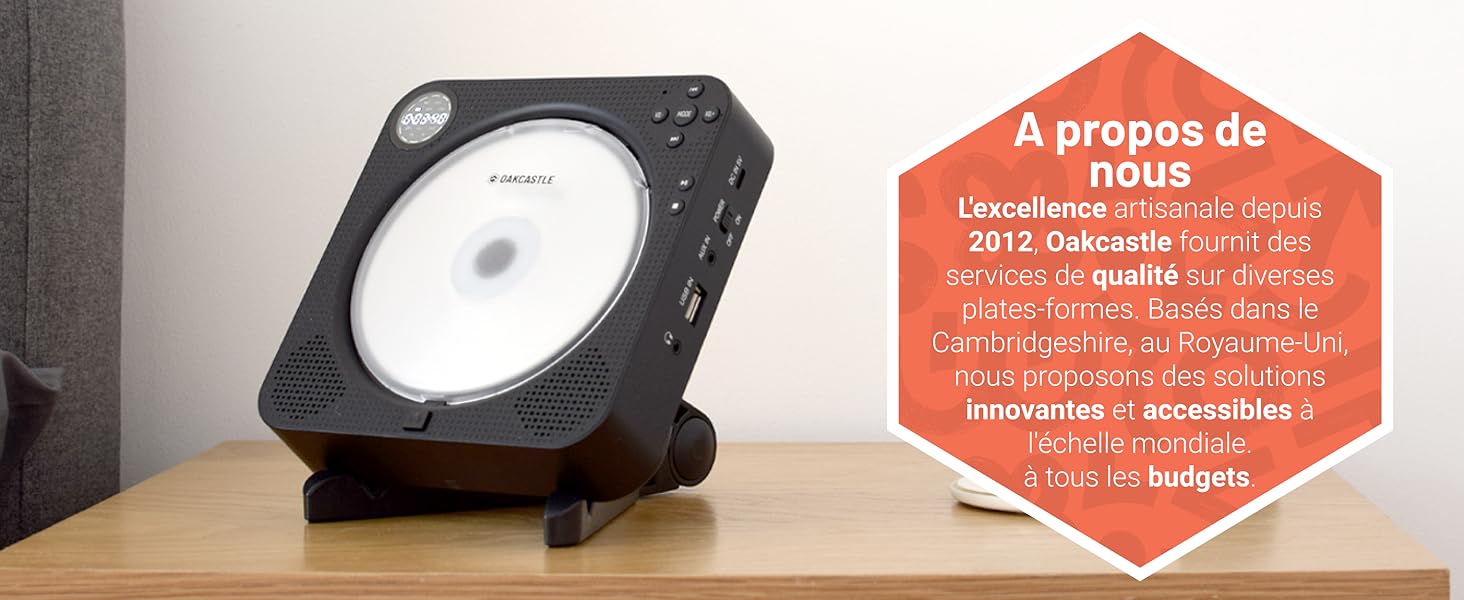
Image: A close-up of the front control panel of the Oakcastle DAB500, displaying the central LED screen, volume knob, and various function buttons for mode selection, tuning, and playback.
6.2 DAB+ Radio
- Press the Mode button to select DAB+ mode.
- The unit will perform an automatic scan for available DAB+ stations.
- Use the navigation buttons to browse through the station list.
- Press Select to listen to a station.
- To save a preset: Press and hold the Preset button, select a preset number (1-20), and press Select to confirm.
- To recall a preset: Press the Preset button, use navigation to select the desired preset, and press Select.
6.3 FM Radio
- Press the Mode button to select FM mode.
- To auto-scan: Press and hold the Scan button. The radio will scan and save available stations.
- To manually tune: Use the navigation buttons to adjust the frequency.
- Saving and recalling presets works similarly to DAB+ mode.

Image: The Oakcastle DAB500 stereo system positioned on a wooden table, highlighting its FM and DAB+ radio capabilities, along with the option for 20 station presets.
6.4 CD Player
- Press the Mode button to select CD mode.
- Gently open the CD tray and place a CD with the label side facing up.
- Close the CD tray. The unit will read the disc and begin playback.
- Use the navigation buttons for track skipping and fast forward/rewind.
- Press Play/Pause to pause or resume playback.
6.5 Bluetooth Mode
- Press the Mode button to select Bluetooth mode. The display will show "Bluetooth" and the unit will enter pairing mode.
- On your smartphone or tablet, enable Bluetooth and search for "Oakcastle DAB500".
- Select "Oakcastle DAB500" to pair. Once connected, you can stream audio wirelessly.
Image: The Oakcastle DAB500 stereo system with a smartphone placed next to it, demonstrating its Bluetooth 5.0 connectivity for wireless audio streaming.
6.6 USB Playback
- Insert a USB flash drive containing MP3 files into the USB port on the rear of the unit.
- Press the Mode button to select USB mode.
- The unit will automatically detect and begin playing MP3 files.
- Use navigation buttons to select tracks.
6.7 AUX Input
- Connect an external audio device (e.g., MP3 player) to the 'AUX IN' port on the rear of the DAB500 using a 3.5mm audio cable (not supplied).
- Press the Mode button to select AUX mode.
- Audio from the connected device will now play through the DAB500 speakers. Control playback from the external device.
6.8 Dual Alarm
The DAB500 features a dual alarm function. Refer to the on-screen menu for setting alarm times, sources (Buzzer, DAB+, FM, CD), and volume levels. Detailed instructions can be found in the full user manual.
6.9 Remote Control
The included remote control provides full functionality for the DAB500, including power, mode selection, volume, track/station navigation, presets, and equalizer settings (bass/treble).

Image: A close-up view of the Oakcastle DAB500 remote control, showing its various buttons for power, mode, volume, track control, presets, and other functions.
7. Maintenance
- Cleaning: Wipe the unit with a soft, dry cloth. Do not use abrasive cleaners or solvents.
- CD Care: Handle CDs by their edges. Clean dirty CDs with a soft, lint-free cloth, wiping from the center outwards.
- Storage: If storing the unit for an extended period, disconnect it from the power supply and store it in a cool, dry place.
8. Troubleshooting
| Problem | Possible Cause | Solution |
|---|---|---|
| No power | Power adapter not connected or faulty. | Ensure the power adapter is securely connected to the unit and the wall socket. Try a different socket. |
| No sound | Volume too low; incorrect mode selected; headphones connected. | Increase volume. Check that the correct mode (DAB+, FM, CD, Bluetooth, USB, AUX) is selected. Disconnect headphones if not needed. |
| Poor radio reception | Antenna not extended; weak signal. | Fully extend the telescopic antenna. Reposition the unit for better signal reception. Perform a full scan for DAB+ stations. |
| CD not playing | CD inserted incorrectly; dirty or scratched CD; incompatible disc format. | Ensure CD is inserted label-side up. Clean the CD. Try a different CD. Ensure it's a compatible format (audio CD, CD-R/RW with MP3). |
| Bluetooth pairing issues | Device not in pairing mode; device too far; already paired with another device. | Ensure the DAB500 is in Bluetooth mode and "Bluetooth" is flashing. Move your device closer. Disconnect from other Bluetooth devices. |
9. Specifications
| Brand | Majority |
| Model Number | Oakcastle DAB500 |
| Color | Black |
| Connectivity Technology | Bluetooth |
| Compatible Devices | MP3 Player, Smartphone, Tablet |
| Speaker Type | Stereo |
| Item Dimensions (L x W x H) | 38 x 21 x 19.5 cm |
| Power Source | Electric Cable |
| Item Weight | 3.5 Kilograms |
| Power Output | 60 Watts |
| Rechargeable Battery | No |
10. Warranty and Support
The Majority Oakcastle DAB500 comes with a 3-year extended warranty. Registration may be required to activate the full warranty period. Please refer to the warranty card included in your package or visit the Majority website for registration details and terms and conditions.
For technical support or further assistance, please visit the official Majority website or contact their customer service department.


