
Introduction
This manual contains detailed information about the operation, maintenance, and safety features of your 2022 Dodge Charger. To ensure safe and efficient use of your vehicle, please read this manual thoroughly and keep it in your vehicle for future reference. All information, illustrations, and specifications contained in this manual are based on the latest product information available at the time of publication.
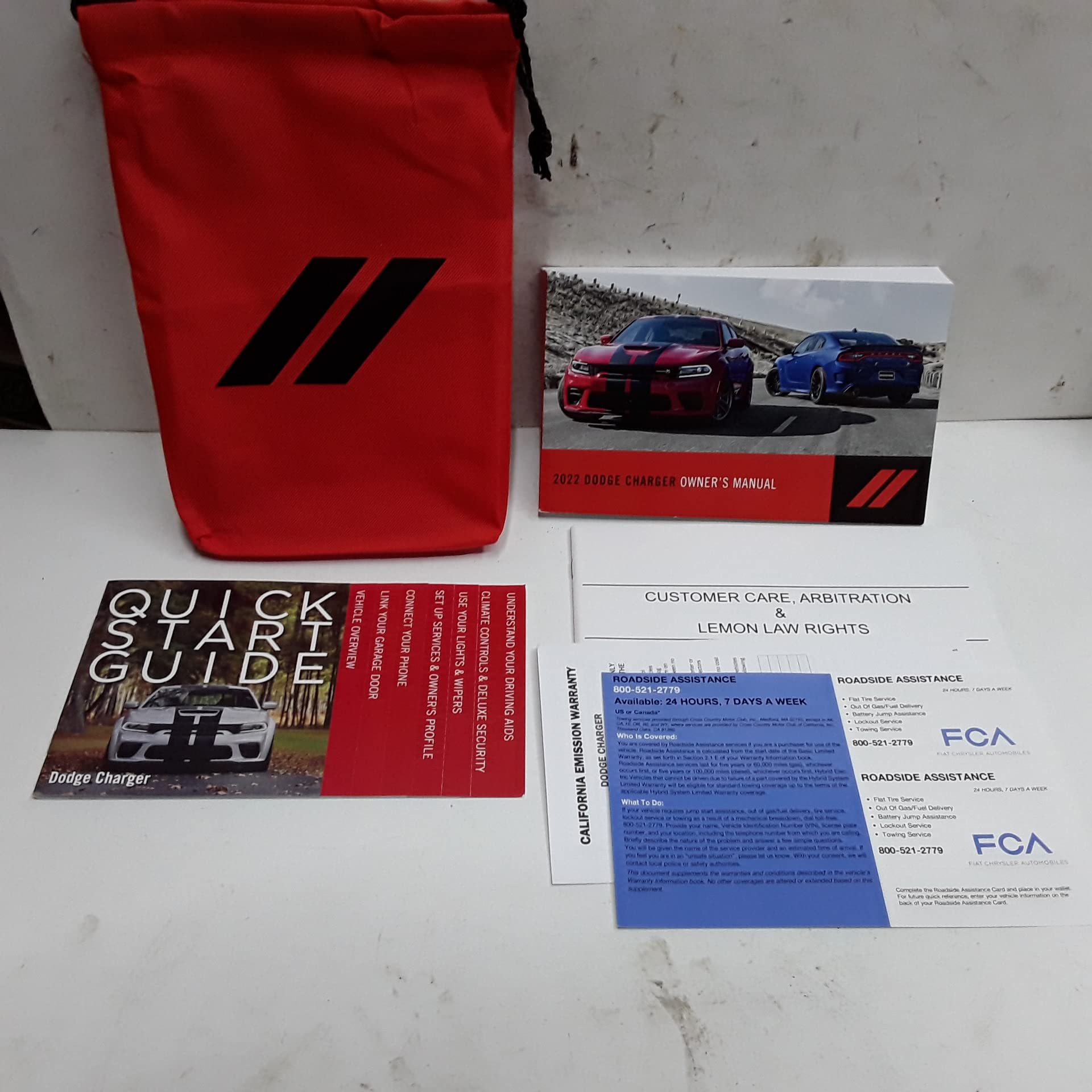
Image: Front cover of the official 2022 Dodge Charger Owner's Manual. The cover features the Dodge logo and vehicle model year.
1. Setup and Initial Familiarization
Before driving, familiarize yourself with the vehicle's controls and adjustments.
1.1 Seat Adjustments
- Manual Seats: Locate the lever under the front of the seat to slide it forward or backward. Use the recline lever on the side to adjust the seatback angle.
- Power Seats: Use the controls located on the side of the seat to adjust forward/backward position, height, and recline angle.
- Head Restraints: Adjust the head restraint so the top of it is even with the top of your ears.
1.2 Mirror Adjustments
- Rearview Mirror: Manually adjust for a clear view of the rear window.
- Side Mirrors: Use the control knob on the driver's door panel to select the left or right mirror, then adjust its position.
1.3 Steering Wheel Adjustment
Pull the lever located under the steering column to unlock. Adjust the steering wheel for tilt and telescope, then push the lever back up to lock it in place.
2. Operating Your Vehicle
2.1 Starting and Stopping the Engine
- To Start: Ensure the vehicle is in PARK (P) or NEUTRAL (N). Press the brake pedal and then press the ENGINE START/STOP button.
- To Stop: Shift the transmission to PARK (P). Press the ENGINE START/STOP button.
2.2 Transmission Operation
Your Charger is equipped with an automatic transmission. Use the gear selector to choose between PARK (P), REVERSE (R), NEUTRAL (N), DRIVE (D), and MANUAL (M) modes. Always apply the brake pedal when shifting from P to R, N, or D.
2.3 Climate Control System
Use the controls on the center console or the Uconnect touchscreen to adjust temperature, fan speed, air distribution, and activate features like A/C and defrost.
2.4 Infotainment System (Uconnect)
Your Uconnect system provides access to radio, media, navigation, phone connectivity, and vehicle settings. Refer to the separate Uconnect User Guide for detailed instructions on specific features like Apple CarPlay® and Android Auto™.
3. Maintenance and Care
Regular maintenance is crucial for the longevity and performance of your vehicle. Always refer to the Maintenance Schedule section in this manual for specific intervals.
3.1 Engine Oil and Filter
Check engine oil level regularly and change oil and filter according to the recommended schedule. Use only Mopar® approved oil and filters.
3.2 Tire Care
- Tire Pressure: Check tire pressure monthly, including the spare. Refer to the tire placard on the driver's side door jamb for correct pressures.
- Tire Rotation: Rotate tires at recommended intervals to ensure even wear and extend tire life.
- Tire Inspection: Inspect tires for cuts, bulges, and excessive wear.
3.3 Fluid Checks
Regularly check levels of coolant, brake fluid, power steering fluid (if applicable), and windshield washer fluid. Top up as needed with recommended fluids.
3.4 Battery Maintenance
Keep battery terminals clean and tight. If the vehicle is stored for an extended period, consider using a battery tender.
4. Troubleshooting Common Issues
This section addresses common issues you might encounter. For more complex problems, consult an authorized dealership.
| Problem | Possible Cause / Solution |
|---|---|
| Engine Does Not Start |
|
| Warning Light On |
|
| Flat Tire |
|
5. Specifications
Key specifications for the 2022 Dodge Charger Owner's Manual document.
| ASIN | B0BGM85QLP |
| Publisher | Auto Manuals |
| Publication Date | January 1, 2022 |
| Language | English |
| Print Length | 303 pages |
| Item Weight | 1.01 pounds |
| Dimensions | 8.25 x 5 x 0.6 inches |
6. Warranty Information
Specific warranty details for your 2022 Dodge Charger are provided in a separate Warranty Information Booklet that accompanies your vehicle. This booklet outlines the terms, conditions, and coverage periods for various vehicle components. Please refer to that document for comprehensive warranty information or contact an authorized Dodge dealership.
7. Customer Support
For further assistance, questions, or service needs regarding your 2022 Dodge Charger, please contact:
- Your authorized Dodge dealership.
- Dodge Customer Service (refer to the official Dodge website for contact numbers and online support).
- In case of an emergency, refer to the roadside assistance information provided with your vehicle.


