Introduction
The Tikduck Flying Orb Ball is a hand-controlled mini drone designed for interactive play. It features a gyroscope and smart AI chip for intelligent flight patterns, including boomerang and hover effects. This manual provides essential information for safe operation, setup, and maintenance of your Flying Orb Ball.
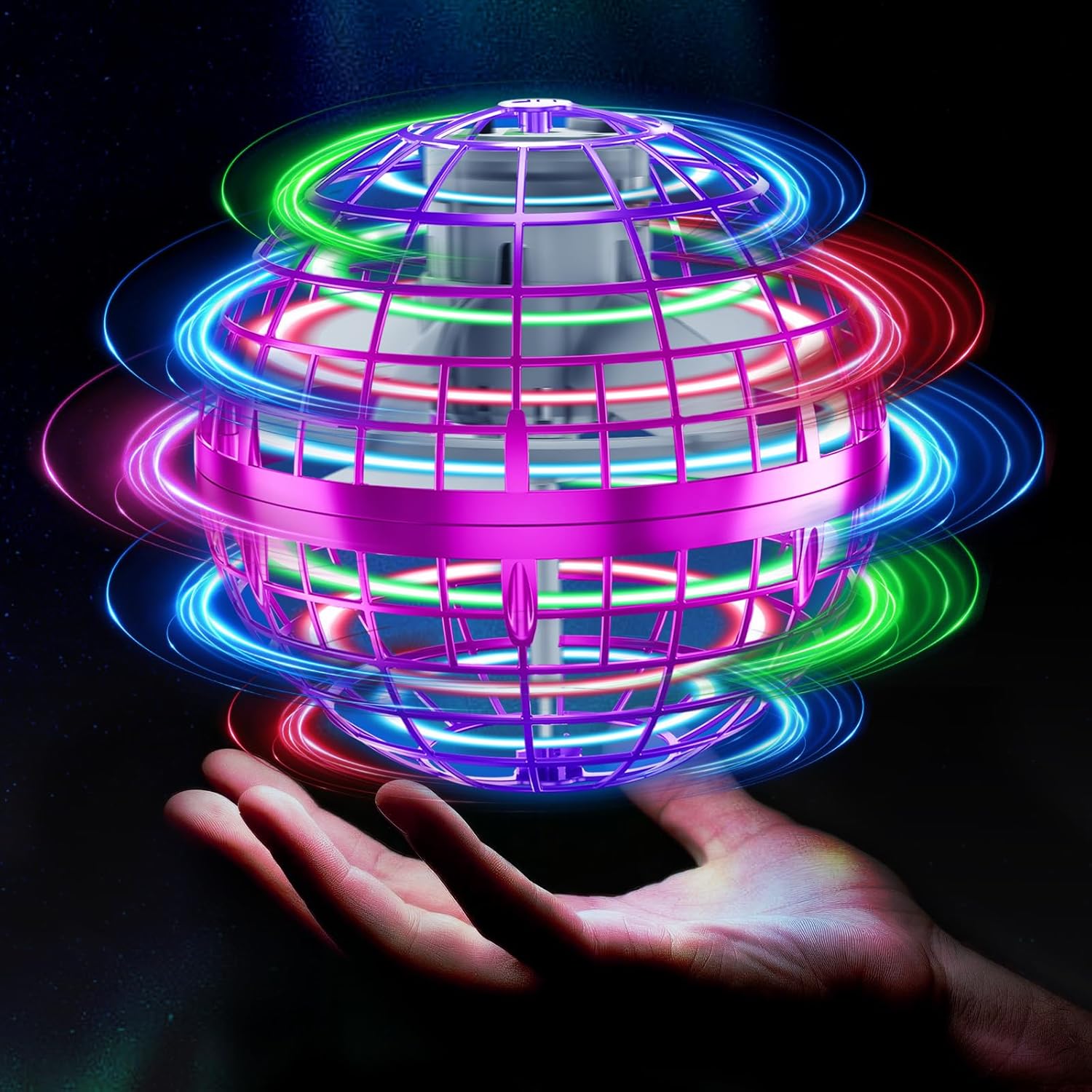
Image: The Tikduck Flying Orb Ball, an illuminated sphere with internal propellers, hovering above an open hand, showcasing its vibrant LED lights.
Safety Information
- Age Recommendation: This product is suitable for children aged 6 years and up. Adult supervision is advised for younger children.
- Indoor/Outdoor Use: The Flying Orb Ball is designed for both indoor and outdoor use. However, avoid flying in strong winds or near obstacles.
- Propeller Safety: The propellers are safely concealed within the ball's cage. Do not attempt to access or interfere with the propellers during operation.
- Battery Safety: Use only the provided USB charging cable. Do not overcharge the battery. Discontinue use if the battery appears damaged or overheated.
- Water Exposure: Avoid prolonged exposure to water. While the product may withstand minor splashes, it is not waterproof.
- Impact Resistance: The ball is made from lightweight and flexible ABS material to withstand crashes. However, excessive force or repeated severe impacts may cause damage.
What's in the Box
Verify that all components are present:
- Tikduck Flying Orb Ball
- USB Charging Cable
- Instruction Manual (this document)
Setup
Charging the Flying Orb Ball
- Locate the USB charging port on the Flying Orb Ball.
- Connect the provided USB charging cable to the orb and to a standard USB power source (e.g., computer, wall adapter, power bank).
- The LED indicator light will remain lit during charging.
- Charging typically takes approximately 25 minutes for a full charge.
- The indicator light will turn off when charging is complete.
- A full charge provides approximately 8 to 10 minutes of flying time.
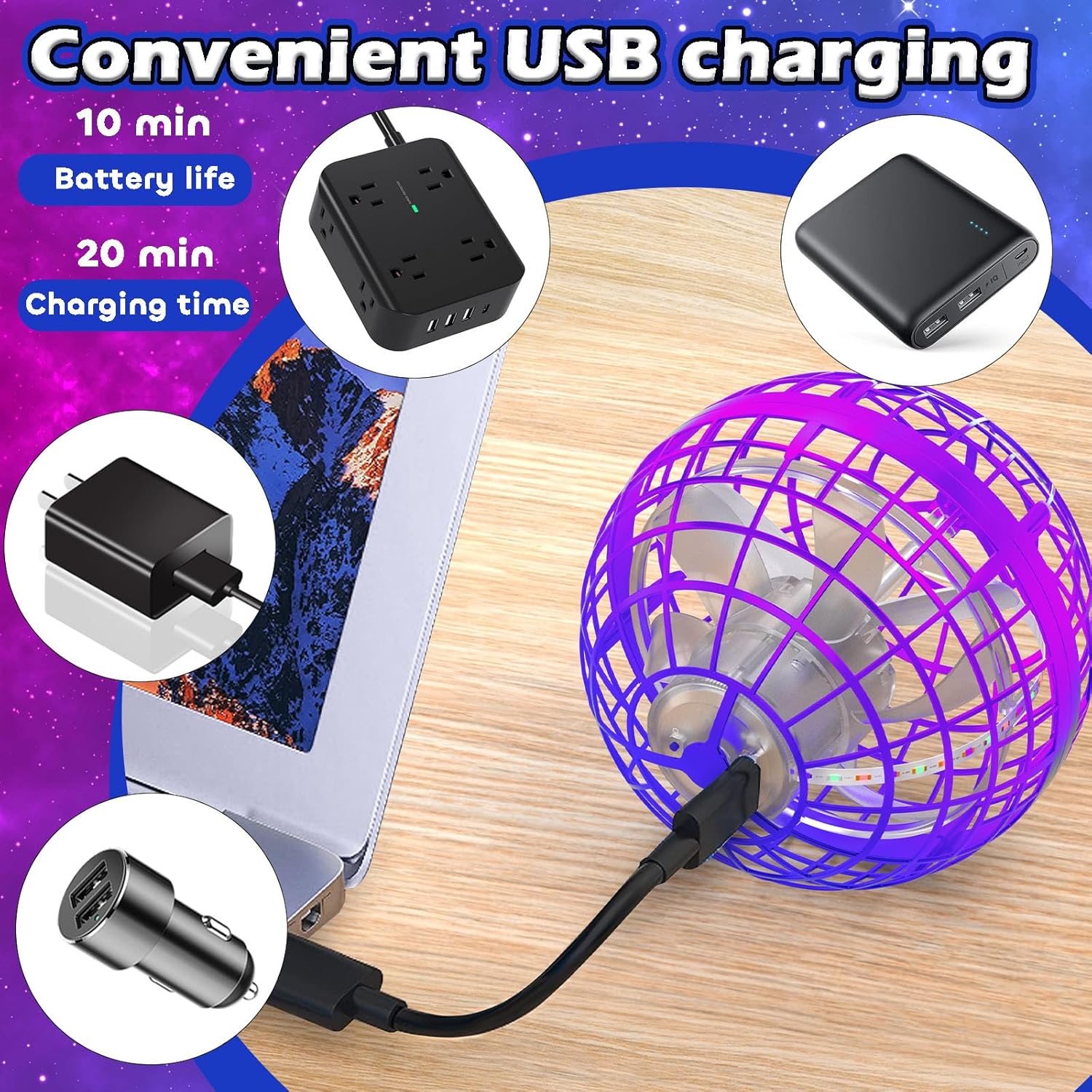
Image: The Flying Orb Ball being charged via a USB cable, with various USB power sources shown in the background.
Operating Instructions
The Tikduck Flying Orb Ball is controlled by hand gestures and throwing angles. Experiment with different techniques to discover various flight paths.
Starting and Stopping
- To Start: Press the power button. Gently shake the flying ball to activate the propellers and begin rotation.
- To Stop: Gently shake the flying ball again, or catch it safely, to stop the propellers.
Flight Modes
- Boomerang Effect:
Hold the orb with the "UP" marker tilted approximately 30 degrees backwards. Push the orb forward and slightly upward. It will curve back towards you.
- Hover Mode:
Hold the orb with the "UP" marker pointing upwards. Release the ball. Once it is airborne, place your palm 1-5 cm underneath the ball to make it hover above your hand.
- Straight Flight:
Hold the orb with the "UP" marker tilted approximately 30 degrees downwards. Push the orb forward and down. It will fly in a relatively straight line.

Image: A visual guide demonstrating the steps for starting the orb, achieving a boomerang flight, and maintaining a hover.

Image: An infographic detailing various operational modes including start/stop, hover, boomerang, and straight flight, with corresponding hand positions and flight paths.
Maintenance
- Cleaning: Use a soft, dry cloth to wipe the exterior of the Flying Orb Ball. Do not use harsh chemicals or immerse in water.
- Storage: Store the Flying Orb Ball in a cool, dry place away from direct sunlight and extreme temperatures. Ensure it is fully charged before long-term storage to preserve battery health.
- Inspection: Periodically inspect the orb for any signs of damage, such as cracks in the cage or loose components. Discontinue use if significant damage is observed.
Troubleshooting
| Problem | Possible Cause | Solution |
|---|---|---|
| Orb does not start or fly. | Low battery; not properly activated. | Charge the orb fully. Ensure the power button is pressed and the orb is gently shaken to start. |
| Short flight time. | Battery not fully charged; aging battery. | Ensure a full 25-minute charge. Battery life naturally decreases over time. |
| Orb flies erratically or does not return. | Incorrect throwing angle/speed; strong wind interference. | Practice throwing techniques as described in the "Operating Instructions". Avoid flying in windy conditions. Note: Outdoor flight requires careful control; the orb can be carried away by wind. |
| LED indicator flashes. | Low battery warning. | Recharge the Flying Orb Ball. |
Specifications
- Model Number: TSM006-B
- Product Dimensions: 3.94 x 3.94 x 3.94 inches
- Item Weight: 4.6 ounces
- Battery: 1 Lithium Ion battery (included)
- Charging Time: Approximately 25 minutes
- Flight Time: 8-10 minutes per charge
- Material: High-grade ABS
- Manufacturer: Tikduck

Image: An exploded diagram illustrating the internal components of the Flying Orb Ball, including the power engine, strong power battery, precise AI chip, USB charging port, and colorful LED strip, highlighting its upgraded design.
Warranty and Support
Tikduck is committed to customer satisfaction. If you encounter any issues with your Flying Orb Ball, please contact our customer support team.
- Contacting Support:
If you purchased through Amazon, you can contact the seller by navigating to your orders, selecting your order, and clicking "Contact Seller."
For direct inquiries, you may reach out via email: tikduckdirect@163.com
- Feedback: Your feedback is valuable and helps us improve our products and services.