Introduction
Thank you for purchasing the TOSHIBA ML2-EC26SF(BS) Air Fry Auto Menu Combo 5-IN-1 Microwave Oven. This appliance is designed to offer exceptional versatility and convenience in your kitchen, combining the functions of a microwave, air fryer, broiler, baker, and combination oven. Please read this manual thoroughly before operation to ensure safe and efficient use of your new appliance.

Image: Front view of the TOSHIBA ML2-EC26SF(BS) Microwave Oven, showcasing its sleek black and silver design with a digital display and control panel.
Safety Instructions
Always follow basic safety precautions when using electrical appliances to reduce the risk of fire, electric shock, injury to persons, or exposure to excessive microwave energy.
- Do not attempt to operate this oven with the door open as this can result in harmful exposure to microwave energy.
- Do not place any object between the oven front face and the door or allow soil or cleaner residue to accumulate on sealing surfaces.
- Do not operate the oven if it is damaged. It is particularly important that the oven door closes properly and that there is no damage to the: (1) door (bent), (2) hinges and latches (broken or loosened), (3) door seals and sealing surfaces.
- The oven should not be adjusted or repaired by anyone except properly qualified service personnel.
- Ensure proper ventilation around the appliance.
Setup and Installation
Proper setup is crucial for the optimal performance and safety of your microwave oven.
Unpacking
Carefully remove all packaging materials and accessories. Inspect the oven for any damage such as dents or a broken door. Do not install if the oven is damaged. Retain the carton and packing materials for future use or proper disposal.
Placement
Place the oven on a flat, stable surface that can support its weight (approximately 18.9 kg). Ensure there is adequate clearance for ventilation:
- Rear: At least 1 inch (2.54 cm)
- Sides: At least 3 inches (7.62 cm) each side
- Top: At least 3 inches (7.62 cm)
Do not block air vents. Avoid placing the oven near heat sources or in areas with high humidity.

Image: Diagram illustrating the external dimensions (22.1"W x 19.4"D x 14.3"H) and internal capacity (26L, 11.3" turntable) of the microwave oven, along with recommended clearance spaces for proper ventilation.
Power Connection
Plug the oven into a properly grounded electrical outlet. Ensure the voltage matches the appliance's requirements (230 Volts).
Operating Instructions
Your TOSHIBA microwave oven offers multiple cooking modes for diverse culinary needs.
Microwave Function
Use for standard heating, reheating, and cooking. The oven features 10 power levels.
- Place food in a microwave-safe dish.
- Select 'Microwave' mode.
- Adjust power level and cooking time using the control dial.
- Press 'Start'.
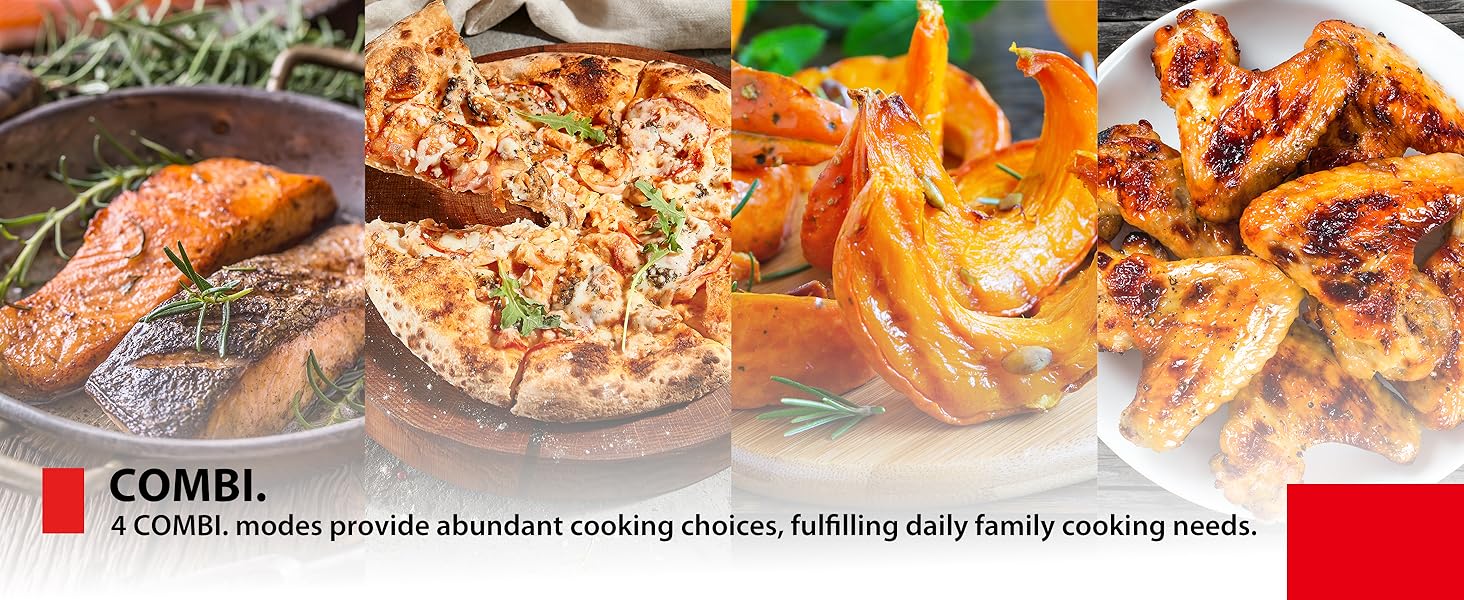
Image: A cup of milk on a wooden surface, illustrating the microwave function for defrosting and reheating, saving time for daily life.
10 Auto Menus
Simplify cooking with pre-programmed settings for common dishes.
- Select the desired auto menu (e.g., Pasta, Pizza, Chicken, Soup, Cake, Meat, Vegetables, Fish, Potato, Auto Reheat).
- The oven automatically sets the optimal time and power.
- Press 'Start'.

Image: A close-up of the microwave's control panel with a circular diagram showing the 10 automatic preset options, including Potato, Meat, Vegetables, Fish, Pasta, Soup, Cake, Chicken, Pizza, and Auto Reheat.

Image: The microwave's control panel next to a collage of various dishes, illustrating the ease of selecting from the 10 automatic preset options.
Air Fry Auto Menus
Enjoy healthier, crispier fried foods with minimal oil using the 9 dedicated air fry auto menus.
- Place food on the supplied bake tray or wire racks.
- Select the appropriate air fry menu (e.g., French Fries, Croquettes, Chicken Nuggets).
- Press 'Start'.
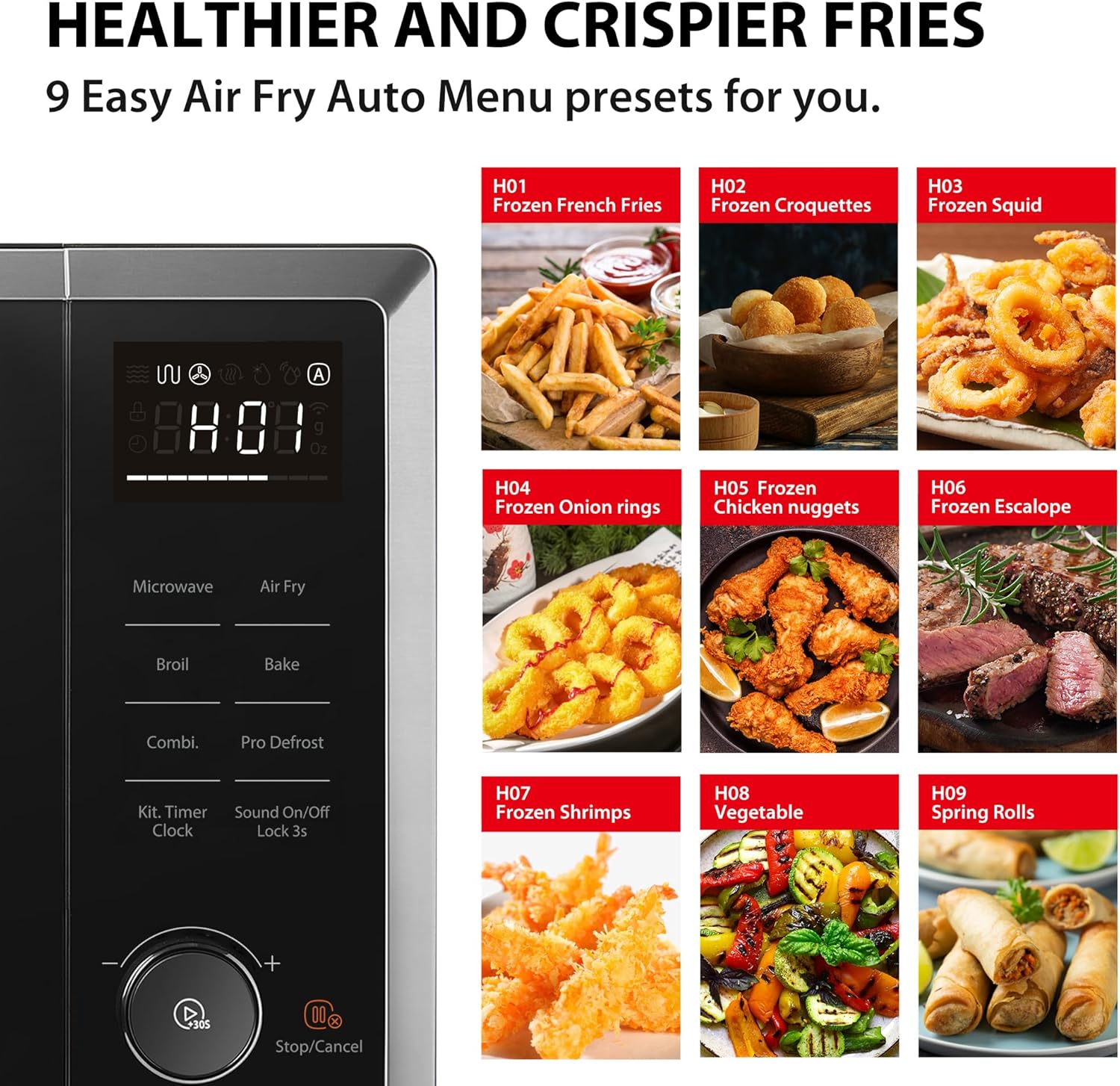
Image: A visual guide to the 9 healthy air fry auto menu presets, including Frozen French Fries, Frozen Croquettes, Frozen Squid, Frozen Onion Rings, Frozen Chicken Nuggets, Frozen Escalope, Frozen Shrimps, Vegetable, and Spring Rolls.
Image: A close-up of crispy fried chicken and french fries, highlighting the 3D Air Fry Mode for healthier and crispier results with no oil.
Broil (Grill) Function
Ideal for browning and crisping food surfaces. The 1000W grill quickly browns food.
- Place food on the grill rack.
- Select 'Broil' mode.
- Set cooking time.
- Press 'Start'.
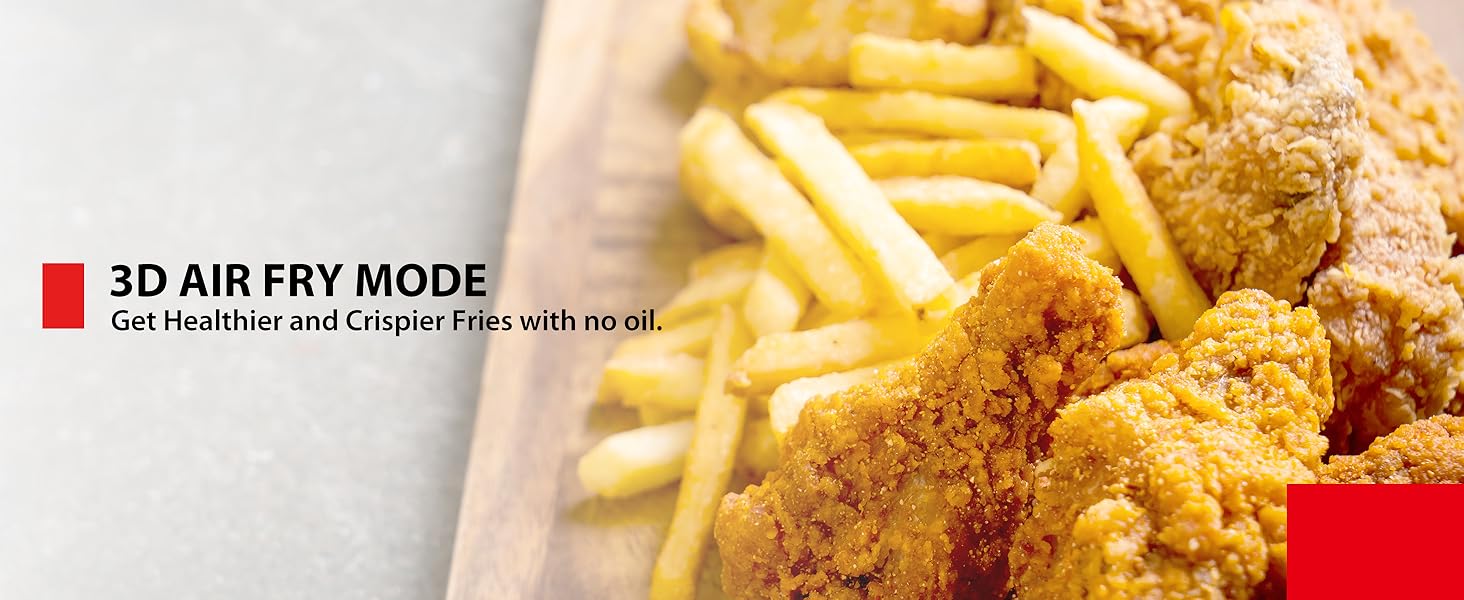
Image: A perfectly grilled whole chicken with roasted potatoes, demonstrating the grill function for browning and crisping food.
Bake Function
Use for baking cakes, pies, and other baked goods. The convection function operates up to 240°C.
- Preheat the oven if necessary.
- Place food on a suitable baking dish.
- Select 'Bake' mode and set temperature/time.
- Press 'Start'.
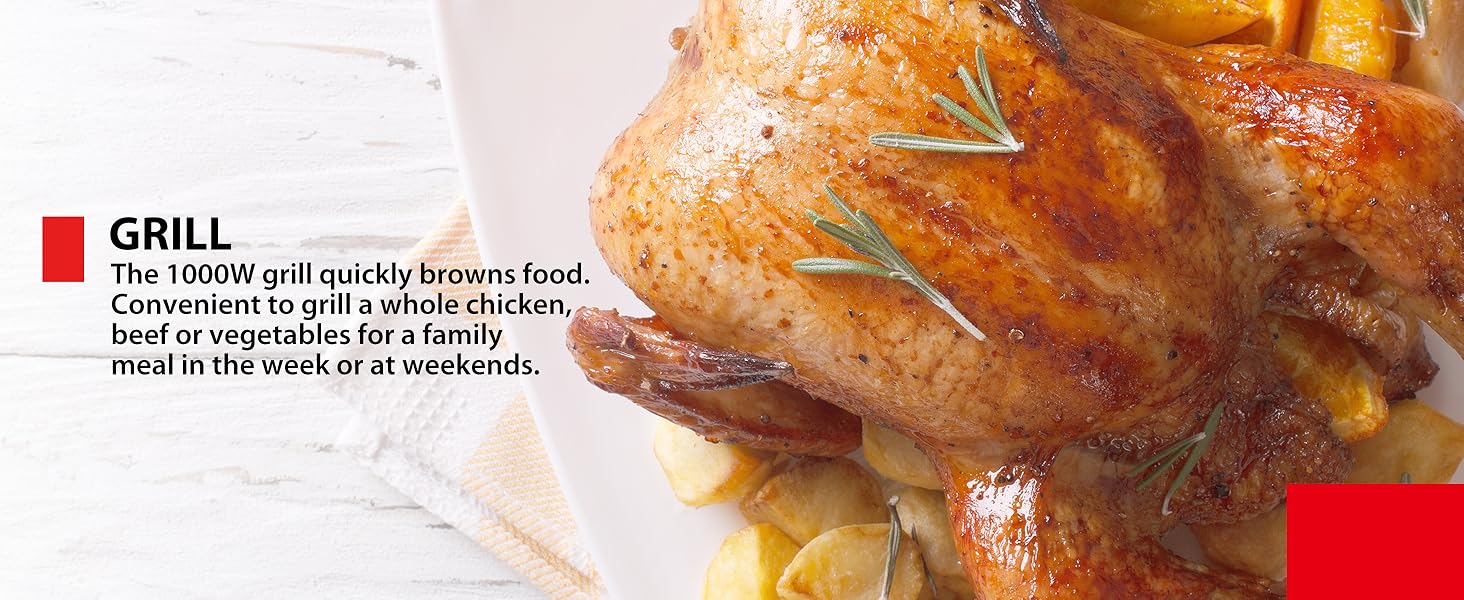
Image: Slices of freshly baked bread, illustrating the multi-functional baking capability of the microwave oven.
Combi-Modes
Combine microwave, convection, and grill functions for faster cooking and varied textures. There are 4 Combi-Modes available.
- Select the desired 'Combi' mode.
- Set cooking time.
- Press 'Start'.
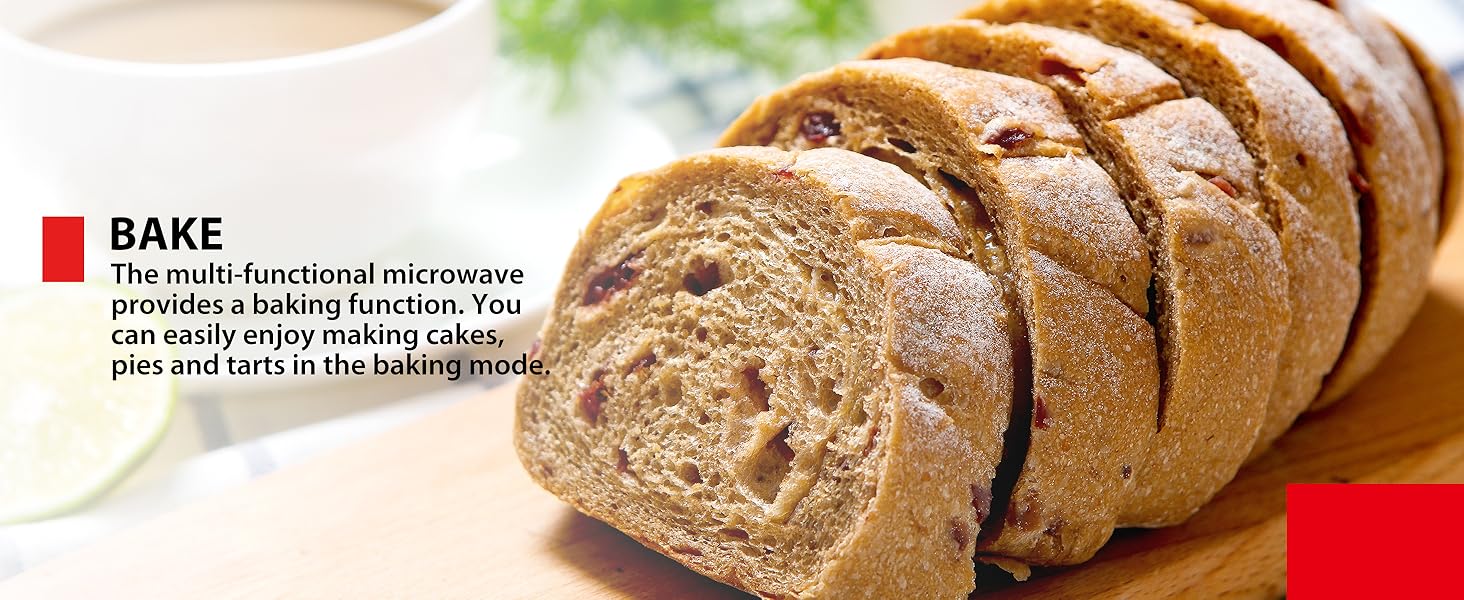
Image: A collage of various dishes including salmon, pizza, roasted vegetables, and chicken wings, showcasing the versatility of the 4 Combi-Modes for diverse cooking choices.
Defrost Function
Defrost food evenly by time or weight, preventing overcooking or cold spots.
- Place frozen food in the oven.
- Select 'Pro Defrost' and choose defrost by time or weight.
- Enter the time or weight.
- Press 'Start'.

Image: A comparison showing a piece of meat defrosted in a traditional microwave versus an inverter microwave, highlighting the even thawing without precooking achieved by the inverter technology.
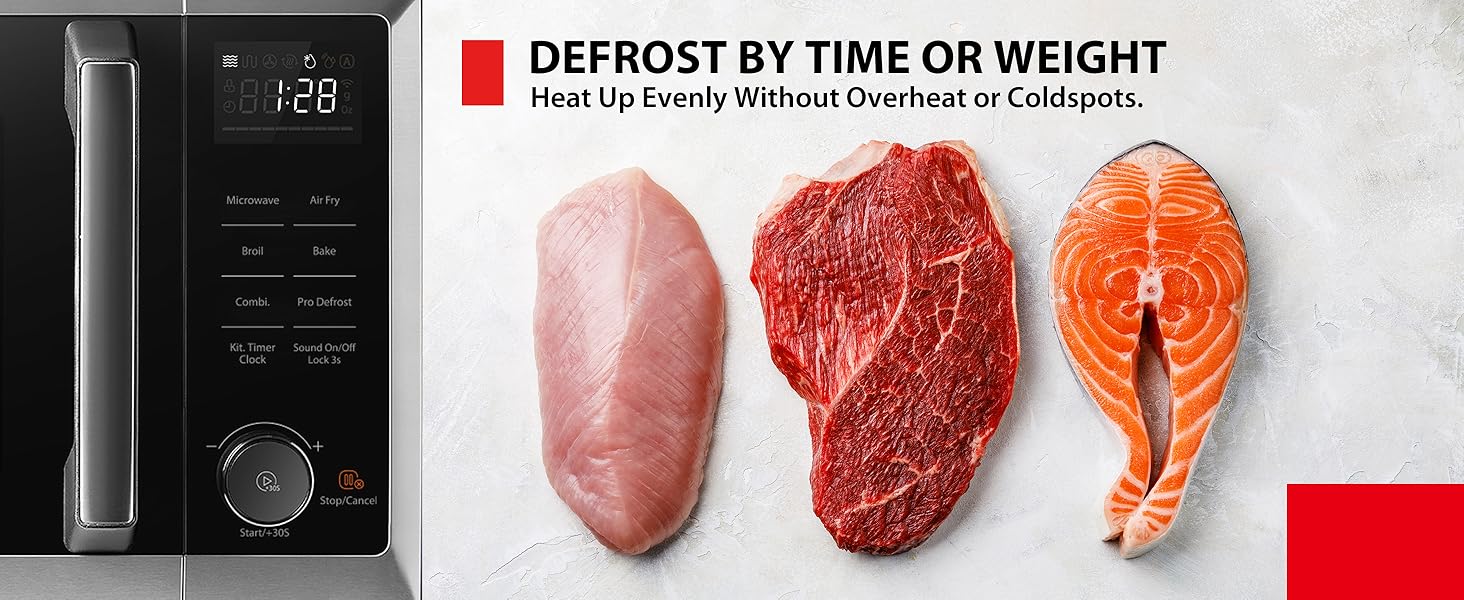
Image: The microwave's control panel alongside various types of raw meat (chicken breast, steak, salmon fillet), illustrating the 'Defrost by Time or Weight' function for even thawing.
Maintenance and Cleaning
Regular cleaning and maintenance will prolong the life of your microwave oven.
Interior Cleaning
Wipe the interior cavity, door seals, and turntable with a damp cloth and mild detergent after each use. For stubborn stains, place a bowl of water with lemon slices inside and microwave for a few minutes to loosen residue before wiping.
Exterior Cleaning
Clean the exterior surface with a soft, damp cloth. Avoid abrasive cleaners or scouring pads that could scratch the finish.
Turntable and Racks
The glass turntable and metal racks can be removed for cleaning. Wash them in warm, soapy water or in the dishwasher (for glass turntable only).
Troubleshooting
If you encounter issues with your microwave oven, refer to the following common problems and solutions:
| Problem | Possible Cause | Solution |
|---|---|---|
| Oven does not start | Power cord not plugged in; Door not closed properly; Fuse blown or circuit breaker tripped. | Ensure power cord is securely plugged in; Close door firmly; Check household fuse/circuit breaker. |
| Food not heating | Incorrect cooking time/power level set; Door not closed properly. | Adjust cooking time and power level; Ensure door is fully latched. |
| Turntable not rotating | Turntable not properly seated; Obstruction under turntable. | Re-position turntable and roller ring; Remove any obstructions. |
| Unusual noise during operation | Food container touching oven walls; Turntable not properly seated. | Ensure container is not touching walls; Re-position turntable. |
If the problem persists after attempting these solutions, please contact customer support.
Specifications
Detailed technical specifications for the TOSHIBA ML2-EC26SF(BS) Microwave Oven:
- Brand: Toshiba
- Model Number: ML2-EC26SF(BS)
- Colour: Black
- Product Dimensions: 44.7 x 49.4 x 29.1 cm (W x D x H)
- Capacity: 26 litres
- Microwave Power: 900 watts
- Grill Power: 1000 watts
- Convection Temperature: Up to 240°C
- Voltage: 230 Volts
- Material: Stainless Steel
- Item Weight: 18.9 kg
- Special Features: Defrost, Air Fry Auto Menu, Broil, Bake, Combi-Modes
- Included Components: Roller Ring, Bake Tray, Two Wire Racks
Warranty and Support
For warranty information and customer support, please refer to the documentation included with your product or visit the official Toshiba website. You can also find more information and support on the Toshiba Store on Amazon.