
1. Introduction
The Lenovo Laptop Backpack B215 is designed for secure and convenient transport of your laptop and essential items. This versatile backpack features multiple compartments, water-repellent material, and a padded laptop section, making it suitable for various uses including travel, professional settings, college, and daily commutes.
2. Features
- Padded Laptop Compartment: A dedicated, padded section provides enhanced protection for laptops up to 15.6 inches, safeguarding your device from impacts and scratches.
- Water-Repellent Material: Constructed with durable, water-repellent polyester to offer an extra layer of protection against light rain and spills, keeping your belongings dry.
- Easy-Access Pockets: Strategically placed internal and external pockets allow for quick and convenient retrieval of frequently used items such as phones, keys, or wallets.
- Spacious Compartments: Multiple compartments are designed to organize your items efficiently, ensuring easy access and systematic storage of essentials.
- Comfort and Durability: Ergonomically designed with lightweight yet durable materials for comfortable carrying and long-lasting use.
3. Setup and Usage
3.1 Laptop Placement
Locate the dedicated padded compartment inside the main section of the backpack. Carefully slide your laptop (up to 15.6 inches) into this sleeve. Ensure it is fully seated for maximum protection.

Image: Interior view of the backpack, highlighting the padded laptop sleeve.
3.2 Organizing Essentials
Utilize the various internal and external pockets for smaller items. The front zippered pocket is ideal for items requiring quick access, such as a phone or travel documents. Internal organizers can hold pens, notebooks, and other accessories.
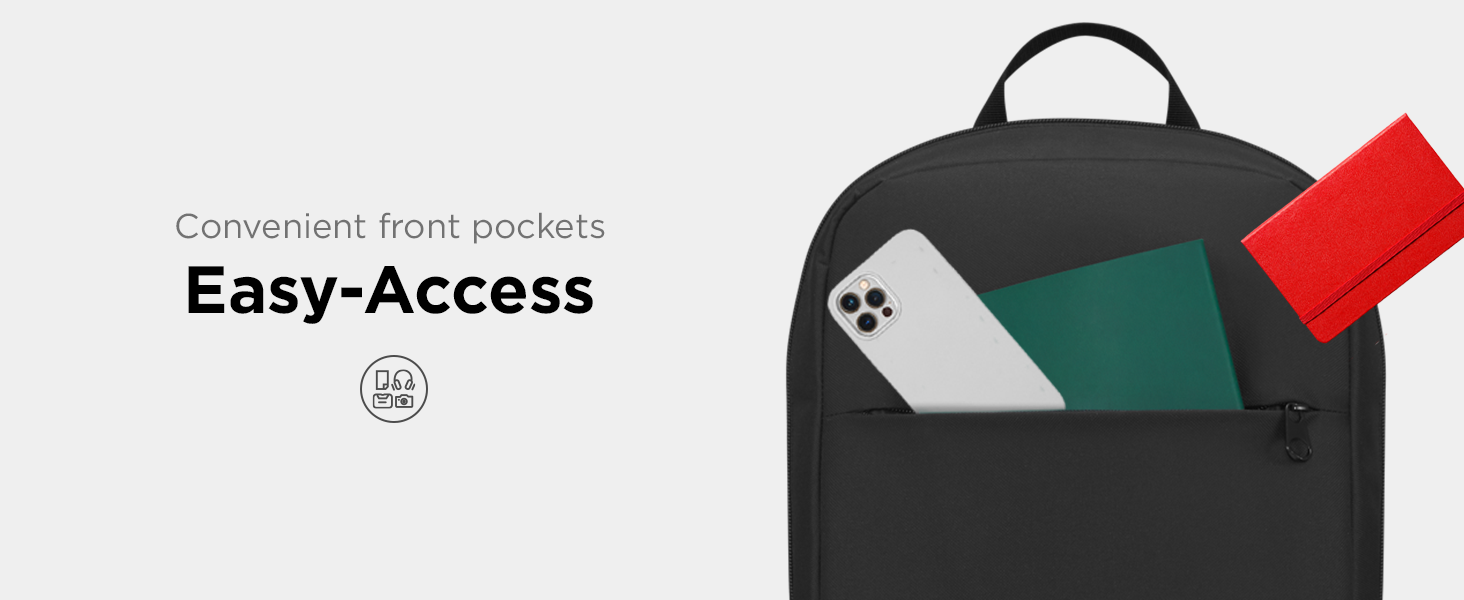
Image: Front pocket of the backpack with items for easy access.
3.3 Adjusting Shoulder Straps
Place the backpack on your back. Adjust the shoulder straps using the buckles located at the bottom of each strap. Tighten or loosen until the backpack sits comfortably and securely on your shoulders, distributing weight evenly.

Image: Backpack worn on a person's back.
4. Maintenance
4.1 Cleaning Instructions
To clean your Lenovo Laptop Backpack B215, hand wash only. Use a mild detergent and cold water. Do not machine wash, bleach, tumble dry, or iron. Air dry the backpack completely before reuse or storage.
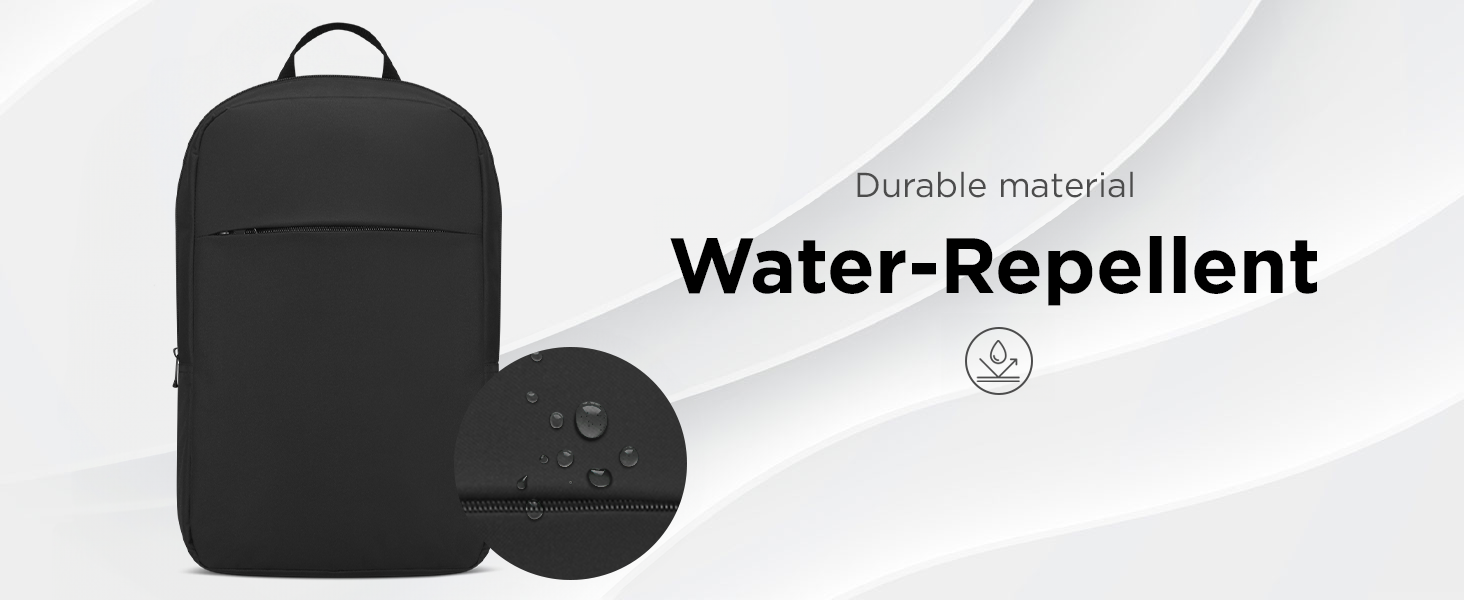
Image: Water-repellent surface of the backpack.
5. Troubleshooting
5.1 Zipper Issues
If a zipper becomes stiff, apply a small amount of zipper lubricant or a graphite pencil lead along the teeth. Gently work the zipper back and forth to distribute the lubricant.
5.2 Odor Removal
To remove odors, empty the backpack completely and air it out in a well-ventilated area for several days. For persistent odors, sprinkle baking soda inside, let it sit overnight, then vacuum or shake it out.
5.3 Uneven Weight Distribution
Ensure heavier items are placed closer to your back and centered within the main compartment. Distribute smaller items evenly across other pockets to maintain balance and comfort.
6. Specifications

Image: Dimensions of the Lenovo Laptop Backpack B215.
| Feature | Detail |
|---|---|
| Model Name | B215 |
| Compatible Device Size | Up to 15.6 Inches |
| Material Type | Polyester (Outer), Nylon (Lining) |
| Water Resistance Level | Water Resistant |
| Number of Compartments | 4 |
| Number of Pockets | 2 (Utility Pockets) |
| Item Dimensions (D x W x H) | 3.74"D x 11.62"W x 17.34"H (9.5 cm x 29.5 cm x 44 cm) |
| Item Weight | 0.9 Pounds (0.41 kg) |
| Color | Black |
| UPC | 195892064459 |
| Manufacturer Part Number | GX41K08217 |
7. Warranty and Support
7.1 Warranty Information
This Lenovo Laptop Backpack B215 comes with a 1-year limited warranty from the date of purchase. This warranty covers manufacturing defects under normal use. Please retain your proof of purchase for warranty claims.
7.2 Customer Support
For further assistance, product inquiries, or warranty claims, please visit the official Lenovo support website or contact their customer service. You can find more information at www.lenovo.com/support.