Introduction
This user manual provides essential information for the proper use and care of your Alpen Ridge Shasta 36x10 Binoculars. Please read these instructions carefully before using your binoculars to ensure optimal performance and longevity. Keep this manual for future reference.
Product Overview
The Alpen Ridge Shasta 36x10 Binoculars are designed for clear and bright viewing in various outdoor conditions. They feature a robust construction and advanced optical components to enhance your viewing experience.
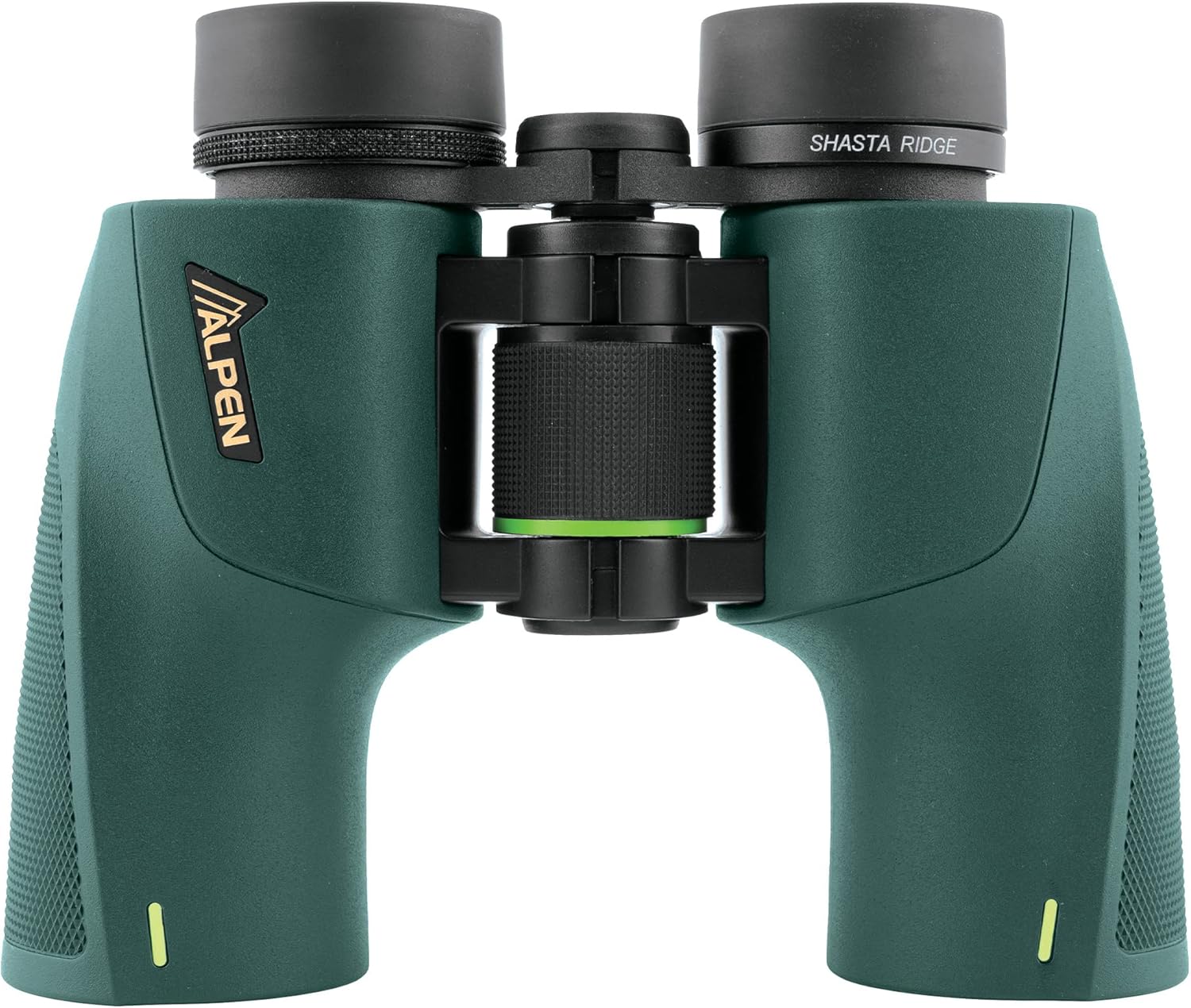
Image: Alpen Ridge Shasta 36x10 Binoculars, showcasing the main unit.
Package Contents
Upon unpacking, please verify that all the following items are included:
- Alpen Ridge Shasta 36x10 Binoculars
- Protective Lens Caps (for objective and ocular lenses)
- Adjustable Neck Strap
- Carrying Case
- Lens Cleaning Pen

Image: Protective lens caps for the binoculars.
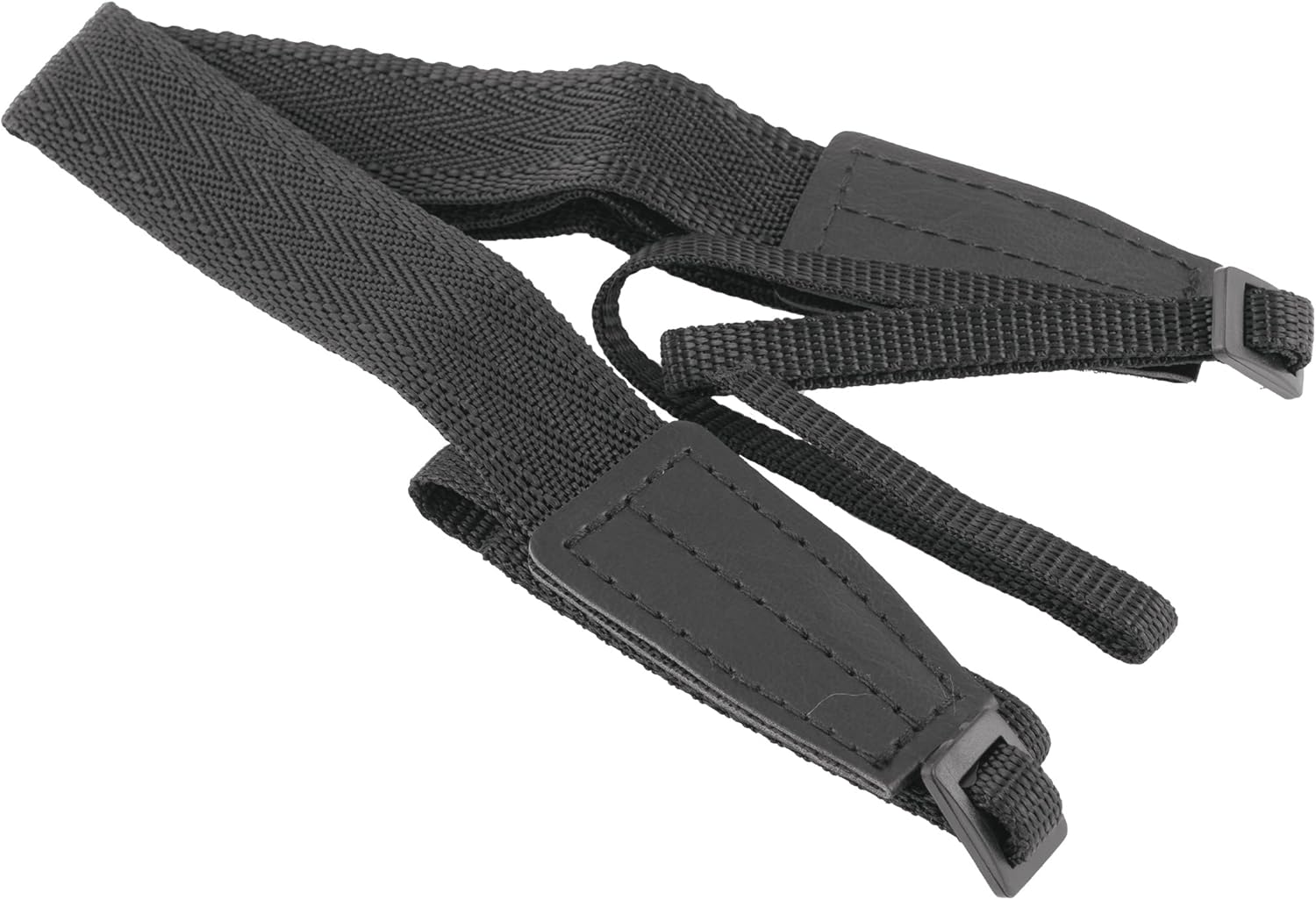
Image: Adjustable neck strap.

Image: Black carrying case.
Setup
1. Attaching the Neck Strap
- Thread the ends of the neck strap through the strap lugs on each side of the binocular body.
- Secure the strap by feeding it back through the buckle, ensuring it is tightly fastened.
- Adjust the strap length for comfortable carrying around your neck.
2. Adjusting Interpupillary Distance (IPD)
The interpupillary distance is the distance between the centers of your pupils. To match this to your binoculars:
- Hold the binoculars up to your eyes and look through them.
- Adjust the hinge between the two barrels by moving them closer together or further apart until you see a single, clear circular field of view.
3. Adjusting Eyecups
The binoculars feature twist-up eyecups for comfortable viewing, whether you wear eyeglasses or not.
- For Eyeglass Wearers: Keep the eyecups in their fully retracted (down) position to allow your eyes to be closer to the ocular lenses, providing a full field of view.
- For Non-Eyeglass Wearers: Twist the eyecups counter-clockwise to extend them to a comfortable position. This helps block out peripheral light and positions your eyes at the optimal distance from the ocular lenses.

Image: Side view of the binoculars, illustrating the eyecups and central focus wheel.
Operating Your Binoculars
1. Focusing
To achieve a sharp image, follow these steps:
- First, identify the diopter adjustment ring, usually located on the right eyepiece.
- Close your right eye and look through the left eyepiece with your left eye. Rotate the central focus wheel until the image is sharp.
- Now, close your left eye and look through the right eyepiece with your right eye. Rotate the diopter adjustment ring (on the right eyepiece) until the image is sharp. Do not use the central focus wheel for this step.
- Once the diopter is set, you can use both eyes and adjust the central focus wheel for different distances.
2. Viewing
Hold the binoculars steady and bring them to your eyes. Use the central focus wheel to adjust the focus for objects at varying distances. The wide field of view and bright optics are designed for comfortable and extended observation.
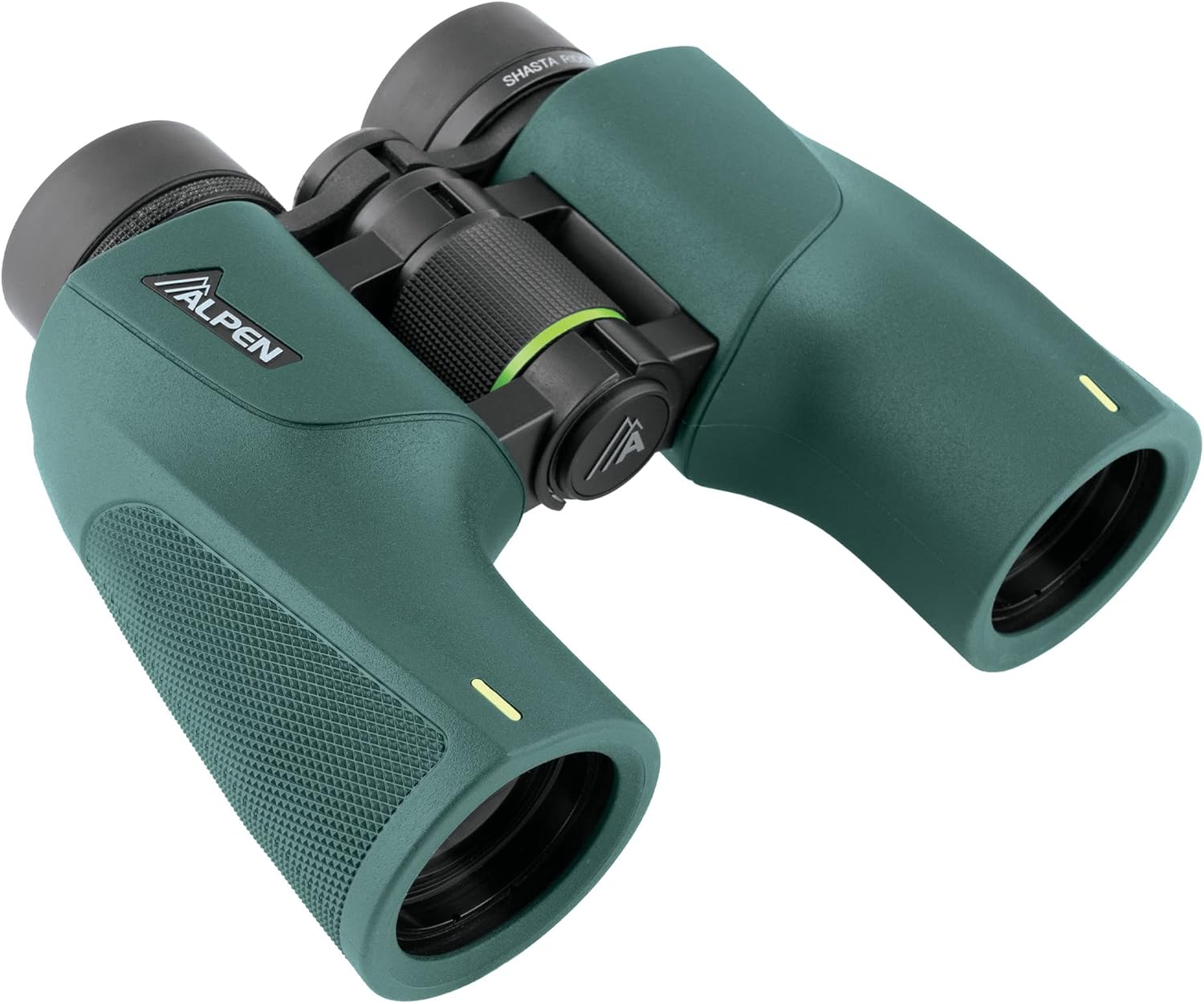
Image: Angled view of the binoculars, showing the objective lenses.
Maintenance and Care
Proper maintenance ensures the longevity and performance of your binoculars.
- Cleaning Lenses: Use the included lens cleaning pen or a soft, lint-free cloth specifically designed for optics. Gently brush away any dust or debris. For smudges, breathe lightly on the lens and wipe with the cleaning cloth in a circular motion. Avoid using harsh chemicals or abrasive materials.
- Cleaning Body: Wipe the binocular body with a soft, damp cloth. Do not use solvents or harsh cleaners.
- Storage: Store your binoculars in their carrying case in a cool, dry place when not in use. Avoid extreme temperatures and high humidity.
- Waterproof/Fog-proof: While your binoculars are waterproof and nitrogen-filled to prevent internal fogging, avoid unnecessary exposure to water or extreme temperature changes to maintain their integrity. If they get wet, dry them thoroughly before storing.
Troubleshooting
If you encounter issues with your binoculars, refer to the following common problems and solutions:
| Problem | Possible Cause | Solution |
|---|---|---|
| Image is blurry or out of focus | Incorrect focus adjustment | Adjust the central focus wheel and diopter ring as described in the 'Operating Your Binoculars' section. |
| Double image or two overlapping circles | Incorrect interpupillary distance (IPD) | Adjust the hinge between the barrels until a single, circular field of view is achieved. |
| Image appears dim | Low light conditions, dirty lenses, or incorrect eyecup position | Ensure lenses are clean. Adjust eyecups for optimal eye relief. Use in appropriate lighting conditions. |
| Internal fogging | Damage to seals (unlikely for new product) | While binoculars are nitrogen-filled, severe impact or damage could compromise seals. If persistent, contact customer support. |
Specifications
- Model: Shasta 36x10
- Optics: BaK4 Roof Prism
- Lens Coating: Fully Multi-Coated, PXA Phase Coating
- Housing: Light Magnesium
- Environmental Protection: Waterproof, Sealed, Nitrogen Filled (for fog-free performance)
- Eye Relief: Long Eye Relief
- Eyecups: Twist-up
- Accessories Included: Eyepiece Rain Guards, Lens Cleaning Pen
- UPC: 811803034082
- ASIN: B0BG91YB48
Warranty Information
Your Alpen Ridge Shasta 36x10 Binoculars are backed by a Lifetime Warranty. To ensure your warranty is active and for full details on coverage, please register your product with Alpen Optics. The warranty covers defects in materials and workmanship under normal use.
For specific warranty terms and conditions, and to register your product, please visit the official Alpen Optics website or contact their customer support.
Customer Support
For further assistance, technical support, or inquiries regarding your Alpen Ridge Shasta 36x10 Binoculars, please contact Alpen Optics customer service. You can typically find contact information, FAQs, and additional resources on the official Alpen Optics website.
Manufacturer: Alpen
Website: Visit the Alpen Store on Amazon (for general brand information)


