
Seculife Adult Elderly Seniors GPS Tracker
SecuLife GPS Tracker for Elderly with Fall Detection - User Manual
Model: Adult Elderly Seniors GPS Tracker
1. Introduction
The SecuLife GPS Tracker is a personal safety device designed to provide peace of mind for caregivers and independence for elderly individuals. It features real-time GPS tracking, automatic fall detection, two-way communication, and an SOS panic button for immediate assistance.
What's in the Box
- SecuLife GPS Tracker Device
- Magnetic Charger
- Charging Cable
- Lanyard
- Belt/Bag Clip

Image: SecuLife GPS Tracker and packaging.
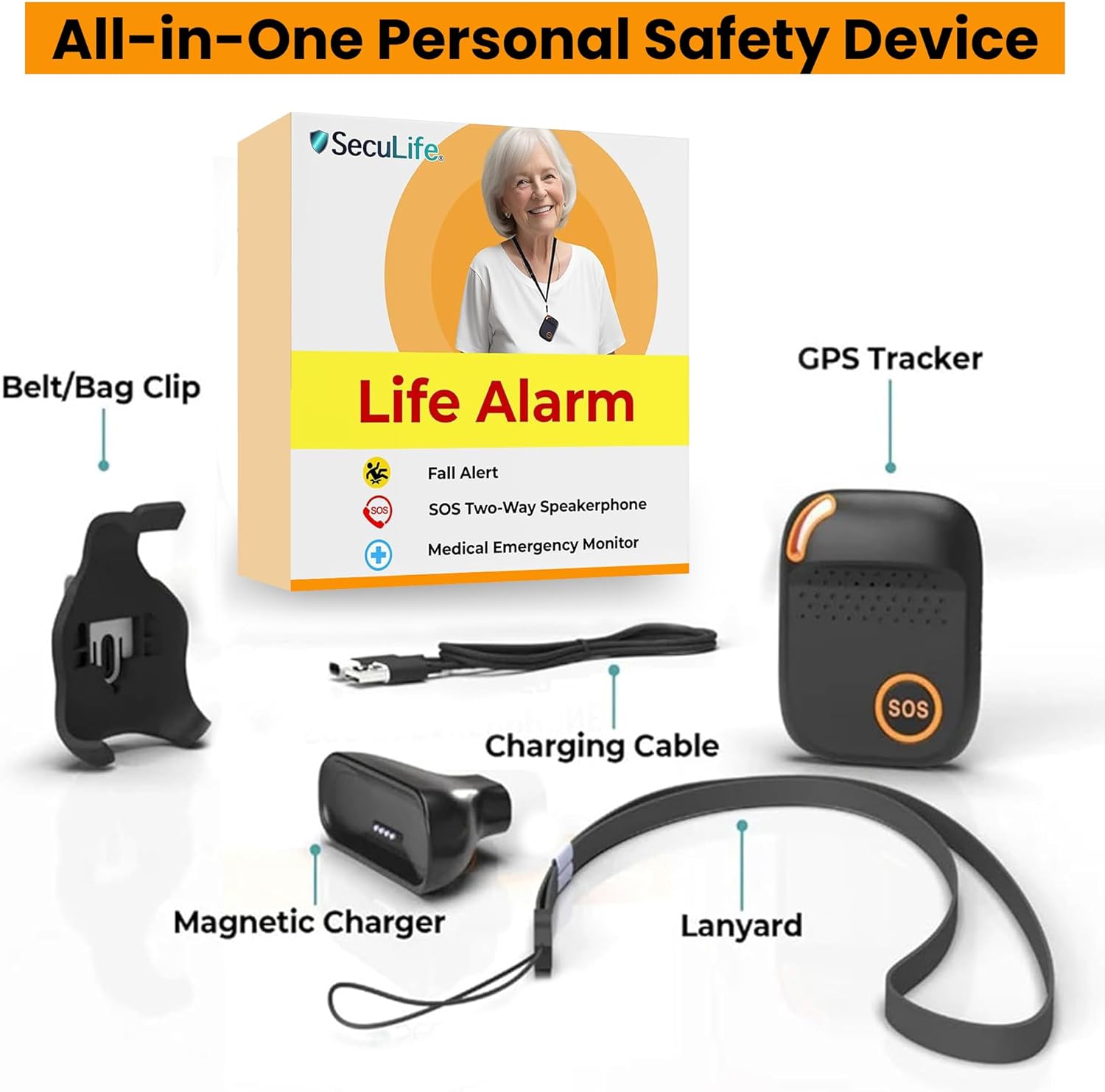
Image: All components included with the SecuLife GPS Tracker.
2. Setup
To begin using your SecuLife GPS Tracker, follow these steps for activation and app setup.
Activation and Subscription
A monthly subscription is required to activate the SecuLife SAFETY App features and services. This includes a pre-installed 4G LTE SIM card, unlimited live tracking, alerts, hands-free assistive speakerphone, and more. Activation is easy upon arrival, with no complex installation needed.
Mobile App Download
Download the easy-to-use SecuLife SAFETY App for access to all essential features, including real-time tracking, historical GPS locations, and unlimited geofencing areas. The app is available on Google Play for Android devices and the App Store for iOS devices, as well as a web app for PC & MAC.
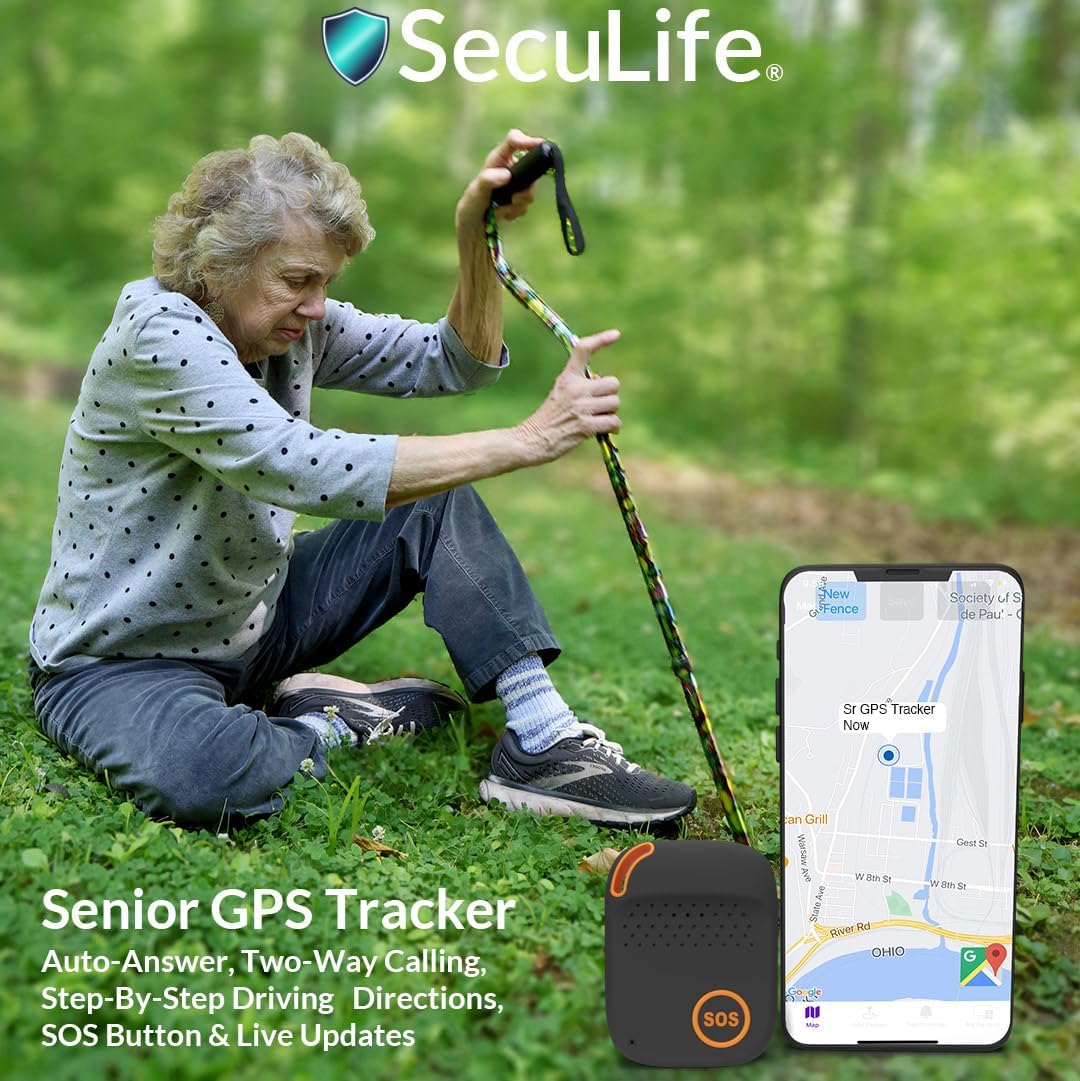
Image: Download the SecuLife app for mobile and web platforms.
3. Features and Operation
SOS Button and Two-Way Calling
The large SOS button on the device allows for instant voice contact with caregivers. With just a push, it automatically calls pre-set emergency contacts. The built-in speaker and microphone enable clear two-way communication, serving as an excellent alternative to a cell phone, especially in urgent situations.
Video: Demonstrates the SecuLife Elderly 4G GPS Personal Tracker's SOS button and two-way calling feature.

Image: Close-up of the SOS Alert Button.

Image: Illustration of the two-way calling feature.
GPS Tracking
The device offers real-time GPS tracking, allowing you to monitor your loved one's location anytime, anywhere. The mobile app provides live location updates and historical location data, ensuring you are always informed.
Video: Demonstrates GPS tracking and fall detection features of the SecuLife SOS Emergency GPS Tracker.
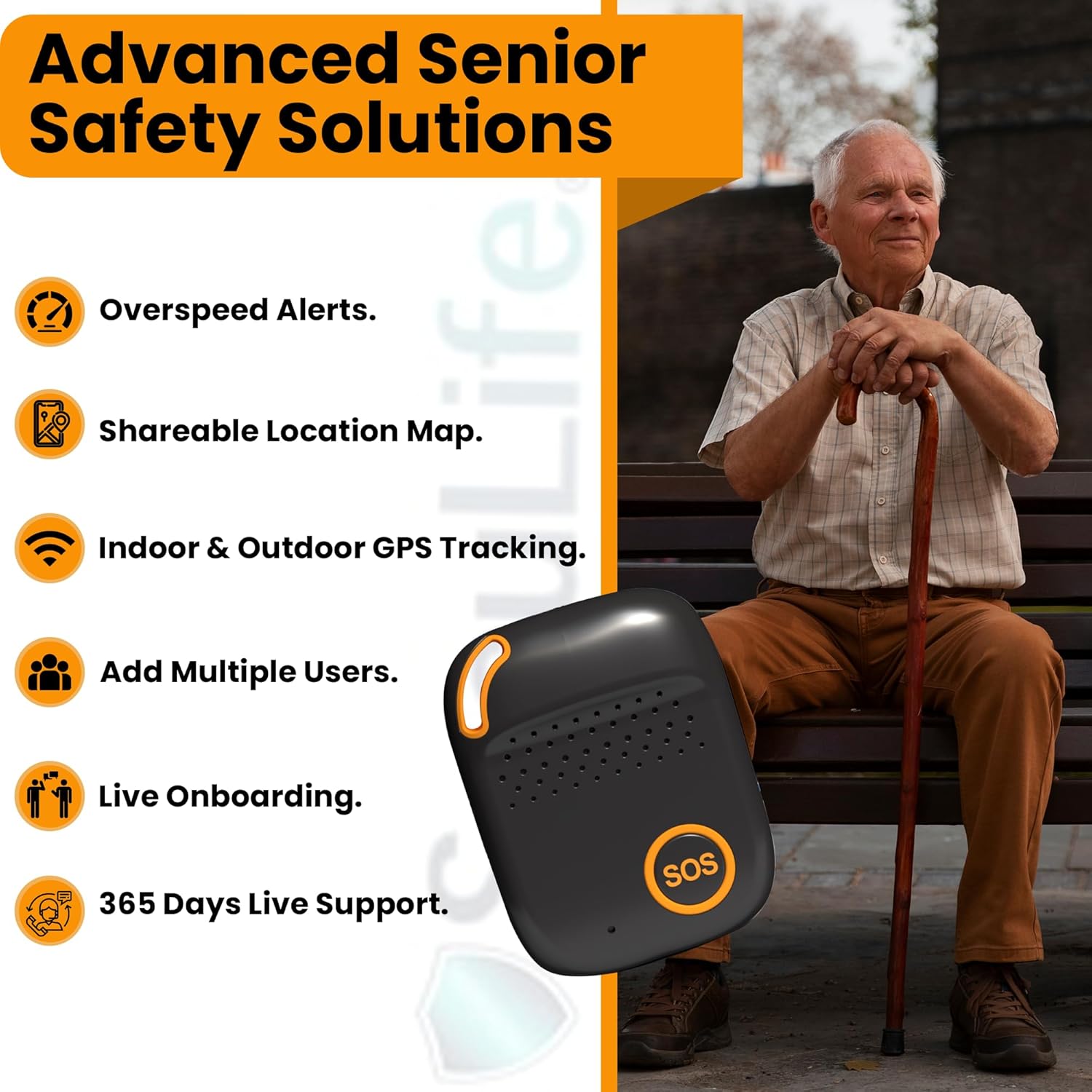
Image: Overview of tracking features including geofencing, notifications, and history.

Image: Real-time tracking display on the mobile app.

Image: View of location history on the app.
Fall Detection
The device includes advanced fall detection capabilities. In the event of a fall, the system automatically activates, sending immediate alerts to emergency contacts via text, email, and in-app notifications. This ensures help is dispatched quickly, especially crucial for falls that occur within the home where immediate assistance might not be readily available.
Video: Demonstrates fall detection and alert features, applicable to the SecuLife GPS Tracker.
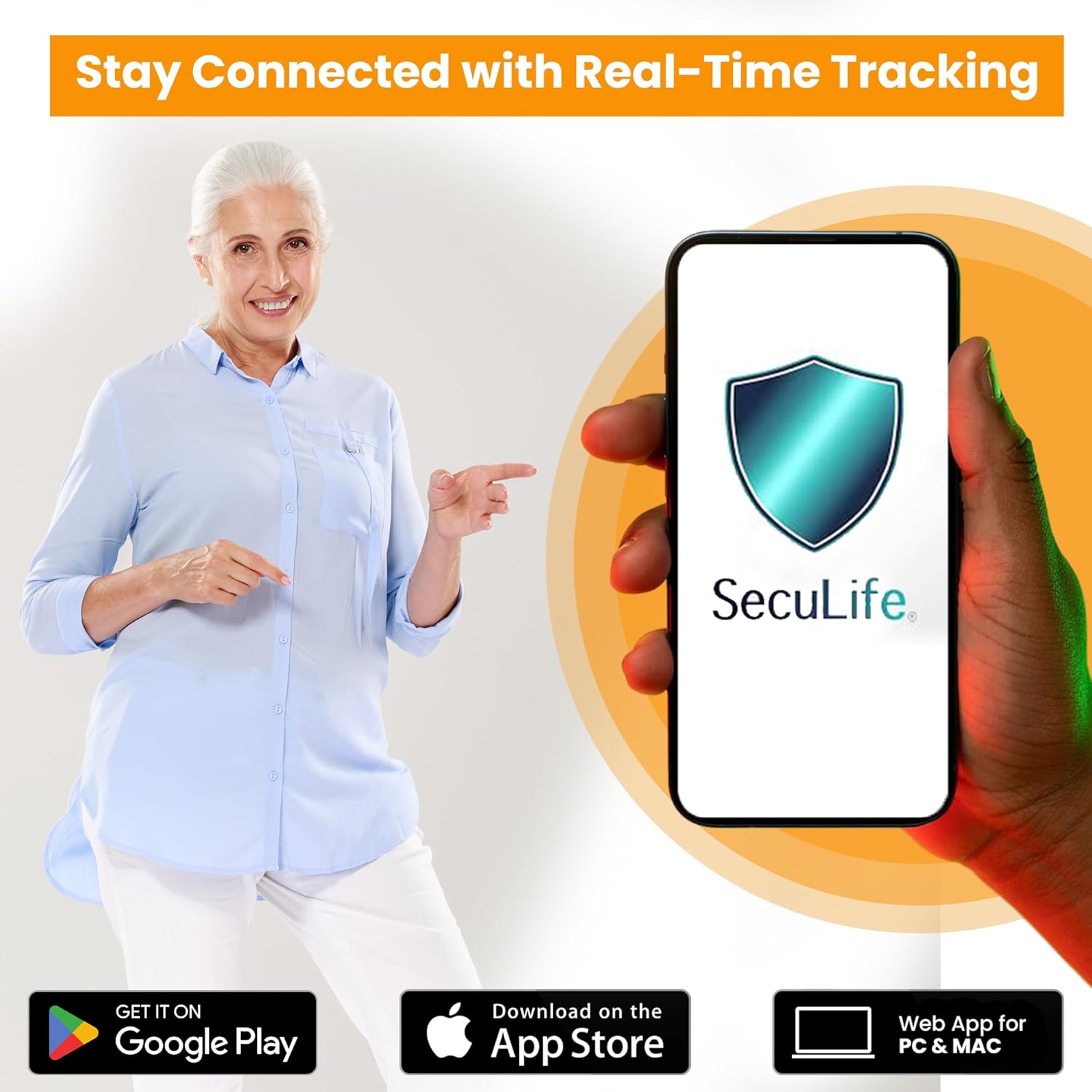
Image: The device's role in fall detection scenarios.

Image: Example of an instant fall alert notification.
Geofencing and Custom Notifications
Set up custom geofence zones within the app to define safe areas. You will receive real-time alerts when your loved one enters or exits these specific locations. Notifications can be delivered to your mobile app, email, and SMS/text, providing immediate updates on their whereabouts.

Image: Setting up geofence zones on the app.

Image: Notification for entering or exiting a geofence safe zone.
4. Wearable Options
The SecuLife GPS Tracker features a slim, lightweight design, making it easy to wear discreetly. It can be worn on clothing using the belt/bag clip, or around the neck with the included lanyard, ensuring comfort for all-day use.
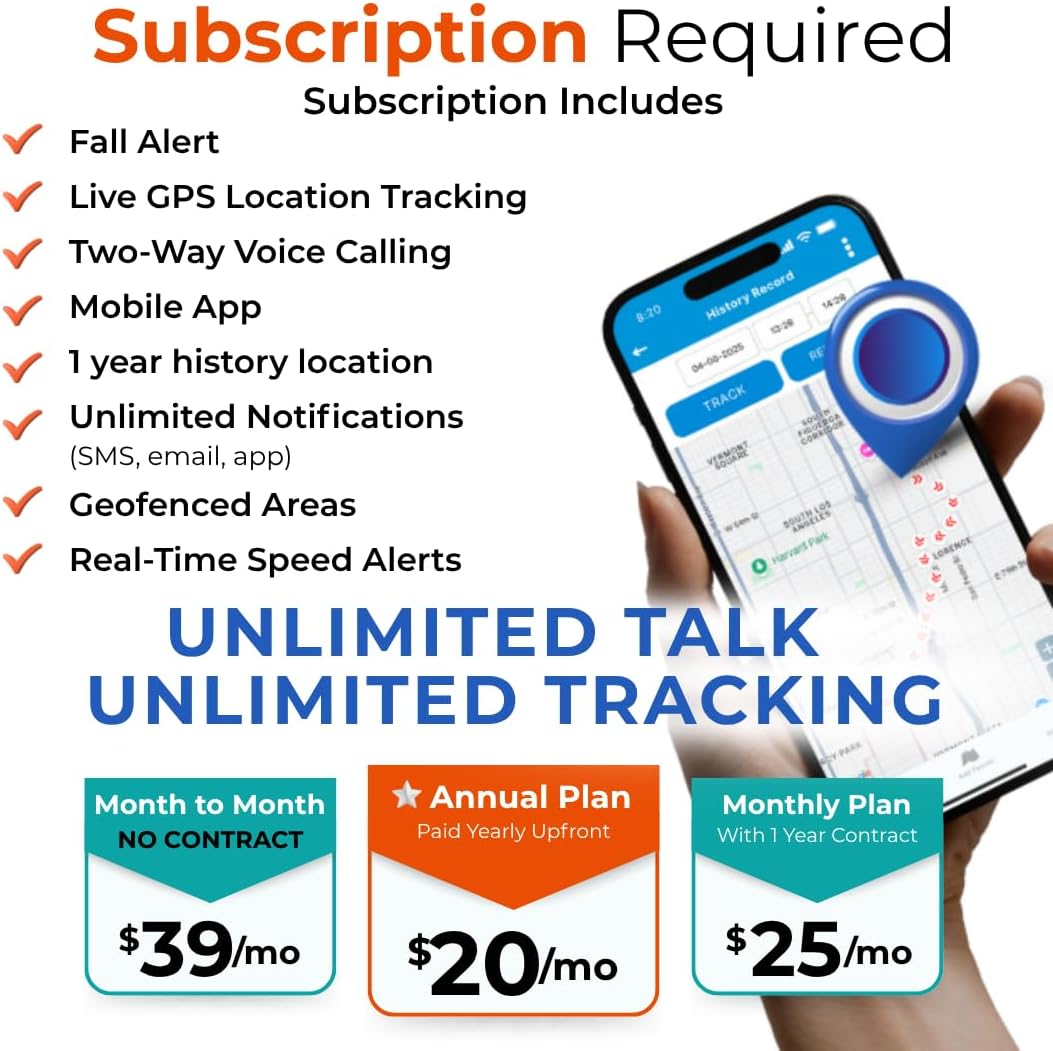
Image: Various discreet wearing options for the device.

Image: Highlighting the compact and durable design for wearable use.
5. Battery Life and Charging
The device is equipped with a Lithium Polymer battery. Battery life may last 8-24 hours based on usage. Voice calling and coverage variables can reduce battery life. Use the provided magnetic charger and charging cable to recharge the device.

Image: Emphasizing the long battery life of the device.
6. Maintenance
The SecuLife GPS Tracker is designed for durability and everyday use. It is IP67 splash resistant, meaning it can withstand splashes and light rain, making it suitable for various environments.

Image: Highlighting the device's IP67 splash resistance.

Image: Demonstrating the device's splash resistance in outdoor conditions.
7. Troubleshooting
If you encounter any issues with your SecuLife GPS Tracker, please refer to the following common troubleshooting tips:
- Device Not Tracking: Ensure the device is charged and within an area with cellular coverage. Verify your subscription is active.
- SOS Button Not Calling: Check that emergency contacts are correctly programmed in the app. Ensure the device has sufficient battery and cellular signal.
- Fall Detection Issues: Confirm the device is worn correctly and securely. Environmental factors or specific movements might affect detection accuracy.
- App Connectivity Problems: Ensure your smartphone has a stable internet connection. Try restarting the app or your phone.
- Subscription Inquiries: For questions regarding your monthly subscription or activation, please contact SecuLife customer support directly.
8. Specifications
| Product Dimensions | 2.4 x 1.7 x 0.7 inches |
| Item Weight | 14 ounces |
| Model Number | Adult Elderly Seniors GPS Tracker |
| Batteries | 1 Lithium Polymer batteries required (included) |
| Connectivity Technology | Cellular |
| Special Features | SOS 2 Way Calling, Auto Answering Speakerphone, Real-Time Tracking, Historical Location Data, Geofencing Locations, Easy to Use Mobile App with Push Notifications, SMS, and EMAIL, Lifetime Device Warranty |
| Color | S4 Black |
| Manufacturer | Seculife |
| Country of Origin | USA |
9. Warranty and Support
SecuLife offers a lifetime device warranty for the GPS Tracker. Your satisfaction is important, and a 7-day return window is available for activated plans. An activated plan is required to use the device.
Customer Support
Support is available 7 days a week via phone, chat, and email. For any inquiries or assistance, please reach out to SecuLife customer care.

Image: SecuLife offers 365 days of live support.

Image: Dedicated live support for SecuLife products.
Related documentsAdult Elderly Seniors GPS Tracker


Ask a question about this manual
Ask about setup, troubleshooting, compatibility, parts, safety, or missing instructions. Manuals+ will review the question and use this page’s manual context to help answer it.