
Introduction
Thank you for choosing the ESYNiC White Noise Machine. This device is designed to create a calming environment with a variety of sounds and a customizable night light, promoting better sleep for infants, children, and adults. Please read this manual carefully before use to ensure proper operation and to maximize your experience.
Safety Information
- Do not use the device near water or in excessively humid environments.
- Keep the device out of reach of children to prevent accidental damage or misuse.
- Follow all battery charging instructions to avoid the risk of electric shock or battery damage.
- Do not expose ears to high noise levels for extended periods, especially for infants and young children, to prevent hearing damage.
- Always read the label, warnings, and instructions provided on the product packaging before use, as they may contain additional or updated information.
Package Contents
Upon opening the package, please verify that all items are present and in good condition:
- ESYNiC White Noise Machine
- USB Type-C Charging Cable (1m)
- User Manual
- Decorative Stickers (optional, for personalization)

Image: The ESYNiC White Noise Machine, its packaging, a USB-C charging cable, user manual, and decorative stickers are shown, illustrating the complete package contents.
Product Overview
Familiarize yourself with the device's controls and features:

Image: A close-up of the device's top panel, highlighting the various touch-sensitive buttons for sound selection, light control, timer settings, volume adjustment, and power.
Control Buttons:
- Power Button: Turns the device on/off.
- Sound Selection Buttons: Cycle through different sound categories (meditative, lullabies, white noise, natural sounds).
- Previous/Next Sound Buttons: Navigate between individual sounds within a category.
- Volume Up/Down Buttons: Adjust the sound volume.
- Light Button: Controls the night light, including color and brightness.
- Timer Buttons: Set the automatic shut-off timer (30, 60, or 90 minutes).
- Record Button: Initiates and stops voice recording.
- Bluetooth Button: Activates Bluetooth pairing mode.
All buttons feature backlighting for easy operation in the dark. The backlighting automatically turns off after 5 seconds of inactivity.
Setup
- Unpack: Carefully remove the ESYNiC White Noise Machine and all accessories from its packaging.
- Initial Charge: Before first use, fully charge the device for approximately 3-4 hours using the provided USB Type-C cable and a compatible USB power adapter (not included). The charging indicator light will turn red during charging and off when fully charged.

Image: The white noise machine is shown connected to a USB Type-C charging cable, illustrating the charging process. Text indicates charging time and battery life.
- Placement: Place the device on a stable, flat surface away from water and direct sunlight.
Operating Instructions
Power On/Off
- Press the Power Button to turn the device on or off.
Sound Selection
The device offers 30 distinct sounds across various categories:
- 6 Meditative Sounds
- 9 Famous Lullabies (e.g., Twinkle Twinkle Little Star)
- 6 Professionally Designed White Noises (e.g., White Noise, Pink Noise, Brown Noise, Fan, Hair Dryer)
- 9 Natural White Sounds (e.g., Thunder, Rain 1, Rain 2, Rock 1, Rock 2, Fire, Summer Night, Forest, Wave, Washing Machine)
- Press the Sound Category Buttons (represented by icons like music notes, waves, etc.) to switch between sound groups.
- Use the Previous/Next Sound Buttons (left/right arrows) to cycle through the individual sounds within the selected category.
- Adjust the volume using the Volume Up/Down Buttons. There are 16 levels of volume adjustment.

Image: An infographic showing the variety of 30 relaxing sounds available on the device, categorized into white noise, fan, rain, waves, lullabies, and meditation, along with wireless audio capability.
Night Light Operation
The device features a night light with 6 warm white brightness levels and 7 colorful light options.
- Press the Light Button (sun icon) to turn on the night light.
- Subsequent presses of the Light Button will cycle through the 6 warm white brightness levels.
- To activate the colorful light mode, press and hold the Light Button. It will cycle through 7 colors or a breathing light effect.
- Press the Light Button again to turn off the night light.
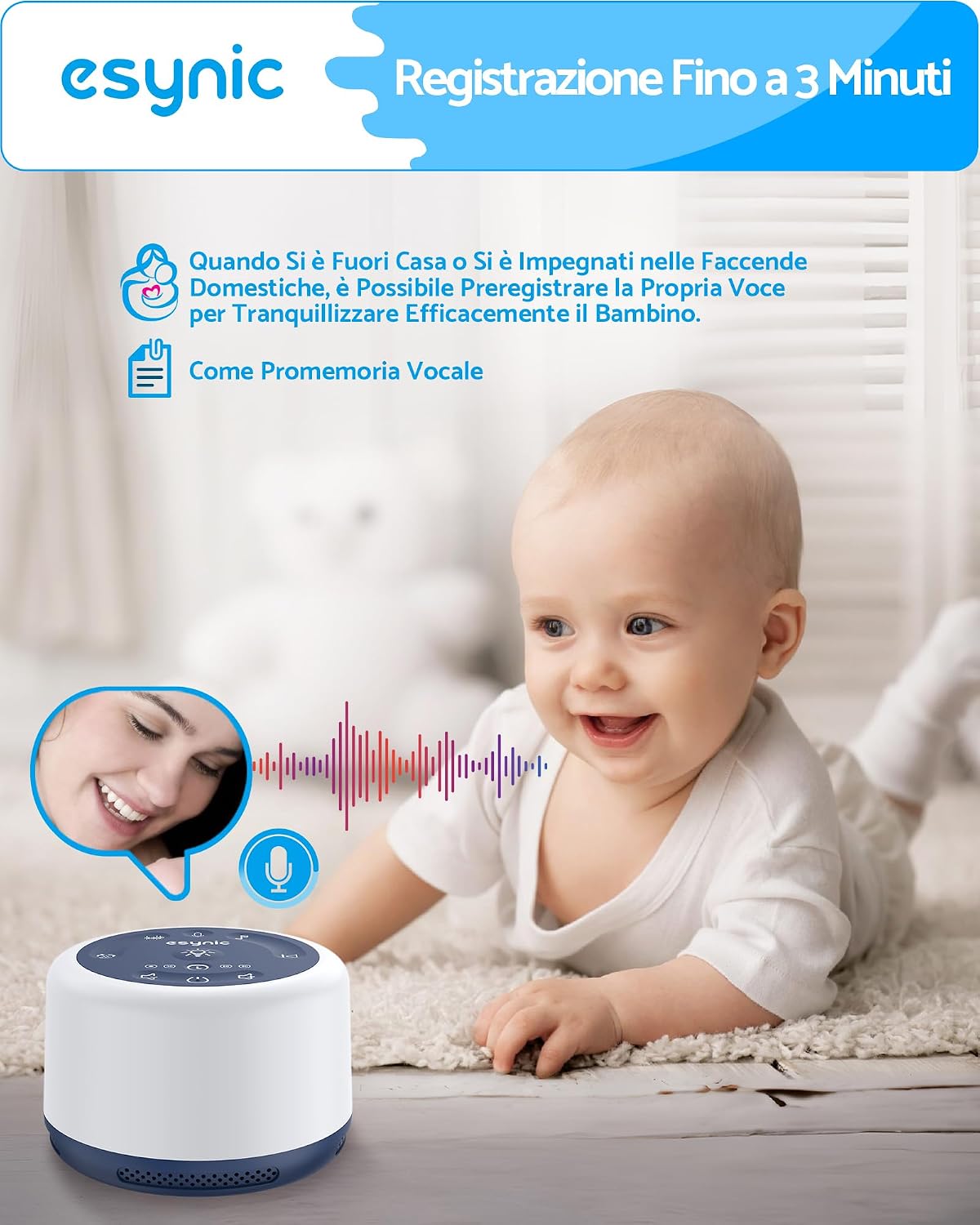
Image: The device functioning as a night light, emitting a soft glow, with a mother and baby in the background, illustrating its use during nighttime feedings.
Timer Function
Set the device to automatically turn off after a specified duration.
- Press the Timer Buttons (30, 60, or 90 minutes) to select the desired shut-off time.
- The device can also play continuously without a timer.
- The device remembers your last sound and light settings when turned back on.

Image: A child sleeping peacefully in bed, with the white noise machine nearby displaying its timer options for 30, 60, 90 minutes, or continuous play.
Voice Recording Function
Record a 3-minute voice message to soothe your baby or for personal reminders.
- Press and hold the Record Button (microphone icon) until you hear a countdown sound to begin recording.
- Press any button to stop the recording.
- Briefly press the Record Button to play back your recorded message.
- Recording a new message will automatically overwrite the previous one.

Image: A baby on the floor, smiling, with an overlay illustrating the voice recording function of the white noise machine, showing a microphone icon and sound waves.
Bluetooth / Wireless Audio
The device can connect wirelessly to your mobile phone to play additional white noise or music, functioning as a portable speaker.
- Press the Bluetooth Button to activate Bluetooth pairing mode.
- On your mobile device, search for "ESYNiC" (or similar device name) in the Bluetooth settings and pair.
- Once connected, you can play audio from your phone through the white noise machine.
Maintenance
- Cleaning: Wipe the device with a soft, dry cloth. Do not use liquid cleaners or abrasive materials.
- Storage: Store the device in a cool, dry place when not in use for extended periods.
- Battery Care: To prolong battery life, avoid fully discharging the device frequently. Recharge when the battery is low.
Troubleshooting
| Problem | Possible Cause | Solution |
|---|---|---|
| Device does not turn on. | Battery is depleted. | Charge the device for 3-4 hours using the provided USB-C cable. |
| No sound. | Volume is too low or muted. | Increase the volume using the Volume Up button. |
| Night light not working. | Light function is off. | Press the Light Button to activate the night light. |
| Bluetooth pairing failed. | Device not in pairing mode or too far from phone. | Ensure the device is in Bluetooth pairing mode and within range of your phone. Try restarting both devices. |
| Voice recording not saving. | Recording stopped prematurely. | Ensure you press and hold the Record Button until the countdown starts, and then press any button to stop. A new recording overwrites the previous one. |
Specifications
| Model Number: | ESYESY190a |
| Brand: | eSynic |
| Dimensions (LxWxH): | 10.4 x 10.4 x 6.6 cm (4.09 x 4.09 x 2.6 inches) |
| Weight: | 203 grams (7.16 ounces) |
| Material: | Acrylonitrile Butadiene Styrene (ABS) |
| Power Source: | Battery Powered (Rechargeable) |
| Battery Capacity: | 2000 mAh (approx. 60+ hours playback) |
| Charging Port: | Type-C |
| Number of Sounds: | 30 |
| Night Light Colors: | 7 |
| Night Light Brightness: | 6 levels (warm white) |
| Timer Options: | 30, 60, 90 minutes, or continuous play |
| Voice Recording: | Up to 3 minutes |
Warranty and Support
eSynic products come with a standard manufacturer's warranty. For specific warranty details, please refer to the warranty card included in your product packaging or visit the official eSynic website.
If you encounter any issues or have questions regarding your ESYNiC White Noise Machine, please contact eSynic customer support through their official channels. Contact information can typically be found on the product packaging or their website.
For further assistance, you may also refer to the eSynic Store on Amazon.
