1. Introduction
This manual provides essential information for setting up, operating, and maintaining your HP Pavilion 15-eg2025nr 15.6" FHD Laptop. Please read this guide thoroughly to ensure optimal performance and longevity of your device. This laptop is designed for everyday computing tasks, offering a balance of performance and portability.
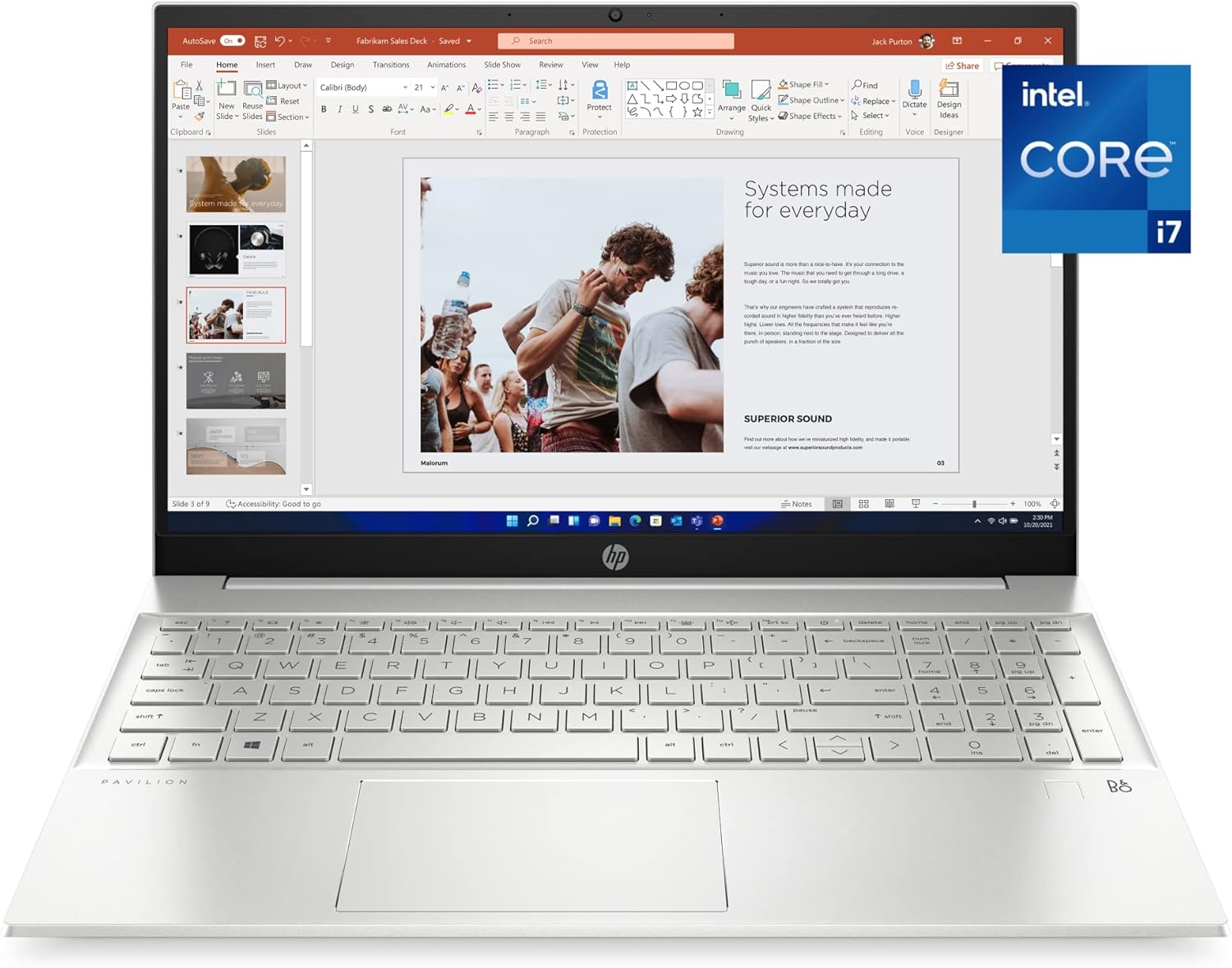
Figure 1: HP Pavilion 15-eg2025nr Laptop
2. Getting Started
2.1 Initial Setup
- Unpack the Laptop: Carefully remove the laptop and all accessories from the packaging.
- Connect Power: Plug the AC adapter into the laptop's power port and then into a wall outlet.
- Power On: Open the laptop lid and press the power button, usually located on the top right of the keyboard.
- Follow On-Screen Instructions: The laptop will guide you through the initial Windows 11 Pro setup, including language selection, network connection, and user account creation.
3. Product Overview
3.1 Physical Components
The HP Pavilion 15-eg2025nr features a thoughtful design for ease of use and portability.
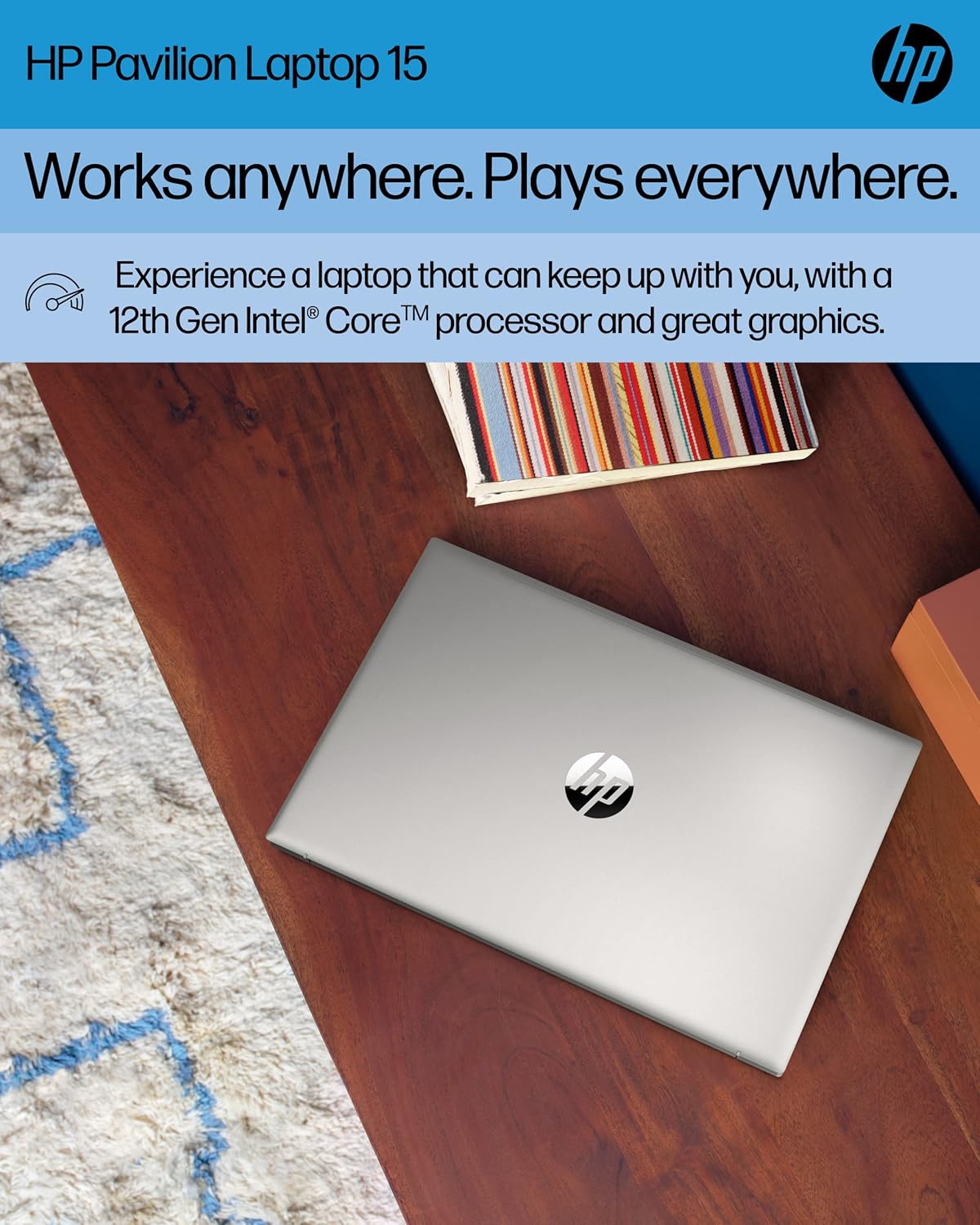
Figure 2: Top view of the HP Pavilion 15-eg2025nr Laptop
3.2 Ports and Connectors
Your laptop is equipped with various ports for connecting peripherals and external devices.
- USB Ports: For connecting USB devices like external drives, mice, or keyboards.
- HDMI Port: For connecting to external displays or projectors.
- Ethernet Port: For wired network connections.
- Audio Jack: For headphones or external speakers.
- Power Connector: For the AC adapter.

Figure 3: Side view of the laptop showing various ports
4. Key Features
- Performance: Powered by a 12th Generation Intel Core i7-1255U processor and 16 GB DDR4 RAM for efficient multitasking and responsive performance.
- Display: 15.6-inch diagonal Full HD (1920 x 1080) IPS micro-edge BrightView display with 178-degree wide viewing angles for vibrant and clear visuals.
- Graphics: Integrated Intel Iris Xe Graphics delivers crisp visuals for various applications and entertainment.
- Storage: 512 GB PCIe NVMe M.2 SSD provides fast boot-up times and quick data access.
- Connectivity: Features Wi-Fi 6 (2x2) and Bluetooth combo with Gigabit data rate support, along with MU-MIMO for stable wireless connections.
- Audio and Camera: Equipped with an HP Wide Vision HD Camera with temporal noise reduction, integrated dual-array digital microphones, and dual speakers customized by B&O for enhanced video conferencing.
- Sustainable Design: Constructed with ocean-bound plastic and shipped in 100% sustainably sourced and recyclable packaging. ENERGY STAR certified and EPEAT Silver registered.
5. Operating System
Your HP Pavilion laptop comes with Windows 11 Pro pre-installed. This operating system offers a secure and responsive computing experience with features designed for productivity and advanced protections against cyber threats. Familiarize yourself with the Windows 11 interface for efficient navigation and use of applications.
6. Battery Management
The laptop offers up to 7 hours and 45 minutes of battery life, depending on usage. It supports HP Fast Charge, allowing your PC to charge from 0 to 50% in approximately 45 minutes.
- Charging: Connect the AC adapter when the battery is low.
- Battery Health: To prolong battery life, avoid fully discharging the battery frequently.
7. Maintenance and Care
- Cleaning: Use a soft, lint-free cloth to clean the screen and exterior. Avoid harsh chemicals.
- Software Updates: Regularly check for and install Windows updates and HP driver updates to ensure optimal performance and security.
- Ventilation: Ensure the laptop's vents are not obstructed to prevent overheating.

Figure 4: Bottom view of the laptop, highlighting ventilation areas
8. Troubleshooting
If you encounter issues with your laptop, consider the following common solutions:
- No Power: Ensure the AC adapter is securely connected to both the laptop and a working power outlet. Check the power indicator light.
- Screen Issues: If the screen is blank, try adjusting the brightness or connecting to an external monitor to rule out a display hardware issue.
- Slow Performance: Close unnecessary applications, check for malware, and ensure your system is up-to-date. Consider freeing up disk space.
- Connectivity Problems: For Wi-Fi issues, restart your router and the laptop. For Bluetooth, ensure the device is discoverable and within range.
- System Freezes: Press and hold the power button for 15 seconds to force a shutdown, then restart the laptop.
9. Specifications
| Feature | Detail |
|---|---|
| Standing Screen Display Size | 15.6 Inches |
| Screen Resolution | 1920 x 1080 pixels (FHD) |
| Processor | Intel Core i7-1255U (1.7 GHz) |
| RAM | 16 GB DDR4 |
| Memory Speed | 4.7 GHz |
| Hard Drive | 512 GB SSD (PCIe NVMe M.2) |
| Graphics Coprocessor | Intel Iris Xe Graphics |
| Wireless Type | 802.11a/b/g/n/ac, Bluetooth (Wi-Fi 6) |
| Average Battery Life | 7.45 Hours |
| Operating System | Windows 11 Pro |
| Item Weight | 3.86 pounds |
| Product Dimensions | 0.7 x 9.21 x 14.18 inches |
| Color | Natural Silver Aluminum |
10. What's in the Box
The following items are included with your HP Pavilion 15-eg2025nr Laptop:
- HP Pavilion Laptop 15-eg2025nr
- Power adapter
- Setup poster

Figure 5: Contents of the box
11. Warranty and Support
Your HP Pavilion laptop is protected by a 1-year limited warranty. For technical assistance, warranty claims, or further support, please refer to the contact information provided in your setup poster or visit the official HP support website. Ensure you have your product model number (15-eg2025nr) and serial number ready when contacting support.