
1. Introduction and Overview
The Aideepen USB-tester TM962 is a compact and versatile measurement instrument designed to monitor various electrical parameters of USB-powered devices. It provides real-time data on voltage, current, capacity, energy, power, equivalent impedance, and temperature, making it an essential tool for diagnosing USB charging performance and device consumption.
This device is widely applicable for testing electronic devices with a USB interface, including smartphones, tablets, power banks, laptops, and car chargers. It helps users understand the load resistance and discharge capacity of their devices and power sources.
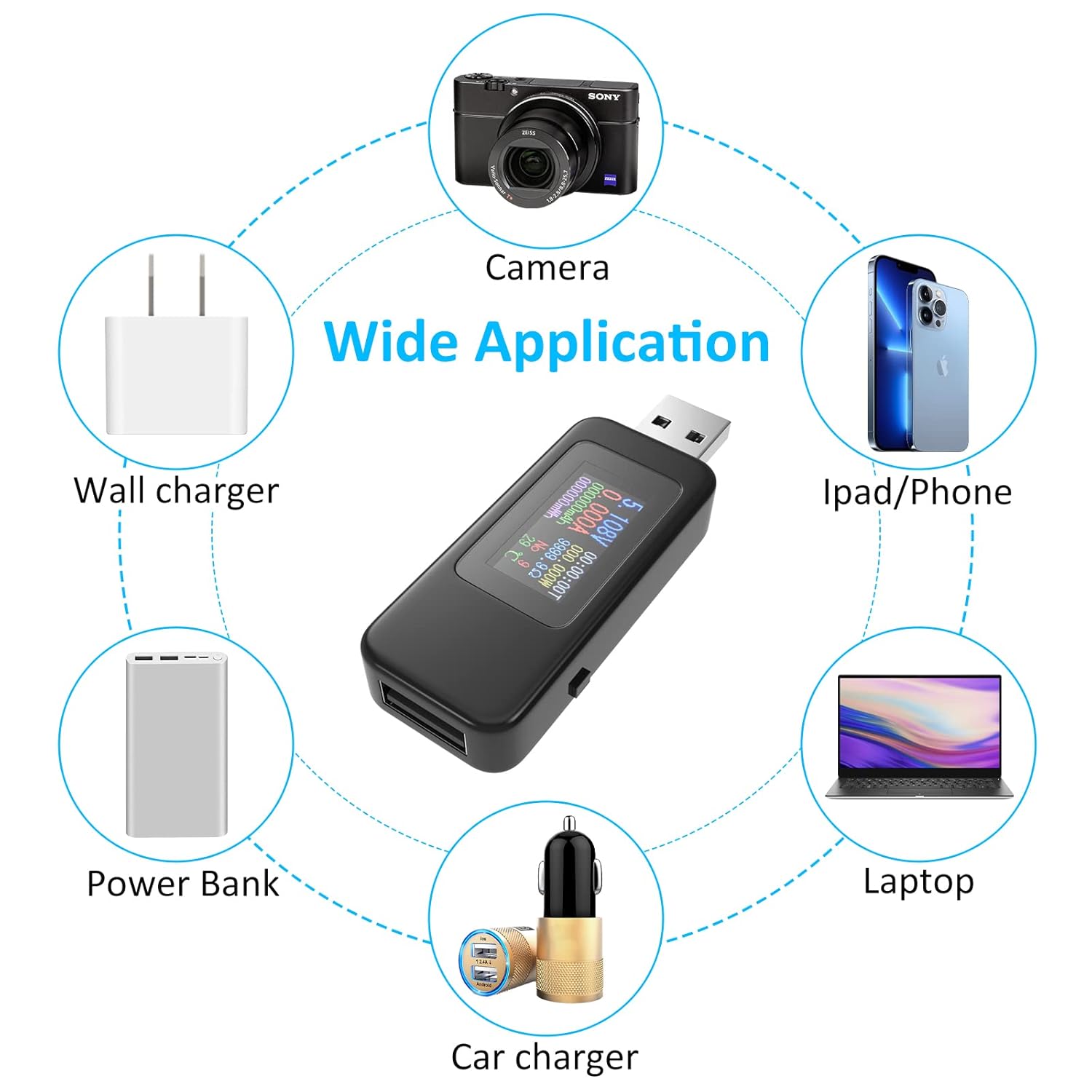
Image 1: The Aideepen USB-tester demonstrating its wide application across various USB-powered devices and charging sources.
2. Product Features
The Aideepen USB-tester TM962 offers a range of features for comprehensive USB power monitoring:
- Monitoring Elements: Displays device charging status, voltage, current, capacity, energy, power, equivalent impedance, and temperature.
- Power-Off Memory Function: Automatically saves capacity and performance data when the power bank or device is turned off. This allows for convenient review and measurement of stored data later.
- High-Quality Construction: Features a robust interface and an aluminum alloy material for durability and sensitive operation.
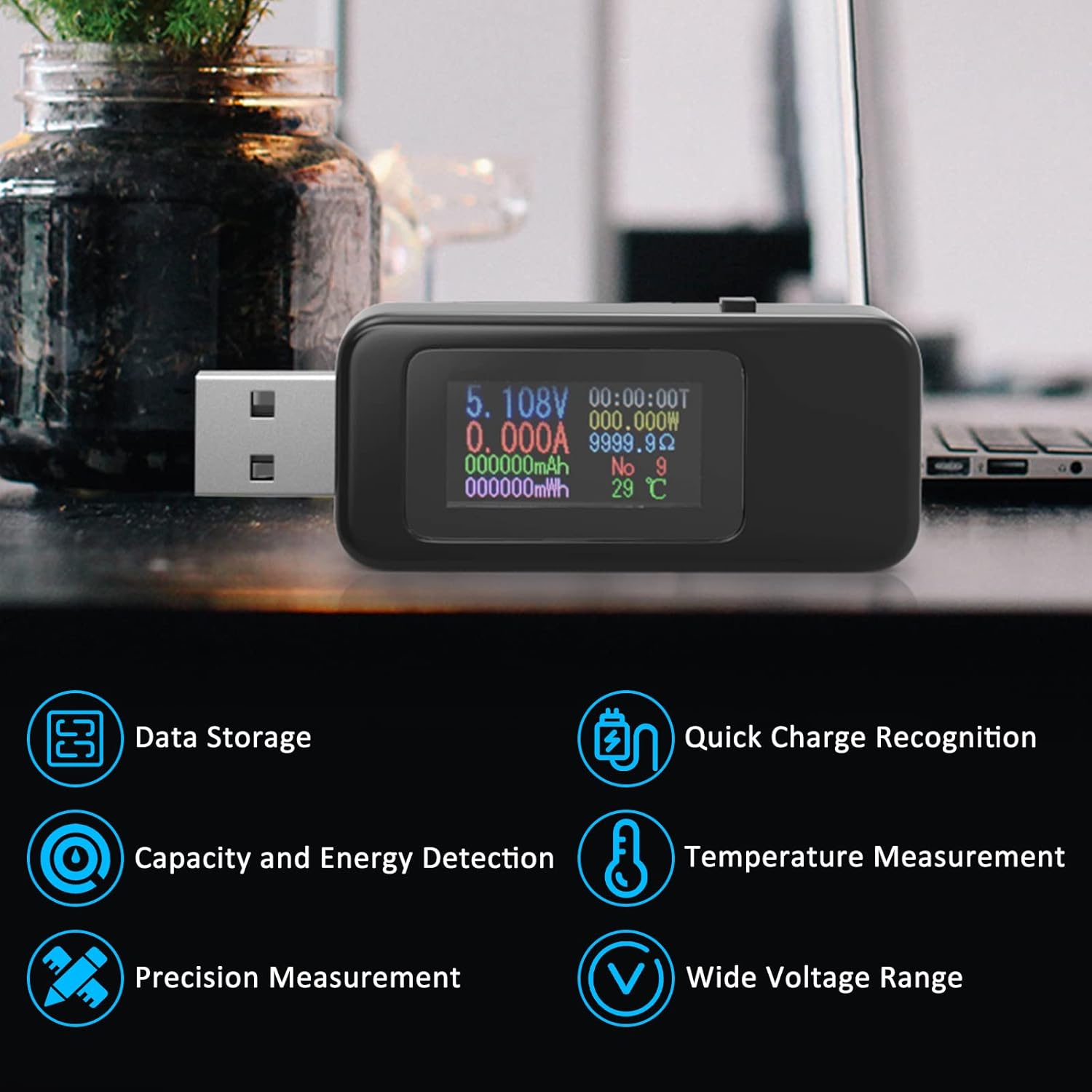
Image 2: Visual representation of the key features of the USB-tester, including data storage and precision measurement.
3. Setup
The Aideepen USB-tester TM962 is designed for simple plug-and-play operation. No complex installation or software is required.
- Identify the USB input port (male connector) and USB output port (female connector) on the device.
- Plug the male USB connector of the tester into the USB power source (e.g., wall charger, power bank, computer USB port).
- Connect the device you wish to test (e.g., smartphone, tablet) to the female USB output port of the tester using its charging cable.
- The display will automatically illuminate and begin showing real-time measurement data.
4. Operating Instructions
The device features a single button for navigating display modes and managing data. Refer to the image below for a visual guide to the button functions.
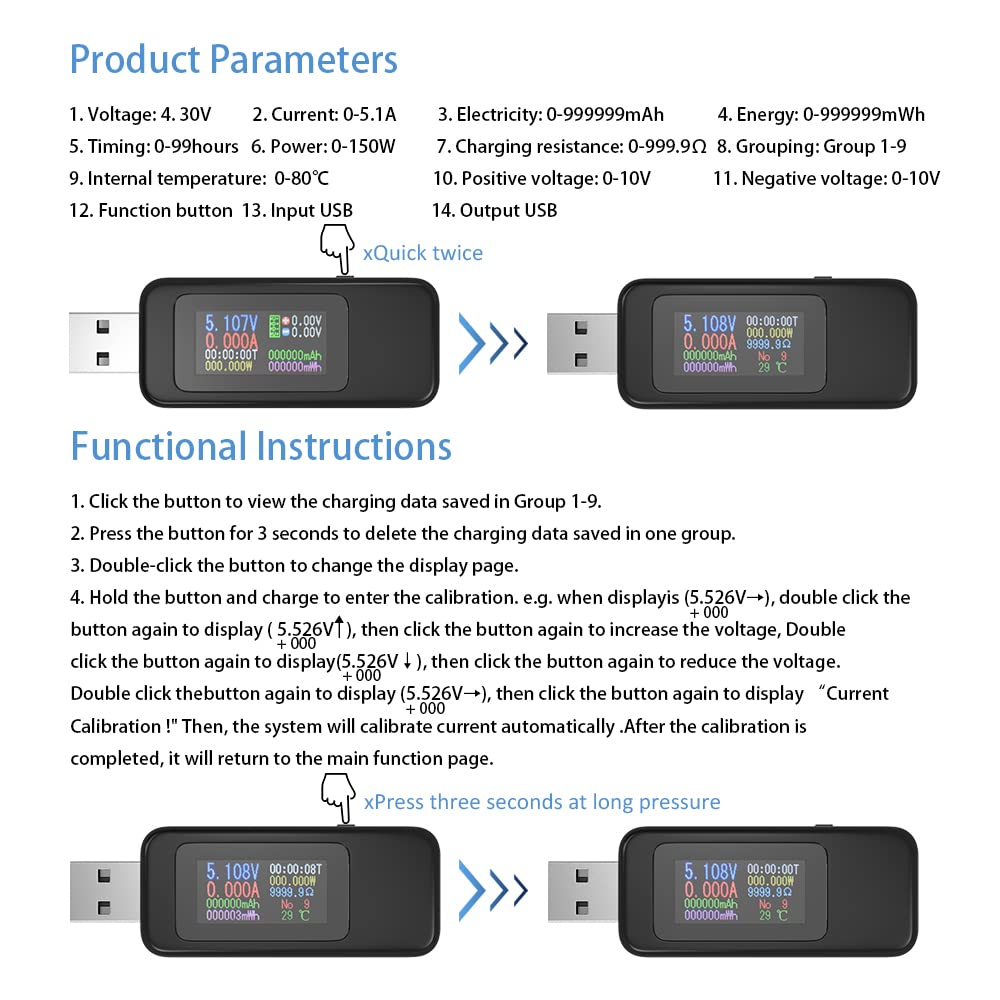
Image 3: Product parameters and functional instructions, illustrating button operations.
Button Functions:
- Single Click: Press the button once to cycle through the 9 stored charging data groups (Group 1-9).
- Long Press (3 seconds): Press and hold the button for 3 seconds to clear the charging data stored in the currently displayed group.
- Quick Double-Click: Quickly double-click the button to change the display page or screen orientation.
- Hold Button and Charge (Calibration): When the display shows a voltage value (e.g., 5.526V), double-click the button to increase the voltage. Double-click again to decrease the voltage. Double-click a third time to display "Current Calibration 1". The system will then calibrate the current automatically. After calibration, the device returns to the main function page.
5. Display Information
The color display provides comprehensive real-time data. Each parameter is clearly labeled on the screen.

Image 4: Breakdown of the USB-tester display, showing all measurable parameters and their ranges.
Parameters Displayed:
- Voltage (V): Measures the electrical potential difference (Range: 4-30V).
- Current (A): Measures the flow of electrical charge (Range: 0-5.1A).
- Power (W): Measures the rate at which electrical energy is transferred (Range: 0-150W).
- Timing (H): Measures the duration of the charging process (Range: 0-99H).
- Cumulative Capacity (mAh): Measures the total electrical charge transferred (Range: 0-999999mAh).
- Cumulative Energy (mWh): Measures the total electrical energy transferred (Range: 0-999999mWh).
- Charging Resistance (Ω): Calculates the equivalent resistance of the connected load (Range: 0-999.9Ω).
- Internal Temperature (°C): Measures the internal temperature of the device (Range: 0-80°C).
- Capacity Group No. (1-9): Indicates the currently selected data storage group.
6. Specifications
Detailed technical specifications for the Aideepen USB-tester TM962:
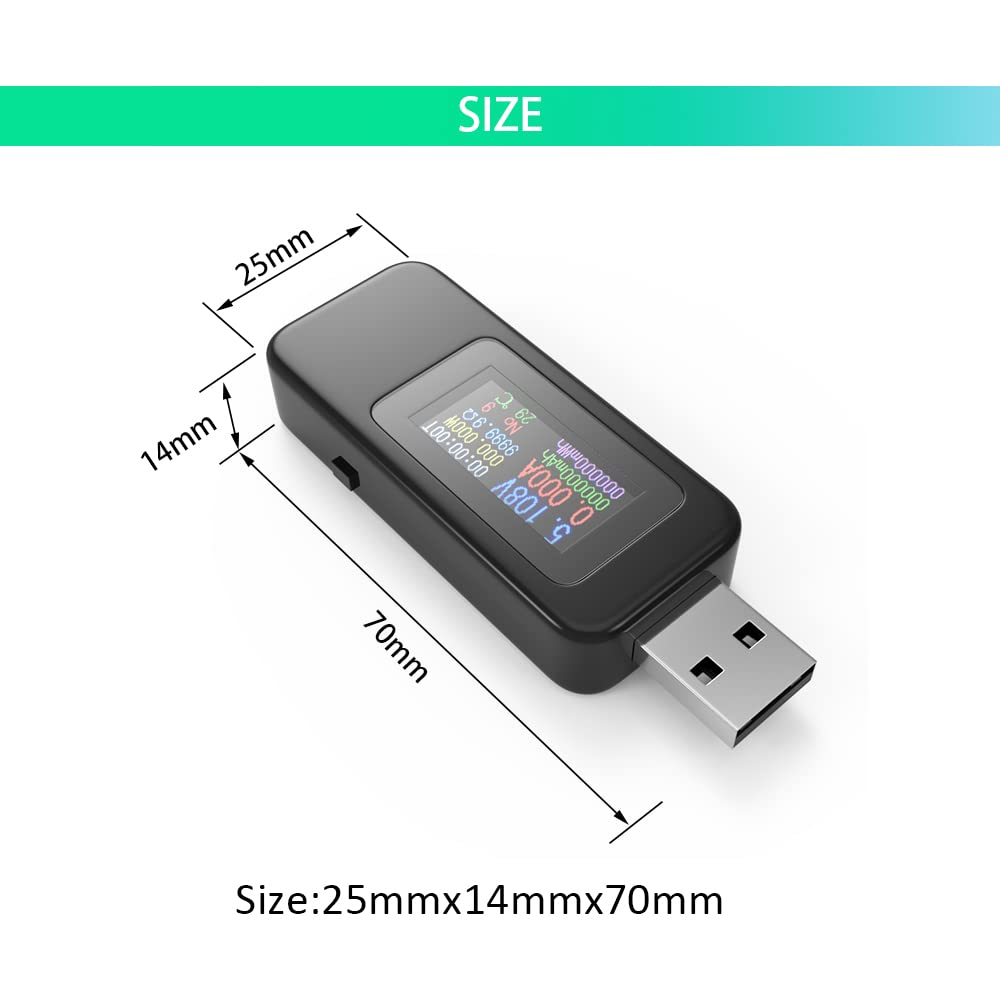
Image 5: Physical dimensions of the USB-tester.
| Parameter | Value |
|---|---|
| Model Number | TM962 |
| Voltage Measurement Range | 4V - 30V |
| Current Measurement Range | 0 - 5.1A |
| Power Measurement Range | 0 - 150W |
| Capacity Measurement Range | 0 - 999999mAh |
| Energy Measurement Range | 0 - 999999mWh |
| Resistance Measurement Range | 0 - 999.9Ω |
| Timing Range | 0 - 99 hours |
| Internal Temperature Range | 0 - 80°C |
| Product Dimensions (L x W x H) | 5.7 x 2.5 x 1.1 cm (approximately 70mm x 25mm x 14mm) |
| Weight | 10 g |
| Power Source | Electrically Wired (USB powered) |
| Color | Black |
7. Maintenance
To ensure the longevity and accurate performance of your Aideepen USB-tester TM962, follow these maintenance guidelines:
- Cleaning: Use a soft, dry cloth to clean the device. Avoid using abrasive cleaners or solvents.
- Storage: Store the tester in a cool, dry place away from direct sunlight and extreme temperatures.
- Handling: Handle the device with care. Avoid dropping it or subjecting it to strong impacts.
- Moisture: Keep the device away from water and high humidity to prevent damage to internal components.
8. Troubleshooting
If you encounter issues with your Aideepen USB-tester TM962, consider the following troubleshooting steps:
- No Display/No Power:
- Ensure the tester is securely plugged into a functioning USB power source.
- Verify that the power source itself is active and providing power.
- Check if the connected device is drawing power.
- Inaccurate Readings:
- Ensure all connections are firm and free of debris.
- Perform a current calibration as described in the "Operating Instructions" section (Hold Button and Charge).
- Test with a known good USB cable and device to rule out external factors.
- Button Not Responding:
- Ensure the device is powered on.
- Try pressing the button firmly.
- Data Not Saving:
- The device saves data automatically upon power-off. Ensure the power source is disconnected to trigger the save.
If problems persist, contact Aideepen customer support for further assistance.
9. Warranty and Support
Aideepen products are manufactured to high-quality standards. For specific warranty information, please refer to the product packaging or the official Aideepen website. For technical support or inquiries, please contact Aideepen customer service through their official channels.